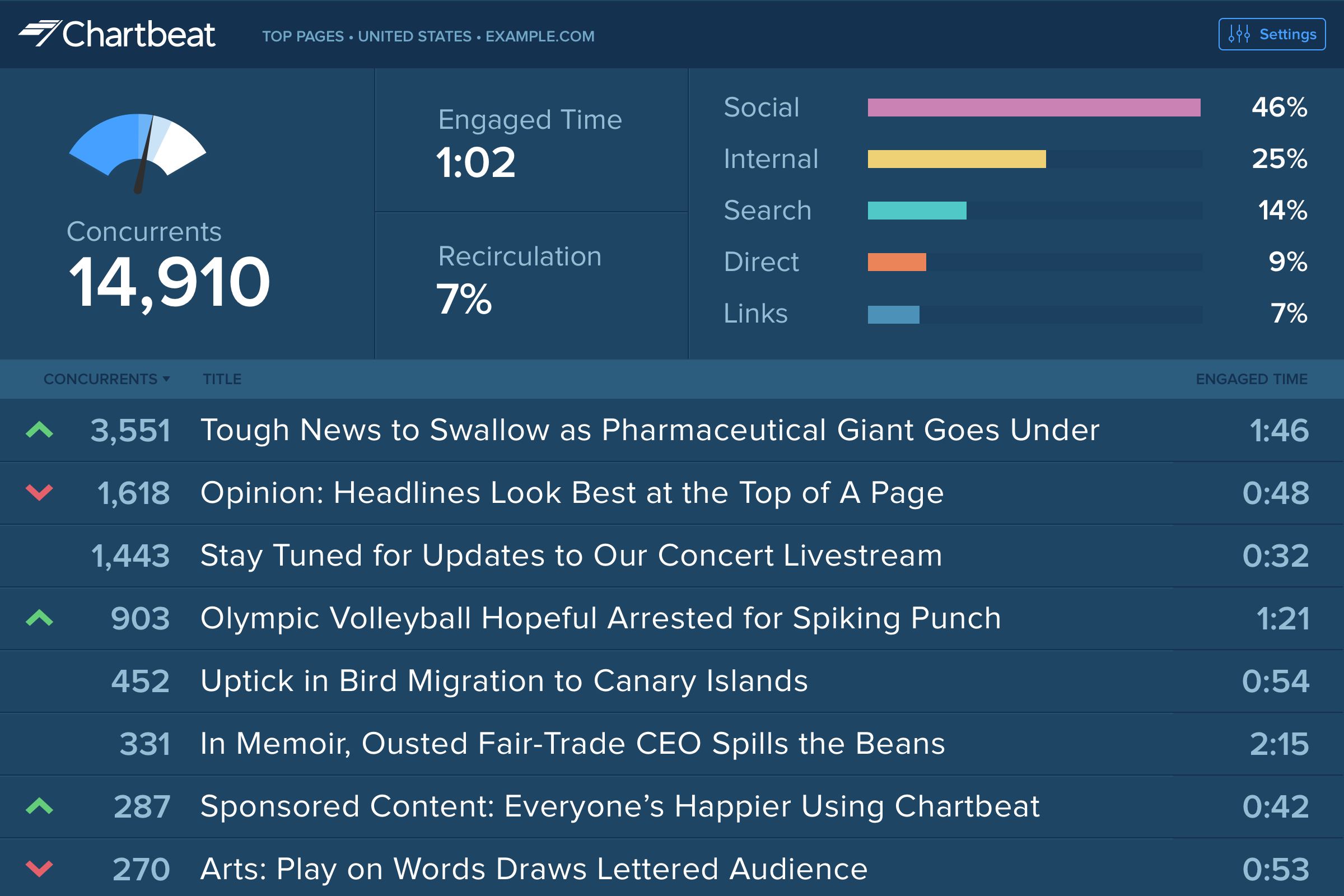
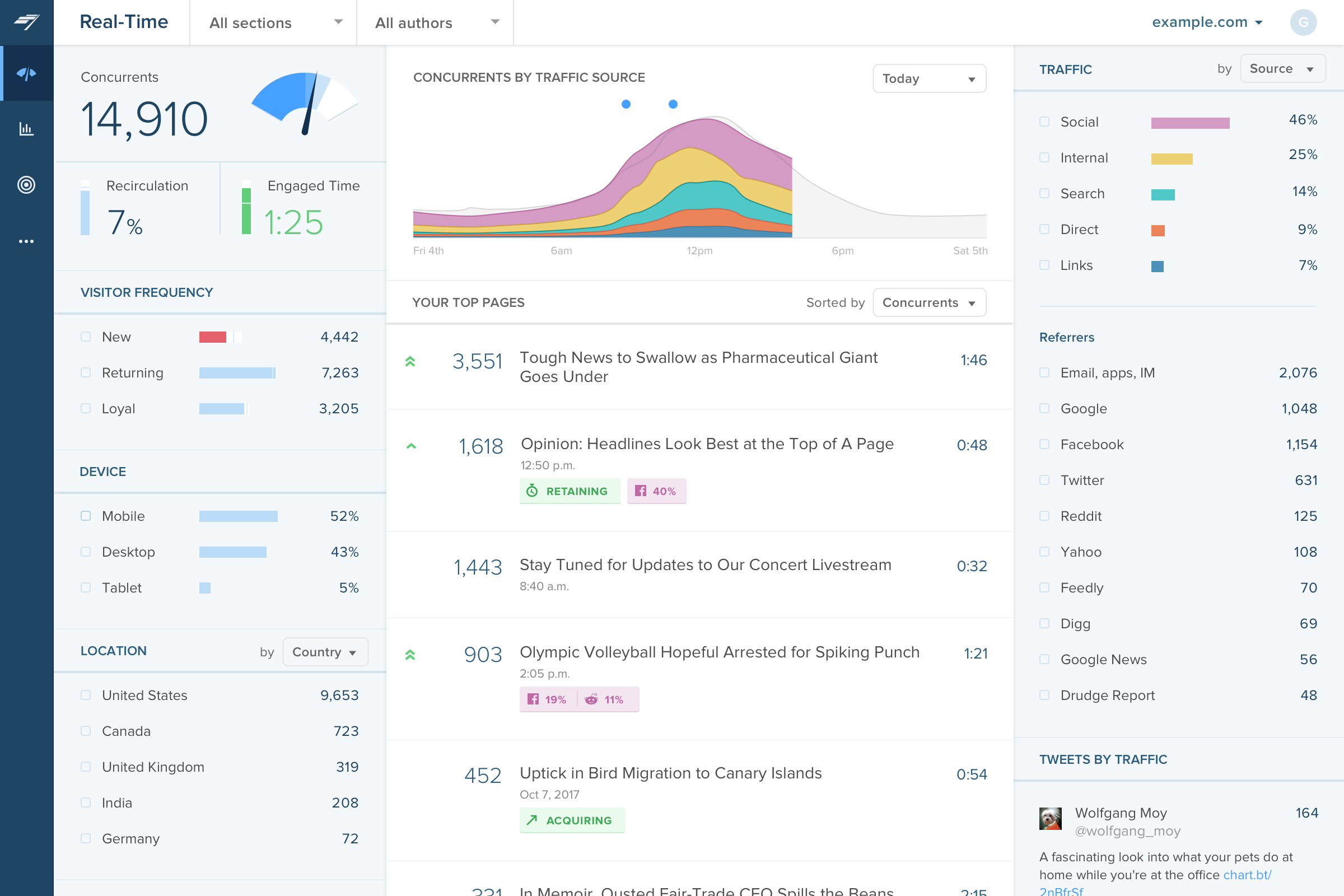
Chartbeat delivers real-time analytics, insights, and transformative tools for content teams around the world, to help improve audience engagement, inform editorial decisions, and increase loyalty.
N/A
Google Analytics 360 (discontinued)
Score 8.9 out of 10
N/A
Google Analytics 360 (formerly Google Analytics Premium) was an enterprise-level analytics solution that was sunset in July of 2024.
$150,000
Up to 1 Billion hits/month
Pricing
Chartbeat
Google Analytics 360 (discontinued)
Editions & Modules
No answers on this topic
Google Analytics Premium
$150,000
Up to 1 Billion hits/month
Google Analytics
Free
Offerings
Pricing Offerings
Chartbeat
Google Analytics 360 (discontinued)
Free Trial
Yes
No
Free/Freemium Version
No
Yes
Premium Consulting/Integration Services
No
No
Entry-level Setup Fee
No setup fee
No setup fee
Additional Details
Chartbeat pricing is based on monthly site page views. Discounts are applied to multi-year contracts. The Basic Plan includes the Real-time Dashboard, Historical Dashboard, Heads Up Display, Reports, Big Board, iOS and Android app, and Real-time API endpoints.
The Plus Plan includes all of the Basic Plan features, plus ONE of the following Premium features: Headline Testing, Advanced Queries, or Multi-Site View.
The Premium Plan includes all of the Basic Plan features, plus ALL Premium features: Headline Testing, Advanced Queries, Multi-Site View, and enterprise-level support and custom trainings.
It is well suited to keeping me toward a specified goal, and gives me concrete numbers and gives me an idea of what we need to do to meet our goals. It's less appropriate if you want something more than pageviews, and doesn't really do a lot for video views.
I think this is a great platform as long as there is a dedicated team which is going to spend reviewing the data and also taking out insights from it, making it beneficial. It was well suited for me when working with a client that had a very large amount of traffic, with a large range of complex products on offer. This tool allowed us to be able to do more with the data and segmenting it more which ultimately drove our relationship forward, but also the results that we saw
It is an excellent cloud analytics platform that is easy to install and configure and easy to deploy and use, allowing us to measure web traffic and other tools.
It is an entirely online tool; it does not take up hard disk space like other desktop tools.
Since this tool is draggable, Google is constantly adding more features.
Even beginners who do not have a custom dashboard can get information. If there is a problem somewhere on the site that needs to be investigated, Google Analytics 360 will notify you.
Source of traffic needs improvement. Search and social make sense, but "internal" and "links" is a grey area. It would be helpful to define those with an organization and provide an information icon so users can easily remember what each of those buckets is tracking.
More ways to customize the real-time board. For example, with video content, that's great that I can see a user has started a video, but what is the completion rate, was that only on O&O or can that track Facebook, too?
Would like to see demo (age) information included as a way to slice the data so I can see what's working with my older and younger demo.
As far as I can tell, this is the ultimate large scale analytics platform. It does so much and can be a very powerful tool. Maybe it's overwhelming for newbies, but that's kinda what the pro Google consultations are for.
Although I've never been personally responsible for paying the GA 360 bills, I know it's very pricey ($150K/year last I checked). If your business is managing a lot of high-traffic sites, and maybe you resell other Google services, then it's probably worth it for the dashboard and integration. So... it's expensive, and by definition, not for everyone.
I gave Chartbeat a 5 for a renewal rating, because, while it delivers clear and understandable content, Google Analytics also provides many of the same features for free. For a small to medium website, I believe it would be more cost effective to use Google Analytics. A website with a high amount of traffic, however, could merit spending the money on Chartbeat to maximize their potential.
I believe that once Google Analytics Premium releases some additional eCommerce capabilities, it will be the best tool on the market for multi-site customers. Google does an amazing job of fully vetting out new features and functionality before releasing them publicly, so I have found very few issues with the functionality and usability of the tool. Some of the other big players in the industry are too quick to release new features, and they are often riddled with bugs and defects. I know that when I set something up with Google Analytics Premium, I'm getting a reliable, strong product that will deliver what it promises.
Chartbeat is really pretty straightforward. The only things that may cause confusion are the string of sidebar features and tools at the left of the screen. I mostly use the big leader board in real-time and the historical feature (looking at the monthly or weekly performance of my team's content) and then generate reports automatically from there.
Google Analytics Premium has a very easy to use and intuitive User Interface. It's easy to find anything you are looking for and apply different segments to reports on the fly. This is very important especially if you are doing report comparisons. It's also an aesthetically pleasing design, making the general experience pleasant.
I have had limited experience of support for Chartbeat but whenever I have needed help it has been there. Recently there was an issue of seeing different forms of data in real time - app and otherwise effectively, and the issue was being clearly dealt with and communicated back to us.
Everyday support is primarily through chat and email with the centralized, general team. Its as you would envision with an anonymous individual attempting to figure from "page one." Often responses are later in the day or next day.
At first signing, one account person is assigned along with an initial individual to assist in onboarding. There's an interview of the goals with GA360, but the provided deliverable document is limited in the review of one site. Also, after delivery of the onboarding document, you are left with an account individual who is looking for expanded vertical integration with other Google products.
There is a ton of information online about Google Analytics, but Google Analytics Premium users will have dedicated support and training from Google or an Authorized Reseller.
If you already have the basic version of GA installed, "getting" GA Premium happens immediately through a virtual flipping of the switch - no need to re-implement. You'll want to expand your use of custom dimensions and metrics (you get 10x the amount with Premium). Ideally, you'll be using a tag management solution to talk with GA Premium, in concert with implementing a dataLayer (to note, Google's Tag Manager platform is covered under the same GA Premium SLA, and it's free). There are some welcomed "configurations" with GA Premium, such as integrating with DoubleClick products, activating data driven attribution models, and building roll-up executive reports - but all of these are easy point and click solutions. In comparison with any other enterprise analytics solution, implementing GA and GA Premium is traditionally easier and more flexible. And if you have any trouble or need an extra set of hands for implementation, GA Certified Partners like LunaMetrics can help
Google Analytics has gradually become much more difficult to use, and much slower in its realtime reporting. It was the changes that came in with Google Analytics 4 that gave us the final push to work with Chartbeat - a product some of us were already familiar with from previous jobs. Things are just much harder to find in GA, and when time is always tight you can't afford to spend a long time looking for particular data - it should be quick and easy to locate
Since our data is on Bigquery it is very easy for us to connect our database to this platform which is very challenging for us to connect the data integration part to other platforms so this is the primary reason for us to choose this platform. The second reason to choose this is that this platform will solve our problems of multiple departments of product, marketing, business, and analytics rather than choosing separate platforms for different departments