Centurion Setup vs. ManageEngine OS Deployer

Overview
ProductRatingMost Used ByProduct SummaryStarting Price
Centurion Setup
Score 9.1 out of 10
Small Businesses (1-50 employees)
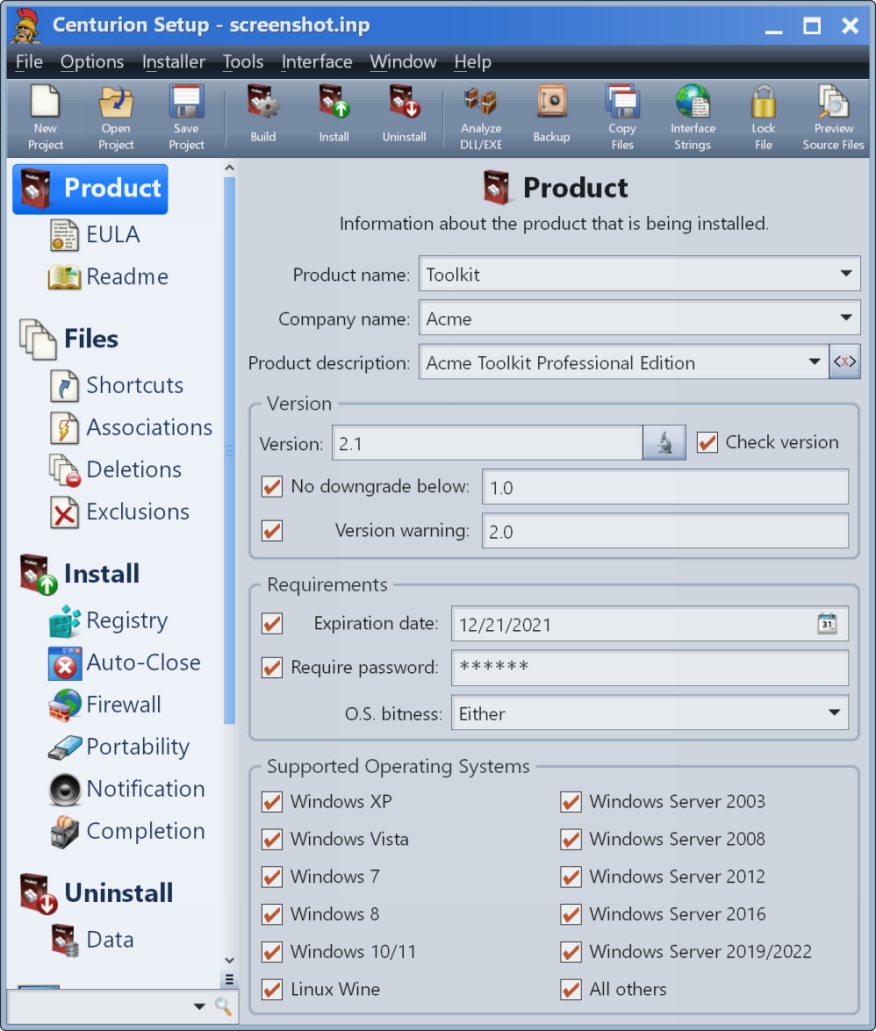
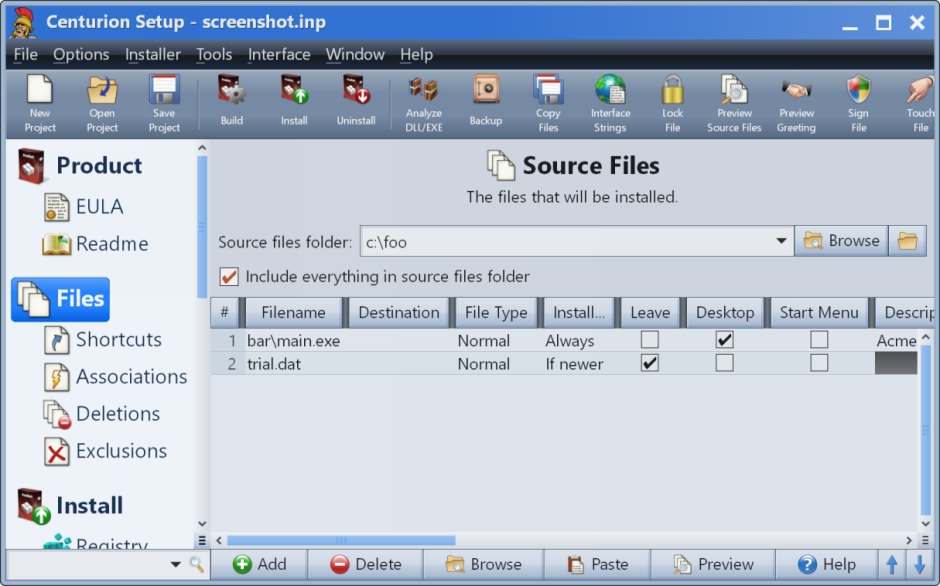
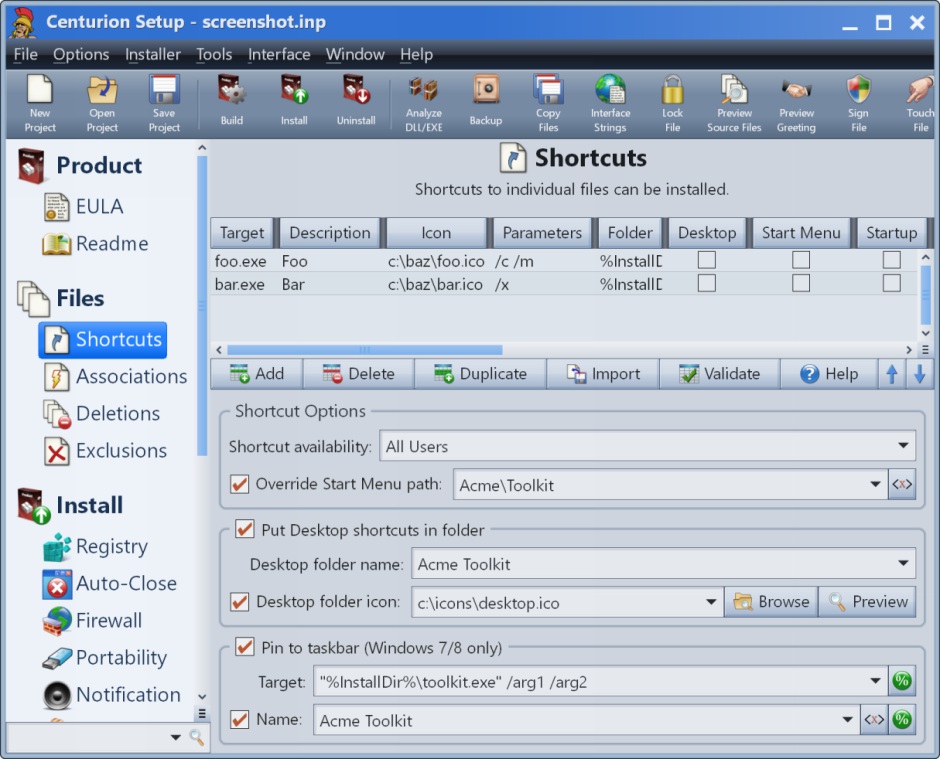
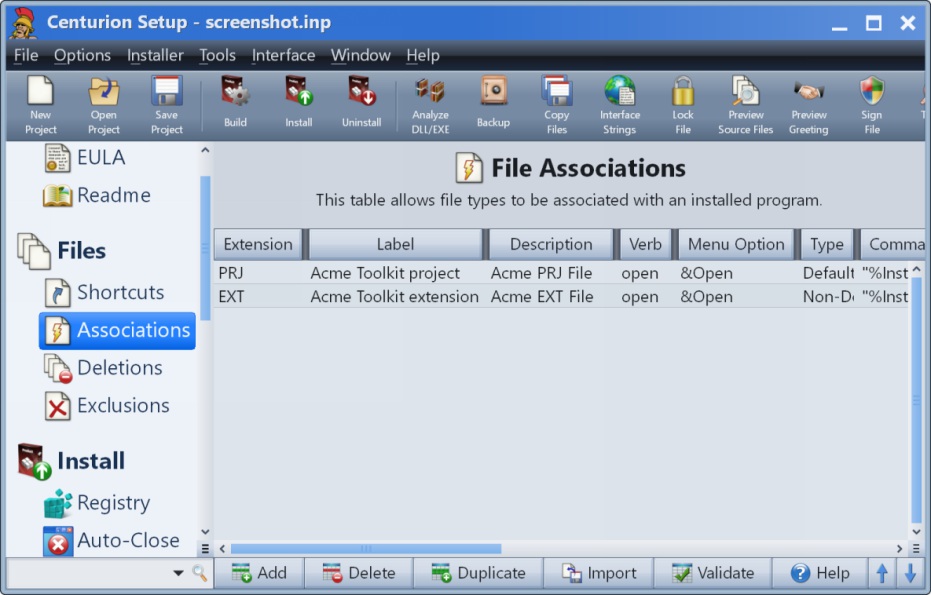
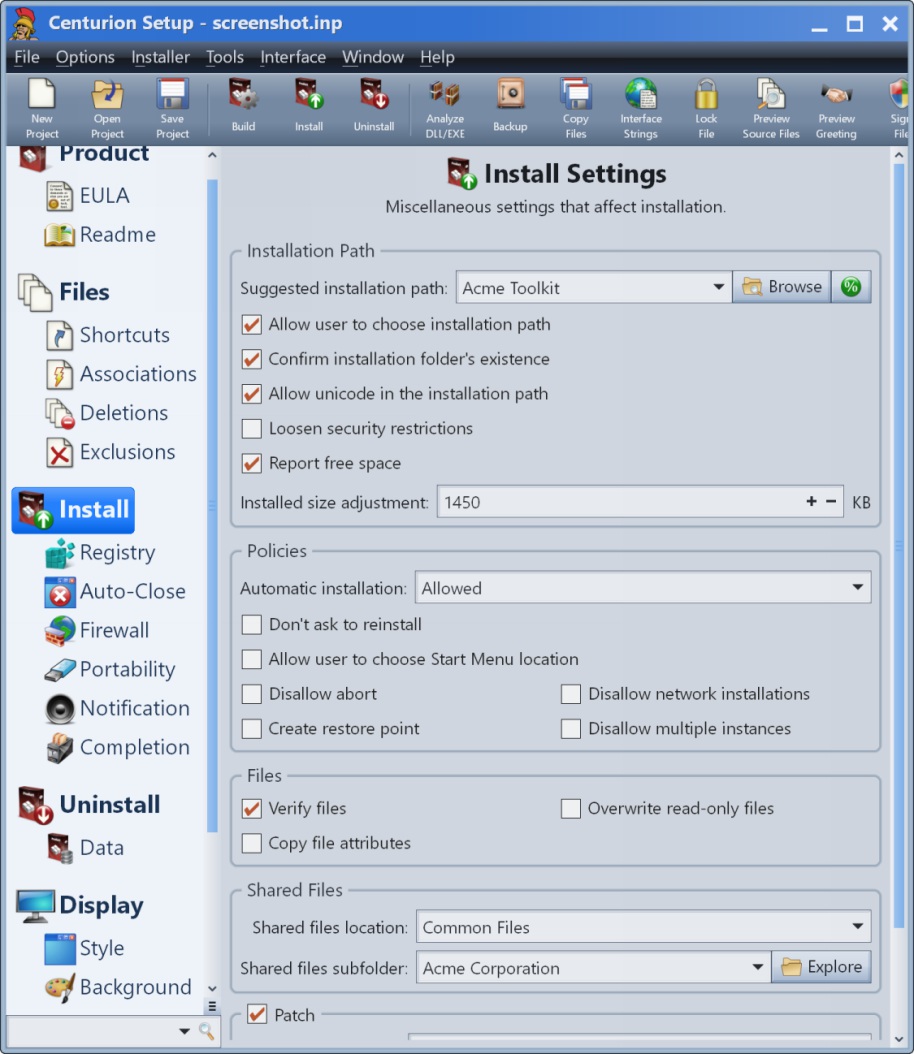
Centurion Setup is presented as an easy to use professional installation program installer. The installer is self-contained in a single compressed executable file, and runs on all versions of Windows. The vendor describes Centurion Setup as simple to learn, but also feature rich, with support for uninstallation, multiple languages, interface customization, license agreements, readme files, file associations, DOS batch operations, DLL installation, automated installations, device drivers,…
$130
one-time fee 5 activations
ManageEngine OS Deployer
Score 8.0 out of 10
N/A
N/AN/A
Pricing
Centurion SetupManageEngine OS Deployer
Editions & Modules
Standard Edition
$130.00
one-time fee 5 activations
No answers on this topic
Offerings
Pricing Offerings
Centurion SetupManageEngine OS Deployer
Free Trial
YesNo
Free/Freemium Version
NoNo
Premium Consulting/Integration Services
YesNo
Entry-level Setup Fee$130 one-time fee 5 activationsNo setup fee
Additional DetailsA license entitles the user to 5 activations. Once activated, the software will remain activated indefinitely unless it is moved to a different drive, or if a major upgrade (such as 1.0 to 2.0) is installed. Minor upgrades (such as 1.0 to 1.1) are free. The 5 activations are not restricted to one machine or user.
More Pricing Information
Best Alternatives
Centurion SetupManageEngine OS Deployer
Small Businesses
Action1
Action1
Score 9.5 out of 10
Action1
Action1
Score 9.5 out of 10
Medium-sized Companies
Action1
Action1
Score 9.5 out of 10
Action1
Action1
Score 9.5 out of 10
Enterprises
GitLab
GitLab
Score 8.6 out of 10
GitLab
GitLab
Score 8.6 out of 10
All AlternativesView all alternativesView all alternatives
User Ratings
Centurion SetupManageEngine OS Deployer
Likelihood to Recommend
-
(0 ratings)
8.0
(2 ratings)
Usability
-
(0 ratings)
8.0
(1 ratings)
User Testimonials
Centurion SetupManageEngine OS Deployer
Likelihood to Recommend
Gammadyne Corporation
No answers on this topic
ManageEngine, A Div of Zoho Corporation Pvt Ltd
Easy to setup and train a colleague for use. PXE boot is great as well within the application.
Read full review
Pros
Gammadyne Corporation
No answers on this topic
ManageEngine, A Div of Zoho Corporation Pvt Ltd
  • Imaging endpoint is fast and easy and works well with the Instant task solution.
  • Driver installation. When all drivers exists on Remote Office it handles the needed driver installations with ease.
  • Allowing different templates based on customers make it easy to handle multiple customers and with different tasks for each customer the code prevents installation of task not for the customer in question.
Read full review
Cons
Gammadyne Corporation
No answers on this topic
ManageEngine, A Div of Zoho Corporation Pvt Ltd
  • ManageEngine OS Deployer some features really not needed with a hosted server
  • Forcing MFA should be a customer option.
Read full review
Usability
Gammadyne Corporation
No answers on this topic
ManageEngine, A Div of Zoho Corporation Pvt Ltd
As I mentioned earlier it's going there just a few more functions before it will have what's needed. When those functions are there it meets the required requirements for a complete product to manage deployments if endpoints.
Read full review
Alternatives Considered
Gammadyne Corporation
No answers on this topic
ManageEngine, A Div of Zoho Corporation Pvt Ltd
Microsoft Deployment Tools, SCCM and Autopilot using Intune. ManageEngine OS Deployer is a combination of them just with another way of imaging. This make it easy to use and meets most demands to re-image an endpoint.
Read full review
Return on Investment
Gammadyne Corporation
No answers on this topic
ManageEngine, A Div of Zoho Corporation Pvt Ltd
  • Keep our golden images updated with windows updates.
  • Much better than MDT for manging a golden image.
Read full review
ScreenShots

Centurion Setup Screenshots

Screenshot of Product InformationScreenshot of Source FilesScreenshot of ShortcutsScreenshot of File AssociationsScreenshot of File DeletionsScreenshot of Install Settings