
Celigo vs. Zoho Flow
| Product | Rating | Most Used By | Product Summary | Starting Price |
|---|---|---|---|---|
 Celigo | Score9.2 out of 10 | N/A | Celigo is an iPaaS integration platform for companies to easily connect apps, sync data, and automate processes. Integration wizards, templates, and other tools help help business users integrate NetSuite to any application or data sources. Celigo is available in four editions, and aims to meet the integration needs of all companies -- whether it is to implement a single use case to company-wide adoption of the platform. According to the vendor, the unique flow-based pricing is aligned… | N/A |
 Zoho Flow | Score9.3 out of 10 | N/A | Zoho Flow allows the user to integrate business apps to automate a workflow. | $29 per month (for 5k tasks per month) |
| Celigo | Zoho Flow | |||||||||||||||
|---|---|---|---|---|---|---|---|---|---|---|---|---|---|---|---|---|
| Editions & Modules | No answers on this topic |
| ||||||||||||||
| Offerings |
| |||||||||||||||
| Entry-level Setup Fee | No setup fee | Optional | ||||||||||||||
| Additional Details | — | Discount available for annual pricing. Higher monthly task volume available. | ||||||||||||||
| More Pricing Information | ||||||||||||||||
| Celigo | Zoho Flow | |
|---|---|---|
| Considered Both Products | No answer on this topic | No answer on this topic |
| Key User Insights | ||
| Would buy again | ||
100% Would buy again 6 Answers | No answers on this topic | |
| Delivers good value for the price | ||
100% Delivers good value for the price 6 Answers | No answers on this topic | |
| Happy with the feature set | ||
100% Happy with the feature set 6 Answers | No answers on this topic | |
| Lived up to sales and marketing promises | ||
100% Lived up to sales and marketing promises 6 Answers | No answers on this topic | |
| Implementation went as expected | ||
83% Implementation went as expected 5 Answers | No answers on this topic | |
| Celigo | Zoho Flow | ||||||||||||||||||||||
|---|---|---|---|---|---|---|---|---|---|---|---|---|---|---|---|---|---|---|---|---|---|---|---|
| Cloud Data Integration |
| ||||||||||||||||||||||
| Celigo | Zoho Flow | |
|---|---|---|
| Small Businesses |  Make Score8.9 out of 10 | Make Score8.9 out of 10 |
| Medium-sized Companies |  IBM App Connect Score9.5 out of 10 | IBM App Connect Score9.5 out of 10 |
| Enterprises | IBM App Connect Score9.5 out of 10 | IBM App Connect Score9.5 out of 10 |
| All Alternatives | View all alternatives | View all alternatives |
| Celigo | Zoho Flow | |
|---|---|---|
| Likelihood to Recommend | 9.3 | 10.0 |
| Usability | 9.0 | 9.0 |
| Support Rating | 7.0 | 10.0 |
| Celigo | Zoho Flow | |
|---|---|---|
| Likelihood to Recommend |
|
|
| Pros |
|
|
| Cons |
|
|
| Usability |
|
|
| Support Rating |
|
|
| Alternatives Considered |
|
|
| Return on Investment |
|
|
| ScreenShots | Celigo Screenshots   | Zoho Flow Screenshots 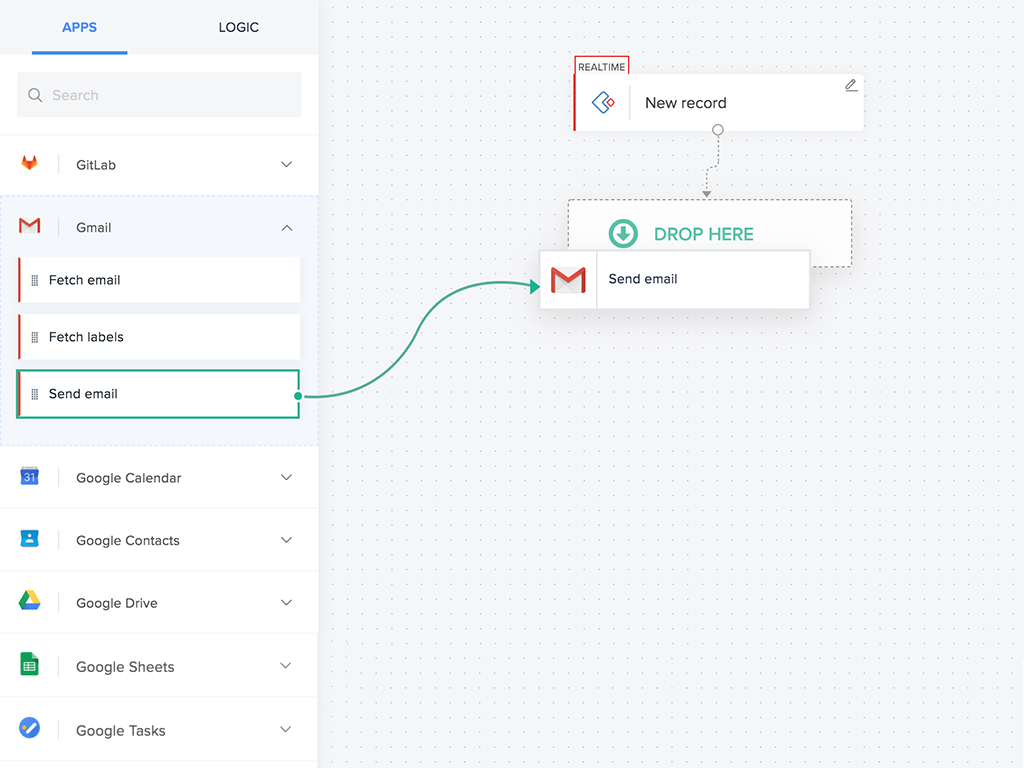  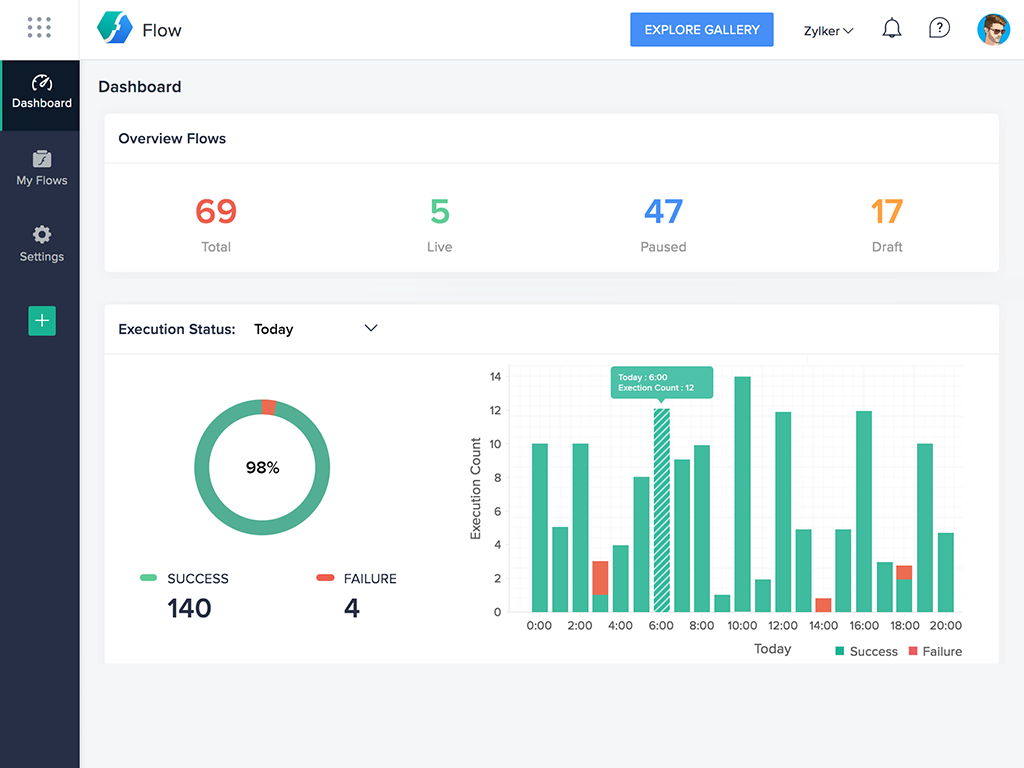 |



