
Camtasia vs. PlayPlay
| Product | Rating | Most Used By | Product Summary | Starting Price |
|---|---|---|---|---|
 Camtasia | Score8.8 out of 10 | N/A | Camtasia is a video editor and screen recorder. Camtasia offers a range of plans designed to meet varying video creation needs, and enables users to produce professional-looking videos. Its features include Camtasia Rev, script generation, text-to-speech, translations, and avatar videos, to streamline the video creation process. The editions available are Free, Essentials, Create, or the Pro plan. | $179.88 per year per user |
 PlayPlay | Score9.1 out of 10 | N/A | PlayPlay is an online video maker that any communication professional can use to produce, in minutes, videos ready to publish on social media, blogs or on internal channels. Stories, interviews, news clips, events and product promotions, job offers… Engage audiences with video! The vendor states that PlayPlay is best for, but not limited to: small to large companies that need to create engaging videos for social media, highlight internal initiatives and employee projects, and build… | $217 1 User per month |
| Camtasia | PlayPlay | |||||||||||||||
|---|---|---|---|---|---|---|---|---|---|---|---|---|---|---|---|---|
| Editions & Modules |
|
| ||||||||||||||
| Offerings |
| |||||||||||||||
| Entry-level Setup Fee | No setup fee | No setup fee | ||||||||||||||
| Additional Details | *Discounts available for purchases supporting a large volume of users. | Enterprise plan also available, catered to your company's specific requirements. Let's talk! | ||||||||||||||
| More Pricing Information | ||||||||||||||||
| Camtasia | PlayPlay | |
|---|---|---|
| Considered Both Products | No answer on this topic | No answer on this topic |
| Key User Insights | ||
| Would buy again | ||
100% Would buy again 33 Answers | No answers on this topic | |
| Delivers good value for the price | ||
97% Delivers good value for the price 31 Answers | No answers on this topic | |
| Happy with the feature set | ||
100% Happy with the feature set 33 Answers | No answers on this topic | |
| Lived up to sales and marketing promises | ||
100% Lived up to sales and marketing promises 27 Answers | No answers on this topic | |
| Implementation went as expected | ||
100% Implementation went as expected 28 Answers | No answers on this topic | |
| Camtasia | PlayPlay | ||||||||||||||||
|---|---|---|---|---|---|---|---|---|---|---|---|---|---|---|---|---|---|
| Video Security |
| ||||||||||||||||
| Video Player |
| ||||||||||||||||
| Video Hosting, Management & Storage |
| ||||||||||||||||
| Camtasia | PlayPlay | |
|---|---|---|
| Small Businesses |  Sendspark Score10 out of 10 |  Vidyard Score9.7 out of 10 |
| Medium-sized Companies |  Snagit Score9.3 out of 10 |  Ensemble Video Score9.1 out of 10 |
| Enterprises | Snagit Score9.3 out of 10 |  Panopto Score8 out of 10 |
| All Alternatives | View all alternatives | View all alternatives |
| Camtasia | PlayPlay | |
|---|---|---|
| Likelihood to Recommend | 8.4 | 10.0 |
| Likelihood to Renew | 10.0 | - |
| Usability | 7.0 | - |
| Support Rating | 8.6 | - |
| Camtasia | PlayPlay | |
|---|---|---|
| Likelihood to Recommend |
|
|
| Pros |
|
|
| Cons |
|
|
| Likelihood to Renew |
| No answers on this topic |
| Usability |
| No answers on this topic |
| Support Rating |
| No answers on this topic |
| Alternatives Considered |
| No answers on this topic |
| Return on Investment |
|
|
| ScreenShots | Camtasia Screenshots     | PlayPlay Screenshots 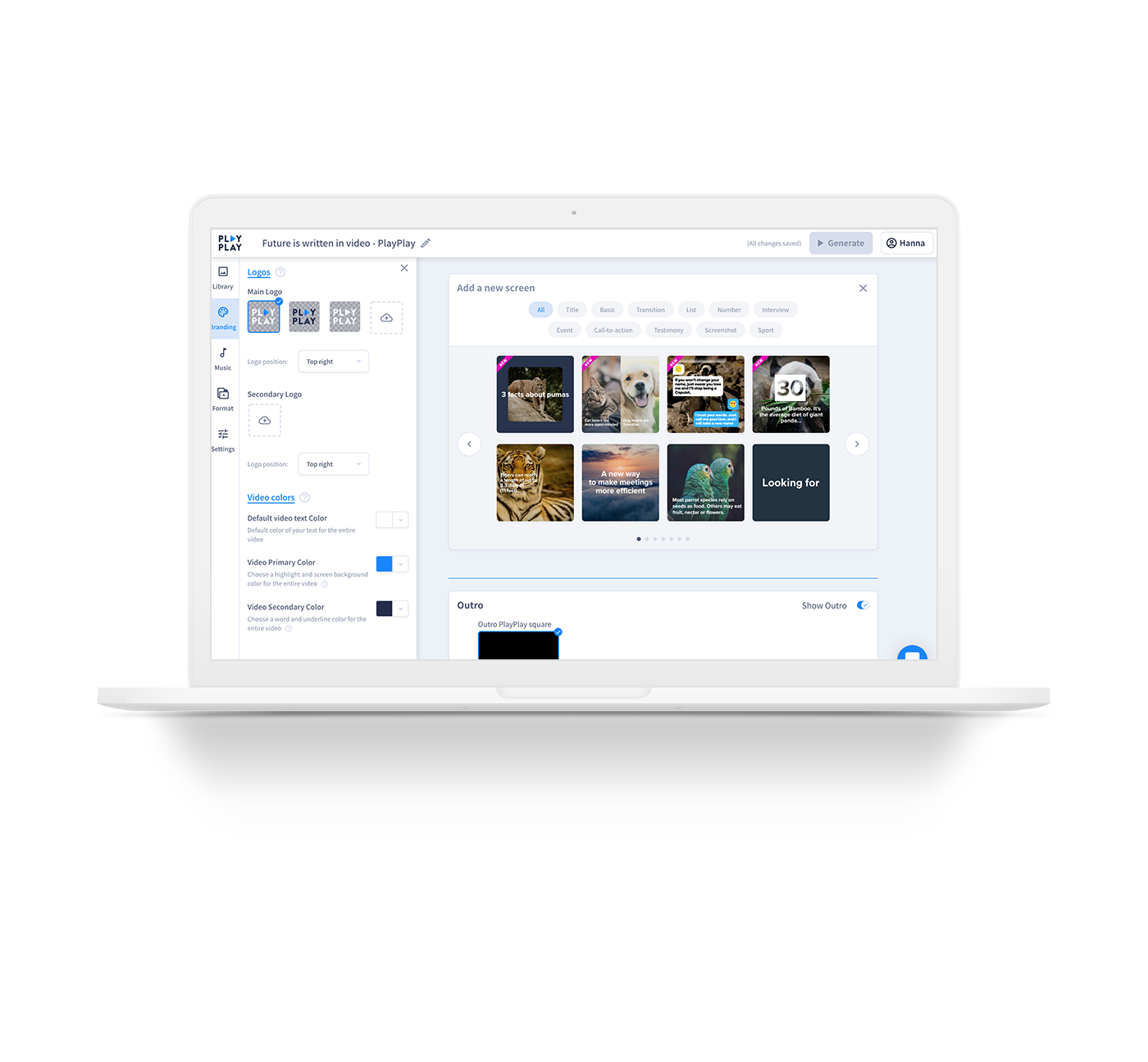  |




