TrustRadius: an HG Insights company

Save this comparison

Save this comparison

Add Product

Recommended Comparisons

    Overview
    ProductRatingMost Used ByProduct SummaryStarting Price

    Calero

    Score8.7 out of 10
    N/ACalero is a Telecom Expense Management (TEM) product that helps companies manage their fixed and mobile networks by controlling costs, optimizing services, boosting efficiency and productivity, and enhancing security.N/A

    Spenza

    N/AN/ASpenza (formerly iSimplexity) provides self-service, assisted or managed Telecom Expense Management (TEM) software and services. Operating globally, their service aims to automate and simplify enterprise mobility policy administration and reduce costs. Spenza caters to small, medium and large/complex businesses in any geography and with any service provider mix. Their web-based software is offered under pricing tiers to meet exact needs with custom services and pricing for large/complex…

    $1

    User

    Pricing
    CaleroSpenza
    Editions & Modules
    No answers on this topic
    Standard
    $1.00 or free with Marketplace
    User
    Premium
    $4.00 or discounted with Marketplace
    User
    Enterprise
    Custom pricing for required feature and service model
    Custom: User/Services/Customizations
    Offerings
    Pricing Offerings
    CaleroSpenza
    Free Trial
    NoYes
    Free/Freemium Version
    NoYes
    Premium Consulting/Integration Services
    NoYes
    Entry-level Setup FeeNo setup feeOptional
    Additional Details—Standard TEM is self-service; free with Marketplace. Premium includes assisted on-boarding; discounted with Marketplace. Enterprise is customized to exact needs (features/services/pricing). Managed Services optional. Consulting services available.
    More Pricing Information
    User Ratings
    CaleroSpenza
    Likelihood to Recommend
    8.6
    (2 ratings)
    -
    (0 ratings)
    User Testimonials
    CaleroSpenza
    Likelihood to Recommend
    Calero
    Calero's robust telecom expense management and call accounting capabilities make it well suited for large organizations with complex communication expenses. Calero's mobile device management features make it well suited for our organization with employees who work remotely or in the field. As an organization that needs to keep our communication expenses within budget: Calero's cost control features, such as invoicing and payment management, make it well suited for our organization and keep our communication expenses within budget.
    Incentivized
    Read full review
    iSimplexity
    No answers on this topic
    Pros
    Calero
    • Improve business process agility
    • Creating internal/operational efficiencies
    • Simple to use very adaptable several points of integration
    Incentivized
    Read full review
    iSimplexity
    No answers on this topic
    Cons
    Calero
    • User interface: The software's interface could be made more user-friendly, with more intuitive navigation and clearer presentation of data and information.
    • Data analytics: Calero's data analytics capabilities could be enhanced to provide more detailed and actionable insights into an organization's communication and information expenses.
    Incentivized
    Read full review
    iSimplexity
    No answers on this topic
    Alternatives Considered
    Calero
    Calero may be a good choice for the organizations that are looking for a
    well-established and well-regarded solution specifically for telecom
    expense management, but may not be the best choice for organizations
    with broader IT cost optimization needs.
    Incentivized
    Read full review
    iSimplexity
    No answers on this topic
    Return on Investment
    Calero
    • it helps us accurately and efficiently manage our telecom expenses
    • it identify cost reduction
    • our telecom investments are used in the most optimized
    Incentivized
    Read full review
    iSimplexity
    No answers on this topic
    ScreenShots

    Spenza Screenshots

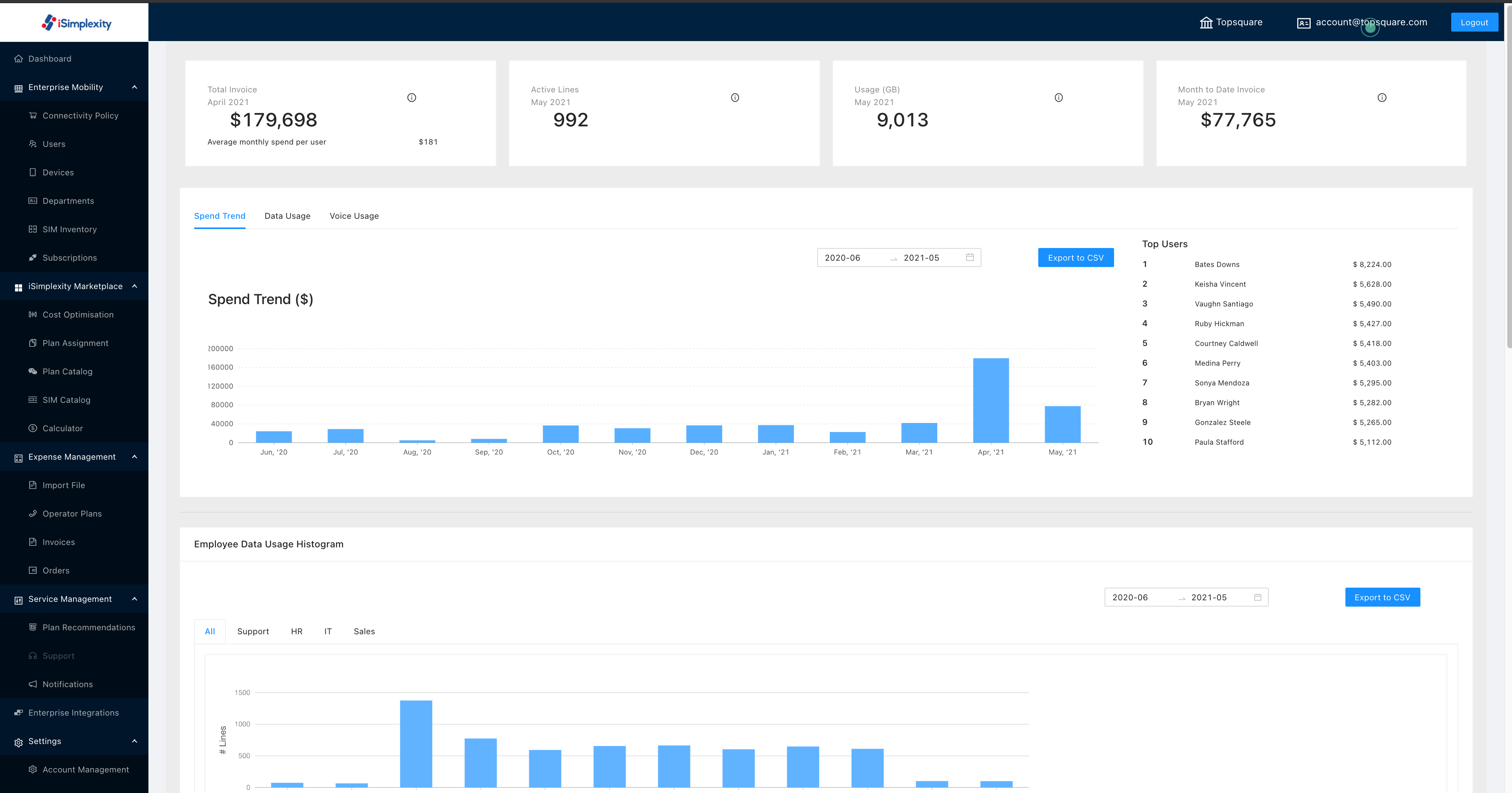
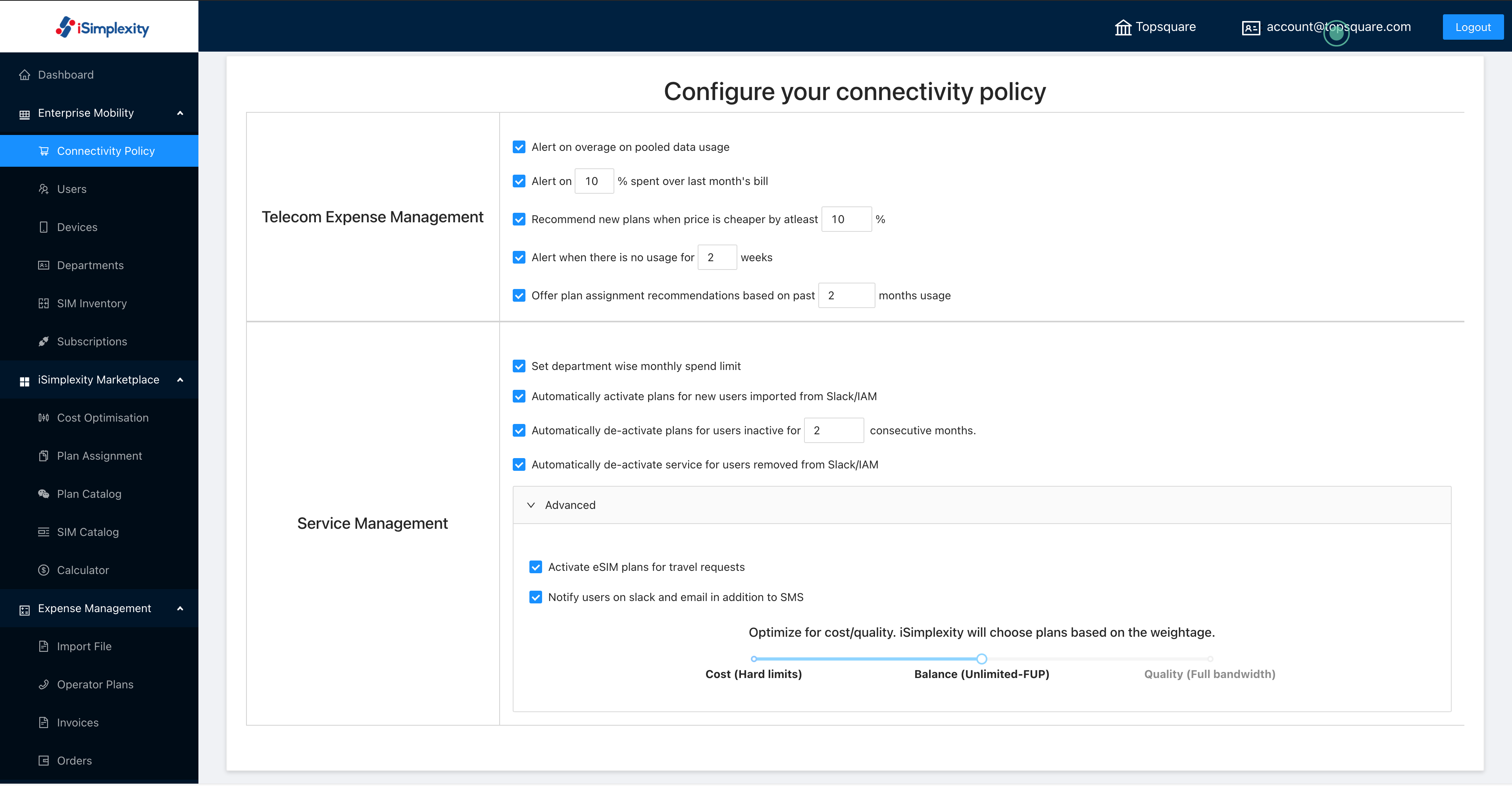
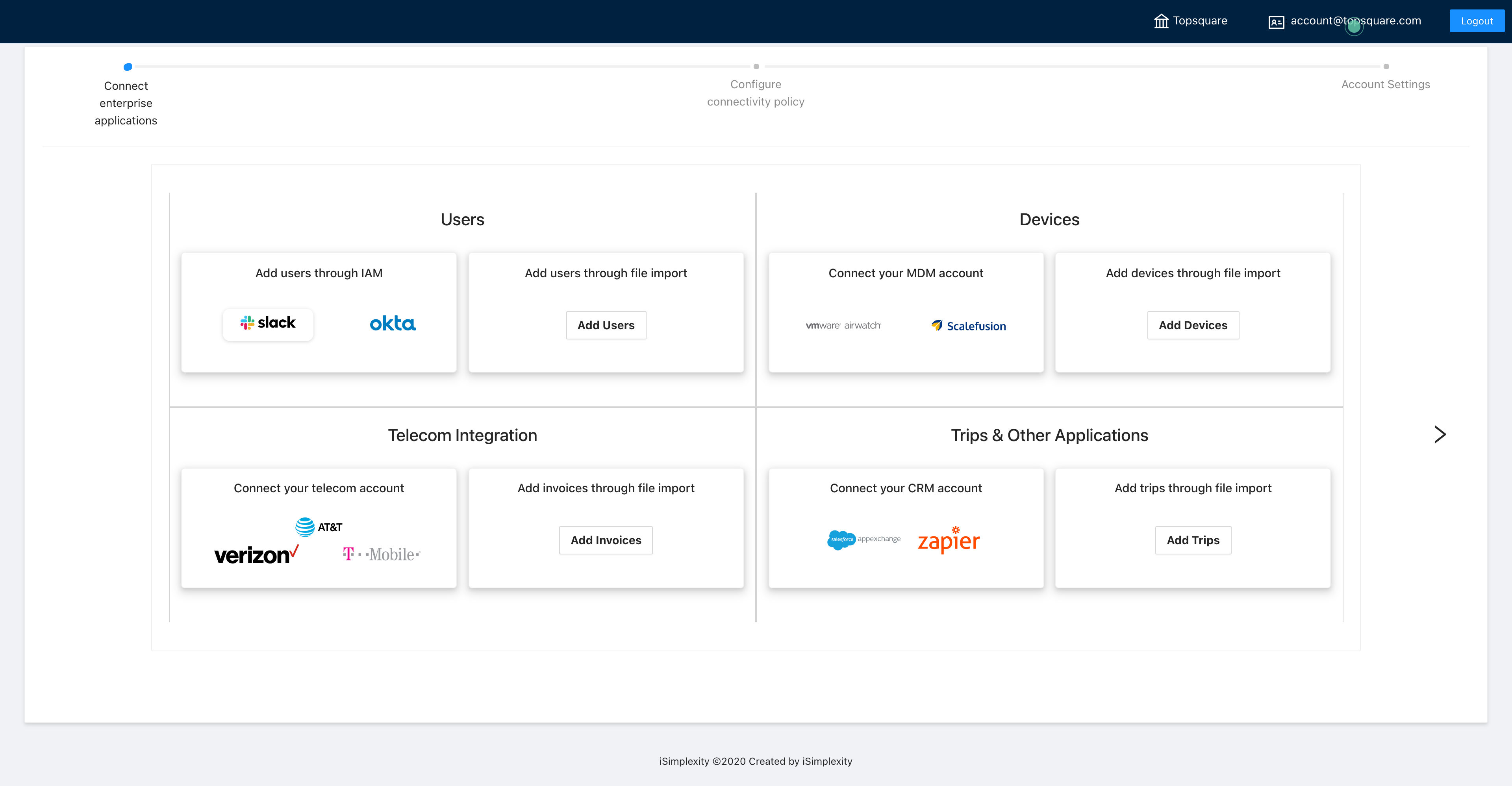
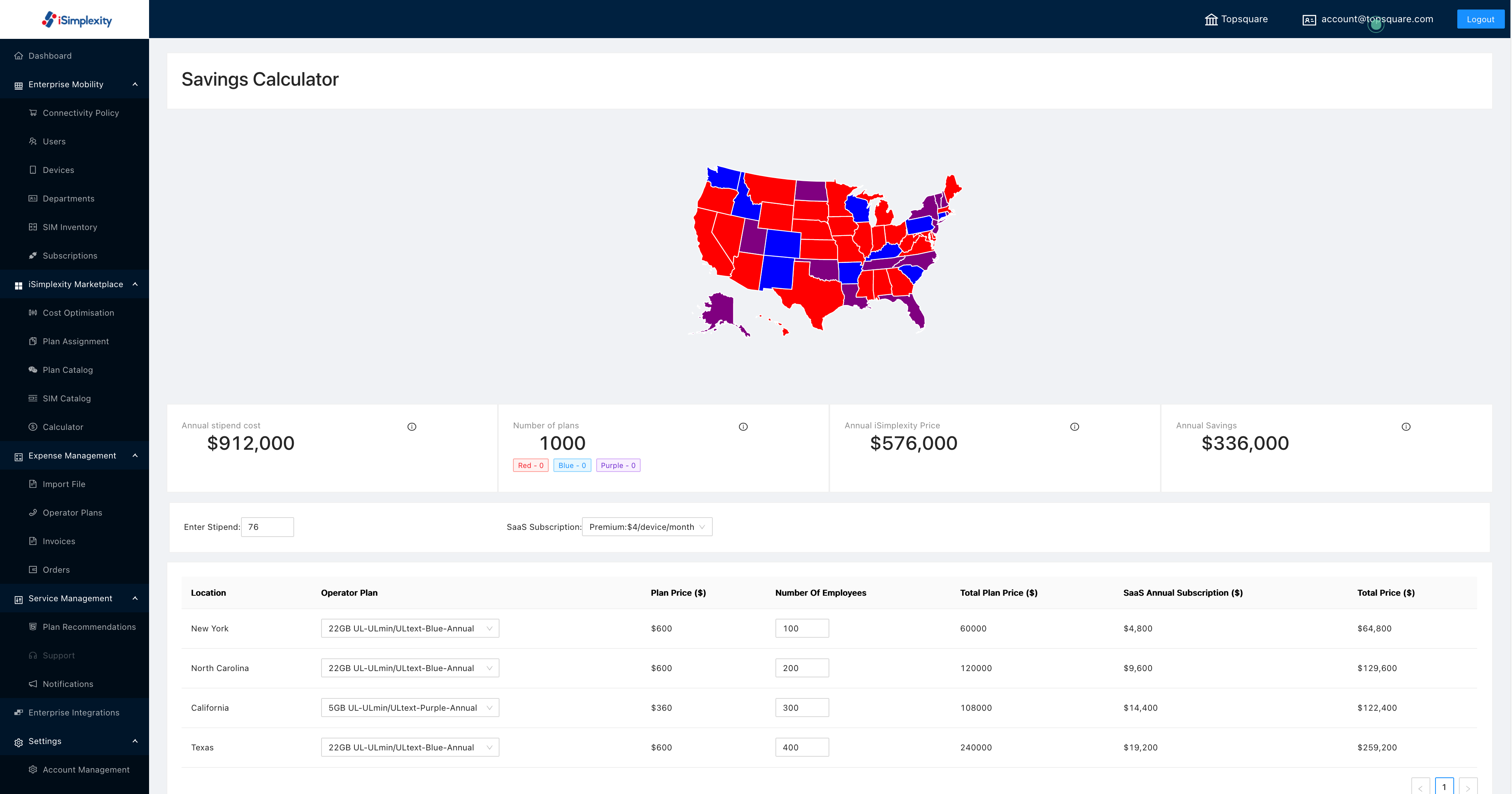
    Screenshot of Visualize all activity in the dashboard, produce reports or exportScreenshot of Set alerts and management policies/parametersScreenshot of Import and onboard services/inventory and connect to enterprise systemsScreenshot of Calculate savings/optimization benefits