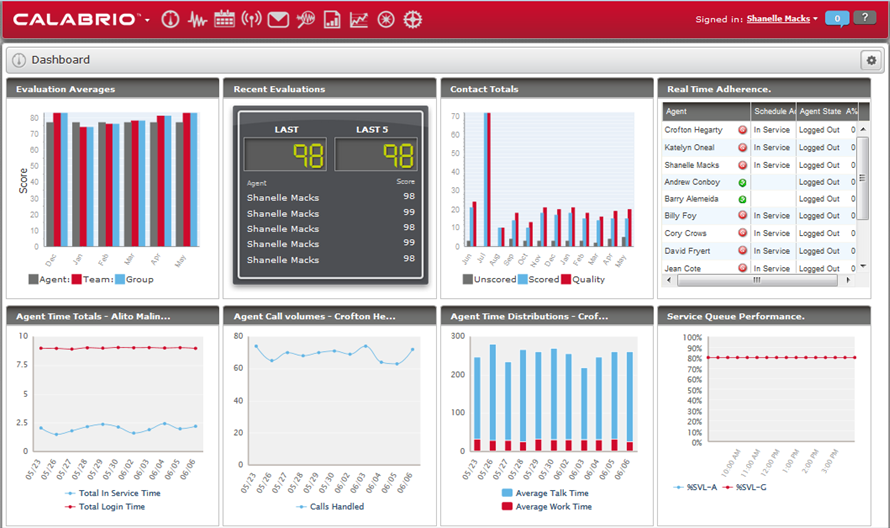
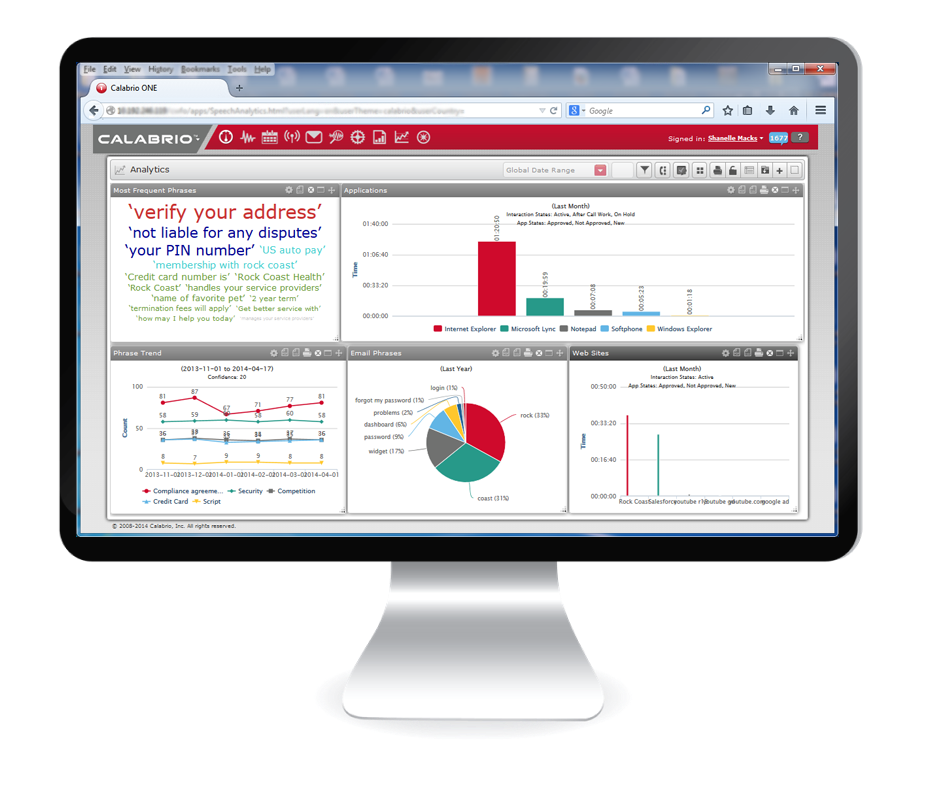
Calabrio One is a workforce optimization (WFO) platform for call centers, combining workforce management with call recording and analytics, from Calabrio headquartered in Minneapolis, MN.
N/A
Klaus
Score8 out of 10
N/A
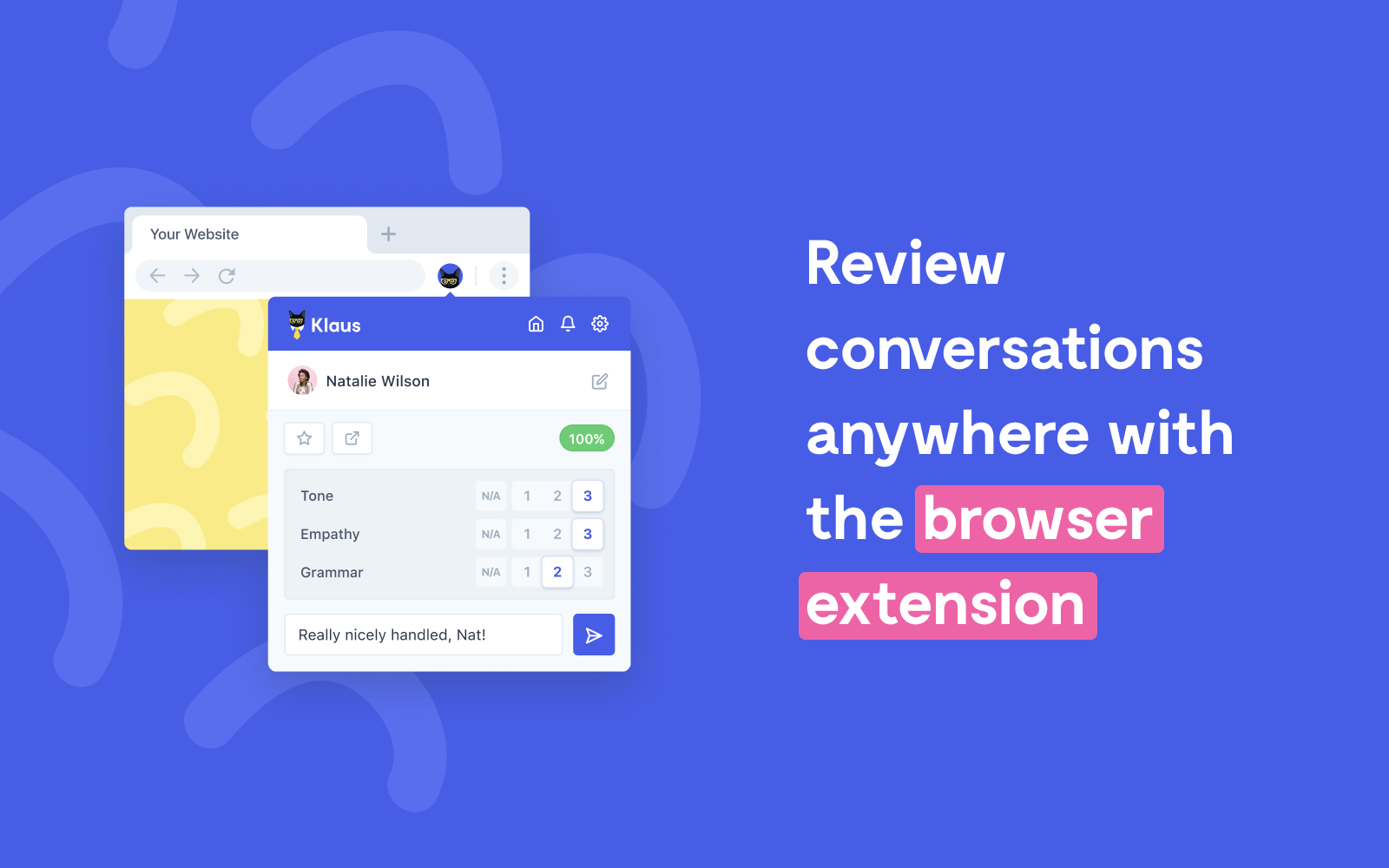
High-growth companies can use Klaus to improve their customer support quality. Improved CSAT & efficiency metrics after the first month of usage. Impactful coaching sessions and 1-1s based on performance metrics and conversation examples. Actionable metrics to track quality and identify issues as they arise. 90% time saved compared to doing reviews manually using spreadsheets. Built by support folks for support folks, Klaus offers a 360°…
$0
Up to 10 conversation reviews per week
Pricing
Calabrio ONE
Klaus
Editions & Modules
No answers on this topic
Free Trial
$0.00
Up to 10 conversation reviews per week
Offerings
Pricing Offerings
Calabrio ONE
Klaus
Free Trial
No
Yes
Free/Freemium Version
No
No
Premium Consulting/Integration Services
Yes
Yes
Entry-level Setup Fee
Optional
No setup fee
Additional Details
—
Both plans include:
Connect to your customer support software
Create sophisticated filters to find conversations for review
Set and track goals for the number of reviews
Email notifications and reports
Roles for different review setups (peer review, review by a manager, etc.)
A fancy dashboard and data exports
Customizable rating categories with weighting
Slack integration for delivering reviews
Calabrio has been great for our education environment. We have the ability to access live calls, recorded calls and evaluate based on the duration of calls. I would like to see the Reporting tab transformed and allow for more customizable reports. Overall, we have had success with Calabrio and we look forward to our partnership.
A de minimis incentive was given to thank the reviewer for their time. The incentive was not used to bias or drive a particular response, nor was the incentive contingent on a positive endorsement. More Info
Quality Management (call recordings, evaluations of said calls) is an area where Calabrio has done a particularly good job. It is a solid product and they continue to refine it.
Customer Service - since we purchased the product, customer service has always been spot on for Calabrio - they have worked hard to ensure their existing customers remain happy while continuing to evolve and bring on new customers.
Innovation - with their ear to the ground, so to speak, Calabrio forges ahead and does a great job of implementing features per customer requests and makes every effort to ensure the needs are taken care of either via API or upgrade feature.
A de minimis incentive was given to thank the reviewer for their time. The incentive was not used to bias or drive a particular response, nor was the incentive contingent on a positive endorsement. More Info
A de minimis incentive was given to thank the reviewer for their time. The incentive was not used to bias or drive a particular response, nor was the incentive contingent on a positive endorsement. More Info
Calabrio's scheduling module has room for improvement. I recommend adding options that will allow you to quickly add or delete multiple exceptions for a group or an individual.
Calabrio should add an option the will automatically optimize existing breaks and lunches based on the schedule rules and updates to schedules since they were initially published.
I'd like to have a feature in Calabrio that will automatically approve or deny employees requests for vacation based on the staffing number and other staff rules that are set.
For shift bidding, I'd like to have the option to create several schedule types and have Calabrio create the best coverage based on the available staff and the existing forecast.
In my practice, I have found that some reports have stats that should be weighed but are presented as a standard average (arithmetic mean) instead.
I'd like to have granular reporting on staff shrinkage that has occurred in the past so that I can use that data for future staff planning.
A de minimis incentive was given to thank the reviewer for their time. The incentive was not used to bias or drive a particular response, nor was the incentive contingent on a positive endorsement. More Info
A de minimis incentive was given to thank the reviewer for their time. The incentive was not used to bias or drive a particular response, nor was the incentive contingent on a positive endorsement. More Info
It would've been a higher rating if they're able to partner up with other platforms like Liveperson chat support and have a better sense of urgency when it comes to resolving issues
It's not always super easy to use. The UI changes often which can be frustrating. I'd rather be able to set up the program and have to work continually for my team. In my opinion, I've especially seen it go downhill since it's been acquired by zendesk.
A de minimis incentive was given to thank the reviewer for their time. The incentive was not used to bias or drive a particular response, nor was the incentive contingent on a positive endorsement. More Info
Because, it took them time to coordinate back some updates for us when we had to report a few major issues. ie Volume data feed for our Email support/channel. I like the webinars, however to keep the community alive. I hope they improve the training modules too and how they training new WFM guys as part of their package
It was better and more reliable/resilient then both of the products stated above. It is in-house though while the competition was cloud-based. Both of the platforms mentioned above had more problems and more failed screens then Calabrio.
A de minimis incentive was given to thank the reviewer for their time. The incentive was not used to bias or drive a particular response, nor was the incentive contingent on a positive endorsement. More Info
Negative: I've had to create more workarounds and scheduling seems to be more time consuming. However, it has had a positive effect in that some processes have been improved because of the workarounds.
Positive: Our former WFM software was not upgraded regularly. We have planned upgrade(s) for Calabrio. I'm looking forward to seeing the improvements made with the newer version.
Positive: Calabrio's customer service has been a plus. I believe they listen to what their customers are saying, even when it may be painful, and seem to always be striving to improve their product, and maintain good customer service.
A de minimis incentive was given to thank the reviewer for their time. The incentive was not used to bias or drive a particular response, nor was the incentive contingent on a positive endorsement. More Info
A de minimis incentive was given to thank the reviewer for their time. The incentive was not used to bias or drive a particular response, nor was the incentive contingent on a positive endorsement. More Info