Buffer is a social sharing tool. When browsing content, clicking on the Buffer icon automatically stores the content and schedules posts to social media channels throughout the day.
$6
per month per channel
GaggleAMP
Score10 out of 10
N/A
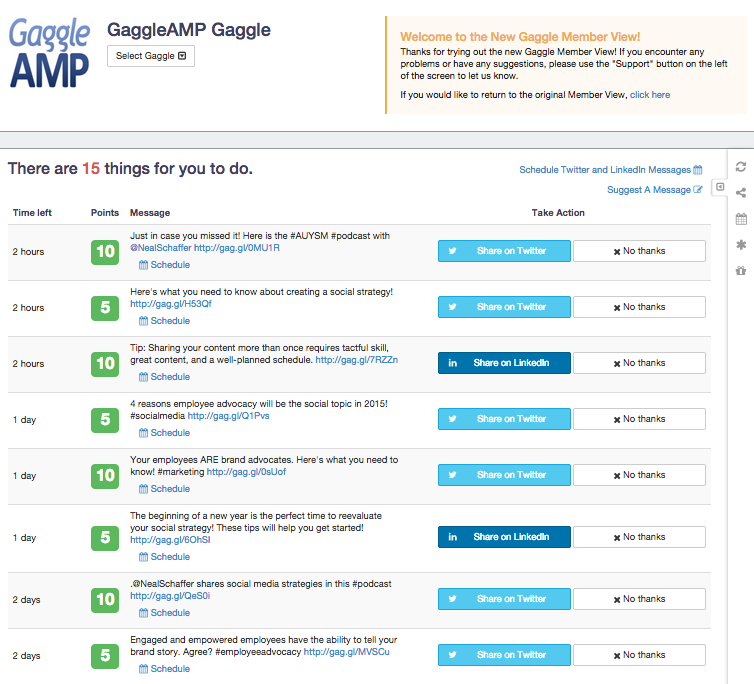
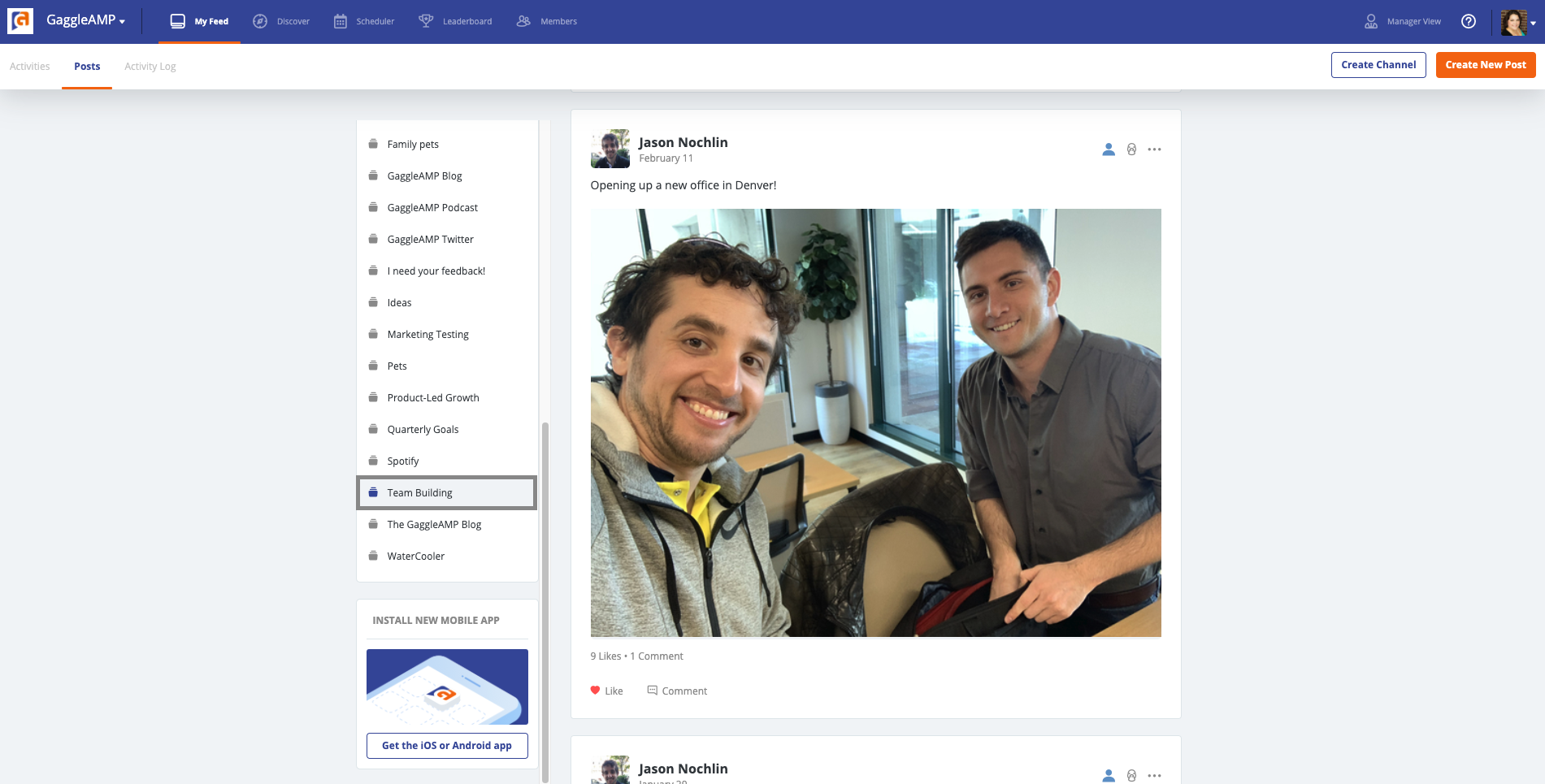
GaggleAMP's employee advocacy and communications platform enables companies to boost the distribution of workforce communications and social media messaging. The solutions aims to foster a network of people, or a Gaggle, who share company-created messages to their social media networks and contribute content to their internal workforce community. This aids in employee development, leveraging them as a thought leader in their space while increasing social selling and recruitment…
$25
per month
Pricing
Buffer
GaggleAMP
Editions & Modules
Free
$0
Essentials
$6
per month per channel
Team
$12
per month per channel
Enterprise
$1
Call for Quote
Agency
$1
Call for Quote
Small and Medium Businesses
$300
25 seats per month
Offerings
Pricing Offerings
Buffer
GaggleAMP
Free Trial
Yes
Yes
Free/Freemium Version
Yes
No
Premium Consulting/Integration Services
No
No
Entry-level Setup Fee
No setup fee
No setup fee
Additional Details
A discount is offered for annual billing.
GaggleAMP serves small businesses, medium-size businesses, enterprise-class organizations, and agencies that represent these businesses. Their small business offering starts at 25 seats for $300 per month, with additional packages available based on the number of seats needed. For Enterprise-class pricing and agency offerings, it is best to speak with a GaggleAMP representative to secure a rate.
It helps me save hours by devoting only half an hour in a month's worth of posting, in addition to that it is quite simple to use. Buffer for scheduling social posts well in advance, but I have begun using it instead of posting natively on the social apps themselves because it makes it super easy to post the same messages to more than one platform.
GaggleAMP is well suited when you want to get timely local language content out to folks in other countries/regions, or content for a specific group/department. It is also well suited when you have multiple Gaggle content managers with multiple content calendars. It might be less appropriate if you want to hold multiple Social contests (gamification) with different rules, scopes, leaderboards, etc. for different groups/tags as there is only one leaderboard.
A de minimis incentive was given to thank the reviewer for their time. The incentive was not used to bias or drive a particular response, nor was the incentive contingent on a positive endorsement. More Info
A de minimis incentive was given to thank the reviewer for their time. The incentive was not used to bias or drive a particular response, nor was the incentive contingent on a positive endorsement. More Info
A de minimis incentive was given to thank the reviewer for their time. The incentive was not used to bias or drive a particular response, nor was the incentive contingent on a positive endorsement. More Info
Expensive Analytics: The upgrade you need to access your analytics is quite expensive, and I have come across other tools that provide the same or even more for a lesser priced plan.
No Media Library: The one feature I have found on another social media planning tool that I wish Buffer had is a media library. This allows you to upload photos you aren't using right away to have them readily available when you do decide to use them. This is not a feature in Buffer.
A de minimis incentive was given to thank the reviewer for their time. The incentive was not used to bias or drive a particular response, nor was the incentive contingent on a positive endorsement. More Info
A de minimis incentive was given to thank the reviewer for their time. The incentive was not used to bias or drive a particular response, nor was the incentive contingent on a positive endorsement. More Info
I am giving buffer this rating because of a couple issues that it has compared to other platforms. It does not always post to instagram and you will need to go in an manually post. Also, one of the biggest qualms that we have with buffer is the price it costs to have robust analytics
A de minimis incentive was given to thank the reviewer for their time. The incentive was not used to bias or drive a particular response, nor was the incentive contingent on a positive endorsement. More Info
Customer service has been good. It's easy to use. It's cost effective. It's a good way to expand your social presence and get your employees more vested in branding the company without spending a ton of money. There are bells and whistles that may be good for other users. I just haven't had the time to use them
A de minimis incentive was given to thank the reviewer for their time. The incentive was not used to bias or drive a particular response, nor was the incentive contingent on a positive endorsement. More Info
We use Buffer for certain website content that should be shared on social networks, having this tool helps us to do it faster and easier since we can send the publications from the internet browser and the stack of scheduled messages. It is really fast and easy for all team members who share access to the account, so at the same time that we analyze the information that we can share, the message stack is prepared
A de minimis incentive was given to thank the reviewer for their time. The incentive was not used to bias or drive a particular response, nor was the incentive contingent on a positive endorsement. More Info
A de minimis incentive was given to thank the reviewer for their time. The incentive was not used to bias or drive a particular response, nor was the incentive contingent on a positive endorsement. More Info
Buffer performs well on both desktop and mobile platforms. The one area as I have stated before is that it does not always want to automatically push to Instagram and the user will have to go do it manually. Buffer works very well pushing to other platforms. The instagram issue is the only reason buffer does not get a 10 on this section
A de minimis incentive was given to thank the reviewer for their time. The incentive was not used to bias or drive a particular response, nor was the incentive contingent on a positive endorsement. More Info
A de minimis incentive was given to thank the reviewer for their time. The incentive was not used to bias or drive a particular response, nor was the incentive contingent on a positive endorsement. More Info
Support for GaggleAMP is easily the best customer support I've experienced with any software tool. Our rep, Sam, is dedicated to our account (no bouncing around a call-center bullpen), and is highly proactive and eager to help us succeed. Most of our interactions have nothing to do with problems, but rather opportunities to optimize our use of the tool and set us up for greatest success. GaggleAMP sets a gold standard for customer support!
A de minimis incentive was given to thank the reviewer for their time. The incentive was not used to bias or drive a particular response, nor was the incentive contingent on a positive endorsement. More Info
We were very satisfied with the implementation of Buffer. We had no issues switching from the platform that we were using over to buffer. Our staff did not even miss a beat when it came to posting content. It was an easy transition and I feel that is something that buffer has really done well. They have an "out of the box" usability platform
A de minimis incentive was given to thank the reviewer for their time. The incentive was not used to bias or drive a particular response, nor was the incentive contingent on a positive endorsement. More Info
I also used Combin which is easy and free to use. However, Combin only posts when the computer is active and connected to the internet. So, posting while you are not actively using your computer at that moment is not possible, therefore Buffer is much more efficient as you can even post while being on vacation without working.
A de minimis incentive was given to thank the reviewer for their time. The incentive was not used to bias or drive a particular response, nor was the incentive contingent on a positive endorsement. More Info
A former colleague suggested EveryoneSocial, but I think that GaggleAMP has more industry experience in terms of employee advocacy and social engagement. While it did appear somewhat easier to use, it didn't have all the features and attention to detail that GaggleAMP provided such as the detailed reporting and the specific activity suggestions I was looking for.
A de minimis incentive was given to thank the reviewer for their time. The incentive was not used to bias or drive a particular response, nor was the incentive contingent on a positive endorsement. More Info
Buffer does what it say on tin as they say! you can always count on Buffer. Buffer can be scale to 25 social account with 2,000 scheduled post which is enough for most agencies or businesses
A de minimis incentive was given to thank the reviewer for their time. The incentive was not used to bias or drive a particular response, nor was the incentive contingent on a positive endorsement. More Info
A de minimis incentive was given to thank the reviewer for their time. The incentive was not used to bias or drive a particular response, nor was the incentive contingent on a positive endorsement. TR verified that a representative sample of customers was invited. More Info
Take this with a grain of salt, but our company's all-time CPC (cost per click) savings is $1.85 M ($184,116.95 last quarter).
GaggleAMP has become an important part in getting our employees and partners to engage with us on Social Media more regularly - a great tool for getting information out there.
A de minimis incentive was given to thank the reviewer for their time. The incentive was not used to bias or drive a particular response, nor was the incentive contingent on a positive endorsement. More Info