Buddy Punch vs. ClickTime

Overview
ProductRatingMost Used ByProduct SummaryStarting Price
Buddy Punch
Score 9.1 out of 10
Small Businesses (1-50 employees)
Buddy Punch is an online time tracking, scheduling, and payroll application. Track time, time off, locations, and jobs. The solution aims to help make punching in and out intuitive for employees and easy for users to view and export time. Employees can clock in using a browser or the Buddy Punch Google, iOS, and Android apps. Users can view who's working, their GPS position, or even limit where they can punch. The solution integrates with QuickBooks, ADP, Paychex, and SurePayroll, to name a…
$5.49
per month per user
ClickTime
Score 9.8 out of 10
N/A
ClickTime is a time tracking platform from the company of the same name in San Francisco, California that may include expense tracking and light project management capabilities via modules and add-ons.N/A
Pricing
Buddy PunchClickTime
Editions & Modules
Starter
$5.49
per month per user
Pro
$6.99
per month per user
Enterprise
$11.99
per month per user
No answers on this topic
Offerings
Pricing Offerings
Buddy PunchClickTime
Free Trial
YesNo
Free/Freemium Version
NoNo
Premium Consulting/Integration Services
NoNo
Entry-level Setup FeeNo setup feeNo setup fee
Additional DetailsThree plans are available via a monthly or annual payment option. Each plan has a per user price and a base fee of $19. There are no startup, cancellation, support, or additional fees of any kind. A discount is available for the annual payment option.
More Pricing Information
Community Pulse
Buddy PunchClickTime
Best Alternatives
Buddy PunchClickTime
Small Businesses
Traqq
Traqq
Score 9.1 out of 10
Traqq
Traqq
Score 9.1 out of 10
Medium-sized Companies
TimeClock Plus
TimeClock Plus
Score 9.5 out of 10
TimeClock Plus
TimeClock Plus
Score 9.5 out of 10
Enterprises
Zoho People
Zoho People
Score 8.4 out of 10
Zoho People
Zoho People
Score 8.4 out of 10
All AlternativesView all alternativesView all alternatives
User Ratings
Buddy PunchClickTime
Likelihood to Recommend
9.1
(0 ratings)
9.6
(0 ratings)
Usability
9.1
(0 ratings)
-
(0 ratings)
Support Rating
-
(0 ratings)
9.0
(0 ratings)
User Testimonials
Buddy PunchClickTime
Likelihood to Recommend
I think that is very convenient as far as tracking your employees when they are punching in or out to ensure they are physically at the location they are supposed to be for that shift. I also think that the option to download this app to your personal phone is amazing, it makes it more convenient to punch in or out when you aren't near a laptop or a residence to use one. The feature of being able to attach a note with your punches explaining possible late punchers or absences is very beneficial to the employee allows show proof if needed.
Read full review
I cannot think of a situation where ClickTime would not be suited. Whether you have 1 or 100 employees, 5 or 500 jobs, when time is entered into the system it can be tracked, compared, and managed. It's particularly good for any company that needs to track time for hourly billing or to look at the average times it takes to do various jobs for flat billing - both of which our company does.
Read full review
Pros
  • Customer service is the best we've seen! Their knowledge base is clear, and when we do have a question it can't answer, we get a quick, informed solution.
  • The software allows us to schedule our staff seamlessly for work in more than one department in a day, so tracking how many payroll hours are being used in each department is easy.
  • The reporting for Payroll hours is easy and fast.
Read full review
  • ClickTime expense report system and ClickTime app helps organization track and allocate project cost to each individual project.
  • Their website and ClickTime app is very user friendly and easy to setup in the initial phase.
  • Their website and ClickTime app tracks hours to each assign project very well and let's manager approve the hours that has been submitted by the employee or consultant.
Read full review
Cons
  • the simplicity can go to far in that direction. So it seems a bit sparse at times. Theres a lot of dead space on some page landings.
  • update on colors to be more vibrant and fun.
  • menu buttons to go to particular specifics like vacation and sick submissions
Read full review
  • I don't really have much that could be improved on - for everything that I have needed to use ClickTime for, it has been easy and intuitive.
Read full review
Usability
Buddy Punch is really easy to use. It's easy to punch in and out when needed as it's on the home page. It's also easy to track your colleagues who are on leave so you know how to plan for coverage. This makes it easy for us to adjust accordingly.
Read full review
No answers on this topic
Support Rating
No answers on this topic
We have had a good response from ClickTime when we have needed to ask questions.
Read full review
Alternatives Considered
I have not reviewed or evaluated any other similar products and this is the first time I am using this type of product. I have been a salaried employee for 25 years and this is my first contract position, but Buddy Punch has made the time tracking very simple and efficient.
Read full review
All other programs we have looked at did not allow for us to create billable clients to track time against. They were simply time and attendance platforms for tracking when employees worked.
Read full review
Return on Investment
  • Improved Efficiency: Allows us to track time when employees are on site.
  • Reduced Costs: Able to avoid unnecessary OT due to employees getting alerts.
  • Reduced Costs: No longer paying an employee to tally hours like when we used a regular time clock.
Read full review
  • Better tracking and accountability with minimal daily time investment.
  • Less time spent on administrative data entering by payroll team than previous manual methods.
  • Good interface for managers to track their team's time efficiently.
Read full review
ScreenShots

Buddy Punch Screenshots

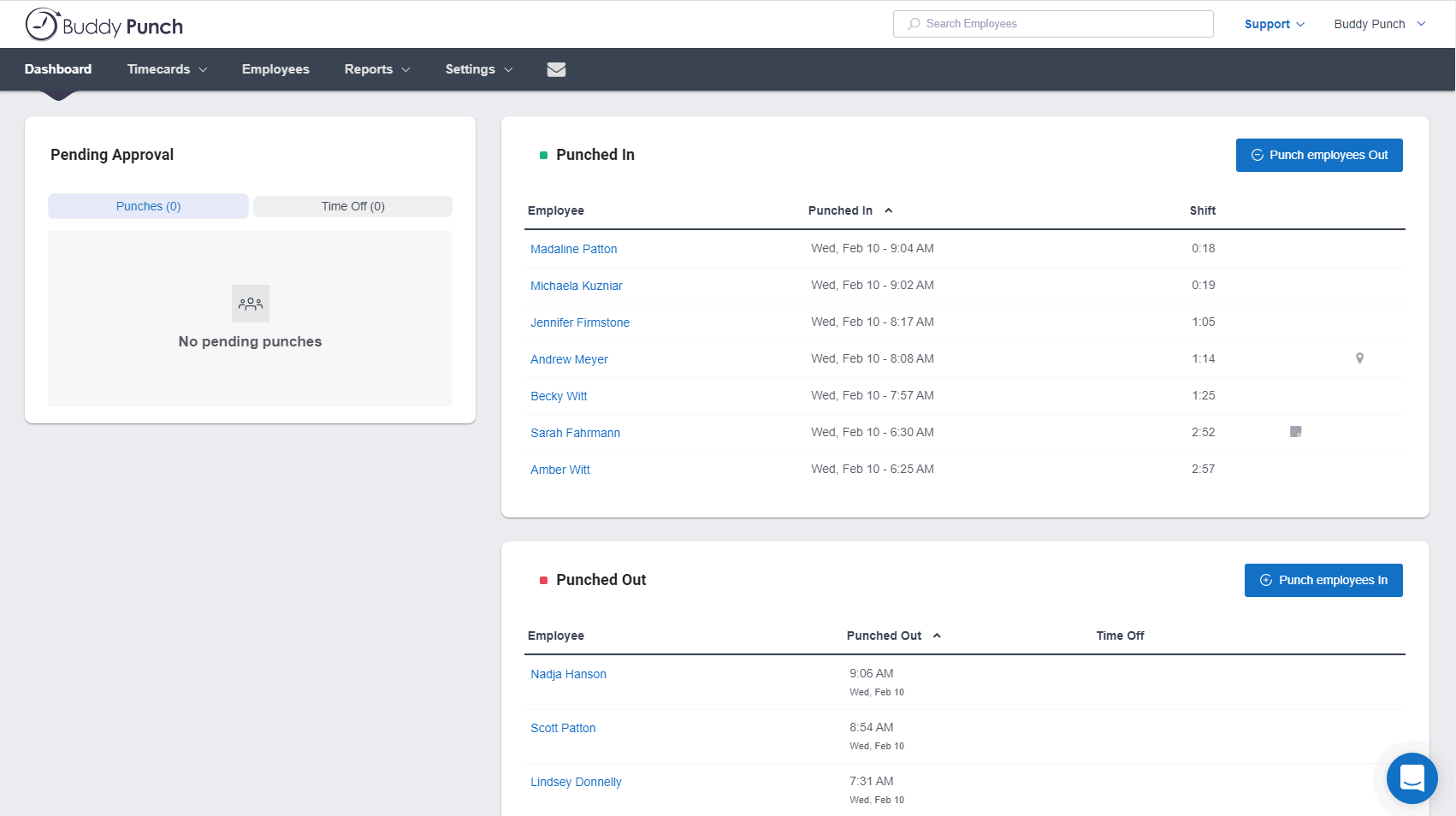
Screenshot of the Administrator's DashboardScreenshot of Time Off CalendarScreenshot of Schedule View