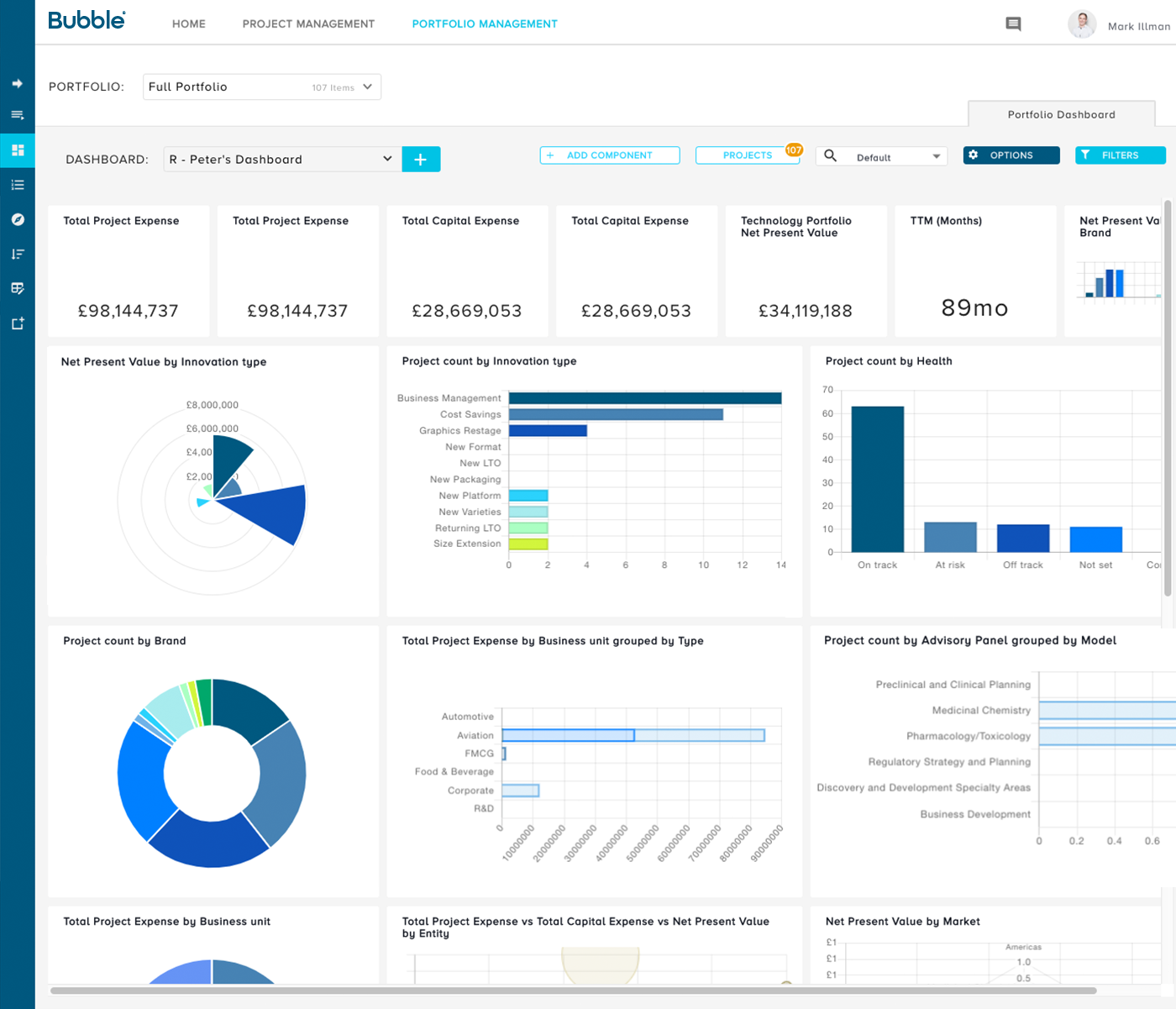
Bubble PPM is a cloud-based Project and Portfolio Management (PPM) software solution from Bubble®. Founded in 1999, the company serves clients globally via offices in London, Cambridge, and Melbourne. Its cloud-based solutions help customers improve the planning, governance, and delivery of Innovation, New Product Development, Engineering, IT, and other initiatives. Their software supports Portfolio Planning, ongoing Project and Portfolio Management, and Resource management.…
N/A
LiquidPlanner
Score 8.3 out of 10
Mid-Size Companies (51-1,000 employees)
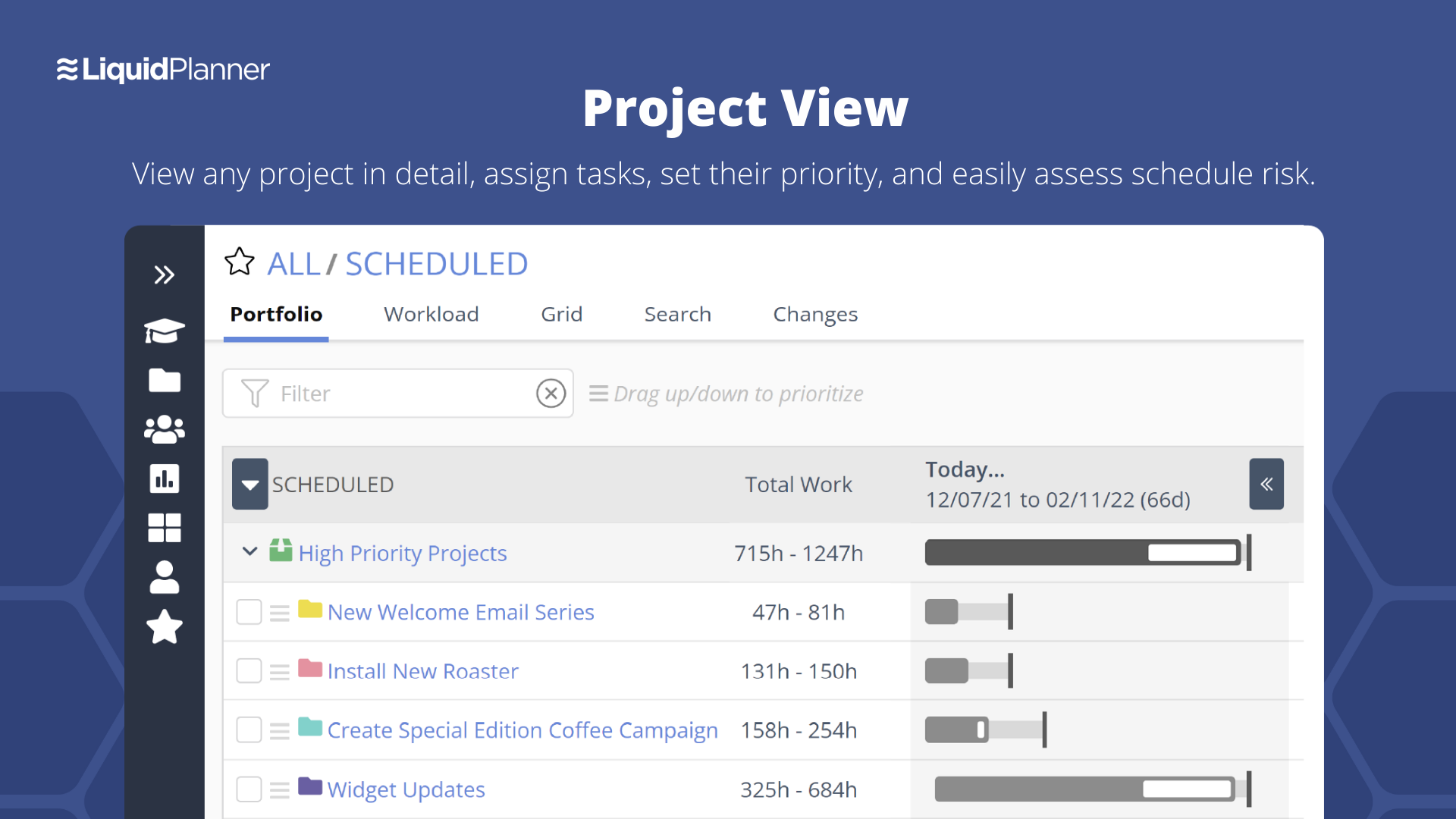
LiquidPlanner is a cloud based predictive project management solution. Some key features include: Dynamic Timeline View, Workload View, and Real-Time Activity Stream.
$0
per month per user
Pricing
Bubble PPM
LiquidPlanner
Editions & Modules
No answers on this topic
Free
$0
per month per user
Essentials
$15.00
per month per user
Professional
$25
per month per user
Ultimate
$35
per month per user
Enterprise
CALL FOR VOLUME PRICING
Offerings
Pricing Offerings
Bubble PPM
LiquidPlanner
Free Trial
Yes
Yes
Free/Freemium Version
No
Yes
Premium Consulting/Integration Services
No
No
Entry-level Setup Fee
Required
No setup fee
Additional Details
Element 1: One-time fixed SaaS set-up fee
One-time investment based on required configuration and deployment.
Element 2: Monthly license fee
Calculated on #users (per user type). Variable - According to required users/types.
—
More Pricing Information
Community Pulse
Bubble PPM
LiquidPlanner
Features
Bubble PPM
LiquidPlanner
Project Management
Comparison of Project Management features of Product A and Product B
Bubble PPM
-
Ratings
LiquidPlanner
8.1
Ratings
6% above category average
Task Management
00 Ratings
8.70 Ratings
Resource Management
00 Ratings
8.60 Ratings
Gantt Charts
00 Ratings
8.60 Ratings
Scheduling
00 Ratings
8.80 Ratings
Workflow Automation
00 Ratings
8.40 Ratings
Team Collaboration
00 Ratings
8.90 Ratings
Support for Agile Methodology
00 Ratings
7.70 Ratings
Support for Waterfall Methodology
00 Ratings
8.40 Ratings
Document Management
00 Ratings
9.90 Ratings
Email integration
00 Ratings
7.90 Ratings
Mobile Access
00 Ratings
4.80 Ratings
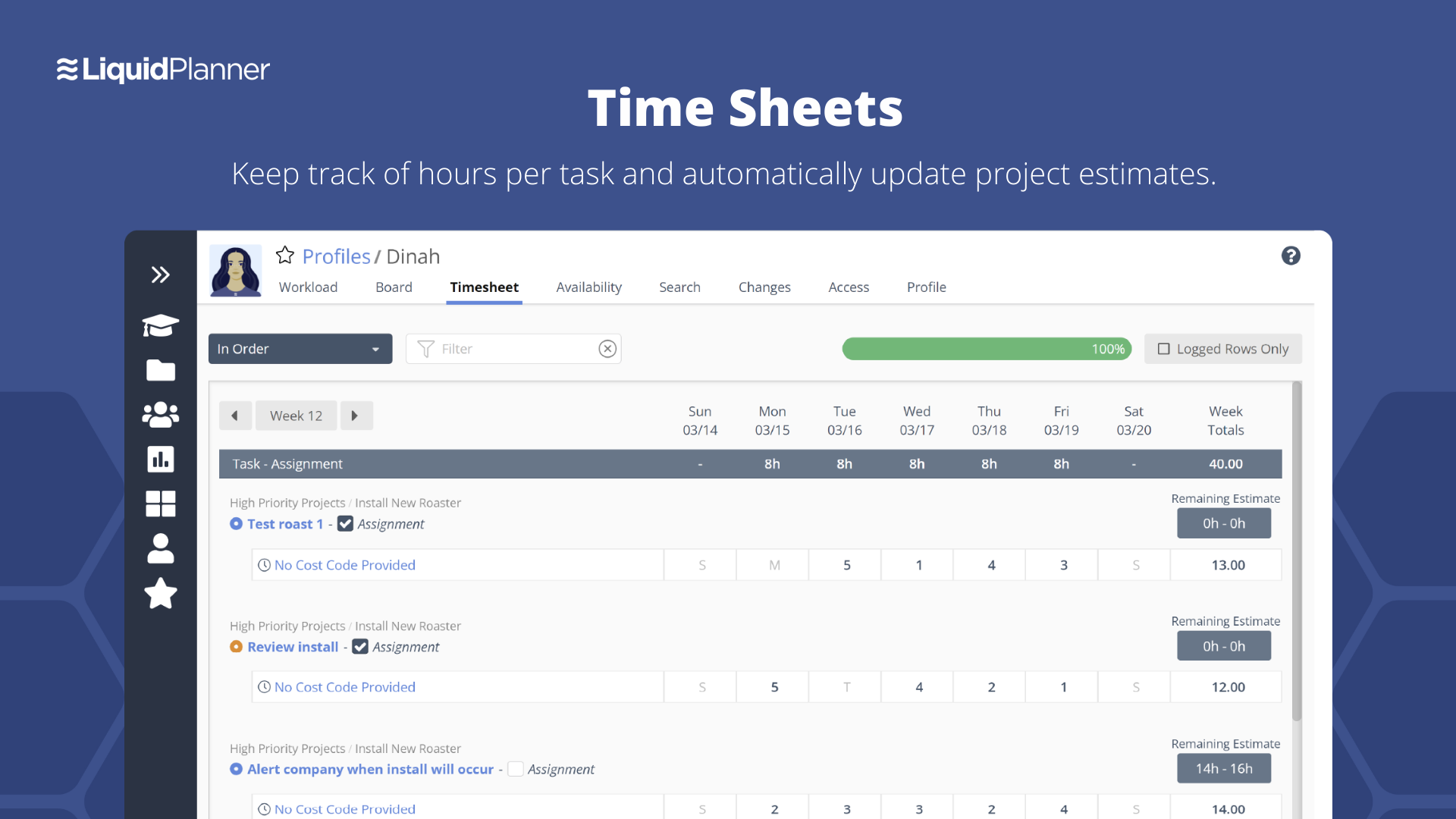
Timesheet Tracking
00 Ratings
7.20 Ratings
Budget and Expense Management
00 Ratings
7.60 Ratings
Professional Services Automation
Comparison of Professional Services Automation features of Product A and Product B
No stage gate or portfolio reporting solution can overcome poor input data. The organization has to be willing to commit to consistent and rigorous updates of the information, or the reporting becomes useless. From what I've seen of competitive systems, Bubble Innovator is the easiest to use in this regard, so the excuse of not having good data because it's painful to upload or cumbersome to retrieve goes away. And the ease with which you can produce customized reports allows you to immediately find the gaps and weak points in your data, and take action to address them. That's not to say that every report and function in Bubble Innovator is perfect. But the close collaboration and responsiveness of the Bubble Innovation team has made it relatively easy to triage, prioritize, and implement improvements along the way.
LiquidPlanner is amazing for any time of project management scenario where you have to manage several teams and details. Running a project through LiquidPlanner is so easy because it lets you break down the project into sections and folders and small tasks that you can assign to specific people. With a small to medium size team-- LiquidPlanner is amazing for organizing and tracking details. If you have a huge team or not a ton of details to track LiquidPlanner might not be right for you because it is a software that requires some good training to learn and has tons of functions that can be utilized so it seems better suited to be used by a smaller group looking to coordinate or for people who have lots of details that can be difficult to track.
The Bubble team is outstanding at providing technical support, query response times are often within an hour and resolutions (depending on the level of complexity of the query) follow very quickly after this. They provide a professional, reliable service.
The software design is simple, intuitive and more accessible than many of the alternatives on the market. It does not require licenses, installations, internal servers, extensive training programs. It doesn't interface directly with 'business management' software which provides flexibility and development opportunities.
The Bubble team have a depth of knowledge for new product development processes and relevant industries, and provide much more than just the software. The teams are actively involved in process design beyond the software, and their recommendations have been invaluable when establishing a new stage-gate process across our organisation.
Priority based planning. Every other planning software we've used relies on dates and therefore needs constant attention. Priority based planning means that the plan is always up to date.
Ease of use. LiquidPlanner has a very short learning curve. This is critical to getting team members to use it.
Forecasting. LiquidPlanner makes it very easy to run scenarios by simply dragging and dropping projects and reassigning resources.
Awesome Support. I get personal responses very fast. Usually within a couple hours. And, they listen and ask for more information.
Only thing I can think of is almost piddly, that is having to scroll on a screen within the web browser - so that you have to scroll the screen then scroll the browser screen to get to the bottom of a chart.
LiquidPlanner's mobile app definitely needs some work. It doesn't display properly, having many things on the right hand side cut off. It doesn't update/refresh well. I can't imagine the mobile app will ever have the functionality of the Web version, but it needs to come a lot closer.
LiquidPlanner requires that everyone actively participate in order to maximize its benefit. However, it can be difficult for everyone to be on top of all of their responsibilities all of the time. Not sure on a solution, but it can be a lot to manage.
The business has been extremely satisfied with Bubble Innovator and is in support of rolling this tool out to our other businesses within the overall franchise.
We may not renew LiquidPlanner's contract, but only because my company has recently been acquired and we'll be adopting some of the software that they're using to standardize process. LiquidPlanner's development team releases new features pretty often, so it seems like the gaps and inefficiencies are slowly getting smaller/less frequent
The user interface is highly visual and simple. Literally within 10-15 minutes of my introduction to the software, I was up and running. Of course, deeper capabilities become apparent after additional use, but the basic functionality is very simple to grasp. Where there are consistent challenges reported by multiple users, the Bubble Innovation team is quick to connect and put plans in place to address the challenges.
Outstanding response times, and solutions to issues requiring support are quickly implemented. For bigger issues or longer term developments, Bubble happily takes the time to meet in person and discuss requirements to drive detailed solutions.
They have been great in trying to come up with creative solutions to help us do what we want to do with the platform. I would say their support has been exceptional because we have hit them with some complex requests.
The number of variables made this extremely challenging (org changes, stage gate harmonization, pipeline prioritization, and new governance model). I think the implementation was handled very well in spite of this, and managed to deliver on time and on budget.
Prior to Bubble PPM we attempted use of many of the well-known project management tools to manage our product development work. Those other project management tools were met with frustration in attempts to implement them because they are more focused with the timing and scheduling of individual projects rather than capturing the full portfolio of possible candidate projects and selecting the most strategic and valuable projects to move forward. Bubble PPM was the first system we found that was purpose-built for managing product development work, and its implementation was very successful from the beginning with the personal help given by the team at Bubble.
We had a "homebrew" time track program previously. It did one thing and it did it well--track time spent on an individual tactic or project, and it was deployed across all departments. It did not, however, capture the conversations or the work that could shed light on where problems occurred or issues were encountered.
Bubble Innovator helped us drive new product on time deliveries to 80% on-time product launches.
Our corporate target was new product making up 20% of our annual revenues. Bubble Innovator helped us manage our resources to plan and exceed that goal.
Bubble innovator allowed us to redeploy a full time team member that was managing spreadsheets of information for monthly updates. It also saved our project managers significant amounts of time that they could dedicate back to their projects.
LiquidPlanner has improved everybody's visibility into tasks, decreasing the communication load required and increasing client communication and status updates, effectively increasing client satisfaction and likely helping to generate more business.
LiquidPlanner has improved our estimation and communication about changing estimates. Allowing us to keep a running estimate of the remaining work lets our account managers bill appropriately for overages ahead of time, preventing issues with customers who may not want to pay for work that was done.
LiquidPlanner sometimes takes time to navigate, find the right tasks, etc. and in this way, it may have added time to our day that we are not getting paid for. However, this is fairly negligible.