
BrowseReporter by CurrentWare vs. Insightful
BrowseReporter by CurrentWare vs. Insightful
| Product | Rating | Most Used By | Product Summary | Starting Price |
|---|---|---|---|---|
 BrowseReporter by CurrentWare | N/A | BrowseReporter by CurrentWare is an employee and computer monitoring software that provides data-driven insights into how users are engaging with the internet and computer applications on company devices. CurrentWare customers use BrowseReporter to enforce acceptable use policies by monitoring the internet use of employees, capturing evidence of technology misuse, and generating activity reports for employee productivity coaching. BrowseReporter operates from… | $6 per month (billed annually) per user | |
 Insightful | Mid-Size Companies (51-1,000 employees) | Insihgtful aims to empower organizations to analyze and optimize employee performance, productivity, and efficiency via deep behavioral data insights. With it, users can understand exactly how employees work, streamline workflows, manage remote teams, and drive productivity at scale. The solution is presented as simple, affordable, and available in the cloud or on-premise. | $8 per month per seat |
| BrowseReporter by CurrentWare | Insightful | |||||||||||||||
|---|---|---|---|---|---|---|---|---|---|---|---|---|---|---|---|---|
| Editions & Modules |
|
| ||||||||||||||
| Offerings |
| |||||||||||||||
| Entry-level Setup Fee | No setup fee | No setup fee | ||||||||||||||
| Additional Details | Pricing is based on the volume of licenses purchased. There are additional discounts available for educational organizations, non-profits, managed services providers, and businesses that pre-purchase multiple-year plans. | Each device an employee uses for work counts as one seat. Additionally, users with Admin, Manager and Client access won’t be charged, unless Insightful is used to track their activities as well. Discount of up to 20% is available for annual billing. | ||||||||||||||
| More Pricing Information | ||||||||||||||||
| BrowseReporter by CurrentWare | Insightful |
|---|
| BrowseReporter by CurrentWare | Insightful | |
|---|---|---|
| Likelihood to Recommend | - (0 ratings) | 9.0 (0 ratings) |
| BrowseReporter by CurrentWare | Insightful | |
|---|---|---|
| Likelihood to Recommend |  No answers on this topic | 
|
| Pros | No answers on this topic |
|
| Cons | No answers on this topic |
|
| Alternatives Considered | No answers on this topic |
|
| Return on Investment | No answers on this topic |
|
| ScreenShots | BrowseReporter by CurrentWare Screenshots    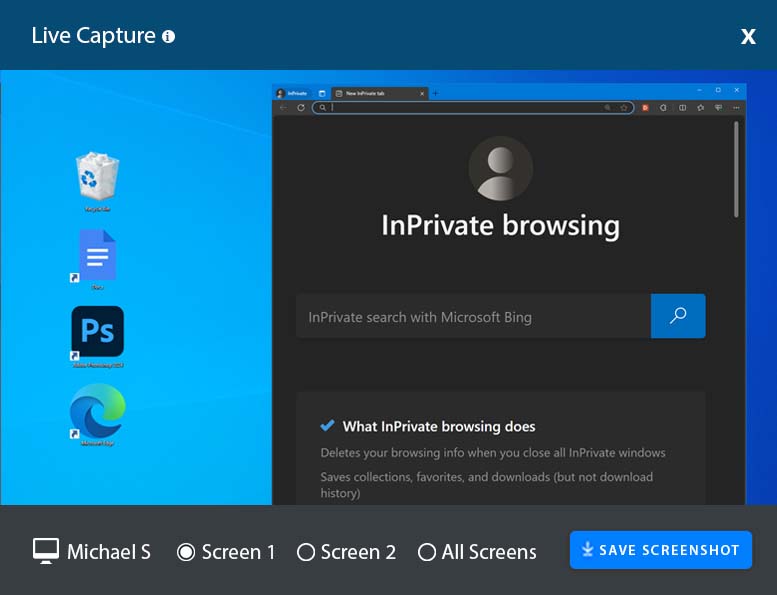 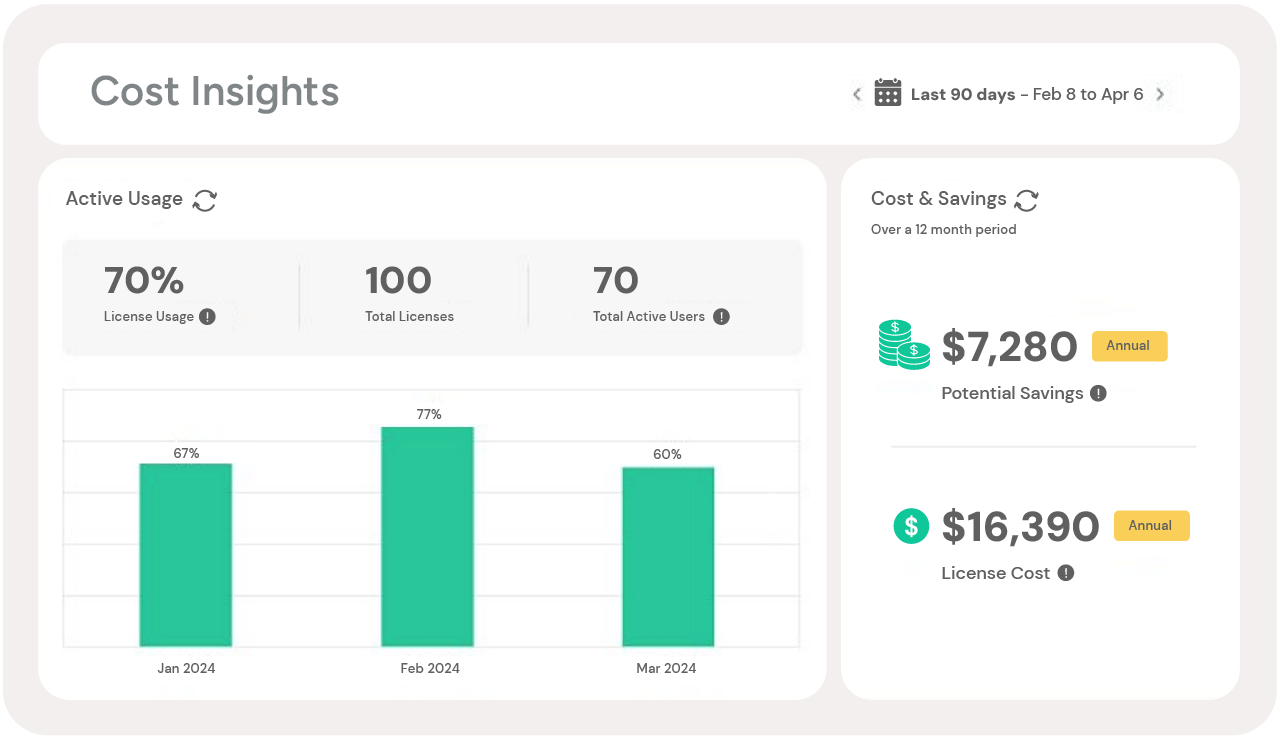 | Insightful Screenshots   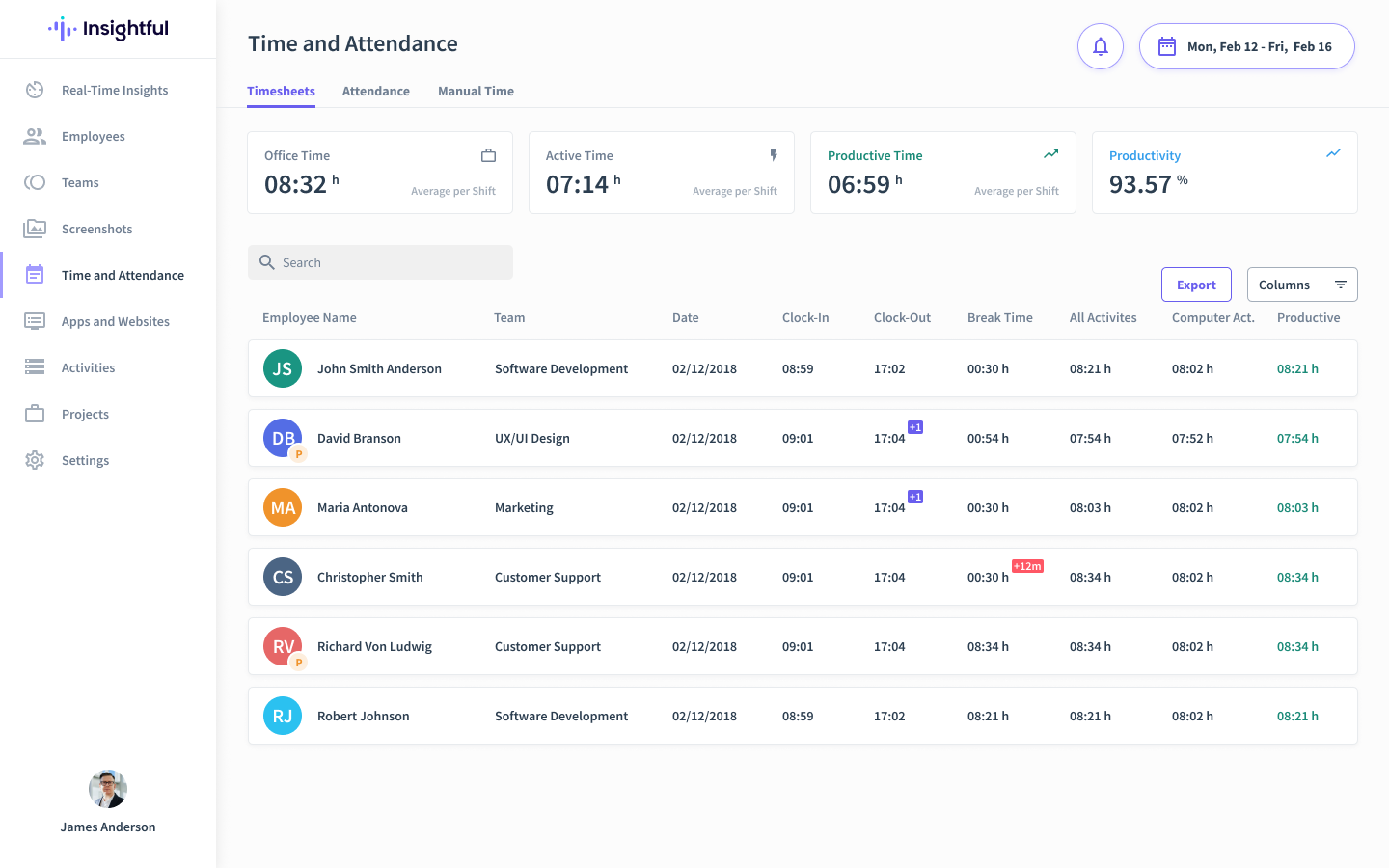  |