
BrowseControl by CurrentWare vs. TitanHQ DNS Filtering
| Product | Rating | Most Used By | Product Summary | Starting Price |
|---|---|---|---|---|
 BrowseControl by CurrentWare | Score10 out of 10 | N/A | BrowseControl is a content filtering software for configuring content access to websites and Windows applications based on user, device, department, or other Organizational Unit (OU). BrowseControl's content filtering features allow administrators to configure the internet and application usage permissions of the students, employees, and patrons that use computers within their network. Content filtering policies for websites, applications, and files can be… | $72 per year per user |
 TitanHQ DNS Filtering | Score8.5 out of 10 | N/A | WebTitan is the web security gateway and content filtering solution offered by TitanHQ. | $38 per month per 25 users (Starting Price) |
| BrowseControl by CurrentWare | TitanHQ DNS Filtering | |||||||||||||||
|---|---|---|---|---|---|---|---|---|---|---|---|---|---|---|---|---|
| Editions & Modules |
|
| ||||||||||||||
| Offerings |
| |||||||||||||||
| Entry-level Setup Fee | No setup fee | Optional | ||||||||||||||
| Additional Details | Price per license is based on purchase volume. There are additional discounts available for educational organizations, non-profits, managed services providers, and for businesses that pre-purchase multiple year plans. | — | ||||||||||||||
| More Pricing Information | ||||||||||||||||
| BrowseControl by CurrentWare | TitanHQ DNS Filtering | |
|---|---|---|
| Considered Both Products | No answer on this topic | No answer on this topic |
| Key User Insights | ||
| Would buy again | ||
No answers on this topic | 100% Would buy again 5 Answers | |
| Delivers good value for the price | ||
No answers on this topic | 100% Delivers good value for the price 5 Answers | |
| Happy with the feature set | ||
No answers on this topic | 100% Happy with the feature set 5 Answers | |
| Lived up to sales and marketing promises | ||
No answers on this topic | 100% Lived up to sales and marketing promises 5 Answers | |
| Implementation went as expected | ||
No answers on this topic | 100% Implementation went as expected 5 Answers | |
| BrowseControl by CurrentWare | TitanHQ DNS Filtering | |
|---|---|---|
| Likelihood to Recommend | - | 8.2 |
| BrowseControl by CurrentWare | TitanHQ DNS Filtering | |
|---|---|---|
| Likelihood to Recommend | No answers on this topic |
|
| Pros | No answers on this topic |
|
| Cons | No answers on this topic |
|
| Alternatives Considered | No answers on this topic |
|
| Return on Investment | No answers on this topic |
|
| ScreenShots | BrowseControl by CurrentWare Screenshots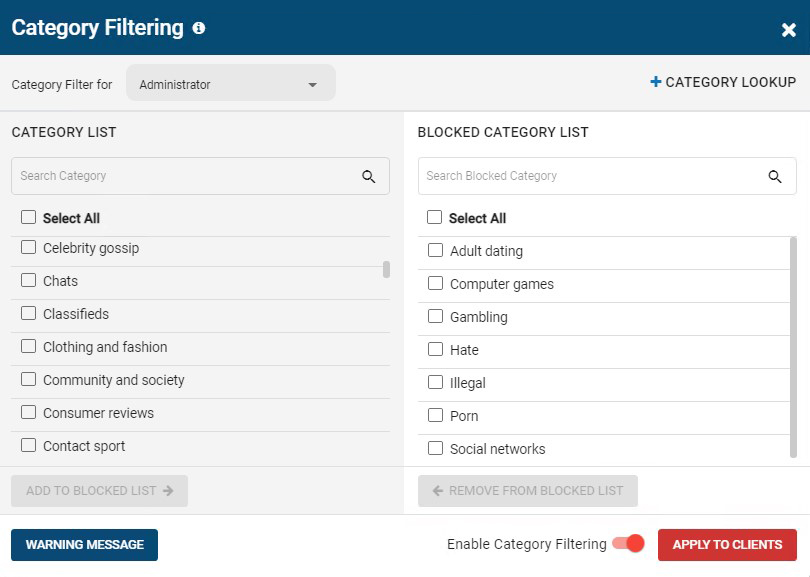 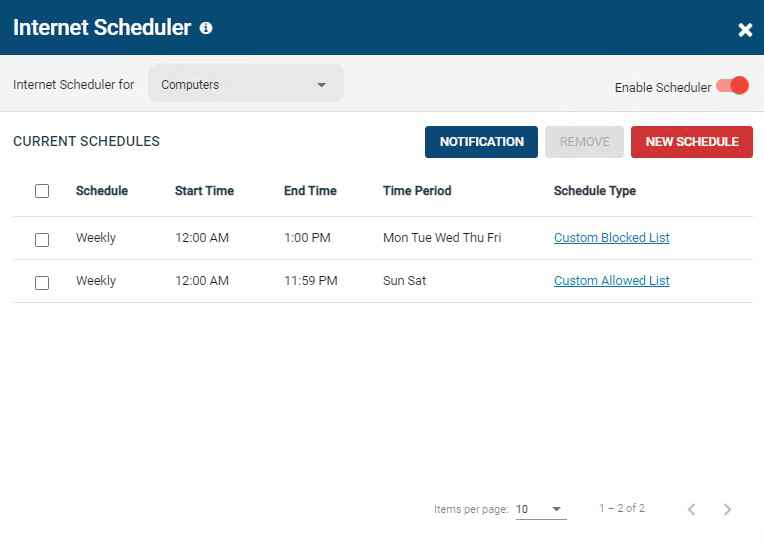 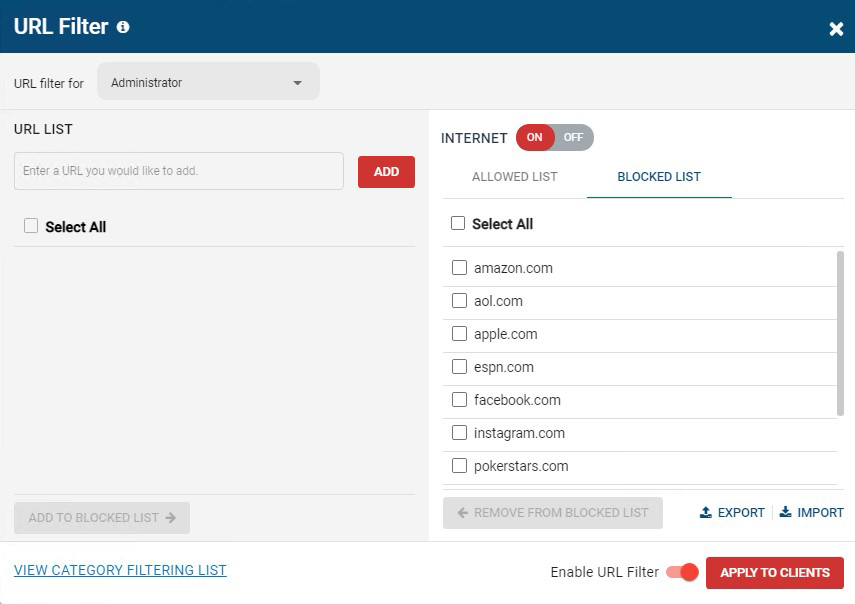 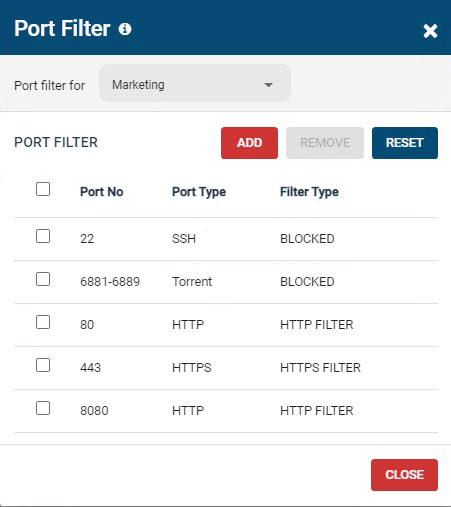 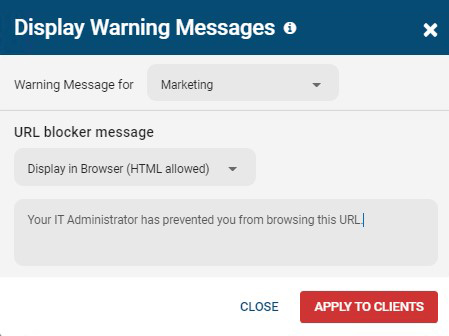 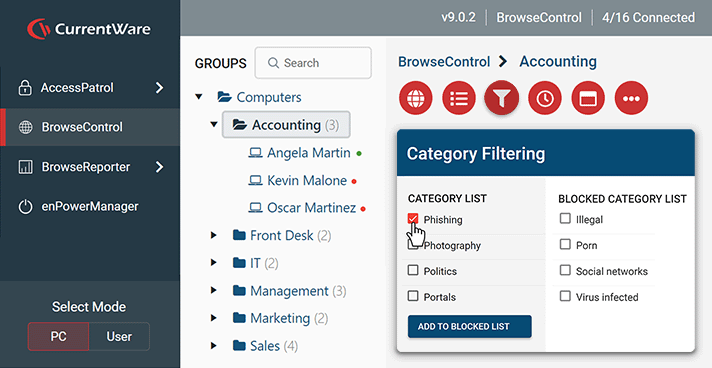 | TitanHQ DNS Filtering Screenshots    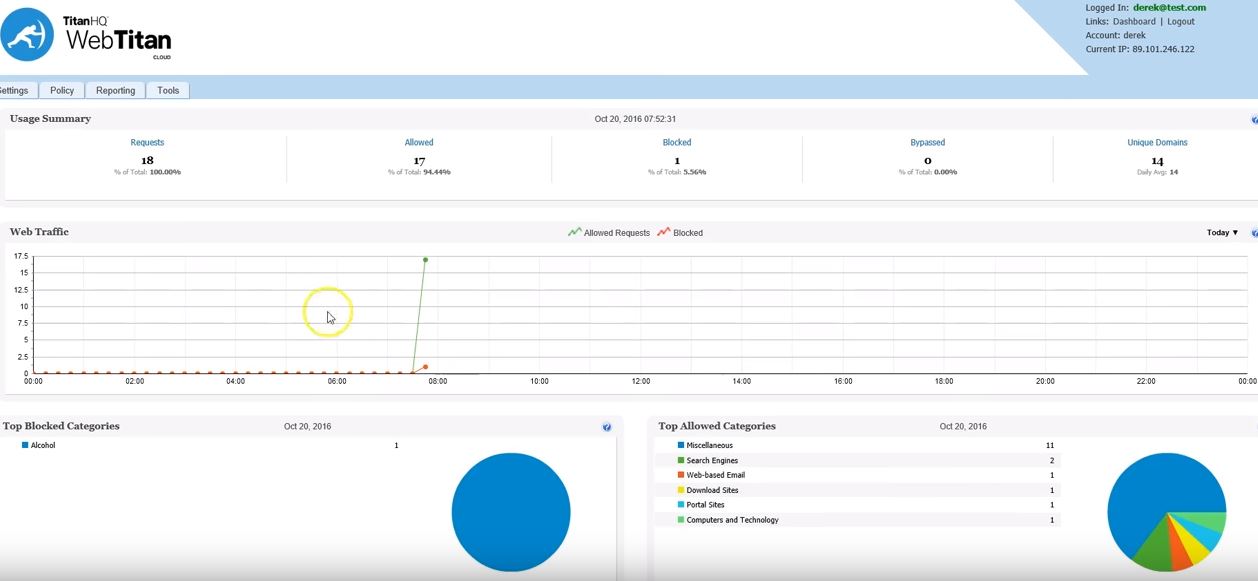 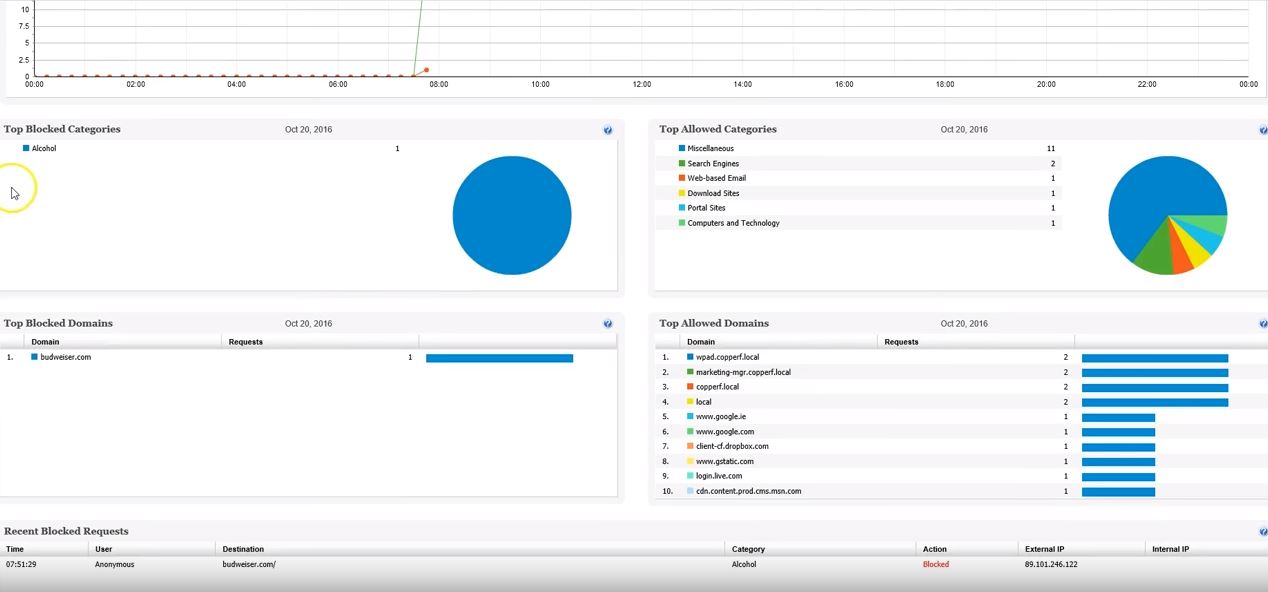 |

