
Brightspot vs. ManageWP
| Product | Rating | Most Used By | Product Summary | Starting Price |
|---|---|---|---|---|
 Brightspot | Score9 out of 10 | N/A | Brightspot (formerly Perfect Sense) is a content management system for businesses looking to distinguish themselves via digital transformation. The platform helps editors and developers to utilize publishing processes, customized workstreams and collaboration features. This helps users to deliver content to audiences without compromise. | N/A |
 ManageWP | Score10 out of 10 | N/A | ManageWP is a WordPress management console that allows users to manage multiple WordPress sites with ease. | N/A |
| Brightspot | ManageWP | |||||||||||||||
|---|---|---|---|---|---|---|---|---|---|---|---|---|---|---|---|---|
| Editions & Modules | No answers on this topic | No answers on this topic | ||||||||||||||
| Offerings |
| |||||||||||||||
| Entry-level Setup Fee | Optional | No setup fee | ||||||||||||||
| Additional Details | — | Starting is easy and free. Premium upgrades are there for those that need more. If you want to free up your time and let ManageWP do the heavy lifting - we are there for you with a number of automations (safe updates, automated backups, scheduled security and performance checks, etc.), site migration tools, website templates and more. Special bundles were built for agencies and companies creating affordable discounts for customers with large number of websites. | ||||||||||||||
| More Pricing Information | ||||||||||||||||
| Brightspot | ManageWP | |
|---|---|---|
| Considered Both Products | No answer on this topic | No answer on this topic |
| Key User Insights | ||
| Would buy again | ||
No answers on this topic | 100% Would buy again 5 Answers | |
| Delivers good value for the price | ||
No answers on this topic | 100% Delivers good value for the price 5 Answers | |
| Happy with the feature set | ||
No answers on this topic | 100% Happy with the feature set 5 Answers | |
| Lived up to sales and marketing promises | ||
No answers on this topic | No answers on this topic | |
| Implementation went as expected | ||
No answers on this topic | 100% Implementation went as expected 5 Answers | |
| Brightspot | ManageWP | |||||||||||||||||||||||||
|---|---|---|---|---|---|---|---|---|---|---|---|---|---|---|---|---|---|---|---|---|---|---|---|---|---|---|
| Security |
| |||||||||||||||||||||||||
| Platform & Infrastructure |
| |||||||||||||||||||||||||
| Web Content Creation |
| |||||||||||||||||||||||||
| Web Content Management |
| |||||||||||||||||||||||||
| Brightspot | ManageWP | |
|---|---|---|
| Small Businesses |  Umbraco CMS Score6.8 out of 10 | Umbraco CMS Score6.8 out of 10 |
| Medium-sized Companies |  Square Online Score7.4 out of 10 | Square Online Score7.4 out of 10 |
| Enterprises |  RWS Tridion Sites Score9 out of 10 | RWS Tridion Sites Score9 out of 10 |
| All Alternatives | View all alternatives | View all alternatives |
| Brightspot | ManageWP | |
|---|---|---|
| Likelihood to Recommend | 9.1 | 9.6 |
| Brightspot | ManageWP | |
|---|---|---|
| Likelihood to Recommend |
|
|
| Pros |
|
|
| Cons |
|
|
| Usability | No answers on this topic |
|
| Alternatives Considered |
|
|
| Return on Investment |
|
|
| ScreenShots | Brightspot Screenshots   | ManageWP Screenshots  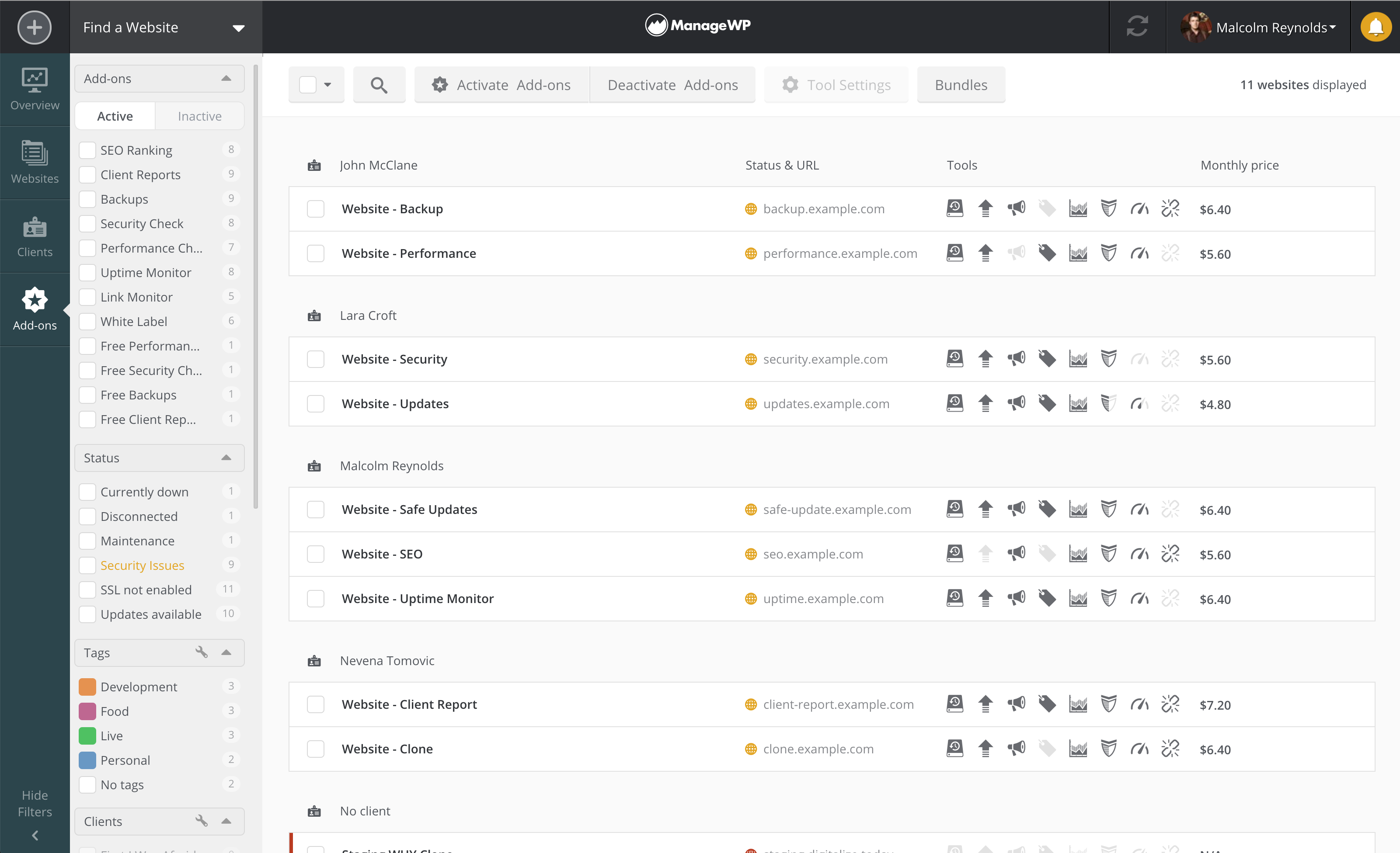 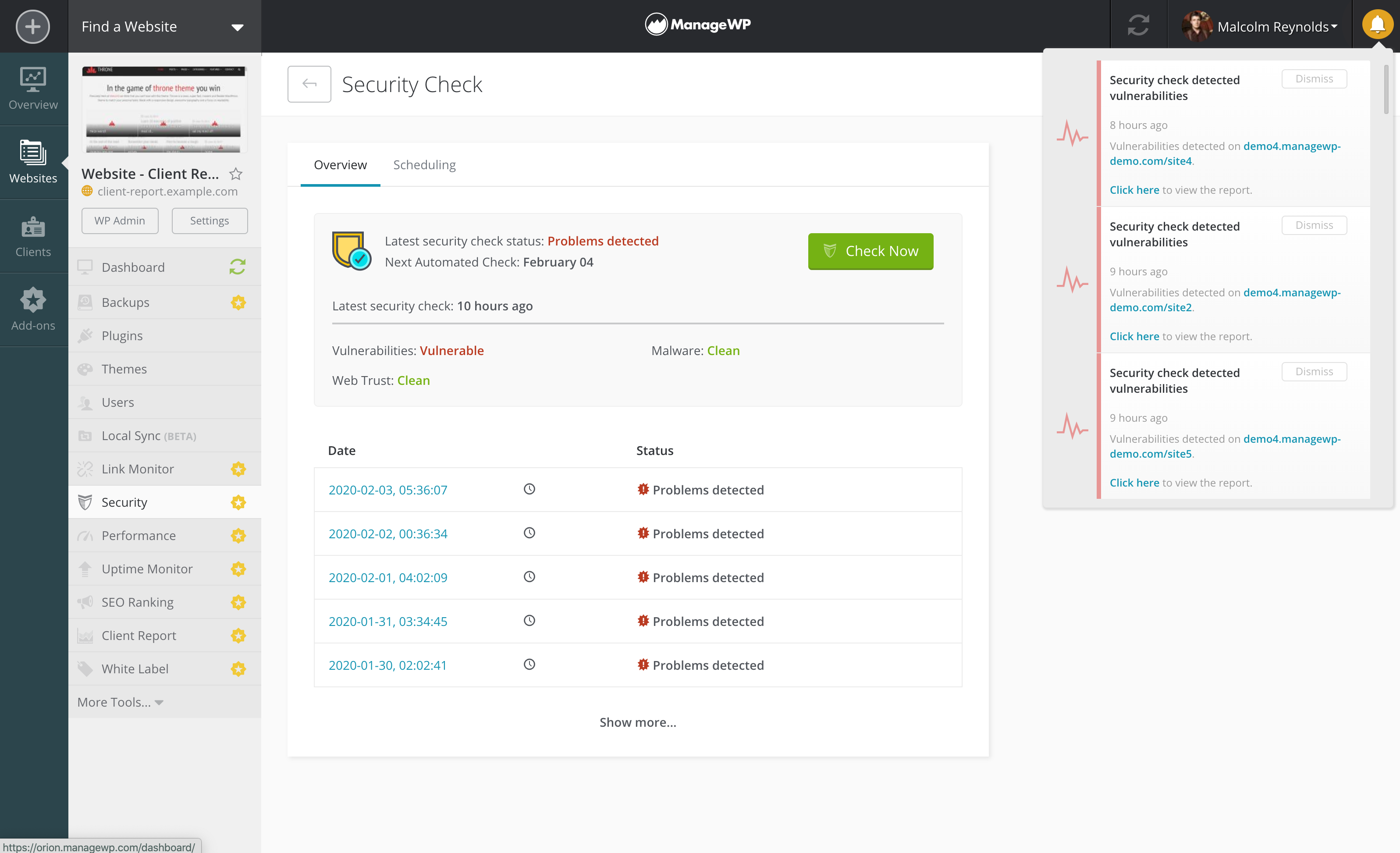 |


