Bridge is an integrated talent management platform that combines learning management, performance management, career development, and engagement measurement into one platform. Bridge enables companies to develop their people with live, virtual, on-demand and experience based training, manager/employees 1:1s, and career development plans. Used by more than 1000 companies worldwide, Bridge helps companies achieve their strategic people development goals by facilitating connection, alignment, and…
$12,500
per year
Vector LMS and Industrial Manufacturing Training
Score6 out of 10
N/A
Vector LMS (replacing the former Convergence LMS) is a learning management system designed specifically for the needs of industrial & manufacturing facilities. It is designed to identify skill and compliance gaps, deliver consistent training, and build a stronger workforce, and is delivered from Convergence Training, a Vector Solutions company (acquired 2018).
N/A
Pricing
Bridge Learning Platform
Vector LMS and Industrial Manufacturing Training
Editions & Modules
Learning
$4
per month per user
Learning & Performance
$10
per month per user
Learning, Performance & Engagement
$11
per month per user
No answers on this topic
Offerings
Pricing Offerings
Bridge Learning Platform
Vector LMS and Industrial Manufacturing Training
Free Trial
No
No
Free/Freemium Version
No
No
Premium Consulting/Integration Services
Yes
No
Entry-level Setup Fee
Required
No setup fee
Additional Details
—
—
More Pricing Information
Features
Bridge Learning Platform
Vector LMS and Industrial Manufacturing Training
Learning Management
Comparison of Learning Management features of Bridge Learning Platform and Vector LMS and Industrial Manufacturing Training
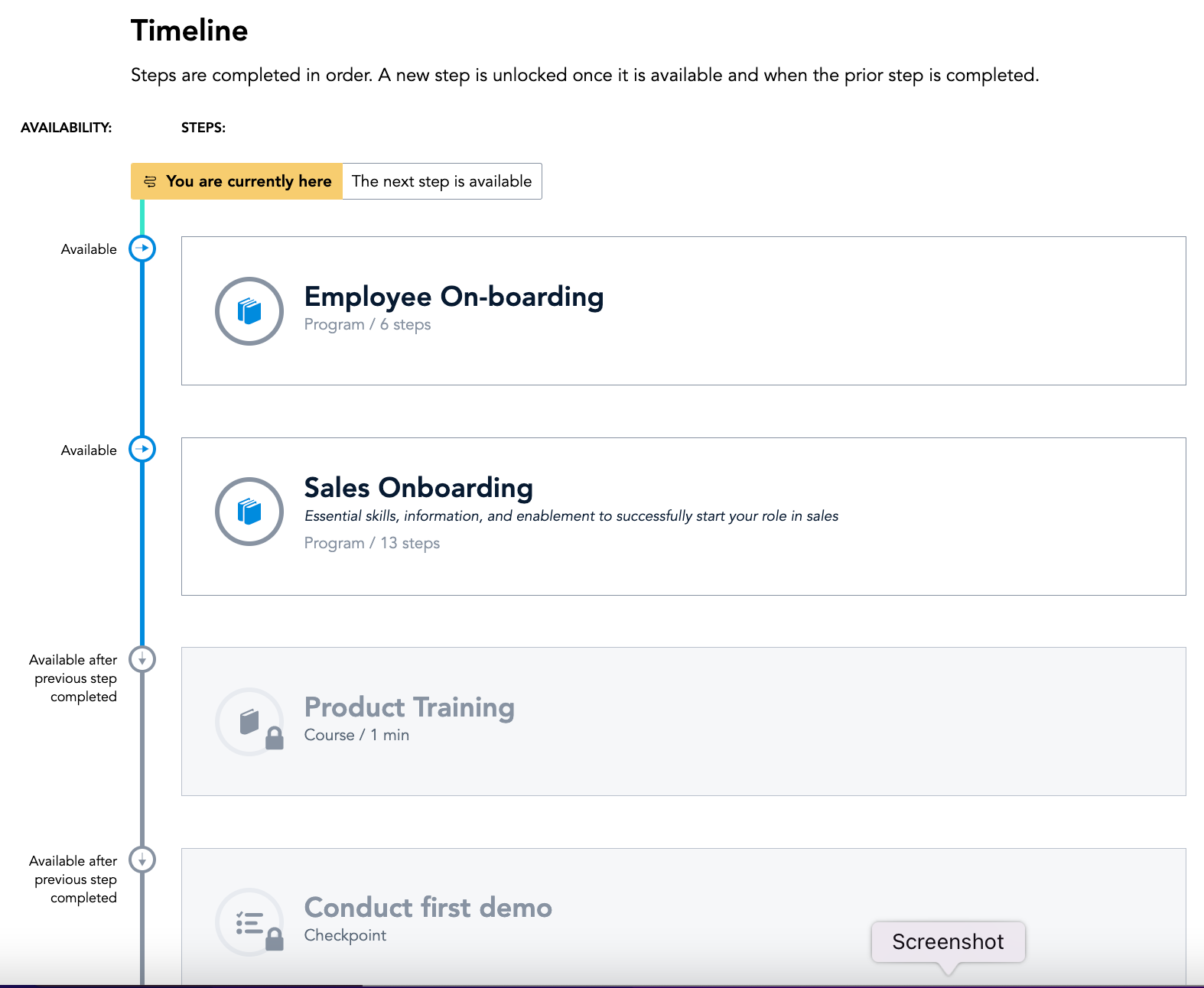
Bridge is suited for scenarios where you need ppl to complete steps in order or test that they received the correct amount of knowledge after watching a video. I do think Bridge is less appropriate for companies that use it in external training scenarios as there is some key functionality missing. We gotten very good at brainstorming and finding solutions/ways to get Bridge to work the way that we need it to
A de minimis incentive was given to thank the reviewer for their time. The incentive was not used to bias or drive a particular response, nor was the incentive contingent on a positive endorsement. More Info
A good scenario for this program is when you need to roll out more customized and specific content that is targeted to a specific department or group. Each leader or department can create their own content that makes it easy for their own employees to complete and finish it at their own pace and on their own hours. It is not that great for leaders or administrators that want to create and upload custom content, this process is not easy and takes more time than it should.
A de minimis incentive was given to thank the reviewer for their time. The incentive was not used to bias or drive a particular response, nor was the incentive contingent on a positive endorsement. More Info
Bridge is designed for the user so it is intuitive and easy to use.
Bridge includes an authoring tool so building custom content is fast and easy.
Bridge does a good job of providing user information for managers. Managers can quickly and easily see how many courses their reports are enrolled in and if anyone is overdue on required courses.
Bridge is also built with learning science in mind. There are multiple options for assessments, including an option for verified tasks to be completed to demonstrate proficiency.
A de minimis incentive was given to thank the reviewer for their time. The incentive was not used to bias or drive a particular response, nor was the incentive contingent on a positive endorsement. More Info
The user interface and command are fairly self-guiding and self-explanatory. It's not that difficult to know or figure out where to go next or what to click next.
The lesson progression and tracker are clear as well. You know easily where you are in a module, how much is left, etc. It also is easy for managers and those on the backend to track progress and see completion.
It reaches all employees virtually which is crucial since we are fully remote now and have employees in all time zones across the country.
A de minimis incentive was given to thank the reviewer for their time. The incentive was not used to bias or drive a particular response, nor was the incentive contingent on a positive endorsement. More Info
Bridge could improve their categorization feature for trainings; folders would be great!
I'd like to see more ways to add content in the Bridge native environment in the future. Being able to create tables, infographics, and other training materials right in the system would be a great time saver.
A de minimis incentive was given to thank the reviewer for their time. The incentive was not used to bias or drive a particular response, nor was the incentive contingent on a positive endorsement. More Info
Customizing the [Vector] LMS content can be difficult sometimes on the backend, it is not intuitive and our [Vector] LMS administrators have to get involved every time - even for simple customizations.
Improving the experience on the backend when loading or curating content needs improvement. Once it's uploaded it's fine, but getting to that point is cumbersome.
Platform stability is questionable at times in terms of timing out, glitches, having to restart modules, etc. This should be looked into and made more stable.
A de minimis incentive was given to thank the reviewer for their time. The incentive was not used to bias or drive a particular response, nor was the incentive contingent on a positive endorsement. More Info
It has been very useful to our organization in getting compliance training complete. We have a 24/7/365 organization with some folks only working 2 days a week during the summer only, many work full-time jobs elsewhere and can't make weekday programs and facilities don't have to alter schedules to get mass numbers of people through training like you have to do with live training..
A de minimis incentive was given to thank the reviewer for their time. The incentive was not used to bias or drive a particular response, nor was the incentive contingent on a positive endorsement. More Info
A de minimis incentive was given to thank the reviewer for their time. The incentive was not used to bias or drive a particular response, nor was the incentive contingent on a positive endorsement. More Info
A de minimis incentive was given to thank the reviewer for their time. The incentive was not used to bias or drive a particular response, nor was the incentive contingent on a positive endorsement. More Info
A de minimis incentive was given to thank the reviewer for their time. The incentive was not used to bias or drive a particular response, nor was the incentive contingent on a positive endorsement. More Info
Our previous LMS was Symphony. Hands down, there is no comparison. Switching to Bridge was the best decision made by our management team. All we used Symphony for was for our monthly compliance training. Many times people would complain that they would need to retake their compliance course as Symphony would lose records. It became a hassle having to retake a course because you didn't save a copy of the completion certificate. Bridge allows for more than just compliance training AND we are able to see if learners didn't complete their courses via the reports.
A de minimis incentive was given to thank the reviewer for their time. The incentive was not used to bias or drive a particular response, nor was the incentive contingent on a positive endorsement. More Info
I was not involved in the selection process for [Vector] LMS; however, from my experiences with other platforms, this one seems to be solid. It's not perfect as no platform is, but it seems to get the job done especially for those on the user end. As mentioned, if you want to upload custom content it can be a task that requires more time and effort than it should.
A de minimis incentive was given to thank the reviewer for their time. The incentive was not used to bias or drive a particular response, nor was the incentive contingent on a positive endorsement. More Info
Certainly, Bridge was not an inexpensive option when we were reviewing platforms. To date, we have not seen a positive ROI but believe that will happen in the near future as we expand an offering of an additional program.
Reviews from our users indicate that they appreciate the professional and easy to use features Bridge provides, along with the video based design of the program.
The program we developed with the Bridge platform supports our position as educators in our industry.
A de minimis incentive was given to thank the reviewer for their time. The incentive was not used to bias or drive a particular response, nor was the incentive contingent on a positive endorsement. More Info
I cannot speak to the cost of the platform as I wasn't involved in the process, but it seems to be a good investment. Most features are logical and easy to use unless you're on the backend.
The negative impact is most felt by leaders that want custom content to be created or uploaded. This is not a quick turnaround and can cause delays or issues.
The positive impact is it allows people to complete it at their own pace and can be reached by all employees. Especially in the virtual environment, it is really useful.
A de minimis incentive was given to thank the reviewer for their time. The incentive was not used to bias or drive a particular response, nor was the incentive contingent on a positive endorsement. More Info