
Bridge Learning Platform vs. Small Improvements
| Product | Rating | Most Used By | Product Summary | Starting Price |
|---|---|---|---|---|
 Bridge Learning Platform | Score7.4 out of 10 | Mid-Size Companies (51-1,000 employees) | Bridge is an integrated talent management platform that combines learning management, performance management, career development, and engagement measurement into one platform. Bridge enables companies to develop their people with live, virtual, on-demand and experience based training, manager/employees 1:1s, and career development plans. Used by more than 1000 companies worldwide, Bridge helps companies achieve their strategic people development goals by facilitating connection, alignment, and… | $12,500 per year |
 Small Improvements | Score7.2 out of 10 | N/A | Performance Reviews & 360s Provide employees with structured opportunities for reflection and assessment through performance reviews and peer feedback. Customize the questions, define who participates, establish a cadence that suits an organization’s schedule, and run reviews for different departments at the same time. Ongoing Feedback Praise coworkers for a job well done and request feedback at any time from anyone. Prepare for… | $2 per user, per month |
| Bridge Learning Platform | Small Improvements | |||||||||||||||
|---|---|---|---|---|---|---|---|---|---|---|---|---|---|---|---|---|
| Editions & Modules |
|
| ||||||||||||||
| Offerings |
| |||||||||||||||
| Entry-level Setup Fee | Required | No setup fee | ||||||||||||||
| Additional Details | — | We also offer volume discounts if you have over 200 employees! Please see the calculator on our pricing page to calculate your exact price. | ||||||||||||||
| More Pricing Information | ||||||||||||||||
| Bridge Learning Platform | Small Improvements | |
|---|---|---|
| Considered Both Products | No answer on this topic | No answer on this topic |
| Key User Insights | ||
| Would buy again | ||
No answers on this topic | 75% Would buy again 6 Answers | |
| Delivers good value for the price | ||
No answers on this topic | 100% Delivers good value for the price 6 Answers | |
| Happy with the feature set | ||
No answers on this topic | 75% Happy with the feature set 6 Answers | |
| Lived up to sales and marketing promises | ||
No answers on this topic | No answers on this topic | |
| Implementation went as expected | ||
No answers on this topic | No answers on this topic | |
| Bridge Learning Platform | Small Improvements | |||||||||||||||||||||||||||||||||||||
|---|---|---|---|---|---|---|---|---|---|---|---|---|---|---|---|---|---|---|---|---|---|---|---|---|---|---|---|---|---|---|---|---|---|---|---|---|---|---|
| Learning Management |
| |||||||||||||||||||||||||||||||||||||
| Performance and Goals |
| |||||||||||||||||||||||||||||||||||||
| Performance Management |
| |||||||||||||||||||||||||||||||||||||
| Bridge Learning Platform | Small Improvements | |
|---|---|---|
| Small Businesses |  Tovuti LMS Score10 out of 10 |  15Five Score8.2 out of 10 |
| Medium-sized Companies |  iSpring Learn Score9.6 out of 10 |  Reflektive Score9.5 out of 10 |
| Enterprises |  Absorb LMS Score9.2 out of 10 | Reflektive Score9.5 out of 10 |
| All Alternatives | View all alternatives | View all alternatives |
| Bridge Learning Platform | Small Improvements | |
|---|---|---|
| Likelihood to Recommend | 10.0 | 9.0 |
| Likelihood to Renew | 8.8 | - |
| Usability | 9.1 | - |
| Support Rating | 9.1 | 7.1 |
| Implementation Rating | 8.2 | - |
| Bridge Learning Platform | Small Improvements | |
|---|---|---|
| Likelihood to Recommend |
|
|
| Pros |
|
|
| Cons |
|
|
| Likelihood to Renew |
| No answers on this topic |
| Usability |
| No answers on this topic |
| Support Rating |
|
|
| Implementation Rating |
| No answers on this topic |
| Alternatives Considered |
|
|
| Return on Investment |
|
|
| ScreenShots | Bridge Learning Platform Screenshots 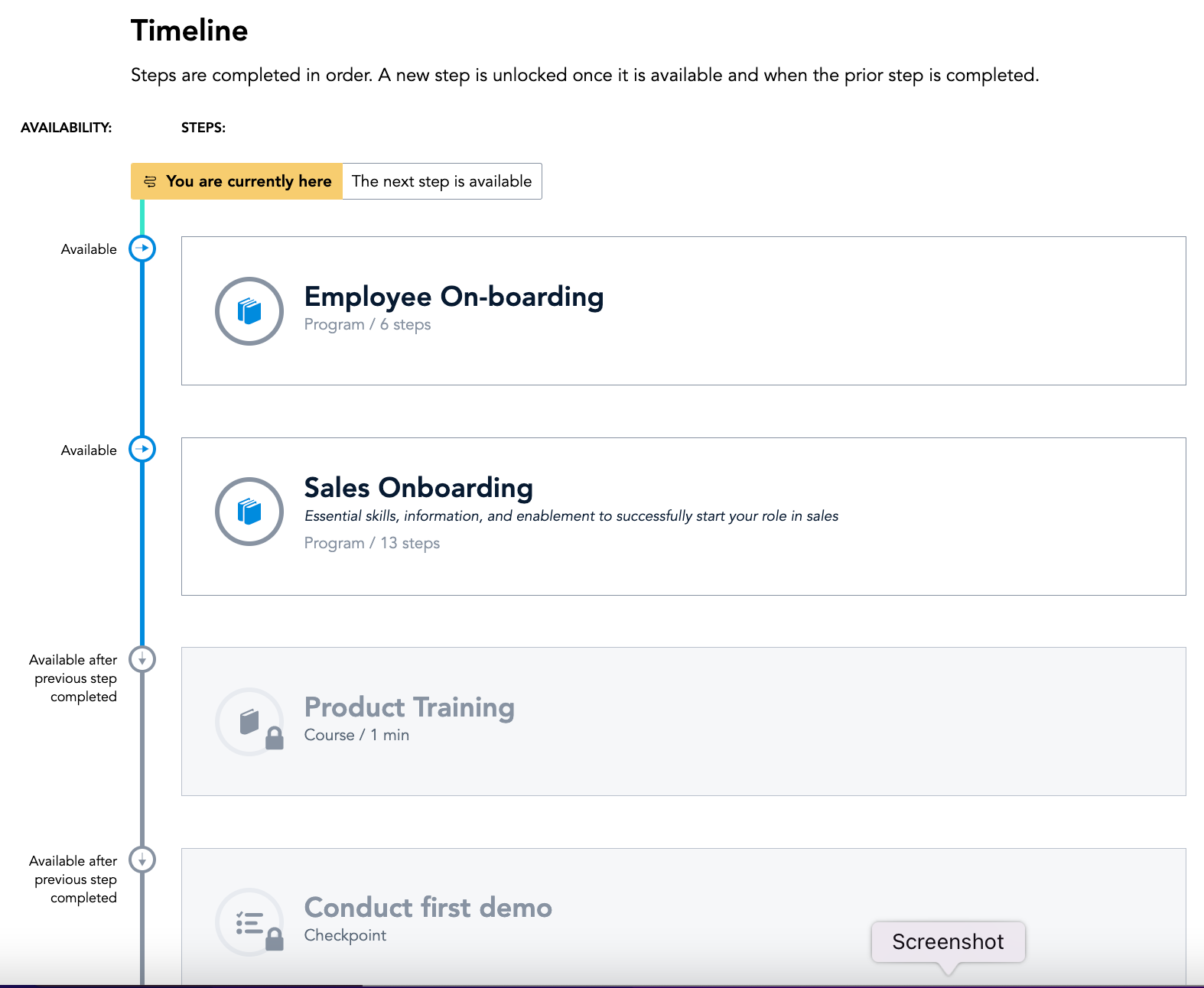    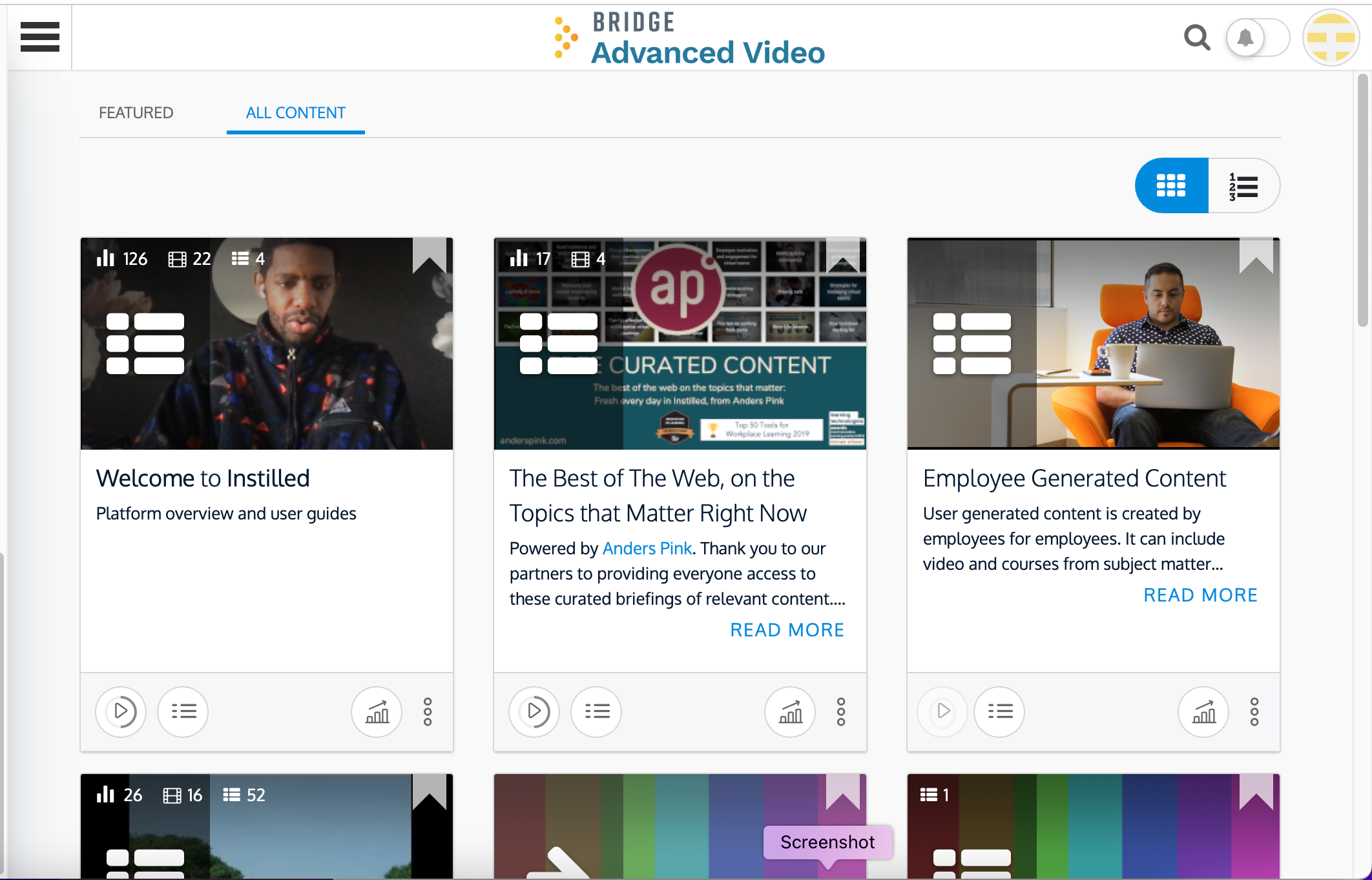 | Small Improvements Screenshots      |



