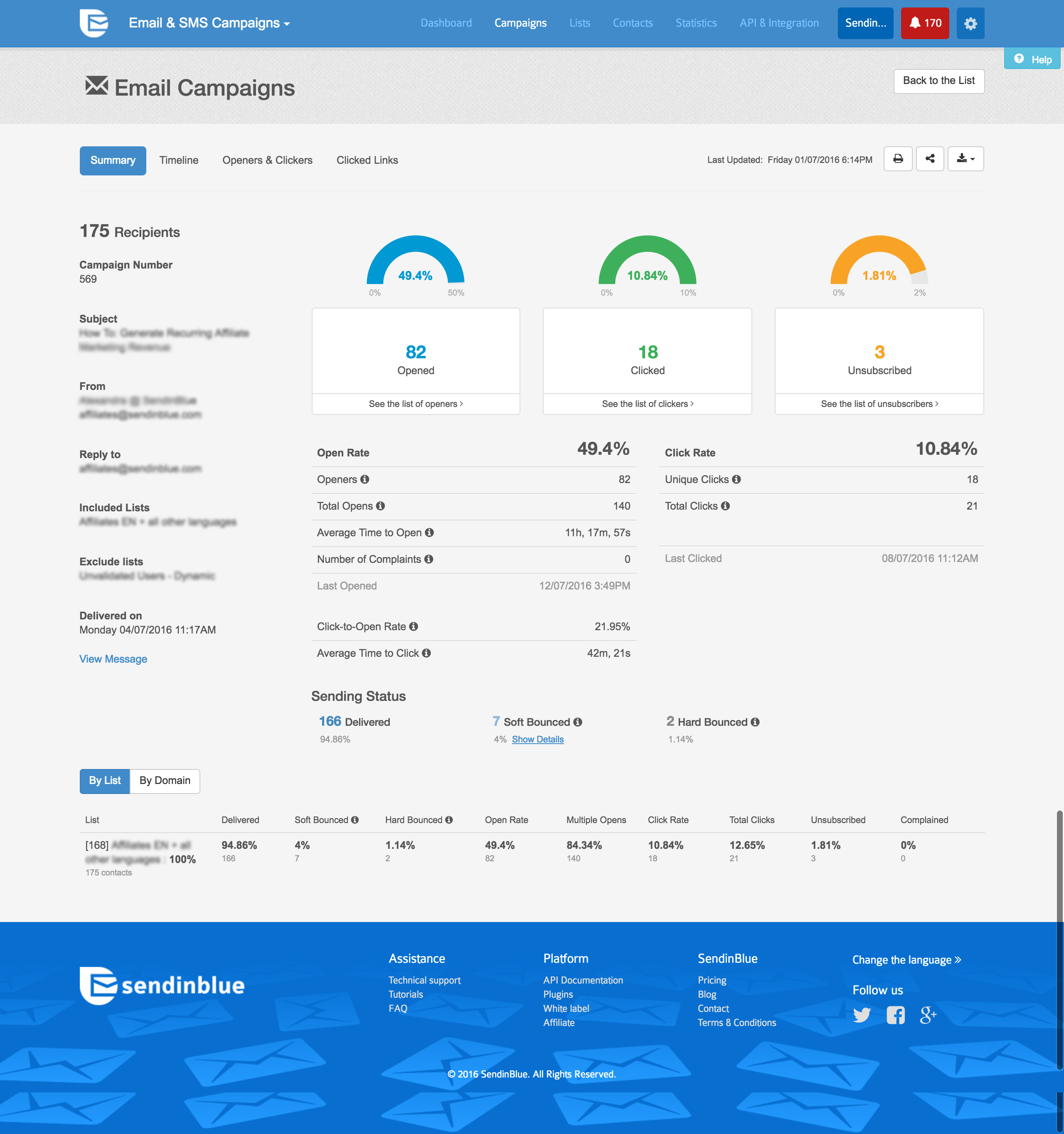
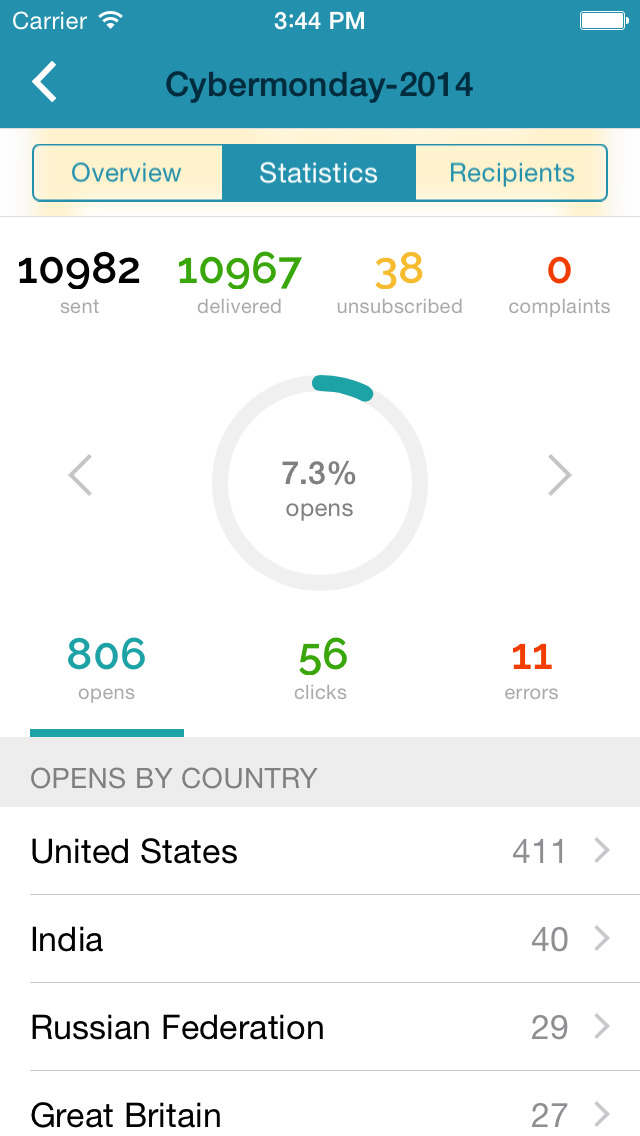
Brevo, formerly known as Sendinblue, is the leading customer relationship management (CRM) suite designed to fully cultivate long-term customer relationships and to empower businesses to expand in a fast changing digital world. With Brevo, businesses have a unified view of the customer journey in one easy-to-use platform thanks to intuitive and scalable marketing and CRM tools such as Email, SMS, WhatsApp, Chat, Marketing Automation, Meetings, and much more.
$0
per month
SendPulse
Score3.5 out of 10
N/A
SendPulse is an integrated messaging platform providing user communication that includes emails, SMS, web push, SMTP, and user management.. This solution includes 15,000 free emails with up to 2,500 subscribers per month.
N/A
Pricing
Brevo
SendPulse
Editions & Modules
Free
$0
per month
Lite
$25
per month
Premium
$65
per month
Enterprise
Contact sales team
No answers on this topic
Offerings
Pricing Offerings
Brevo
SendPulse
Free Trial
Yes
Yes
Free/Freemium Version
Yes
Yes
Premium Consulting/Integration Services
No
No
Entry-level Setup Fee
No setup fee
No setup fee
Additional Details
SendinBlue pricing is based on the number of email messages sent, rather than the number of contacts you keep in your account. Try SendinBlue with a free account and send up to 9,000 emails per month (300 emails per day). As your business grows, you can upgrade to a plan that meets your needs without breaking the bank! Send up to 40,000 emails per month for just $7.37 -- or send even more emails at great prices.
Pricing starts from $9 a month and depends on the number of messages sent.
Admin in Information Technology at Milyin (Media Production, 11-50 employees)
Chose Brevo
Brevo gives me the perfect balance of bang and the buck. Its really powerful, but it is good on cost. MailChimp was too costly for me, and tools like SendPulse were cheap but lacked the analytics and reports that I desire. sendgrid was decent but often had reliability issues …
A de minimis incentive was given to thank the reviewer for their time. The incentive was not used to bias or drive a particular response, nor was the incentive contingent on a positive endorsement. More Info
Founder in Marketing at Buattokoonline.id (Marketing and Advertising, 1-10 employees)
Chose SendPulse
SendPulse's artificial intelligence feature and the easy but powerful A/B Testing feature helps us test many subject ideas for our subscribers. The other similar product in the email marketing field doesn't have push notifications on the browser. Push notification is not and …
A de minimis incentive was given to thank the reviewer for their time. The incentive was not used to bias or drive a particular response, nor was the incentive contingent on a positive endorsement. More Info
I wanted to pull a publication from MailChimp and park it elsewhere. Brevo was a bit of a pain to set up, but after I invested the onboarding time, it's been a cost-effective way to produce this newsletter. I would encourage someone to build in the time with both templates and editor. After that, using Brevo is as easy as using other services.
A de minimis incentive was given to thank the reviewer for their time. The incentive was not used to bias or drive a particular response, nor was the incentive contingent on a positive endorsement. More Info
SendPulse is great if you want to connect with your list on a more personal basis, and making sure that your email reaches your subscriber when it is best for him/her. You can also use the SMS function (though I haven't used it yet). Let's say you have clients and want to send a message to them automatically on their birthday, SendPulse allows you to do that. It allows you to add in specific fields that are relevant to you, in order to customise your messaging as much as you want and need.
A de minimis incentive was given to thank the reviewer for their time. The incentive was not used to bias or drive a particular response, nor was the incentive contingent on a positive endorsement. More Info
A de minimis incentive was given to thank the reviewer for their time. The incentive was not used to bias or drive a particular response, nor was the incentive contingent on a positive endorsement. More Info
not easy to move/duplicate sections. much easier to just drag and drop. still working this out.
don't like the logo or text included with the newsletter sign up form. have now upgraded, but think this should not be included for lower pricing plans
not getting issues completely answered by support team. currently have an issue with email sign up not working on mobile. have been told it is not working, but not given any suggestions on how to fix this.
have had unusual issue come up with a link. On 2 separate occasions, with 2 separate newsletters that went out, and 2 different images/articles/links, the link was wrong. Even though we checked it, previewed it and sent test email before we sent out these newsletters and these links were correct. It is the section at the bottom of our current newsletter. On both these occasions, when the customer has forwarded the email they received to us, the link was was to an old link - and it was the same old link on both occasions. We have asked for this to be looked into and are waiting on reply. We are going to try to delete this section this week and re-create. It is not a good look for us.
We have another issue with how our newsletter is previewing in Outlook. The images and the text are not lining up - not on every section, but on 2 sections out of the 5 sections. Also, the Read Full Article text in the button is not showing properly. Again, not a professional look for us which we are not happy with.
A de minimis incentive was given to thank the reviewer for their time. The incentive was not used to bias or drive a particular response, nor was the incentive contingent on a positive endorsement. More Info
I like its Drag and Drop function to design e-mailers but it lacks in some functionalities. Foe example when I write two different contents in a same box I need a line to show separation between my contents in the same box but this feature is unavailable in SendPulse.
They should include more fonts. Every product or service needs different kind of fonts to make a right impact on customers. With limited option of fonts it restricts user's creativity.
It is good to have templates to give users some idea for designing campaigns but here SendPluse has nothing much to offer. They have very limited number of templates.
A de minimis incentive was given to thank the reviewer for their time. The incentive was not used to bias or drive a particular response, nor was the incentive contingent on a positive endorsement. More Info
A de minimis incentive was given to thank the reviewer for their time. The incentive was not used to bias or drive a particular response, nor was the incentive contingent on a positive endorsement. TR verified that a representative sample of customers was invited. More Info
Very user-friendly. I don't know how to code, but the program allows me to create visually appealing things with numerous options. Fairly intuitive. I have used it for a few years and have been happy. Works well for what we need.
A de minimis incentive was given to thank the reviewer for their time. The incentive was not used to bias or drive a particular response, nor was the incentive contingent on a positive endorsement. More Info
I find that overall SendPulse is very intuitive to use and the support is there to help you out in case you don't find how to do what you wish to do. The drag and drop functionalities make it easy to create the newsletters you want. Every field is explained and small tutorials are included to show you how to create a new template, newsletter, etc. which makes it very easy to use.
Everything loads very quickly, it saves as you go along so you're unlikely to loose work if your computer fails. Reports are there immediately too so you're able to act quickly on customer engagement.
These people helped me identify errors when setting up DKIM and were more than helpful in trying to diagnose low open rates with a few campaigns identifying where improvement can be made and how to more effectively manage contact lists. The support is excellent.
A de minimis incentive was given to thank the reviewer for their time. The incentive was not used to bias or drive a particular response, nor was the incentive contingent on a positive endorsement. More Info
Every time I contacted the support team with a question or a problem, they were very fast in replying and helping me out solve it. Usually latest within 10 minutes I would receive a first answer, and the problem would get solved on the same day.
A de minimis incentive was given to thank the reviewer for their time. The incentive was not used to bias or drive a particular response, nor was the incentive contingent on a positive endorsement. TR verified that a representative sample of customers was invited. More Info
I selected Sendinblue because my users and customers don't speak and read English, so the french version of an email solution was the best way to answer them. Since 2017, I always recommended Sendinblue to my customers and partners, even if they use another solution, I convert them and never go back again.
A de minimis incentive was given to thank the reviewer for their time. The incentive was not used to bias or drive a particular response, nor was the incentive contingent on a positive endorsement. More Info
For SendPulse's price point, I consider their competition to be the likes of Mailchimp, ConstantContact, etc. While SendPulse rates roughly average across the board in all areas, for businesses looking for the cheapest option (which comes with a lack of features/quality), ConstantContact beats them. For quality/features/value, I'd say Mailchimp is the best option for small businesses.
A de minimis incentive was given to thank the reviewer for their time. The incentive was not used to bias or drive a particular response, nor was the incentive contingent on a positive endorsement. More Info
A de minimis incentive was given to thank the reviewer for their time. The incentive was not used to bias or drive a particular response, nor was the incentive contingent on a positive endorsement. More Info