
bramble vs. PTC Creo
| Product | Rating | Most Used By | Product Summary | Starting Price |
|---|---|---|---|---|
 bramble | N/A | N/A | bramble is a cloud based, solver agnostic CFD platform with customised data management. Designed to maximise the value of simulation for its customers, it has streamlined the pre- and post simulation process, increasing productivity, allowing engineers to be hyper productive. bramble offers: Simulation cost-effectiveness - no license or subscription fees, simulations are pay as you go. Productivity - with compressed design cycles, including automated CFD… | $0.01 per core-hour |
 PTC Creo | Score5.4 out of 10 | N/A | PTC offers Creo, the company's line of computer-aided design (CAD) products that support the product lifecycle management (PLM) process with 2D and 3D design kits (Creo Elements and Creo Direct), an augmented reality module, Creo Illustrate for technical illustrations, Creo Sketch, Creo Schematics and Creo View for diagramming and sharing information, Creo simulate for running simulations, and other modules. | $2,480 |
| bramble | PTC Creo | |||||||||||||||
|---|---|---|---|---|---|---|---|---|---|---|---|---|---|---|---|---|
| Editions & Modules | No answers on this topic |
| ||||||||||||||
| Offerings |
| |||||||||||||||
| Entry-level Setup Fee | Optional | No setup fee | ||||||||||||||
| Additional Details | Public Cloud - bramble servers offer access to over 3000+cores of CDF optimised HPC for £0.0575 per core-hour Hybrid Cloud - bramble servers but not bramble's 3000+ cores. After choosing an HPC bramble will link up to it for the cost of the HPC plus £0.0106 per core-hour Private Cloud - bramble running on on an organization's own network, requiring no internet connection, so all data is kept in-house. For the cost of HPC plus £0.0106 per core-hour | — | ||||||||||||||
| More Pricing Information | ||||||||||||||||
| bramble | PTC Creo | |
|---|---|---|
| Considered Both Products | No answer on this topic | No answer on this topic |
| Key User Insights | ||
| Would buy again | ||
No answers on this topic | 90% Would buy again 9 Answers | |
| Delivers good value for the price | ||
No answers on this topic | 80% Delivers good value for the price 8 Answers | |
| Happy with the feature set | ||
No answers on this topic | 80% Happy with the feature set 8 Answers | |
| Lived up to sales and marketing promises | ||
No answers on this topic | 100% Lived up to sales and marketing promises 5 Answers | |
| Implementation went as expected | ||
No answers on this topic | 100% Implementation went as expected 7 Answers | |
| bramble | PTC Creo | ||||||||||||||||||||||||||||
|---|---|---|---|---|---|---|---|---|---|---|---|---|---|---|---|---|---|---|---|---|---|---|---|---|---|---|---|---|---|
| Computer-Aided Design Software |
| ||||||||||||||||||||||||||||
| bramble | PTC Creo | |
|---|---|---|
| Small Businesses | No answers on this topic |  Onshape Score10 out of 10 |
| Medium-sized Companies | No answers on this topic | Onshape Score10 out of 10 |
| Enterprises | No answers on this topic |  Rhino Score9.1 out of 10 |
| All Alternatives | View all alternatives | View all alternatives |
| bramble | PTC Creo | |
|---|---|---|
| Likelihood to Recommend | - | 2.2 |
| Support Rating | - | 8.0 |
| bramble | PTC Creo | |
|---|---|---|
| Likelihood to Recommend | No answers on this topic |
|
| Pros | No answers on this topic |
|
| Cons | No answers on this topic |
|
| Support Rating | No answers on this topic |
|
| Alternatives Considered | No answers on this topic |
|
| Return on Investment | No answers on this topic |
|
| ScreenShots | bramble Screenshots 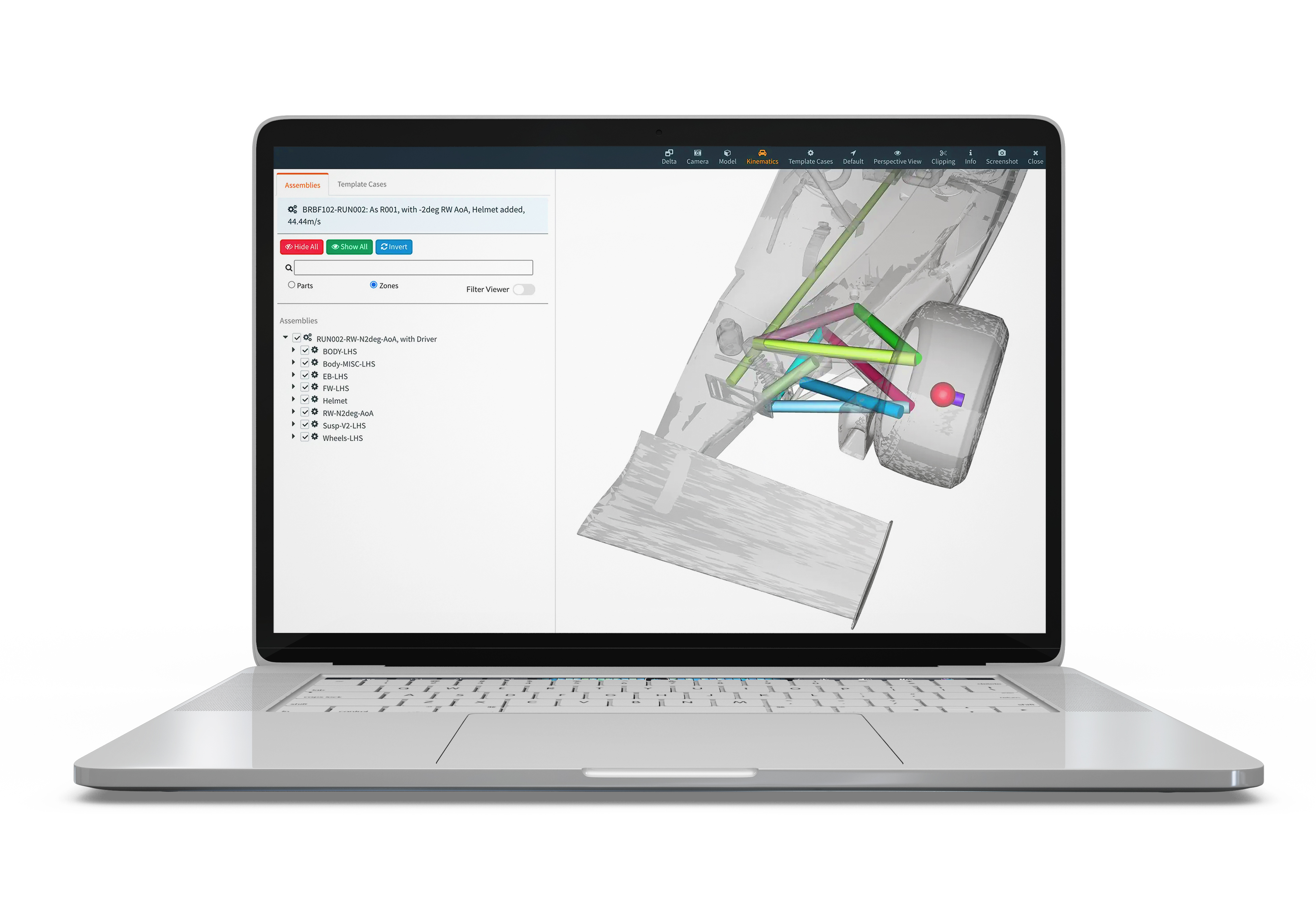   |


