BrainStorm's on-demand platform QuickHelp is adapted to each company and individual user and is engineered to turn education into learning experiences.
N/A
ClickLearn
Score8 out of 10
Mid-Size Companies (51-1,000 employees)
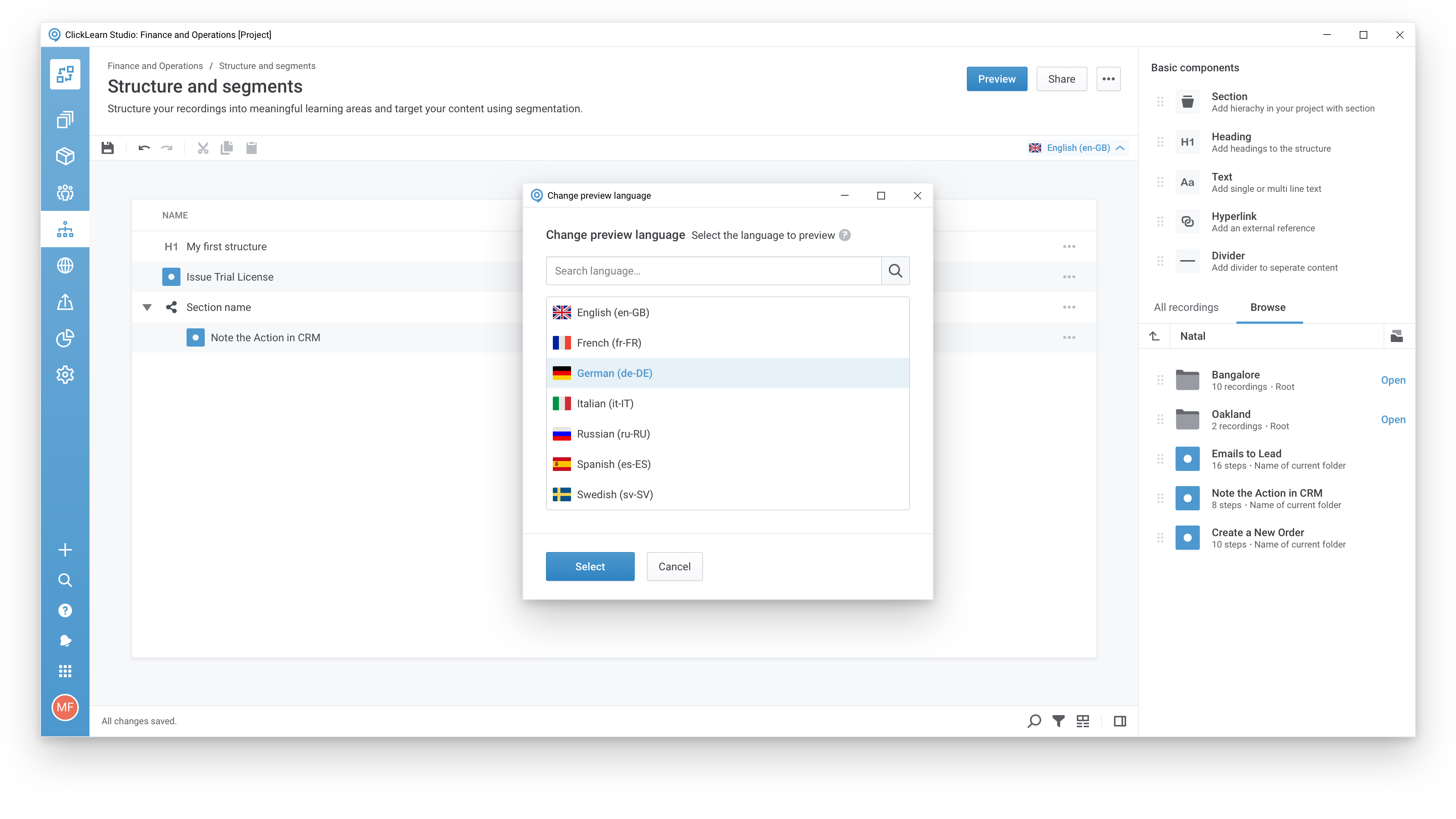
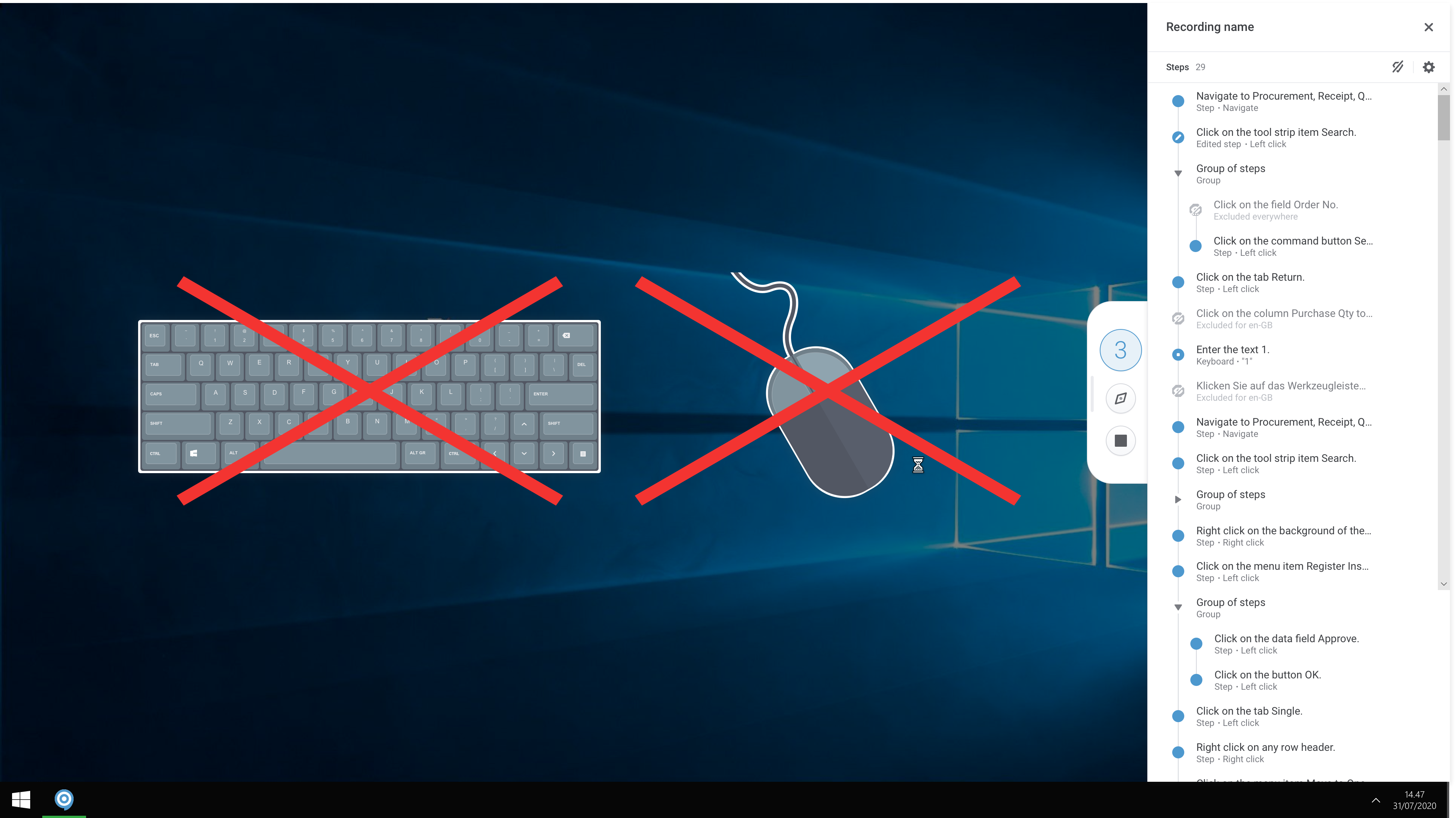
ClickLearn automates the process of creating training material and documentation of popular business systems such as Microsoft D365, SAP, and Oracle. With ClickLearn, users click through processes and ClickLearn records actions. When these are recorded, ClickLearn automatically delivers the resulting content in these 7 different formats to be used in training situation: Step-by-step instructions in HTML for posting online Step-by-step instructions in Word and…
Using the Brainstorm platform, we are able to provide employees with quick and instant training on pretty much everything Microsoft 365. The video training is perfect for the workforce: it's timely, precise, and very thorough. If we were to hire trainers to build and deliver all specific MS product training, it would not be cost-effective. The value of Brainstorm shines through from the aspects of productivity training. What is not much talked about is the time and cost savings associated with self-education. Users of the platform can uncover product use tips and tricks without contacting the company's help center or bothering to ask another co-worker for help. The Brainstorm platform provides courses that greatly improve the user's MS product line experience.
A de minimis incentive was given to thank the reviewer for their time. The incentive was not used to bias or drive a particular response, nor was the incentive contingent on a positive endorsement. More Info
Even though ClickLearn is quite a handy tool, it takes time to create new records, or more like modifying those to be suitable for use. Also, when I have had questions about ClickLearn and considering that the software is for generating for example manuals, I have struggled with finding solutions to cases from the ClickLearn site. For example how to enable/disable Assistant -functionality. Had two private sessions, with two different support persons, getting two different ways to do things. Not good.
A de minimis incentive was given to thank the reviewer for their time. The incentive was not used to bias or drive a particular response, nor was the incentive contingent on a positive endorsement. More Info
A de minimis incentive was given to thank the reviewer for their time. The incentive was not used to bias or drive a particular response, nor was the incentive contingent on a positive endorsement. More Info
A de minimis incentive was given to thank the reviewer for their time. The incentive was not used to bias or drive a particular response, nor was the incentive contingent on a positive endorsement. More Info
A de minimis incentive was given to thank the reviewer for their time. The incentive was not used to bias or drive a particular response, nor was the incentive contingent on a positive endorsement. More Info
Brainstorm is just a better enterprise training system compared to other MS-365 training applications on the market. BrainStorm QuickHelp includes reliability and ease of use already built into the system which is very user-friendly. Speaking of the training tools, they are formatted in a huge variety of deliverable media that the end user will feel comfortable with: PDF, video, live event, group learning forums, et. Learners can forge their own path and set up their own learning schedule on their own time. These customized paths can be perfectly tailored for each user's needs. Honestly, Brainstorm Quickhelp just makes it easy.
A de minimis incentive was given to thank the reviewer for their time. The incentive was not used to bias or drive a particular response, nor was the incentive contingent on a positive endorsement. More Info
A de minimis incentive was given to thank the reviewer for their time. The incentive was not used to bias or drive a particular response, nor was the incentive contingent on a positive endorsement. More Info
A de minimis incentive was given to thank the reviewer for their time. The incentive was not used to bias or drive a particular response, nor was the incentive contingent on a positive endorsement. More Info