
Boxmode Inc. vs. WebWave
Boxmode Inc. vs. WebWave
| Product | Rating | Most Used By | Product Summary | Starting Price |
|---|---|---|---|---|
 Boxmode Inc. | N/A | Boxmode is a new website builder that offers a set of tools for online project, big or small. Users can obtain an online presence, ranging from promotional landing pages to comprehensive business websites and online stores. The vendor boasts its ease of use, a variety of embedded assets, and useful integrations make Boxmode a solution for beginners and pros alike. Boxmode is designed to help users increase conversions and boost sales. The vendor states they ensured this with their UX… | $0 per project | |
 WebWave | N/A | WebWave — an alternative for agencies and freelancers for creating custom websites for clients with the support of CMS. Using CMS with no sacrifices WebWave is a CMS platform that gives a designer precision up to 1 px in every single detail just like in more sophisticated graphic programs such as Photoshop while remaining a drag and drop software. This is to make creating websites much faster without loosing on details. Spend less time talking WebWave… | N/A |
| Boxmode Inc. | WebWave | |||||||||||||||
|---|---|---|---|---|---|---|---|---|---|---|---|---|---|---|---|---|
| Editions & Modules |
| No answers on this topic | ||||||||||||||
| Offerings |
| |||||||||||||||
| Entry-level Setup Fee | Required | $7 per month | ||||||||||||||
| Additional Details | The Starter pricing plan works well for those who want to try out the solution and understand whether it’s a good fit for their needs. The free Boxmode Starter plan provides access to the website builder’s primary tools and features without any time limits. The Lite plan works for users who need to adapt their websites to an increasing workload (the sites get more visits, or owners must add more content) typical for small companies that grow dynamically. The Boxmode Growth plan unlocks all of the website builder features. Its subscribers can integrate analytics solutions to make data-driven decisions, use extra SEO tools, customize site design and expand its functionality to meet their customers’ specific needs, among other things. The Growth subscribers can integrate third-party analytics tools, add custom code via HTML iFrame, add noopener, noreferrer, and nofollow attributes for links, and schedule a live tutorial session about using the website builder. | — | ||||||||||||||
| More Pricing Information | ||||||||||||||||
| Boxmode Inc. | WebWave |
|---|
| Boxmode Inc. | WebWave | |
|---|---|---|
| Small Businesses |  ManageWP Score 10.0 out of 10 |  Ecwid by Lightspeed Score 10.0 out of 10 |
| Medium-sized Companies |  RWS Tridion Sites Score 9.0 out of 10 |  10Web Score 5.1 out of 10 |
| Enterprises | RWS Tridion Sites Score 9.0 out of 10 |  Adobe Experience Manager Score 8.4 out of 10 |
| All Alternatives | View all alternatives | View all alternatives |
| Boxmode Inc. | WebWave | |
|---|---|---|
| Likelihood to Recommend | - (0 ratings) | 9.6 (0 ratings) |
| Usability | - (0 ratings) | 10.0 (0 ratings) |
| Support Rating | - (0 ratings) | 5.3 (0 ratings) |
| Boxmode Inc. | WebWave | |
|---|---|---|
| Likelihood to Recommend |  No answers on this topic | 
 Jay Turner Owner |
| Pros | No answers on this topic |
 Joshua Turvey Founder, Online Tutor |
| Cons | No answers on this topic |
|
| Usability | No answers on this topic |
 Maciej Szczyciński Projektant witryn internetowych freelancer |
| Support Rating | No answers on this topic |
 Sanjay Marathe Proprietor |
| Alternatives Considered | No answers on this topic |
|
| Return on Investment | No answers on this topic |
 Rafał Mróz Owner |
| ScreenShots | Boxmode Inc. Screenshots  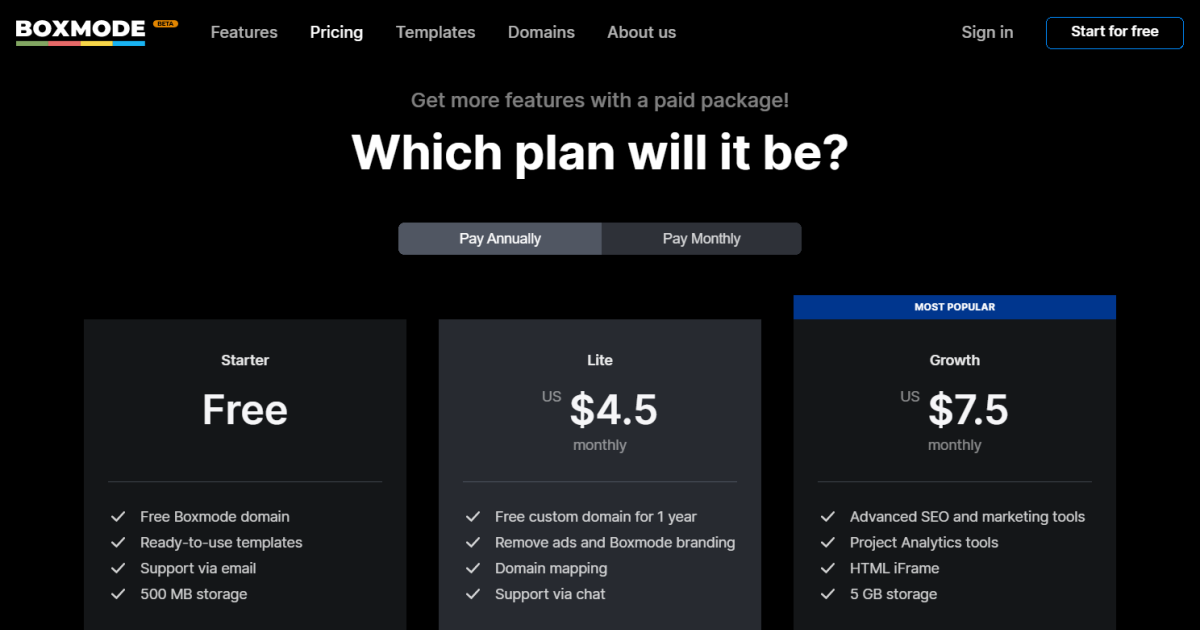    | WebWave Screenshots 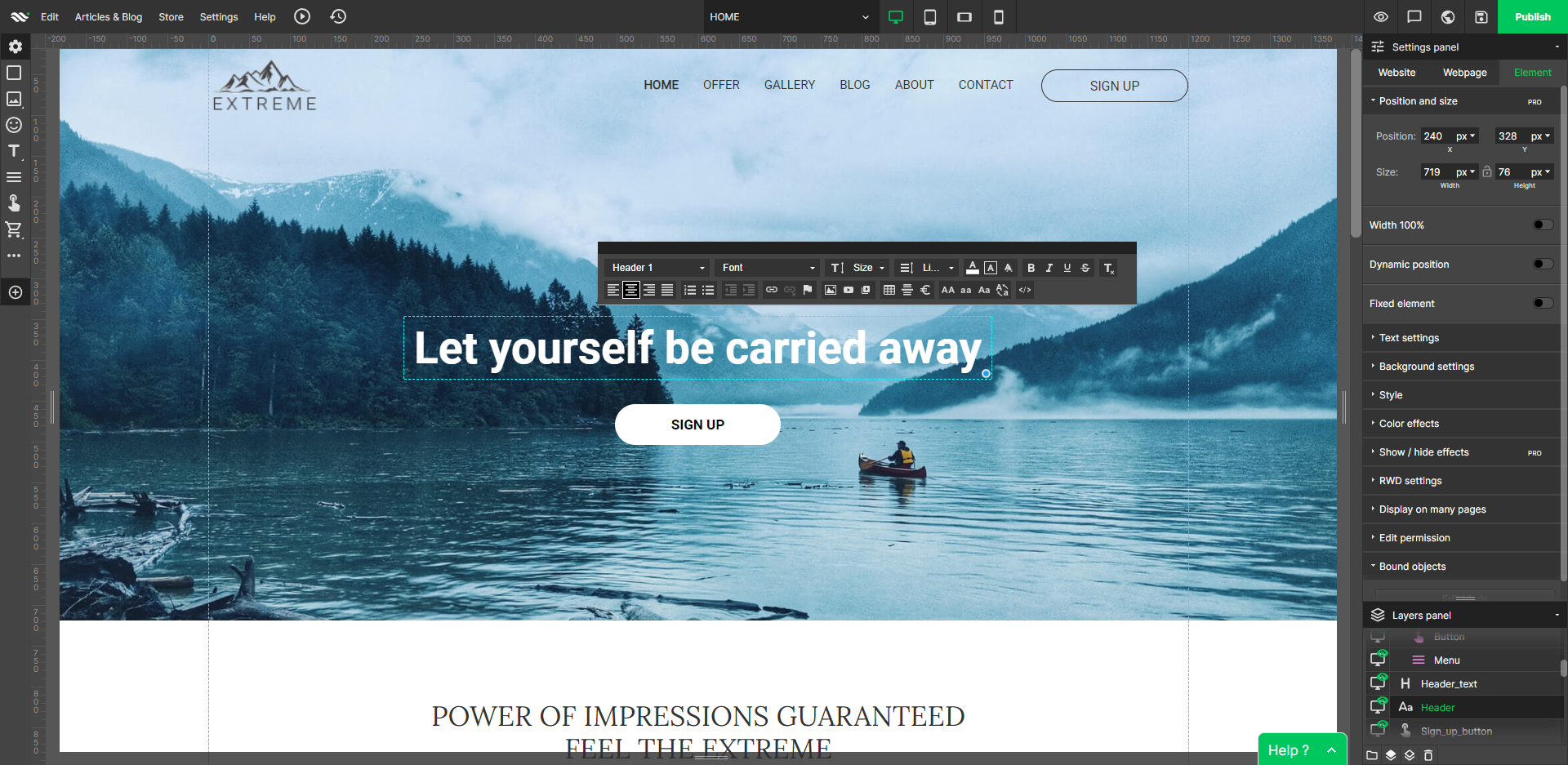     |