Boomi is a cloud-based, on-premise, or hybrid integration platform. It offers a low-code/no-code
interface with the capacity for API and EDI connections for integrating with external organizations and
systems, as well as compliance with data protection regulations.
$550
per month
Zoho Flow
Score9.3 out of 10
N/A
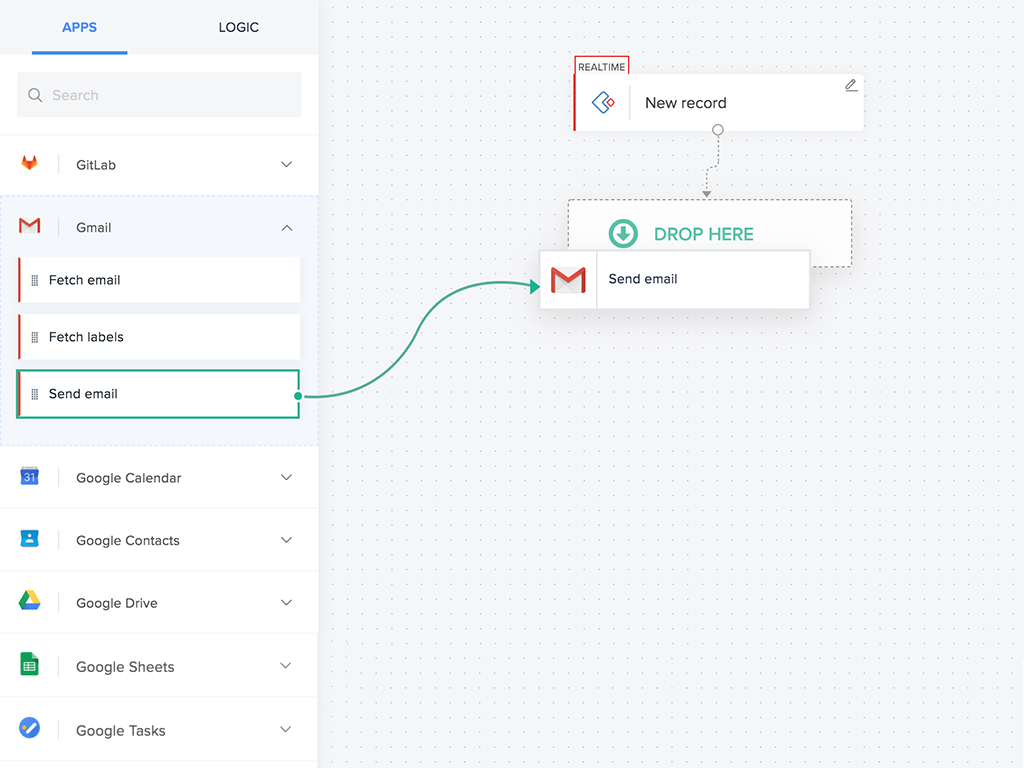
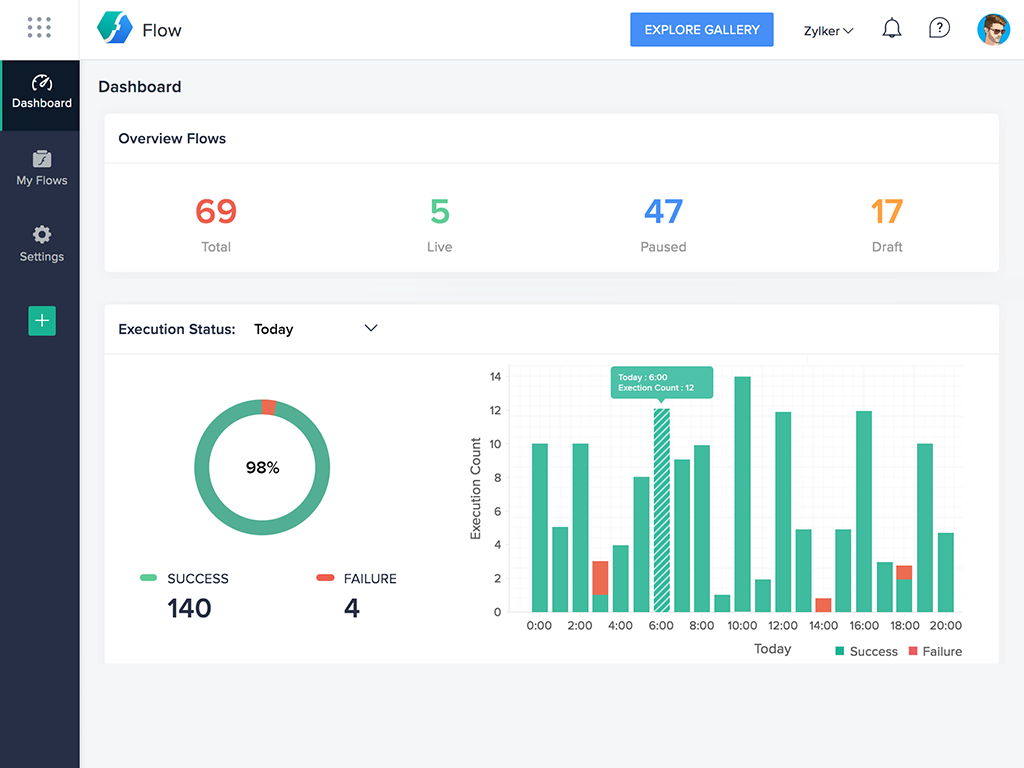
Zoho Flow allows the user to integrate business apps to automate a workflow.
$29
per month (for 5k tasks per month)
Pricing
Boomi
Zoho Flow
Editions & Modules
Boomi
$550
per month
Standard
starting at $29
per month starting with 5k tasks per month
Professional
starting at $49
per month starting with 10k tasks per month
Offerings
Pricing Offerings
Boomi
Zoho Flow
Free Trial
No
Yes
Free/Freemium Version
No
Yes
Premium Consulting/Integration Services
No
Yes
Entry-level Setup Fee
No setup fee
Optional
Additional Details
—
Discount available for annual pricing. Higher monthly task volume available.
Legacy systems often need to be replaced or integrated with new applications in order to modernize businesses. A strong API strategy that avoids custom coding and third-party programs is essential to enable this integration. Boomi's new-age connectivity and integration solutions ensure safe, secure, and robust integration. In the age of information, businesses are under more pressure than ever to be able to collect and manage large amounts of data. This data comes in from a variety of sources, including personalized devices such as voice assistants and wearable tech. While this data can be immensely valuable to businesses, they often lack the infrastructure necessary to handle it effectively. This can lead to data build-up in databases or silos, and can eventually lead to problems with integration and security.
For small—to medium-sized connections between different applications, Zoho Flow is quick and easy to set up and test. However, as a Flow becomes more complicated with multiple connections and decisions, it becomes more difficult to track errors and faults and manage changes. Some of this is due to the history not being detailed enough, and some is just the UI, where you can't zoom in and out and clearly see connecting lines for flows.
A de minimis incentive was given to thank the reviewer for their time. The incentive was not used to bias or drive a particular response, nor was the incentive contingent on a positive endorsement. More Info
A de minimis incentive was given to thank the reviewer for their time. The incentive was not used to bias or drive a particular response, nor was the incentive contingent on a positive endorsement. More Info
A de minimis incentive was given to thank the reviewer for their time. The incentive was not used to bias or drive a particular response, nor was the incentive contingent on a positive endorsement. More Info
More from a development perspective. It is always difficult to use the properties features. It takes a while to understand how the data/variables can be used across an integration.
Dell Boomi should also invest more on API Management and not just seen as a ETL,ESB tool.
Should roll out features more often based on users reviews.
A de minimis incentive was given to thank the reviewer for their time. The incentive was not used to bias or drive a particular response, nor was the incentive contingent on a positive endorsement. More Info
A de minimis incentive was given to thank the reviewer for their time. The incentive was not used to bias or drive a particular response, nor was the incentive contingent on a positive endorsement. More Info
Dell Boomi has provided us with the ability to connect our campus together using our various existing platforms. There are many supported features and have yet to run into something that we cannot do. Its user interface is very intuitive which would allow users to begin developing fairly easily. There is a myriad of resources available
A de minimis incentive was given to thank the reviewer for their time. The incentive was not used to bias or drive a particular response, nor was the incentive contingent on a positive endorsement. More Info
My IT and Finance teams have noted that setting up the tool is a breeze. Dell Boomi has never caused an issue during a system implementation that I am aware of. We are pleased with the tool and recommend others consider it.
A de minimis incentive was given to thank the reviewer for their time. The incentive was not used to bias or drive a particular response, nor was the incentive contingent on a positive endorsement. More Info
Flow can accomplish almost anything you want to do. It's imperfect, but it could be with just a few more features and better error management/visibility. For someone who's not a developer, this is a no-brainer. Having used other products in the past, like Zapier, this is as easy to use, if not even easier.
A de minimis incentive was given to thank the reviewer for their time. The incentive was not used to bias or drive a particular response, nor was the incentive contingent on a positive endorsement. More Info
The atom sphere takes a time to load, when I open a process or when I open a log. One more slow processing is when I import objects from NetSuite.
About the performance of processing, it looks like Boomi takes a time to initialize some things such as connectors before starting the process. This is also performance we have.
A de minimis incentive was given to thank the reviewer for their time. The incentive was not used to bias or drive a particular response, nor was the incentive contingent on a positive endorsement. More Info
Boomi support was responsive and knowledgable, however being a closed cloud service, it doesn't have good community support. We found the learning curve to be steep and there aren't avenues like google, forums, or blogs that provide community driven insight into the product or how to go about designing solutions using the tool
A de minimis incentive was given to thank the reviewer for their time. The incentive was not used to bias or drive a particular response, nor was the incentive contingent on a positive endorsement. More Info
I've reached out to the support team several times with assistance requests in Zoho Flow. Each time the team has answered my questions promptly and accurately. And because we are mainly integrating other Zoho apps their teams are perfectly positioned to solve our problems.
A de minimis incentive was given to thank the reviewer for their time. The incentive was not used to bias or drive a particular response, nor was the incentive contingent on a positive endorsement. More Info
We decided to go with Dell Boomi because another department in our company was already using the software. We did not research competitor applications to use as our business solution. Dell Boomi was very easy and quick to set up, so once we decided to use Dell Boomi for systems integration, we had it set up and running within a few working days.
A de minimis incentive was given to thank the reviewer for their time. The incentive was not used to bias or drive a particular response, nor was the incentive contingent on a positive endorsement. More Info
I've used Zapier and both programs are similar. Zapier has deeper integrations or more apps to integrate with but considering Flow's association with other Zoho apps this does it for us!
A de minimis incentive was given to thank the reviewer for their time. The incentive was not used to bias or drive a particular response, nor was the incentive contingent on a positive endorsement. More Info
It has allowed us to scale significantly without having to add headcount, specifically those geared towards data entry. We went from a $10m ARR business to $200m ARR business with the same amount of Order Processors and 12x amount of transactions by leveraging Boomi to perform a lot of the work, and then having the Order Processing team to simply review that the transaction was processed successfully.
A de minimis incentive was given to thank the reviewer for their time. The incentive was not used to bias or drive a particular response, nor was the incentive contingent on a positive endorsement. More Info
A de minimis incentive was given to thank the reviewer for their time. The incentive was not used to bias or drive a particular response, nor was the incentive contingent on a positive endorsement. More Info