Bolste vs. Notion

Overview
ProductRatingMost Used ByProduct SummaryStarting Price
Bolste
Score 9.1 out of 10
Enterprise companies (1,001+ employees)
Bolste™ is a complete business operating system, designed to simplify work-life and help businesses grow by streamlining communication and collaboration. The system brings together separate applications – email, chat, tasks, file-sharing, calendars, and more – into a single, simple platform. Available on the web and via iOS and Android apps, Bolste enables remote users to stay connected and productive from anywhere. The admin console shows employee activity, making it easy to…
$0
per user
Notion
Score 8.7 out of 10
N/A
Notion aims to present users with an all-in-one workspace — for notes, tasks, wikis, and databases, from Notion Labs in San Francisco.
$0
Pricing
BolsteNotion
Editions & Modules
Basic
$0
per user
Pro
$9.99
per month
Free
$0
Plus
$12
per month per user
Business
$24
per month per user
Enterprise
Custom Pricing
Offerings
Pricing Offerings
BolsteNotion
Free Trial
YesYes
Free/Freemium Version
YesYes
Premium Consulting/Integration Services
NoNo
Entry-level Setup FeeNo setup feeNo setup fee
Additional DetailsBolste offers three (3) packages that meet the exact needs of any user. BASIC is a free version perfect for an army of one or for small group to try out the solution. PRO is a more robust version perfect for larger teams and SMB organizations. CORPORATE is a full-scale version perfect for enterprise solutions.A discount is offered for annual billing.
More Pricing Information
Community Pulse
BolsteNotion
Features
BolsteNotion
Project Management
Comparison of Project Management features of Product A and Product B
Bolste
8.8
Ratings
13% above category average
Notion
9.9
Ratings
25% above category average
Task Management9.10 Ratings9.50 Ratings
Gantt Charts8.20 Ratings10.00 Ratings
Scheduling8.20 Ratings10.00 Ratings
Workflow Automation9.10 Ratings10.00 Ratings
Mobile Access9.10 Ratings10.00 Ratings
Search9.10 Ratings10.00 Ratings
Visual planning tools00 Ratings10.00 Ratings
Communication
Comparison of Communication features of Product A and Product B
Bolste
8.7
Ratings
9% above category average
Notion
9.6
Ratings
19% above category average
Chat9.10 Ratings10.00 Ratings
Notifications8.20 Ratings10.00 Ratings
Discussions8.20 Ratings10.00 Ratings
Internal knowledgebase8.20 Ratings10.00 Ratings
Integrates with GoToMeeting9.10 Ratings00 Ratings
Integrates with Gmail and Google Hangouts9.10 Ratings8.90 Ratings
Integrates with Outlook9.10 Ratings9.00 Ratings
Surveys00 Ratings9.30 Ratings
File Sharing & Management
Comparison of File Sharing & Management features of Product A and Product B
Bolste
8.9
Ratings
13% above category average
Notion
9.9
Ratings
23% above category average
Versioning8.20 Ratings10.00 Ratings
Video files9.10 Ratings10.00 Ratings
Audio files9.10 Ratings9.90 Ratings
Document collaboration9.10 Ratings10.00 Ratings
Access control9.10 Ratings10.00 Ratings
Advanced security features8.20 Ratings10.00 Ratings
Integrates with Google Drive9.10 Ratings9.20 Ratings
Device sync9.10 Ratings10.00 Ratings
Best Alternatives
BolsteNotion
Small Businesses
Stackby
Stackby
Score 9.0 out of 10
Stackby
Stackby
Score 9.0 out of 10
Medium-sized Companies
Troop Messenger
Troop Messenger
Score 9.8 out of 10
Troop Messenger
Troop Messenger
Score 9.8 out of 10
Enterprises
HCL Connections
HCL Connections
Score 9.0 out of 10
HCL Connections
HCL Connections
Score 9.0 out of 10
All AlternativesView all alternativesView all alternatives
User Ratings
BolsteNotion
Likelihood to Recommend
9.1
(0 ratings)
8.3
(0 ratings)
Usability
-
(0 ratings)
10.0
(0 ratings)
User Testimonials
BolsteNotion
Likelihood to Recommend
Bolste is best suited for companies that rely on team work and e-mail communication within/between departments
Read full review
At the company I work for, we use Notion as an organizational base for all sectors and projects. For example, we use it for the marketing team, customer support team, among others. And for each one, we can create pipelines, tasks, due dates, execution time, tags with different colors. It's something very versatile that helps with everything around here. We've even created a sales funnel in Notion.
Read full review
Pros
  • Keeps everybody on the same page.
  • Easy to access/use.
Read full review
  • I love that you can create nested pages, allowing for separate sections to organize information as needed.
  • I appreciate the convenience of effortlessly uploading images to any section.
  • I appreciate that when adding links, you can embed them so the website displays directly on the page.
Read full review
Cons
  • There is only 7GB of storage in the Plus Pack.
Read full review
  • I use Notion on my personal tablet, and unlike on the computer, I have a lot of difficulty editing backgrounds, GIFs, and page dividers. It's not as user-friendly, and often the elements end up cut off or misaligned, which is frustrating.
  • While the current calendar feature is helpful, I'd love to see more customization options. The Google Calendar style isn't always ideal, especially for tasks without specific times or for ongoing projects that require daily maintenance.
  • It would be fantastic to have more flexibility in customizing Notion pages. For example, I'd love to create planners with the freedom to add illustration boxes, stickers, or GIFs without being restricted to a fixed layout.
Read full review
Likelihood to Renew
No answers on this topic
We're too settled in the ecosystem and we have no major complaints with it. No reason to move unless you have a burning pain point
Read full review
Usability
No answers on this topic
Notion addresses most of our needs and help teams to organize their tasks, track their progresses and then archive for future reference. The company uses Notion to share announcement, holiday schedules, employee contact information and organizational structures. Everyone finds it useful and helpful. The notifications are instant. Reminders are on time.
Read full review
Alternatives Considered
No answers on this topic
Notion is much more robust than Google Tasks, which I find very limited. Notion is far more customizable and affordable than Asana, which is more of a turnkey solution for teams that want to work within a pre-defined structure. Notion and ClickUp are comparable, in my opinion, in terms of task management and affordability, however Notion is the more customizable and expansive option whereas ClickUp is mostly just for task management.
Read full review
Return on Investment
No answers on this topic
  • It has streamlined our processes across various teams to all work from a signle source of truth
  • Maintaining this source of truth is a full time job
  • It has reduced our overall tool set by completely eliminating two other softwares we were paying for
Read full review
ScreenShots

Bolste Screenshots

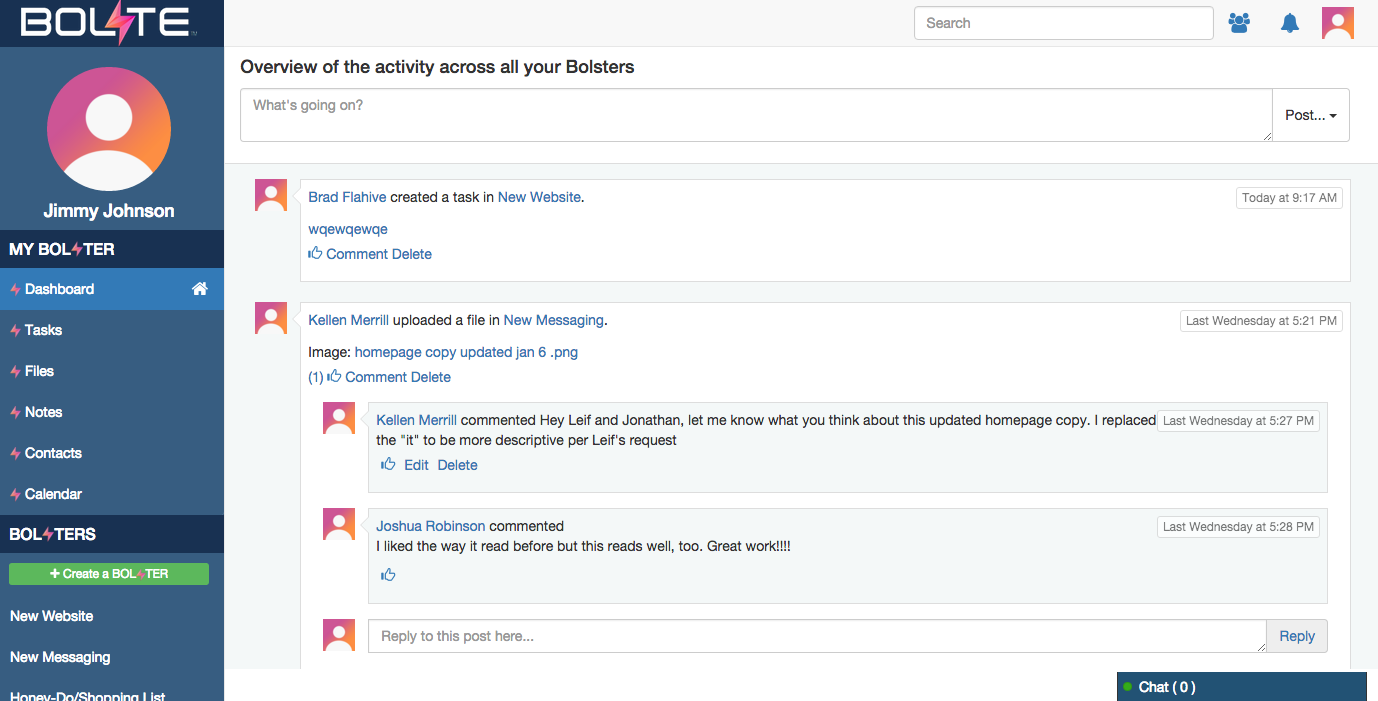
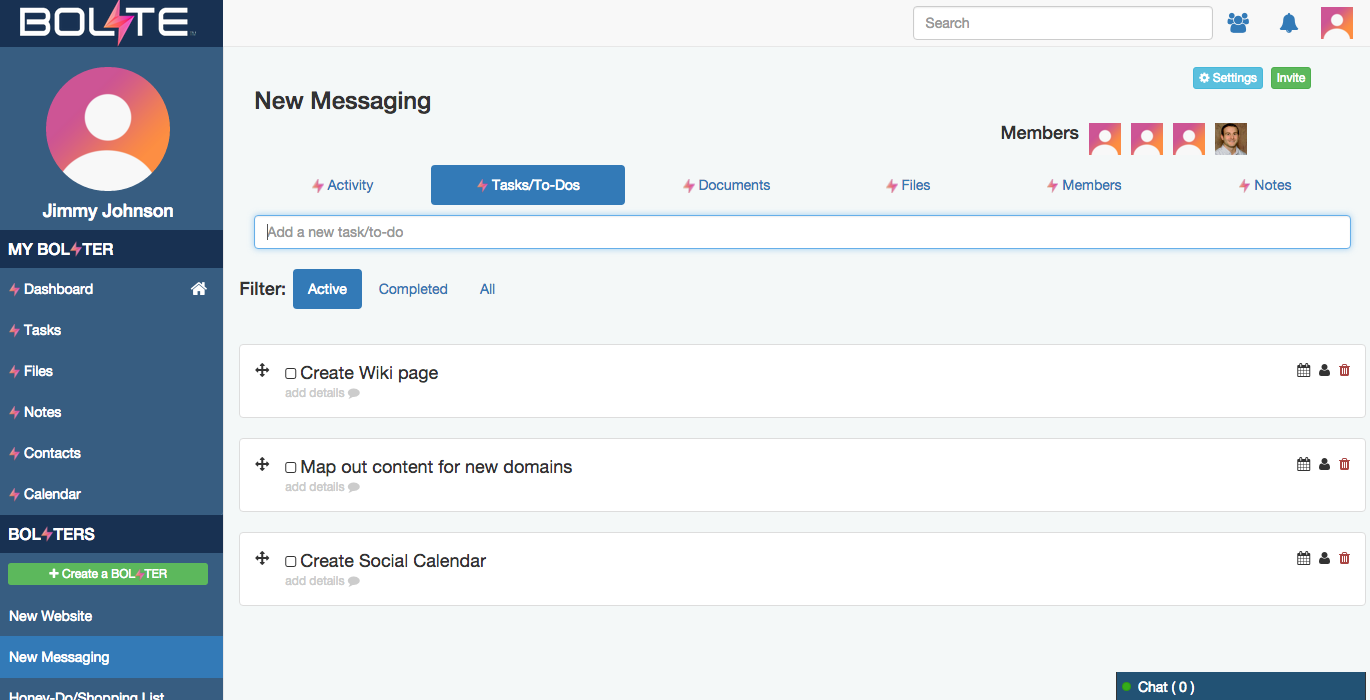
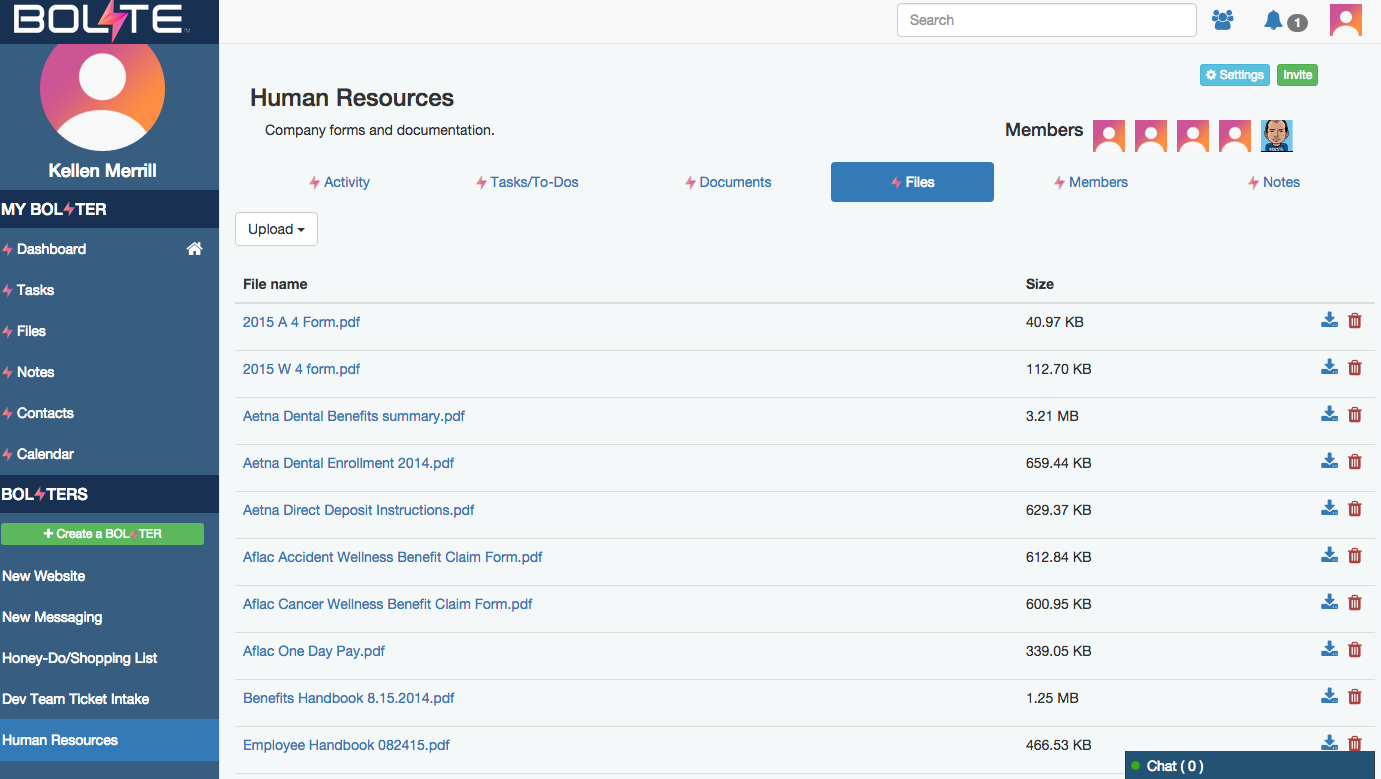
Screenshot of Activity Feed – displaying all activity across a your account, making it easy to see the latestScreenshot of Calendar – for scheduling meetings / events and tracking task due datesScreenshot of Tasks – for creating, assigning and managing tasks or "to-dos"Screenshot of Contacts – enabling you to easily connect with contacts from inside and out of your organizationScreenshot of Shared Files – allowing you to easily share and find filesScreenshot of Bolster Navigation – where you find your personal tools and files (under My Bolster), as well as your shared Bolsters for collaboration