Bolste vs. Miro

Overview
ProductRatingMost Used ByProduct SummaryStarting Price
Bolste
Score 9.1 out of 10
Enterprise companies (1,001+ employees)
Bolste™ is a complete business operating system, designed to simplify work-life and help businesses grow by streamlining communication and collaboration. The system brings together separate applications – email, chat, tasks, file-sharing, calendars, and more – into a single, simple platform. Available on the web and via iOS and Android apps, Bolste enables remote users to stay connected and productive from anywhere. The admin console shows employee activity, making it easy to…
$0
per user
Miro
Score 9.2 out of 10
N/A
Miro empowers cross-functional teams to flow from early discovery through final delivery on a shared, AI-first canvas. With the canvas as the prompt, Miro’s AI capabilities keep teams in the flow of work, and scale shifts in ways of working.
$0
Pricing
BolsteMiro
Editions & Modules
Basic
$0
per user
Pro
$9.99
per month
1. Free - To discover what Miro can do. Always free
$0
2. Starter - Unlimited and private boards with essential features
$8
per month (billed annually) per user
3. Business - Scales collaboration with advanced features and security
$16
per month (billed annually) per user
4. Enterprise - For work across the entire organization, with support, security and control, to scale
contact sales
annual billing per user
Offerings
Pricing Offerings
BolsteMiro
Free Trial
YesYes
Free/Freemium Version
YesYes
Premium Consulting/Integration Services
NoNo
Entry-level Setup FeeNo setup feeOptional
Additional DetailsBolste offers three (3) packages that meet the exact needs of any user. BASIC is a free version perfect for an army of one or for small group to try out the solution. PRO is a more robust version perfect for larger teams and SMB organizations. CORPORATE is a full-scale version perfect for enterprise solutions.Monthly billing also available at $10 per month for the Starter plan, or $20 for the Business plan.
More Pricing Information
Community Pulse
BolsteMiro
Features
BolsteMiro
Project Management
Comparison of Project Management features of Product A and Product B
Bolste
8.8
Ratings
13% above category average
Miro
-
Ratings
Task Management9.10 Ratings00 Ratings
Gantt Charts8.20 Ratings00 Ratings
Scheduling8.20 Ratings00 Ratings
Workflow Automation9.10 Ratings00 Ratings
Mobile Access9.10 Ratings00 Ratings
Search9.10 Ratings00 Ratings
Communication
Comparison of Communication features of Product A and Product B
Bolste
8.7
Ratings
9% above category average
Miro
-
Ratings
Chat9.10 Ratings00 Ratings
Notifications8.20 Ratings00 Ratings
Discussions8.20 Ratings00 Ratings
Internal knowledgebase8.20 Ratings00 Ratings
Integrates with GoToMeeting9.10 Ratings00 Ratings
Integrates with Gmail and Google Hangouts9.10 Ratings00 Ratings
Integrates with Outlook9.10 Ratings00 Ratings
File Sharing & Management
Comparison of File Sharing & Management features of Product A and Product B
Bolste
8.9
Ratings
13% above category average
Miro
-
Ratings
Versioning8.20 Ratings00 Ratings
Video files9.10 Ratings00 Ratings
Audio files9.10 Ratings00 Ratings
Document collaboration9.10 Ratings00 Ratings
Access control9.10 Ratings00 Ratings
Advanced security features8.20 Ratings00 Ratings
Integrates with Google Drive9.10 Ratings00 Ratings
Device sync9.10 Ratings00 Ratings
Best Alternatives
BolsteMiro
Small Businesses
Stackby
Stackby
Score 9.0 out of 10
Lucid Visual Collaboration Suite
Score 8.5 out of 10
Medium-sized Companies
Troop Messenger
Troop Messenger
Score 9.8 out of 10
Lucid Visual Collaboration Suite
Score 8.5 out of 10
Enterprises
HCL Connections
HCL Connections
Score 9.0 out of 10
Lucid Visual Collaboration Suite
Score 8.5 out of 10
All AlternativesView all alternativesView all alternatives
User Ratings
BolsteMiro
Likelihood to Recommend
9.1
(0 ratings)
9.2
(0 ratings)
Likelihood to Renew
-
(0 ratings)
9.5
(0 ratings)
Usability
-
(0 ratings)
9.1
(0 ratings)
Availability
-
(0 ratings)
9.8
(0 ratings)
Performance
-
(0 ratings)
9.0
(0 ratings)
Support Rating
-
(0 ratings)
7.5
(0 ratings)
Online Training
-
(0 ratings)
10.0
(0 ratings)
Implementation Rating
-
(0 ratings)
9.0
(0 ratings)
Configurability
-
(0 ratings)
7.8
(0 ratings)
Ease of integration
-
(0 ratings)
8.2
(0 ratings)
Product Scalability
-
(0 ratings)
8.1
(0 ratings)
Vendor post-sale
-
(0 ratings)
7.2
(0 ratings)
Vendor pre-sale
-
(0 ratings)
5.8
(0 ratings)
User Testimonials
BolsteMiro
Likelihood to Recommend
Bolste is best suited for companies that rely on team work and e-mail communication within/between departments
Read full review
I remember a project where all our different teams were involved in it. I created a board with timelines, KPIs, and customer journey stages, and each team added their input live. We were all able to work together in real time, view the entire project, and leave comments without switching apps, which is why it worked fantastically for us. Everyone benefited from the hours of time it saved, and we made a good profit on that project, for which I was named employee of the month.
Read full review
Pros
  • Keeps everybody on the same page.
  • Easy to access/use.
Read full review
  • Especially useful project planning with functions like whiteboard and great collaboration features.
  • Miros presentation mode is great for walking people through and explaining a concept.
  • If someone can’t join a meeting, we record a Talktrack. Its like a mini-presentation that people can watch later. Can be extremely useful at times.
Read full review
Cons
  • There is only 7GB of storage in the Plus Pack.
Read full review
  • When using the find functionality to locate an item in a Miro board, I do not like that it keeps my previous searched term. Other programs, like Excel, do this but they have it so that you can easily overwrite the previously-searched term.
  • It would be helpful if you could search by a particular frame, instead of the entire board. For our quarterly backlog review, we often have items that carry over, so there are duplicates on the board. Being able to search by a frame would make this easier.
  • Understanding who can access a board is not always clear to me.
Read full review
Likelihood to Renew
No answers on this topic
I have advocate for the renew of Miro quite few times, however, it is not under my control as the decision is made in another team with their own budget. I would buy for my own entrepreneur projects (1-2 members) as I do know the value and work there 100%. So, I would pay out of my own pocket to get the value. However, If I wouldn't know the value it provides, it would be hard to decide with the current freemium features
Read full review
Usability
No answers on this topic
The platform is flexible, easy to use, and simple because Miro is a great visualization tool that makes it easy to collaborate on creating charts. It helps in creating workflows and other designs easily and securely. It supports integrations with major cloud storage solutions and office suites. On top of that, it provides a decent free plan, which is sufficient for basic usage.
Read full review
Reliability and Availability
No answers on this topic
I only give a 9/10 because of the speed at which it loads. I have never experienced issues with Miro logging me out early, or some other technical issue causing the program to crash, or even it just loading in perpetuity without ever actually coming up (unlike other programs such as SFDC). It take a minute for all of my boards to come up after I click on it in my favorites, but besides that, it's all good.
Read full review
Performance
No answers on this topic
Sometimes it gets quite slow and there is a correlation between this and the size of the board. Hence we are trying to segment the boards based on product stages or projects so that the size doesn't go big. When you go from discovery to delivery on a simple board, it will get large and difficult to load, even crash or go white screen
Read full review
Support Rating
No answers on this topic
We have never reached out to or contacted support because Miro's platform has been incredibly intuitive and user-friendly. The comprehensive resources available, such as tutorials, documentation, and community forums, have provided all the guidance we needed. The seamless integration with our existing tools and the reliability of the platform have ensured that we rarely encounter issues that require external assistance. This self-sufficiency has allowed us to focus more on our projects and collaboration without interruptions. Overall, our experience with Miro has been smooth and efficient, eliminating the need for additional support
Read full review
Online Training
No answers on this topic
There was a series of webinars which Miro hosted with our organization that went over the basics, then progressively became more advanced with additional sections. The instructors were knowledgeable, and provided examples throughout the sessions, as well as answered peoples' questions. There was ample time and experience on the calls to cover a range of topics. The instructors were also very friendly and sociable, as well as honest. Of course Miro isn't a "God-tool" that does absolutely everything, but the instructors were aware and emphasized the strengths where Miro had them and sincerely accepted feedback.
Read full review
Implementation Rating
No answers on this topic
Easy to learn, Miro has a series of videos on YouTube that effectively taught this program to my team members and me. The program is drag-and-drop and works excellently. People pick up on how to use it efficiently, and it's great for organizing ideas more freely. This product is more challenging for some older audiences who are not accustomed to using a touchpad, but for most, it was very easy to use.
Read full review
Alternatives Considered
No answers on this topic
Miro is the more collaborative option, offering the ability for many individuals to work on the same item real-time. Though it does create some duplicate entry, we've found this added cost is minimal compared to the opportunity cost of lost collaboration.
Read full review
Scalability
No answers on this topic
Miro is great for scaling. In every department and subdivision across my entire organization, there is someone using it. From Sales to marketing, to manufacturing and operations; and even in legal and finance, there isn't a process or a department that is not using Miro, and if they aren't, they're missing out! Even at the highest to the lowest levels of the organization, it is essential for virtual collaboration.
Read full review
Return on Investment
No answers on this topic
  • We reduced the number of tools needed by consolidating planning, brainstorming, and documentation in Miro.
  • It improved knowledge retention by creating a single visual source of truth for projects.
  • Miro improved stakeholder engagement, leading to faster approvals and fewer project delays.
  • It accelerated project delivery by enabling faster decision-making in remote workshops.
Read full review
ScreenShots

Bolste Screenshots

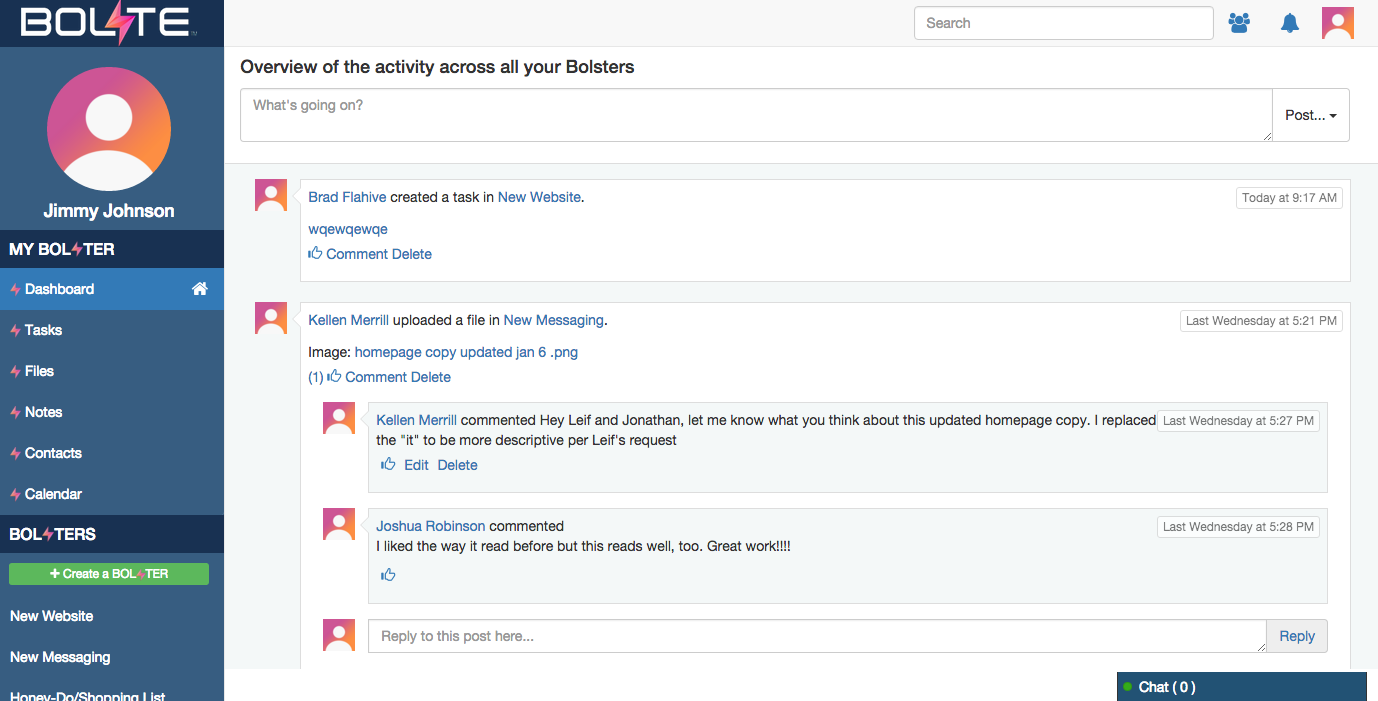
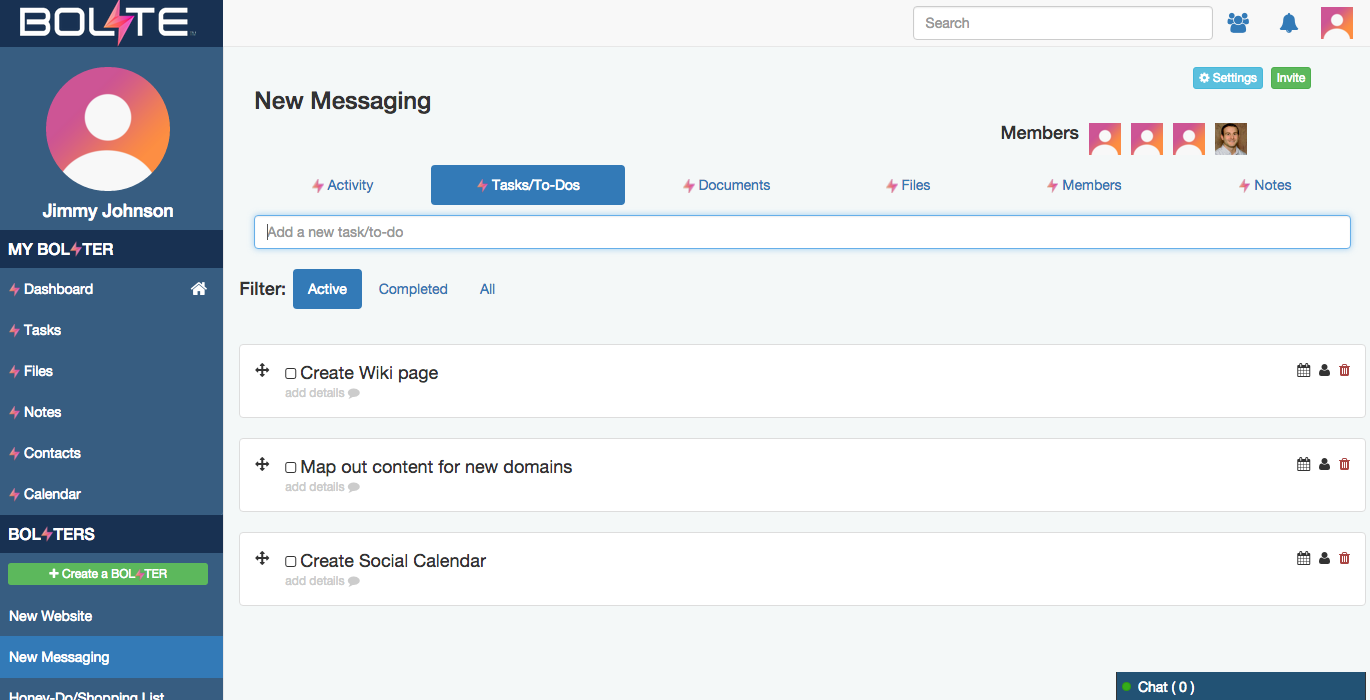
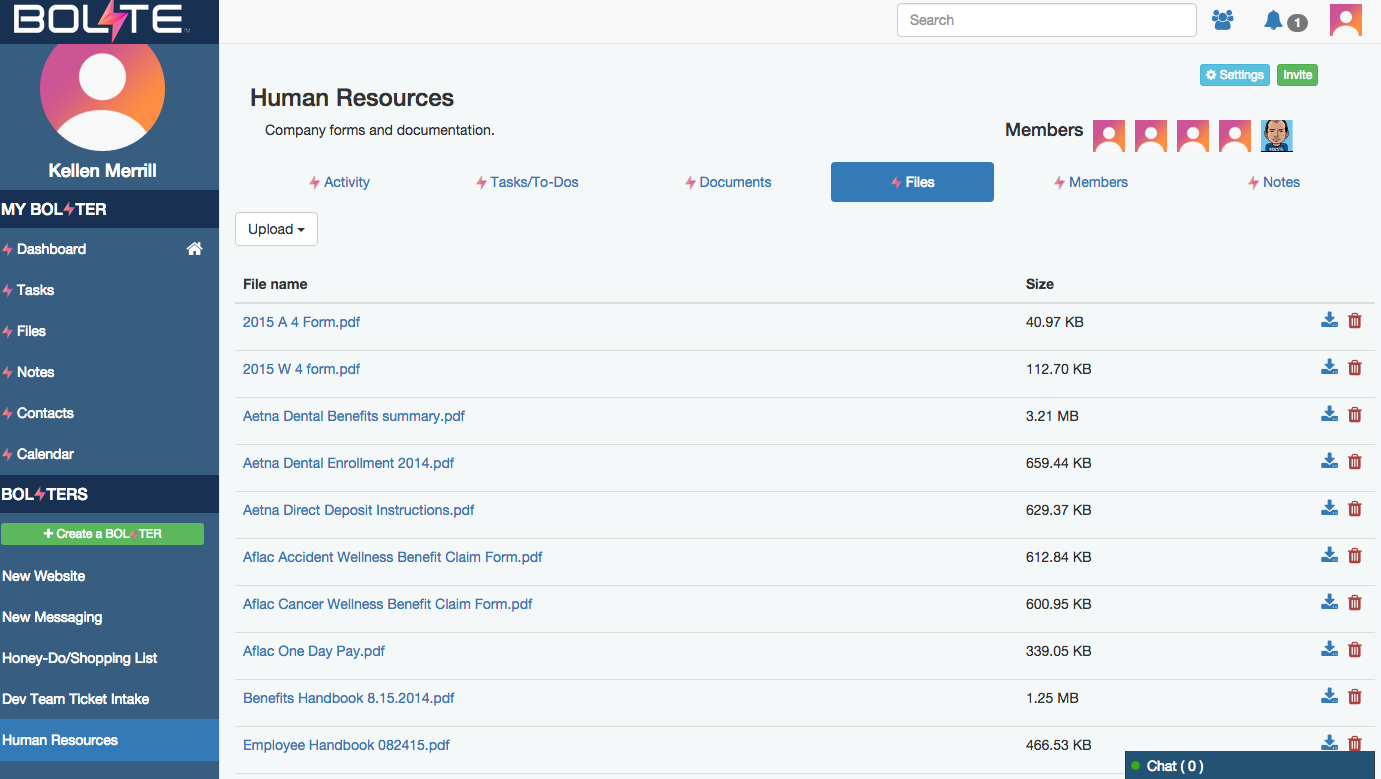
Screenshot of Activity Feed – displaying all activity across a your account, making it easy to see the latestScreenshot of Calendar – for scheduling meetings / events and tracking task due datesScreenshot of Tasks – for creating, assigning and managing tasks or "to-dos"Screenshot of Contacts – enabling you to easily connect with contacts from inside and out of your organizationScreenshot of Shared Files – allowing you to easily share and find filesScreenshot of Bolster Navigation – where you find your personal tools and files (under My Bolster), as well as your shared Bolsters for collaboration

Miro Screenshots

Screenshot of Miro's design sprint templates, used to solve big challenges, create new products or improve existing ones.Screenshot of the Sprint Planning features in Miro, that assists Development Teams in creating a transparent understanding of what can be built and how. Users can run sprints and turn a team into creative and active participants. Today, many organizations use Agile tools to manage software development and other non-IT projects.Screenshot of the PI Planning Template that brings teams toward one vision of what stories to develop. Used to manage a backlog, increase productivity, and build the foundation for a successful PI Planning event. Miro’s PI Planning Template helps to get an overview of any PI Planning event, with step-by-step frames to guide the process.Screenshot of diagrams, concept maps, and system mapping templates used to communicate complex flows and create a shared understanding. Users can check off all the essential steps of the diagramming process and gain a complete overview of operations with Miro's diagramming templates collection.