Bolste vs. Google Chat

Overview
ProductRatingMost Used ByProduct SummaryStarting Price
Bolste
Score 9.1 out of 10
Enterprise companies (1,001+ employees)
Bolste™ is a complete business operating system, designed to simplify work-life and help businesses grow by streamlining communication and collaboration. The system brings together separate applications – email, chat, tasks, file-sharing, calendars, and more – into a single, simple platform. Available on the web and via iOS and Android apps, Bolste enables remote users to stay connected and productive from anywhere. The admin console shows employee activity, making it easy to…
$0
per user
Google Chat
Score 8.3 out of 10
N/A
Google Chat, formerly Hangouts Chat, is a collaboration tool competing with Slack, designed to make it easy for teams to be able to get their work done in one place. From direct messages to group conversations, Chat helps teams collaborate, and with dedicated, virtual rooms to house projects over time — plus threaded conversations — Chat helps users track progress and follow up tasks. Chat currently supports 28 languages and each room can support up to 8,000 members.N/A
Pricing
BolsteGoogle Chat
Editions & Modules
Basic
$0
per user
Pro
$9.99
per month
No answers on this topic
Offerings
Pricing Offerings
BolsteGoogle Chat
Free Trial
YesNo
Free/Freemium Version
YesNo
Premium Consulting/Integration Services
NoNo
Entry-level Setup FeeNo setup feeNo setup fee
Additional DetailsBolste offers three (3) packages that meet the exact needs of any user. BASIC is a free version perfect for an army of one or for small group to try out the solution. PRO is a more robust version perfect for larger teams and SMB organizations. CORPORATE is a full-scale version perfect for enterprise solutions.
More Pricing Information
Community Pulse
BolsteGoogle Chat
Features
BolsteGoogle Chat
Project Management
Comparison of Project Management features of Product A and Product B
Bolste
8.8
Ratings
13% above category average
Google Chat
8.4
Ratings
9% above category average
Task Management9.10 Ratings8.00 Ratings
Gantt Charts8.20 Ratings8.50 Ratings
Scheduling8.20 Ratings9.00 Ratings
Workflow Automation9.10 Ratings7.90 Ratings
Mobile Access9.10 Ratings9.30 Ratings
Search9.10 Ratings9.00 Ratings
Visual planning tools00 Ratings7.00 Ratings
Communication
Comparison of Communication features of Product A and Product B
Bolste
8.7
Ratings
9% above category average
Google Chat
8.9
Ratings
12% above category average
Chat9.10 Ratings10.00 Ratings
Notifications8.20 Ratings10.00 Ratings
Discussions8.20 Ratings8.30 Ratings
Internal knowledgebase8.20 Ratings9.00 Ratings
Integrates with GoToMeeting9.10 Ratings8.00 Ratings
Integrates with Gmail and Google Hangouts9.10 Ratings8.20 Ratings
Integrates with Outlook9.10 Ratings9.00 Ratings
Surveys00 Ratings8.40 Ratings
File Sharing & Management
Comparison of File Sharing & Management features of Product A and Product B
Bolste
8.9
Ratings
13% above category average
Google Chat
9.0
Ratings
14% above category average
Versioning8.20 Ratings8.70 Ratings
Video files9.10 Ratings8.00 Ratings
Audio files9.10 Ratings8.30 Ratings
Document collaboration9.10 Ratings9.90 Ratings
Access control9.10 Ratings9.50 Ratings
Advanced security features8.20 Ratings9.90 Ratings
Integrates with Google Drive9.10 Ratings8.10 Ratings
Device sync9.10 Ratings9.30 Ratings
Best Alternatives
BolsteGoogle Chat
Small Businesses
Stackby
Stackby
Score 9.0 out of 10
Stackby
Stackby
Score 9.0 out of 10
Medium-sized Companies
Troop Messenger
Troop Messenger
Score 9.8 out of 10
Troop Messenger
Troop Messenger
Score 9.8 out of 10
Enterprises
HCL Connections
HCL Connections
Score 9.0 out of 10
HCL Connections
HCL Connections
Score 9.0 out of 10
All AlternativesView all alternativesView all alternatives
User Ratings
BolsteGoogle Chat
Likelihood to Recommend
9.1
(0 ratings)
9.0
(0 ratings)
Likelihood to Renew
-
(0 ratings)
8.0
(0 ratings)
Usability
-
(0 ratings)
9.0
(0 ratings)
Support Rating
-
(0 ratings)
7.3
(0 ratings)
User Testimonials
BolsteGoogle Chat
Likelihood to Recommend
Bolste is best suited for companies that rely on team work and e-mail communication within/between departments
Read full review
Google Chat is well-suited for businesses. Where it fits in my organization is to maintain communication between teams. Collaboration between teams to solve issues our customers cannot resolve without using Google Chat. Our Organization depends on it. When someone needs assistance from another team in the organization, we use Google Chat to solve this issue.
Read full review
Pros
  • Keeps everybody on the same page.
  • Easy to access/use.
Read full review
  • Google Hangouts Chat allows you to send and receive messages real time with emoticons that can help you express your mood.
  • You can download and upload image file that can be use for business process and more.
  • Google Hangouts Chat also allows you to make a calls to reach other users.What I like the most is the awesome screen sharing while on call.
Read full review
Cons
  • There is only 7GB of storage in the Plus Pack.
Read full review
  • I wish it was easier to turn the sound off, I hate being in meetings and my chat is blowing up.
  • Needing to "accept" a chat invite from someone within my org seems counter-intuitive.
  • Some people have trouble getting their notifications before midnight, somehow?
  • Prior to downloading the app, group messages didn't come up for me on my computer.
Read full review
Likelihood to Renew
No answers on this topic
The updates, support, general reviews on Google Chat are great everywhere. The development of the features is ongoing and this adds a great value to Google as a big company in the market. Other applications are limiting communication while Google Chat is allowing communication to grow. It is very easy to use it and teach others how to use Google Chat.
Read full review
Usability
No answers on this topic
As stated from the starting we found this application is well suited for a small audience and a group of people across the organization can be communicated easily with no additional hectic of doing any setup. When you have a Gmail account ready then you can easily access google chat and continue the communication. This tool is simple,secure and robust helping the global leading partner for their internal precise communication and handling the tasks in a great way
Read full review
Support Rating
No answers on this topic
I have not needed to contact the support folks for Google Hangouts Chat, so I can't speak to this with any accuracy. The online instructions are fairly clearly written, so it is fairly intuitive to start with. I did not feel the need to use the support people anyway.
Read full review
Alternatives Considered
No answers on this topic
It doesn't need to much to get started if you have a personal Google account. If you have a business account setup by your organization, you need permissions to use it, however this is something good to have this customizable part from Google Chat. We can create groups, attach files, and have online conversations from the gmail page, in a new window or using the mobile.
Read full review
Return on Investment
No answers on this topic
  • Through seamless communication across remote workers, Google Chat has significantly reduced the time spent on back and forth emails.
  • Undoubtedly Google Chat is great for communication but because of a lack of task management tools, we have to rely on other platforms for organizing and tracking tasks.
  • 200MB file size limit in Google Chat often forces us to use other services like Google Drive for sending large files.
Read full review
ScreenShots

Bolste Screenshots

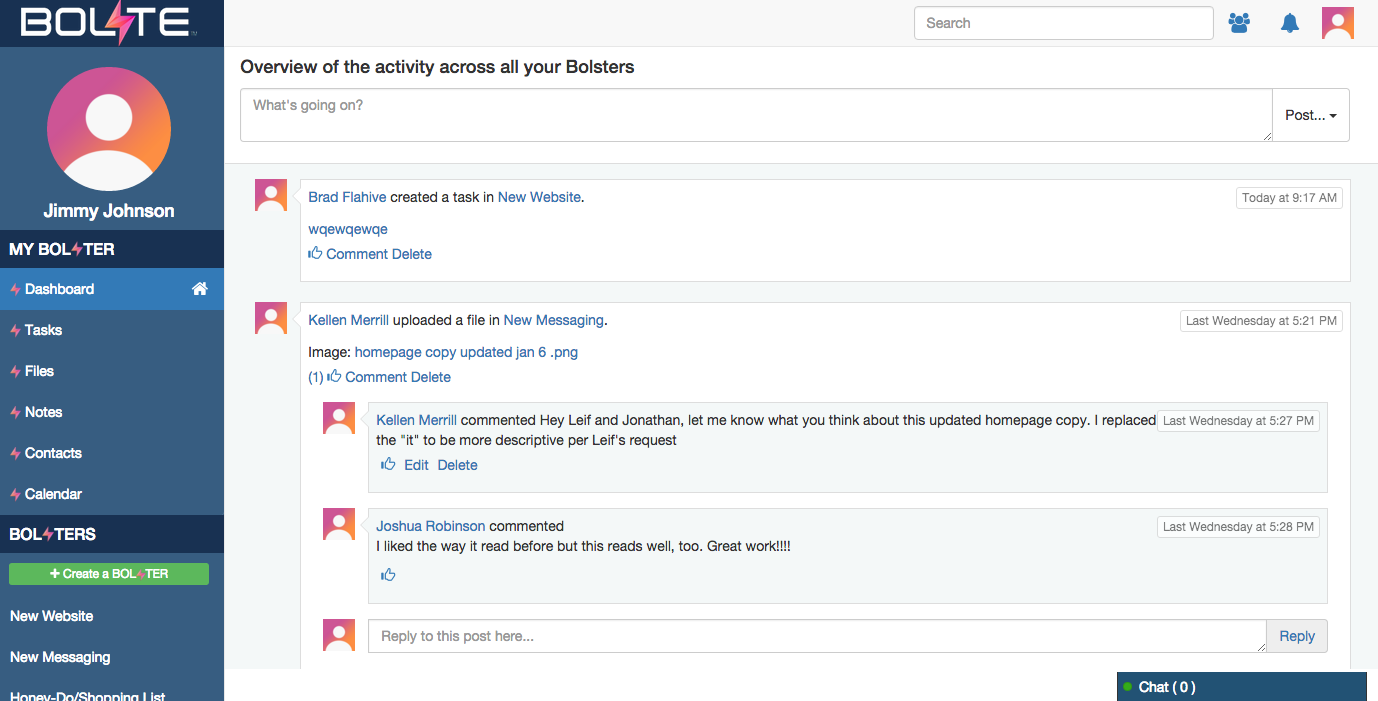
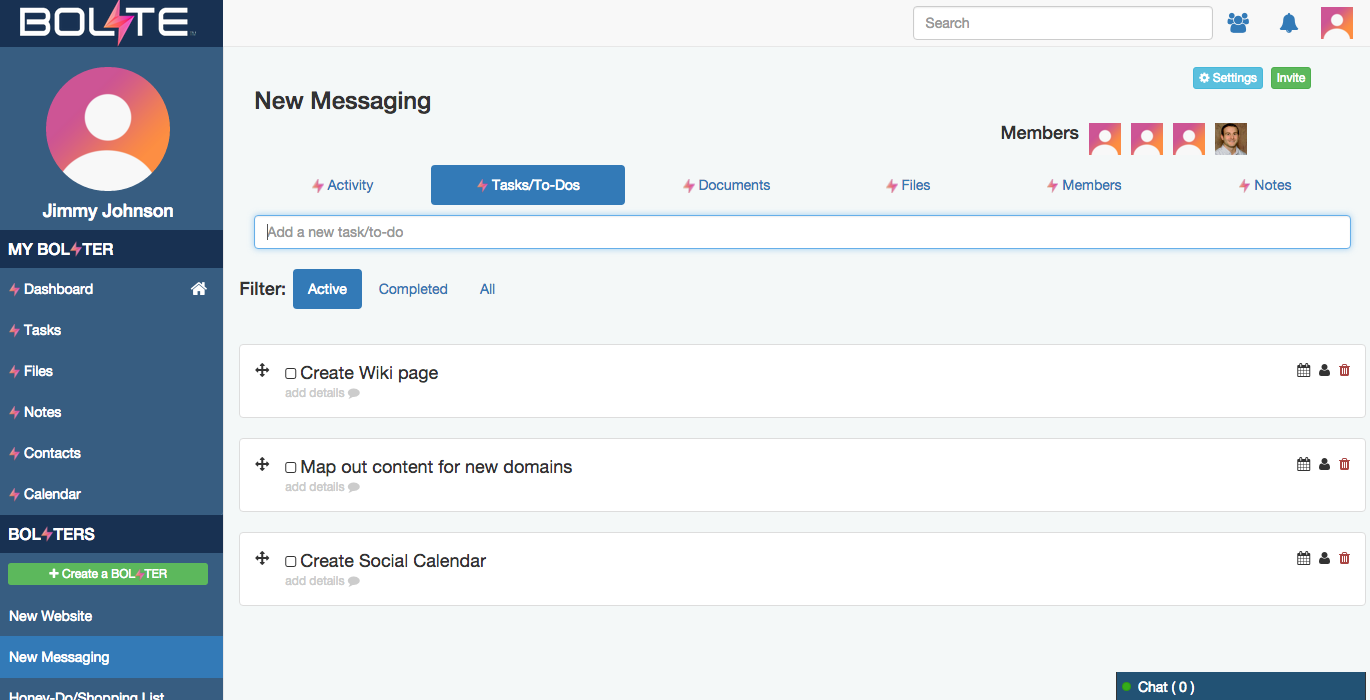
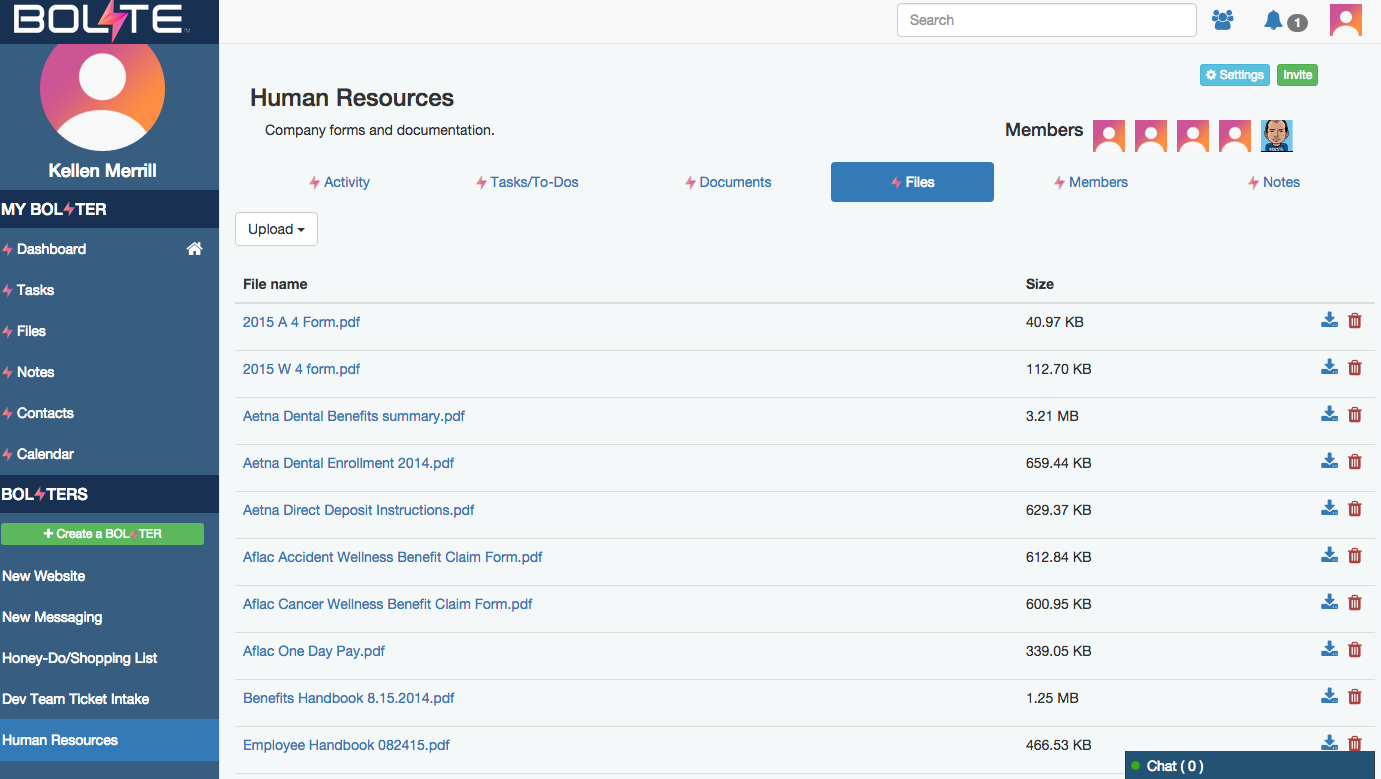
Screenshot of Activity Feed – displaying all activity across a your account, making it easy to see the latestScreenshot of Calendar – for scheduling meetings / events and tracking task due datesScreenshot of Tasks – for creating, assigning and managing tasks or "to-dos"Screenshot of Contacts – enabling you to easily connect with contacts from inside and out of your organizationScreenshot of Shared Files – allowing you to easily share and find filesScreenshot of Bolster Navigation – where you find your personal tools and files (under My Bolster), as well as your shared Bolsters for collaboration