Boardingware, headquartered in Auckland, offers their student management system for boarding schools, built around managing the needs particular to boarding schools, such as student care and student tracking.
N/A
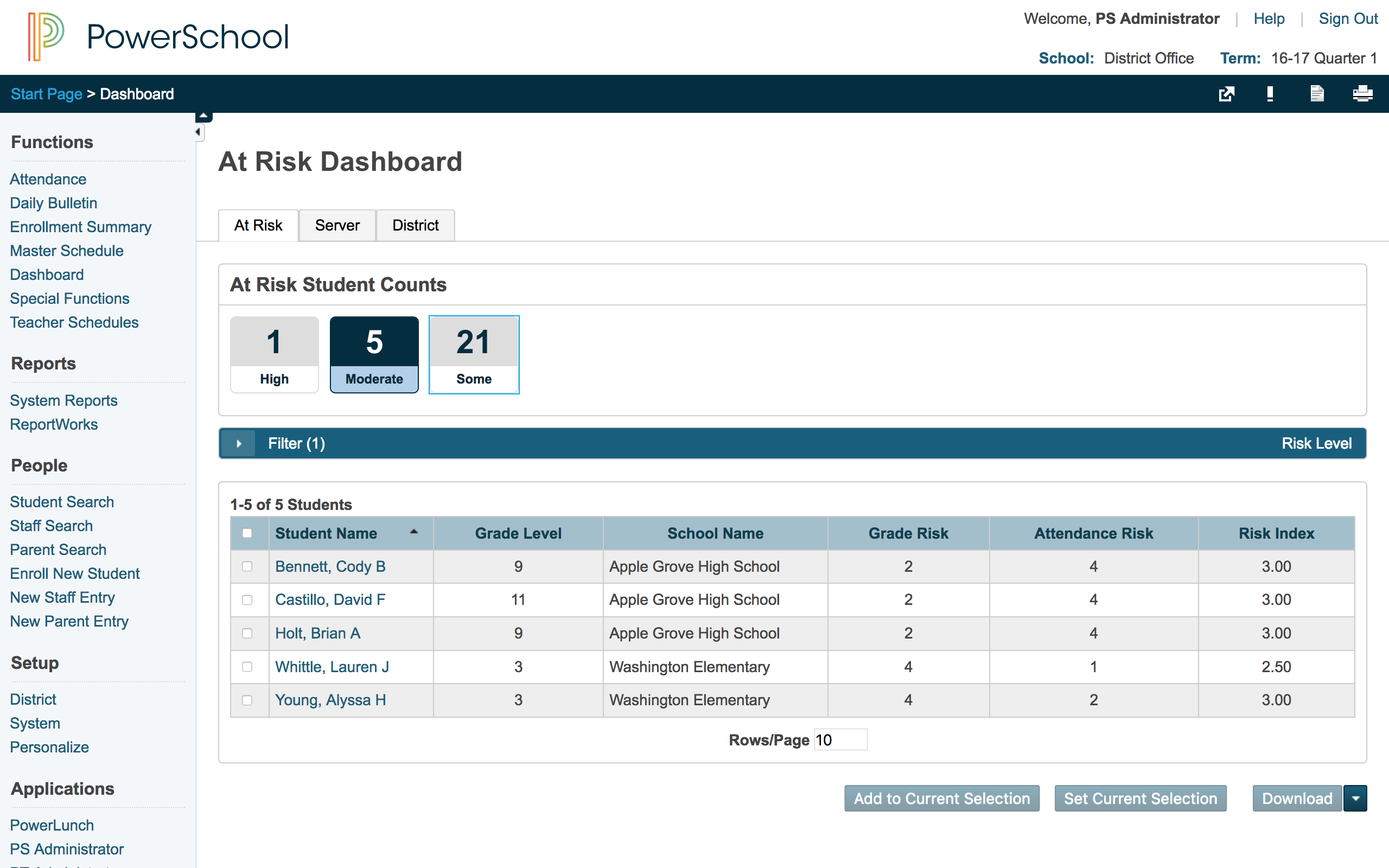
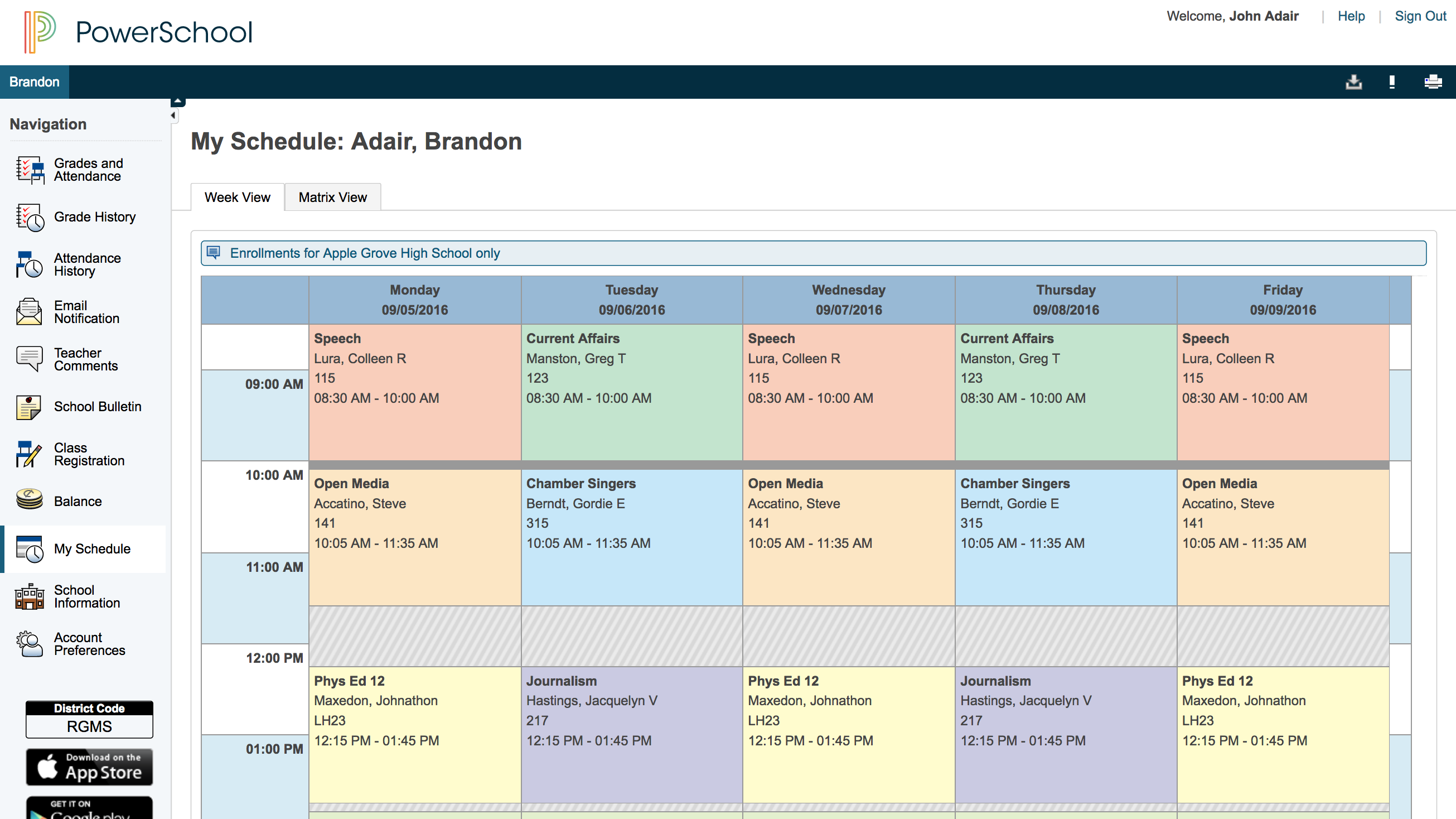
PowerSchool SIS
Score8.4 out of 10
Mid-Size Companies (51-1,000 employees)
The PowerSchool Student
Information System covers administrative needs, such as scheduling, attendance,
reporting, data management, faculty management, emergency/medical and health
management, registration, and more for K-12 schools and districts. It is easy
to use and boasts an industry-leading gradebook, PowerTeacher Pro. Users enjoy
a fully web-based SIS that is flexible, configurable, and scalable with
real-time updates on any operating system, browser or device.
N/A
Pricing
Orah
PowerSchool SIS
Editions & Modules
No answers on this topic
No answers on this topic
Offerings
Pricing Offerings
Orah
PowerSchool SIS
Free Trial
No
No
Free/Freemium Version
No
No
Premium Consulting/Integration Services
No
No
Entry-level Setup Fee
No setup fee
No setup fee
Additional Details
—
—
More Pricing Information
Community Pulse
Orah
PowerSchool SIS
Considered Both Products
Orah (Previously Boardingware)
Verified User
Chose Orah
Senior Systems did not work as well and the functionality from the administrative side is not as user-friendly. I often felt like it was down and not working properly, or that I could not find where certain documents are. I believe that for a boarding school community …
A de minimis incentive was given to thank the reviewer for their time. The incentive was not used to bias or drive a particular response, nor was the incentive contingent on a positive endorsement. More Info
PowerSchool Group LLC
Verified User
Chose PowerSchool SIS
I was a huge advocator for Boardingware and worked closely with them to try and create a more well-rounded program for the private school I worked at, but definitely think PowerSchool works best and most effectively for public school. In terms of grading PowerSchool works much …
A de minimis incentive was given to thank the reviewer for their time. The incentive was not used to bias or drive a particular response, nor was the incentive contingent on a positive endorsement. More Info
This is hands down the best application on the market in terms of making sure parents and staff understand where students are at any given time during the day. It also has done a great job of expanding into buy-in areas for students such as having event sign-ups inside the application. Having parent accounts also does a great job of keeping lines of communication open between the parents, school, and students.
A de minimis incentive was given to thank the reviewer for their time. The incentive was not used to bias or drive a particular response, nor was the incentive contingent on a positive endorsement. More Info
PowerSchool Student Information System is a cool software that can be highly recommended to anyone who is living in the educational management space. It is proven that this software can reduce your manual workload massively if you use it right. Plus it is really worth the price you pay. Especially if you are in the administrative field, this software will help you to minimize manual efforts put into student registrations, staffing recruitment, and main resource management processes.
A de minimis incentive was given to thank the reviewer for their time. The incentive was not used to bias or drive a particular response, nor was the incentive contingent on a positive endorsement. More Info
A de minimis incentive was given to thank the reviewer for their time. The incentive was not used to bias or drive a particular response, nor was the incentive contingent on a positive endorsement. More Info
PowerSchool houses student or staff information that can be easily accessed by those teachers and administrators who need the information. This allows everyone to go to one place to access information.
Parents can view their child's grades at any time with their protected login on a parent portal. This allows teachers to keep parents informed and involved in their child's progress at school. When everyone works together it increases our students' chance for success.
PowerSchool offers videos to train new users. When we have new employees, the videos can be accessed at any time the employee needs as opposed to them waiting for someone to help them.
A de minimis incentive was given to thank the reviewer for their time. The incentive was not used to bias or drive a particular response, nor was the incentive contingent on a positive endorsement. More Info
A de minimis incentive was given to thank the reviewer for their time. The incentive was not used to bias or drive a particular response, nor was the incentive contingent on a positive endorsement. More Info
A de minimis incentive was given to thank the reviewer for their time. The incentive was not used to bias or drive a particular response, nor was the incentive contingent on a positive endorsement. More Info
We would be starting over at square one if we did not continue our PowerSchool subscription. We do not have a program in a place that would take its place.
A de minimis incentive was given to thank the reviewer for their time. The incentive was not used to bias or drive a particular response, nor was the incentive contingent on a positive endorsement. More Info
A de minimis incentive was given to thank the reviewer for their time. The incentive was not used to bias or drive a particular response, nor was the incentive contingent on a positive endorsement. More Info
I gave this rating because Boardingware support is unbelievable. They are quick to reply and have a chat feature that they not only are there for most of the day but you can leave a note if they are not available and they get back to you very quickly. I thoroughly enjoyed any conversations I had with support from Boardingware.
A de minimis incentive was given to thank the reviewer for their time. The incentive was not used to bias or drive a particular response, nor was the incentive contingent on a positive endorsement. More Info
Overall, I have not had to use support for PowerSchool Student Information System because our school district gives us training in each area in which we will be utilizing PowerSchool Student Information System. In terms of in-user support, I feel that there is mild to moderate user support that is built into PowerSchool SIS.
A de minimis incentive was given to thank the reviewer for their time. The incentive was not used to bias or drive a particular response, nor was the incentive contingent on a positive endorsement. More Info
Senior Systems did not work as well and the functionality from the administrative side is not as user-friendly. I often felt like it was down and not working properly, or that I could not find where certain documents are. I believe that for a boarding school community Boardingware was much more user-friendly, and did not take as many steps in order to get the job done quickly.
A de minimis incentive was given to thank the reviewer for their time. The incentive was not used to bias or drive a particular response, nor was the incentive contingent on a positive endorsement. More Info
I have heard good things for Infinite Campus and Skyward. I would [evaluate] each of them and see what fits your needs. Each has their strengths and weaknesses and so picking the right one for your needs is important. PowerSchool [Student Information System] does have some great features, but lacks some fundamental reports and functions to make it top notch.
A de minimis incentive was given to thank the reviewer for their time. The incentive was not used to bias or drive a particular response, nor was the incentive contingent on a positive endorsement. More Info
We were tracking student leave by hand or by an in-house program. Both of these became inefficient and/or unusable. Having Boardingware has expedited the process. It's hard to give numbers, but we're several days ahead of where we used to be in terms of tracking students' leave for Thanksgiving break.
Parent involvement was always an issue, but with Boardingware parents must approve a leave before we (the school) does. This makes parents take responsibility for their child which happens less than it should.
Having access to flagged students with health issues makes it much easier to plan field trips. We can easily know who should have what meds or epi pens based on their Boardingware profile. Safety awareness and prevention has gone up due to this feature.
A de minimis incentive was given to thank the reviewer for their time. The incentive was not used to bias or drive a particular response, nor was the incentive contingent on a positive endorsement. More Info
It has created shortcuts for all staff members, saving us time.
In creating shortcuts and combining many different systems into one, it is saving our school money.
It has created a safety net for teachers because grades and student information is stored electronically, which means teachers not having to worry about losing or misplacing their grade books.
A de minimis incentive was given to thank the reviewer for their time. The incentive was not used to bias or drive a particular response, nor was the incentive contingent on a positive endorsement. More Info