The BlueJeans Meetings platform supported video, audio and web conferencing with the collaboration tools, as a cloud service that connects desktops, mobile devices and room systems in one video meeting. It was acquired in 2020 by Verizon and discontinued in the sunsetting of the BlueJeans product line by Verizon, in 2023.
$0
per user
Lifesize Video Conferencing
Score 10.0 out of 10
N/A
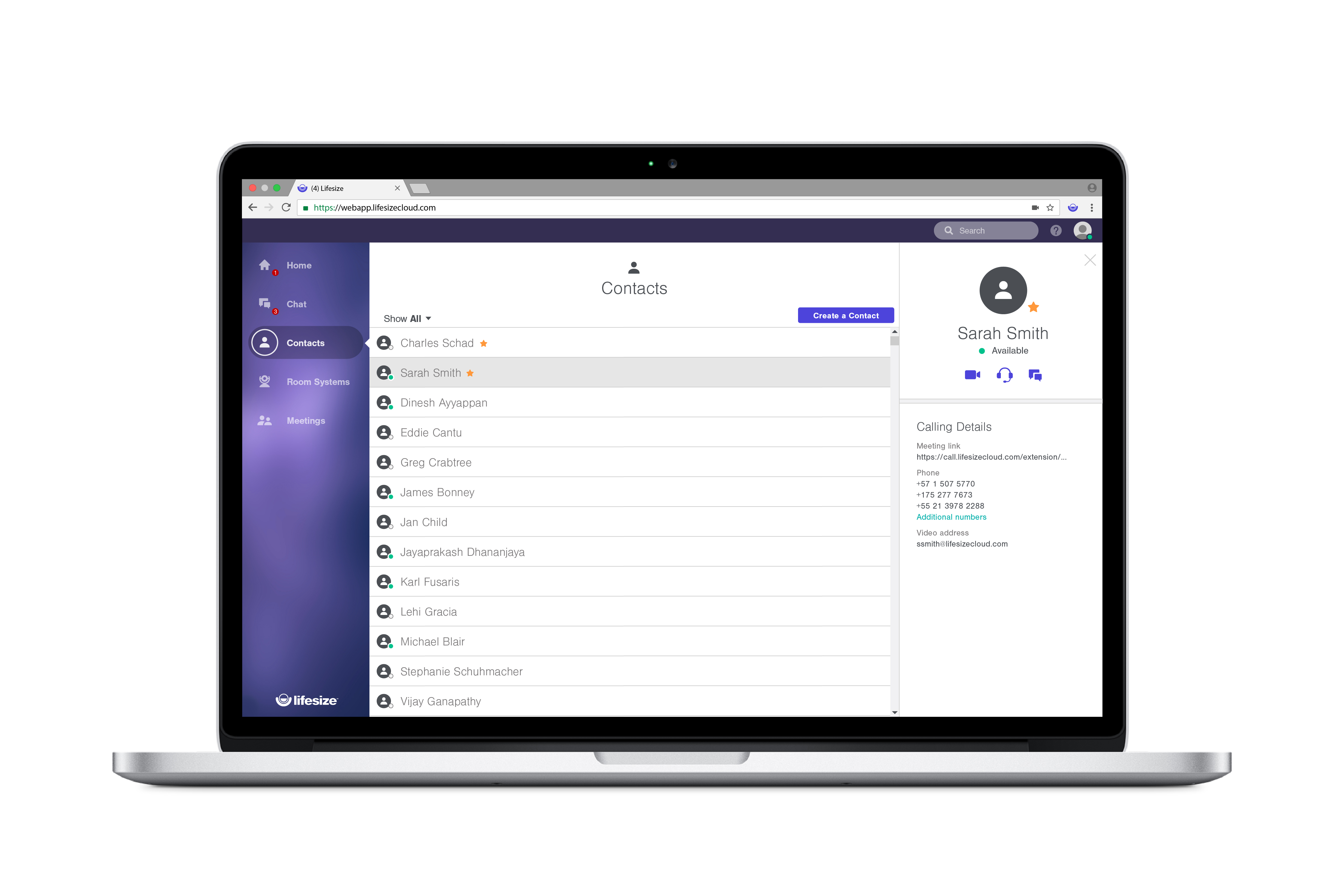
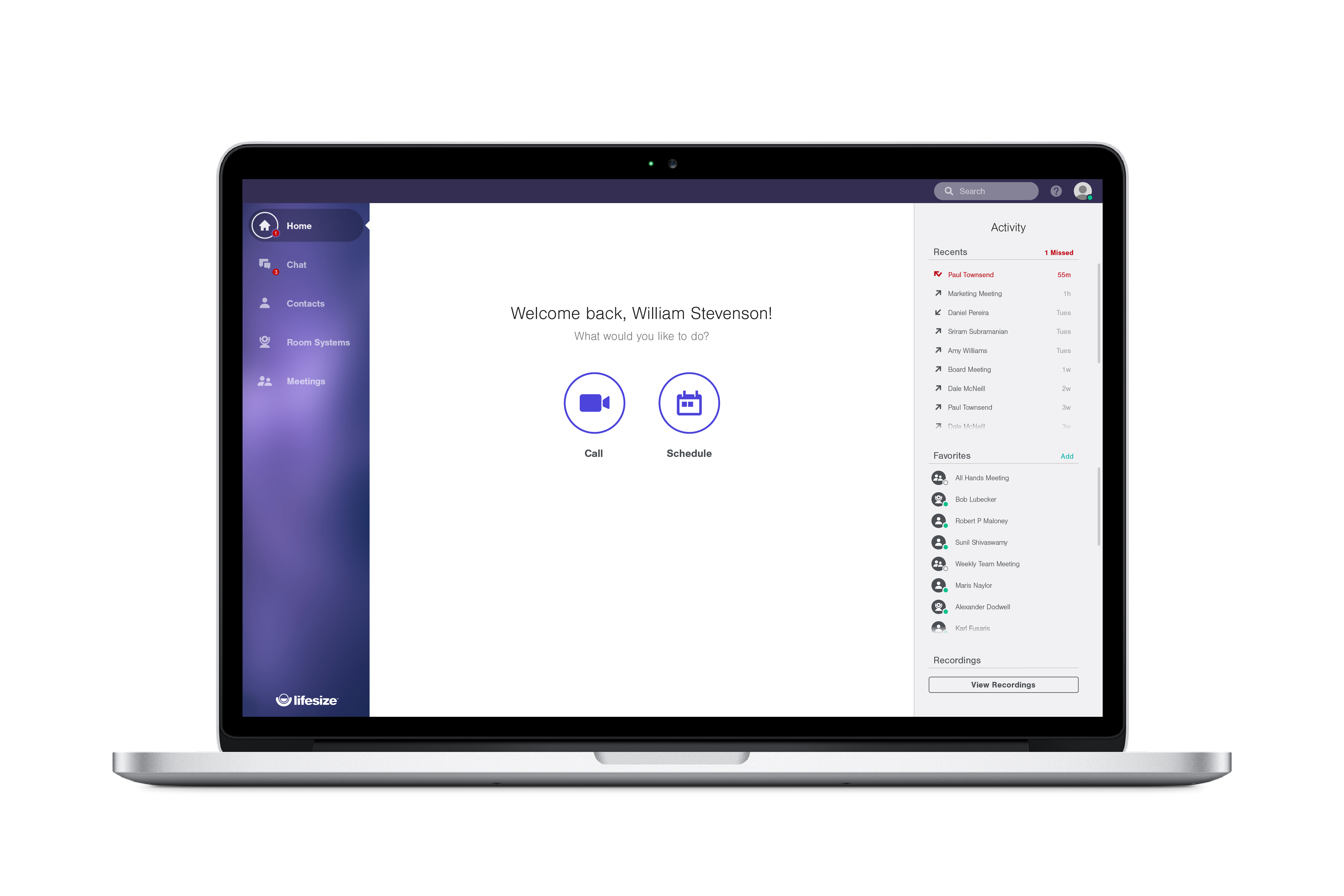
Lifesize is a web conferencing platform focused on making video conferencing systems and video conferencing apps work well together, while still being easy-to-use. Their platform incorporates web conferencing software with meeting room devices and wireless screen sharing.
$12.95
Call for pricing
Pricing
BlueJeans Meetings (discontinued)
Lifesize Video Conferencing
Editions & Modules
BlueJeans Basic
$0
per user
Bluejeans Standard
$9.99
per host/per month
Bluejeans Pro
$13.99
perhost/per month
Bluejeans Enterprise
$16.66
per host/per month
Enterprise
$12.95 per user/month
Call for pricing
Plus
$14.95 per user/month
Call for pricing
Standard
$16.95 per user/month
Call for pricing
Offerings
Pricing Offerings
BlueJeans Meetings (discontinued)
Lifesize Video Conferencing
Free Trial
No
Yes
Free/Freemium Version
Yes
Yes
Premium Consulting/Integration Services
No
No
Entry-level Setup Fee
Optional
No setup fee
Additional Details
—
With every plan, you get the collaboration features you use everyday, at no additional cost:
• Unlimited video conferences
• Downloadable desktop and mobile apps
• Secure encryption set by default
• Unlimited meeting duration
• Free, browser-based web app
• Two-way and group chat with popular chat integrations
• Centralized, name-based directory
• Online reporting and account management
• Email and calendar scheduling
More Pricing Information
Community Pulse
BlueJeans Meetings (discontinued)
Lifesize Video Conferencing
Features
BlueJeans Meetings (discontinued)
Lifesize Video Conferencing
Performance & Compatibility of Online Events Software
Comparison of Performance & Compatibility of Online Events Software features of Product A and Product B
BlueJeans Meetings (discontinued)
7.2
Ratings
10% below category average
Lifesize Video Conferencing
8.9
Ratings
11% above category average
High quality audio
7.70 Ratings
8.90 Ratings
High quality video
7.40 Ratings
8.90 Ratings
Low bandwidth requirements
6.70 Ratings
8.90 Ratings
Mobile support
7.00 Ratings
00 Ratings
Screen Sharing
Comparison of Screen Sharing features of Product A and Product B
BlueJeans Meetings (discontinued)
7.2
Ratings
10% below category average
Lifesize Video Conferencing
9.0
Ratings
13% above category average
Desktop sharing
7.10 Ratings
9.00 Ratings
Whiteboards
7.40 Ratings
00 Ratings
Online Meetings / Events
Comparison of Online Meetings / Events features of Product A and Product B
BlueJeans Meetings (discontinued)
7.5
Ratings
10% below category average
Lifesize Video Conferencing
8.9
Ratings
7% above category average
Calendar integration
7.70 Ratings
8.90 Ratings
Meeting initiation
7.00 Ratings
8.90 Ratings
Integrates with social media
7.20 Ratings
00 Ratings
Record meetings / events
7.50 Ratings
8.90 Ratings
Slideshows
8.00 Ratings
8.90 Ratings
Online Events Collaboration
Comparison of Online Events Collaboration features of Product A and Product B
BlueJeans Meetings (discontinued)
7.5
Ratings
9% below category average
Lifesize Video Conferencing
9.0
Ratings
10% above category average
Live chat
8.10 Ratings
9.00 Ratings
Audience polling
7.20 Ratings
00 Ratings
Q&A
7.30 Ratings
9.00 Ratings
Online Events Security
Comparison of Online Events Security features of Product A and Product B
Collaboration with team members, clients and partners who spread out across the globe is made simple by Bluejeans meeting. As an Application developer it is easier for me to collaborate with people from various cultures and time zones so this is very important.
For code review , it plays an excellent role, it enables real time screen sharing and code discussion among my team, this facilitate quicker and more effective bug detection and correction.
Pair programming is a great use for it. It make possible for two programmers to collaborate on same code even when they are not physically near to each other.
I think there's much better options out there. In a small setting, they might be suitable but I don't believe they scale very well in any medium-large size businesses. We wanted to take advantage of things like a Microsoft Exchange calendar, a "Join Now" button and integrating with Teams. These are all things that our company made a sizeable investment on and in order to take things to the next level, we had to move on from Lifesize Video Conferencing.
International users have experienced spotty/jittery sound and video.
Connecting to meetings that are on different conferencing services is very clunky and not end user friendly.
Being able to remote control the camera from a mobile device would be nice. If a change is needed during a meeting, the menu is pretty large and draws plenty of attention and distracts the audience.
Been using it for a long time, so familiarity with the platform helps. I have already pointed out a few things that I like about BlueJeans which I do not find in other competing platforms. HOWEVER, I do use some other platforms on occasion when I need features BlueJeans does not offer. I will not give up BlueJeans for another platform just yet. That being said, BlueJeans needs to get back to innovating, as it once did, rather than increasingly lag behind in features that are becoming more and more important in today's (and tomorrow's post-pandemic) world.
I have a lot of Lifesize hardware and I do like Cloud but I am always watching the market for a company that will finally nail this space. I feel like Lifesize has a solid head start but I hope they can create a vision for the marketplace and execute in a meaningful way.
I don't have much experience of joining a meeting from an attendee of someone else's. As for joining a meeting I've created, it's very easy. For recurring meetings, I find the meeting in my list, and if it's near the time to start, there will be a "Join" button, and I just push that. After that, it gives me the options for joining -- video, audio, phone, screen share only. It remembers my previous choices, so mostly I just can click by that. As for attendees joining, there do seem to be connection problems from time to time and people have to log off and come back on, but we had that trouble with GoToMeeting also. Being able to mute attendees is much better in BlueJeans. When we had GoToMeeting, I constantly had problems with people joining by phone incorrectly, such that they didn't even show up in the meeting list and thus I couldn't mute them when needed.
Overall experience with Lifesize Video Conferencing has been great. While it serves it's basic purpose of allowing smooth video/audio meetings of people located at different places with option of screen sharing/chatting/ recording, what add to it's pros are it's accessibility from various platforms, flexibility to switch to a listen only mode in case of network issues and ease of operation.
Since we are an educational institution we not only have scheduled classes which must be available, but we have staff members in a variety of areas ranging from recruiting and admissions to advancement and the President's office who need to connect with students, alumni and other interest groups, often at odd hours. I have not, since using Lifesize had anyone complain of not being able to connect
This has been a continual issue with our organization. We are a IP/H323 infrastructure so we integrate BlueJeans via the IP/H323 connections to the cloud. We still have inconsistent results with calls. Some work without issue and some calls are horribly choppy and at times freeze. If I have one complaint or reason to seek out a different competitor its this
Lifesize is an amazing platform for VC. However, it is a costly solution for any scaling startup. However, implementation and user acceptability was fairly easy and worth the additional spend. Quality has always been on point and support has always taken care of us. Our account manager also ensured a seamless transition process for Google Hangouts. Will go with this solution again at any other organization.
There has been some downside in terms of response but cant really fault heavily because it is expected when a large volume of users need help but there can only be so many people to assist. On the other hand the support team is very helpful in that they are willing and able to jump in your admin control panels and help host a meeting with you to troubleshoot issues or just make things go smoothly
Most of the front-line call takers are only as knowledgeable enough to tell you to reboot or reset. If your issue is more complicated than that, it will need to be escalated. On the other hand - most of our problems have been on our network side. The techs are ALWAYS super nice and try to be as helpful as possible. They do care about fixing the problem.
Sensus was really helpful in the initial setup and training of our technical Support Team. Sensus gave us training on site so that it would be our own equipment that was set up. Then the in house tech team took over to train other users who would be using the system. When needed the Sensus and Lifesize tech support were really helpful in trouble shooting or guiding us through any difficulty.
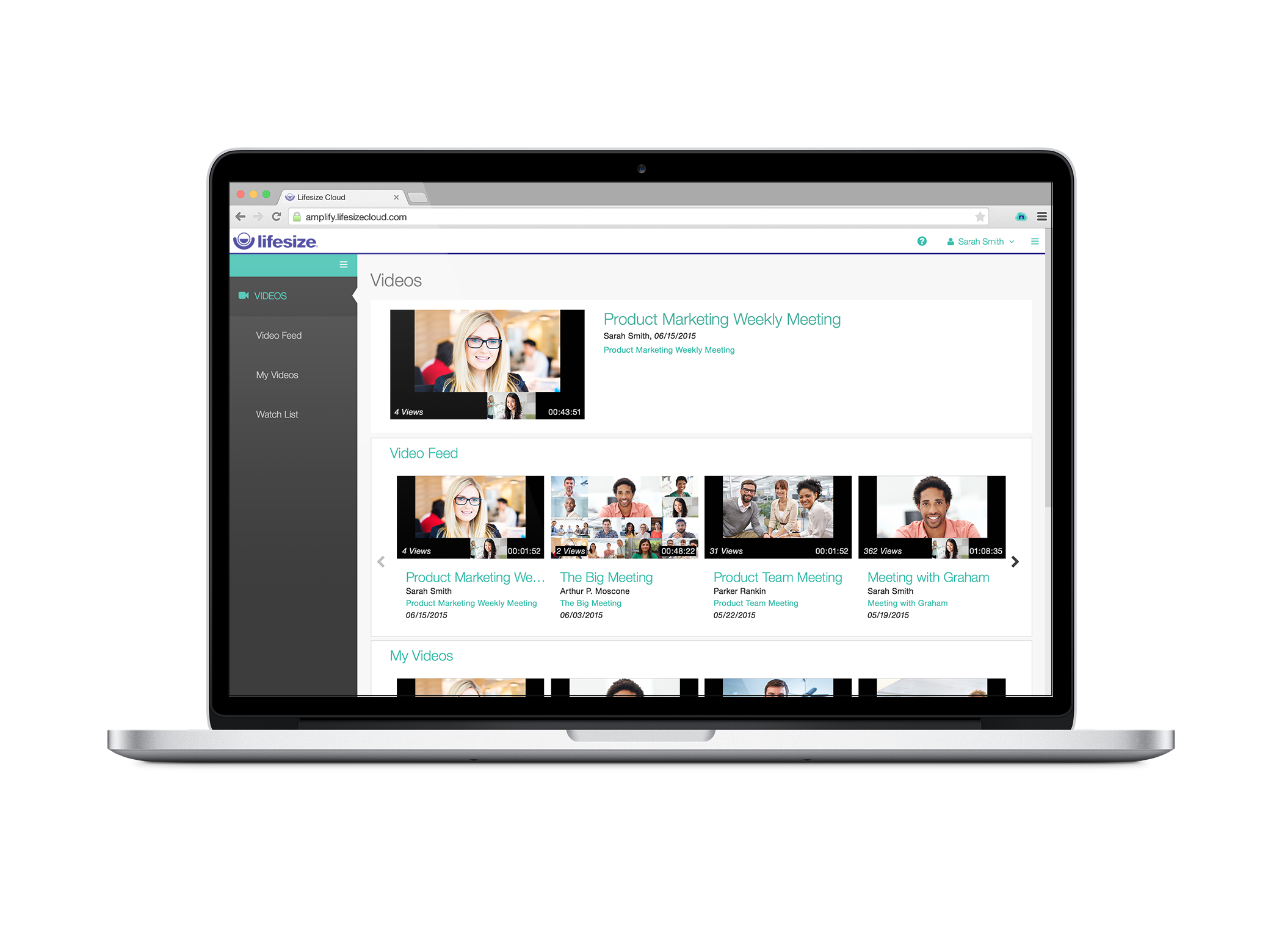
I gave this rating because Lifesize's website offers multiple quality videos that shows you exactly how the software works. The videos are divided into different categories which makes searching for a video fairly simple! If for some reason you have a question not answered in one of the how-tos you can always contact support. Excellent product, excellent service!
Well, I hear from many of my clients and other contacts that they find Microsoft Teams/Zoom much easier to use, and that they do not like BlueJeans. I disagree. First, I do not like seeing blank windows of participants who have turned off their video (and many do, given they do not wish to be seen at home, or in casual attire); however, I do use Teams or Zoom or Webex at times. I did not find it difficult to implement BlueJeans in my organization, and those who have used Teams, Webex, or Zoom say the same about these platforms.
Great for companies that need to accomplish multiple things at once while at different places. From our experience, broadcasting news is most favorable considering the level of excellence you get with the product plus the affordability. It can be used both privately amongst employees, or shared publicly through covering events
First of all as the product origine was china , so it was little challenging for us to trust the app and after that due to reports of data breaches found is some organisation, we find it difficult to trust more so we started switching to Bluejeans due to its fantastic features special it's audio and video conferencing features enabled with Dolby technology.
Select Lifesize Video Conferencing because it is an online meeting software that has a robust interface, a pleasant interface, and solutions that we can take full advantage of, it offers immediate solutions for screen sharing communication through the web or app. It has worked perfectly for me, offering quality and security as well as being fast and with a free trial, which adjusts to the needs of its users.
I believe BlueJeans is easy to scale, but we have a different business model that requires a more central scheduling need. Most vendors operate on an enterprise wide environment with a one to one licensing. We have a centralized group of video administrators and schedulers that do the majority of the scheduling for multiple departments. Because we are a centralized scheduling group we need shared access to on schedule not multiple users delegating access to one another. I.E. if I have 5 schedulers, under the current licensing they would each have individual accounts and delegating those accounts to one another. So when receiving a support call they have to search 5 individual schedules to make changes to meetings. This I think is a valid need even for smaller businesses that just have a few schedulers for the rest of the groups. It would be easier if it scaled within the individual accounts
With LifeSize Cloud, it's very easy to simply add another Icon to your system and join it to your cloud. You can easily and instantly create meetings and add users both in your organization and out without any difficulty. The cooperation between the Icons and cloud users running on their laptops makes it easy to scale this out to your entire company, including joint venture without difficulty.
Blujeans Meetings is an online communication service that works perfectly offering excellent features and functions that adapt to our needs and is more than what we normally need, it is simple to use, easy to organize and join meetings in addition to its security and speed. I like it because it offers an excellent wireless connection regardless of our internet connection quality, it works from anywhere and any device allowing you to collaborate on the go, it is very easy to share screen and start a conversation using this tool.
First the cost of licensing was significantly lower than other applications. We were able to experience an almost immediate return on investment now having the ability to bill the health plans for Virtual Visits.
Again, the lower cost of licensing allowed us to provide more users within the company with license. I am unable to share the specifics of our contract with Lifesize Video Conferencing. What I can say is the price made it easy for us to subscribe to Lifesize.