Bloomfire vs. CustomShow.com

Overview
ProductRatingMost Used ByProduct SummaryStarting Price
Bloomfire
Score 8.4 out of 10
Enterprise companies (1,001+ employees)
Bloomfire provides knowledge engagement, aiming to deliver an experience that connects teams and individuals with the information they need to excel at their jobs. Their cloud-based knowledge engagement platform aims to give people one centralized, searchable place to engage with shared knowledge and grow their organization's collective intelligence.
$25
per month
CustomShow.com
Score 8.2 out of 10
Enterprise companies (1,001+ employees)
CustomShow is a B2B sales presentation platform that enables marketing teams to manage and control content while letting sales teams customize and present on multiple platforms. Combining a Slide Editor, Presentation Library and Online and Offline presenting options, CustomShow is designed to streamline workflows and gives teams the tools to build and deliver presentations.N/A
Pricing
BloomfireCustomShow.com
Editions & Modules
Basic
$25.00
per month
CustomShow
$0
Per User per Month
Offerings
Pricing Offerings
BloomfireCustomShow.com
Free Trial
NoYes
Free/Freemium Version
NoNo
Premium Consulting/Integration Services
NoNo
Entry-level Setup Fee$25 No setup fee
Additional Details
More Pricing Information
Community Pulse
BloomfireCustomShow.com
Best Alternatives
BloomfireCustomShow.com
Small Businesses
Front
Front
Score 7.1 out of 10
Mediafly
Mediafly
Score 7.7 out of 10
Medium-sized Companies
RWS Tridion Sites
RWS Tridion Sites
Score 9.0 out of 10
Paperflite
Paperflite
Score 9.3 out of 10
Enterprises
RWS Tridion Sites
RWS Tridion Sites
Score 9.0 out of 10
Paperflite
Paperflite
Score 9.3 out of 10
All AlternativesView all alternativesView all alternatives
User Ratings
BloomfireCustomShow.com
Likelihood to Recommend
9.2
(0 ratings)
8.2
(0 ratings)
Likelihood to Renew
8.0
(0 ratings)
8.2
(0 ratings)
Usability
9.0
(0 ratings)
-
(0 ratings)
Support Rating
9.0
(0 ratings)
-
(0 ratings)
User Testimonials
BloomfireCustomShow.com
Likelihood to Recommend
I think Bloomfire is most appropriate in a medium to large business entity since onboarding can be difficult without an organized tool to prioritize job functions. It would be most well suited for positions that incorporate data analytics/reporting and consist of regular deliverables. So for example: if an accountant wants to learn how to compile a cash flow statement but also has to turn it into a client-facing presentation, there are resources specific to internal accounting and then separate resources (also in the accounting vertical) for data visualizations and client reporting.
Read full review
It is well suited for larger organizations. It cannot be used by single individuals like people who use Prezi or Powerpoint. If you are a large organization and looking to save on productivity, time, and improve branding across marketing and sales pitches, this software is absolutely amazing. I would highly recommend anyone heading up a company with 25 employees or more consider the software.
Read full review
Pros
  • Quickly reach out to whatever employee segment you want to reach by posting a topic and it will send a notification to everyone in that group with a link to the posting.
  • Bloomfire saves all of the previous posts so in your free time you can go to the site, and explore the various range of topics others have posted. The information on there will only be as good as the person posting it, but it will be people within your company and industry posting it. So it will always be helpful.
  • Bloomfire is a place to be noticed by your peers. Have a great topic you want to express, my company allows all to post there as long as we keep it professional. So you can share your ideas or experiences in a safe and productive manner. But we do have some fun on there too!
Read full review
  • It allows you collaborate and share across your organization.
  • It integrates video seamlessly into any presentation you create.
  • It have an incredible slide library management component that stores everything in the cloud for the users.
  • Used by major fortune 100 companies, it allows for organizations to present their best and look their best.
Read full review
Cons
  • Providing more videos about the differences between the dental plans.
  • Providing more videos about the differences between the carriers in regards to med supp or med adv.
  • Providing more videos about processes and functions that we at AWL have to do on a daily basis.
Read full review
  • I think the analytics piece could be improved a little more.
Read full review
Likelihood to Renew
I am with a different employer now days where training is not part of my job description. If I ever found myself doing E-Learning again, Bloomfire would be the first interface I would recommend.
Read full review
Because it provides a great user experience, it makes my organization look good in front of pitches, and the software is great from a collaboration perspective. Plus, I like the fact that i can use video incredible well with all of my presentations. It has minor challenges and takes time to figure out, but once you do the sky is the limit.
Read full review
Usability
Bloomfire is an easy-to-use platform for posting information and asking questions of my peers. It also has a user-friendly search capability. Yet like any other CMS, the secret to success rests in such items as the ability to use metadata to tag content or posts, and Bloomfire provides a wide range of options to make posting content and subsequently searching for it.
Read full review
No answers on this topic
Support Rating
I have not needed to pose questions to the support team yet, as it is a very simple piece of software to use, however, its help documents and the bot ready to answer questions let me know I am in good hands. The help center could load a little quicker, but that's my only complaint.
Read full review
No answers on this topic
Alternatives Considered
- Easier to use - Easier to upload new information - Easier to search - Easier to share Bloomfire search-ability means much less work trying to organize and categorize documents. That means easier upload, which means more information gets stored there and used.
Read full review
I think they are all stacking up against each other. Powerpoint is a free alternative. But I think CustomShow doesn't focus on better looking powerpoint slides....it focuses on better looking presentations period. Because of that, CustomShow is really in a different category of business presentation software and up there with Clearslide.

Read full review
Return on Investment
  • Feedback from users in being able to perform transactions for members has greatly improved.
  • There has been an increase in engagement of material presented in posts by learners in training classes.
  • Reps and agents say they feel confident they can easily locate information if ever there is a need on the front line.
Read full review
  • It has had a positive ROI in that the level of productivity in creating presentations has grown.
Read full review
ScreenShots

Bloomfire Screenshots

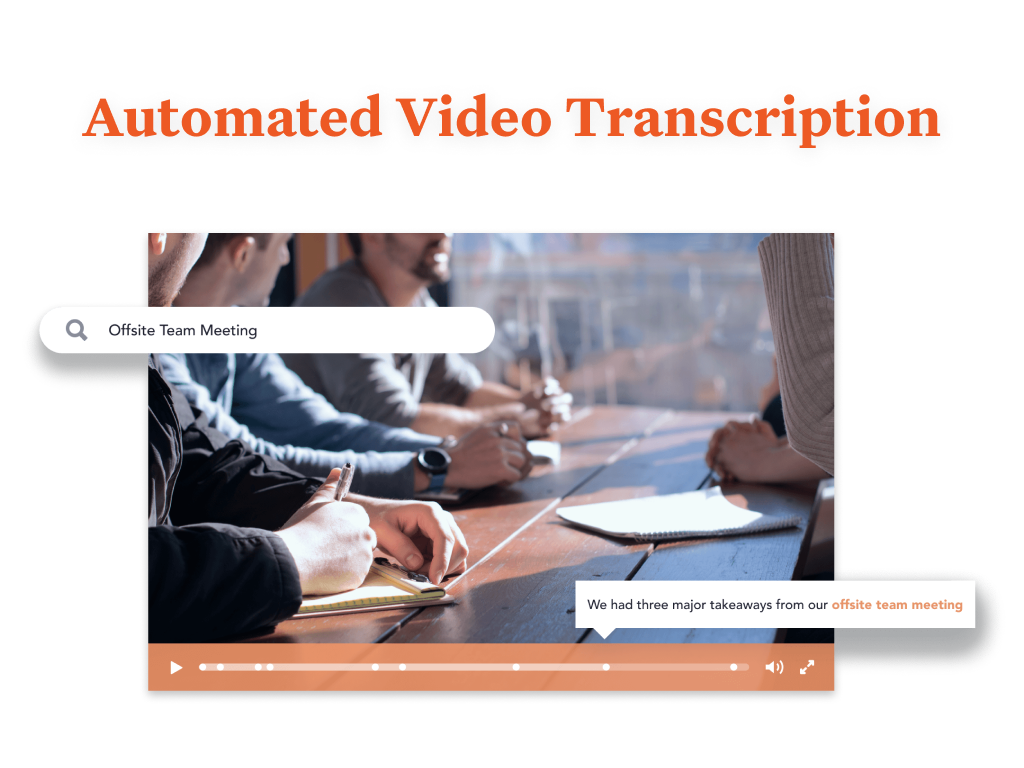
Screenshot of You are provided with a variety of options to brand your Bloomfire community, such as customizing its colors, displaying your organization’s logo, and building a custom Promo Bar. This creates an aesthetic that truly reflects your company’s culture.Screenshot of Bloomfire features an AI-powered search that makes sharing and searching for information a lot easier. It deep indexes every word in each piece of content, regardless of whether it’s a PDF, slide deck, video, or any other file type. The platform also creates tags for your content automatically. And if a video is uploaded, Bloomfire automatically transcribes it, making the spoken words searchable and allowing users to jump to the exact part of a video where certain keywords appear.

All of those features result in an easy and smart searching experience. There’s no need to navigate through folders or guess file names. All you need to do is perform a search like you would with Google. When searching, you can further narrow down your results based on categories such as author and content type.Screenshot of Bloomfire's AI enables you to search and find the video you are looking for based on its audio contents.Screenshot of Use Bloomfire while you work seamlessly across your favorite apps.

CustomShow.com Screenshots

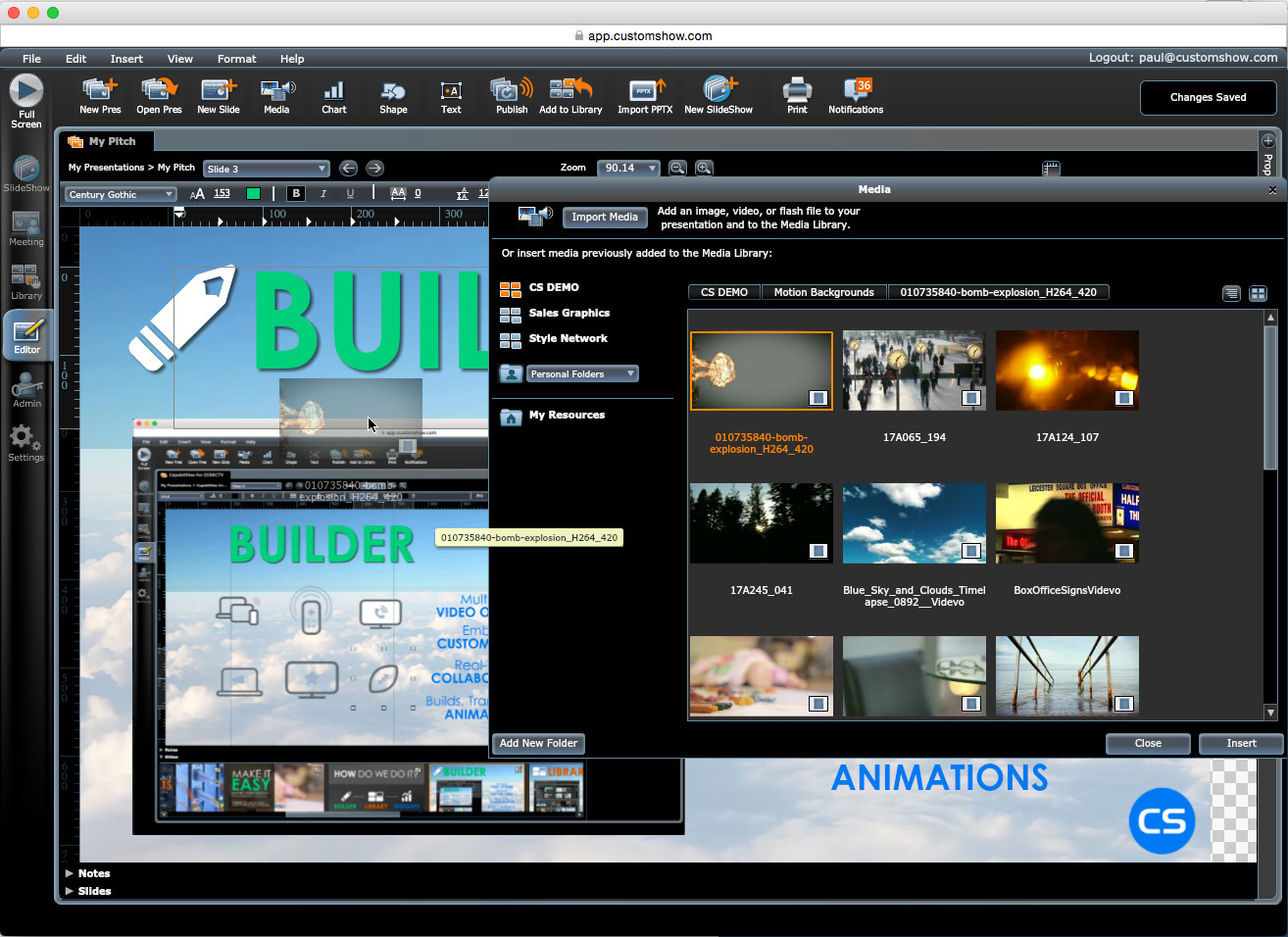
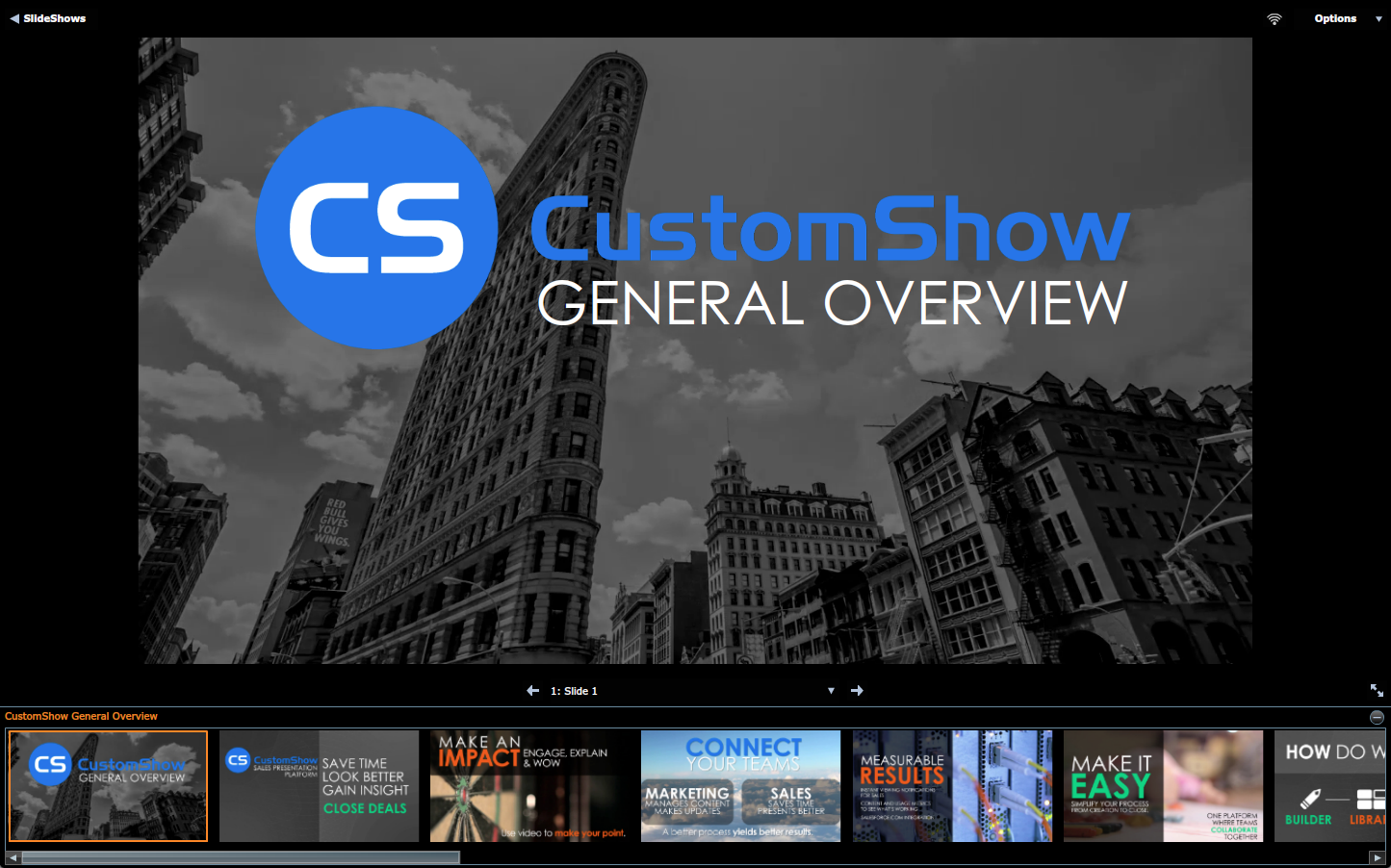
Screenshot of Slide Library - drag-and-drop to build custom presentationsScreenshot of Slide Editor - Build branded slides with seamless video integrationScreenshot of Desktop Viewer - Present seamless online or offlineScreenshot of Viewing Metrics - Get detailed slide-by-slide viewing metrics