Blackboard Collaborate is an online, collaborative learning platform well-suited for the education industry and corporate learning needs. It includes features such as screen and application sharing, web conferencing, and integration with Blackboard Learn.
$300
per year
LiveWebinar
Score 9.0 out of 10
N/A
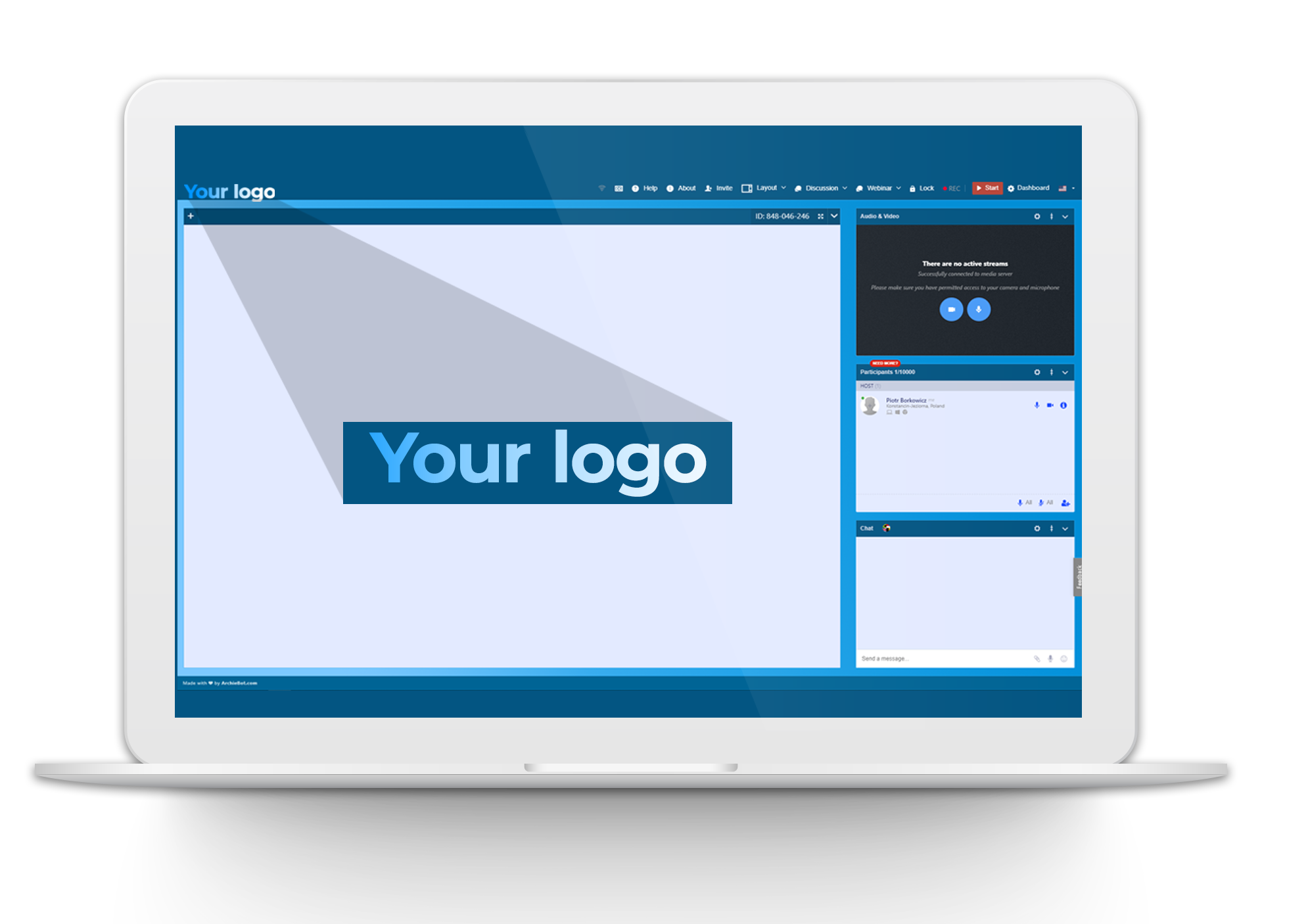
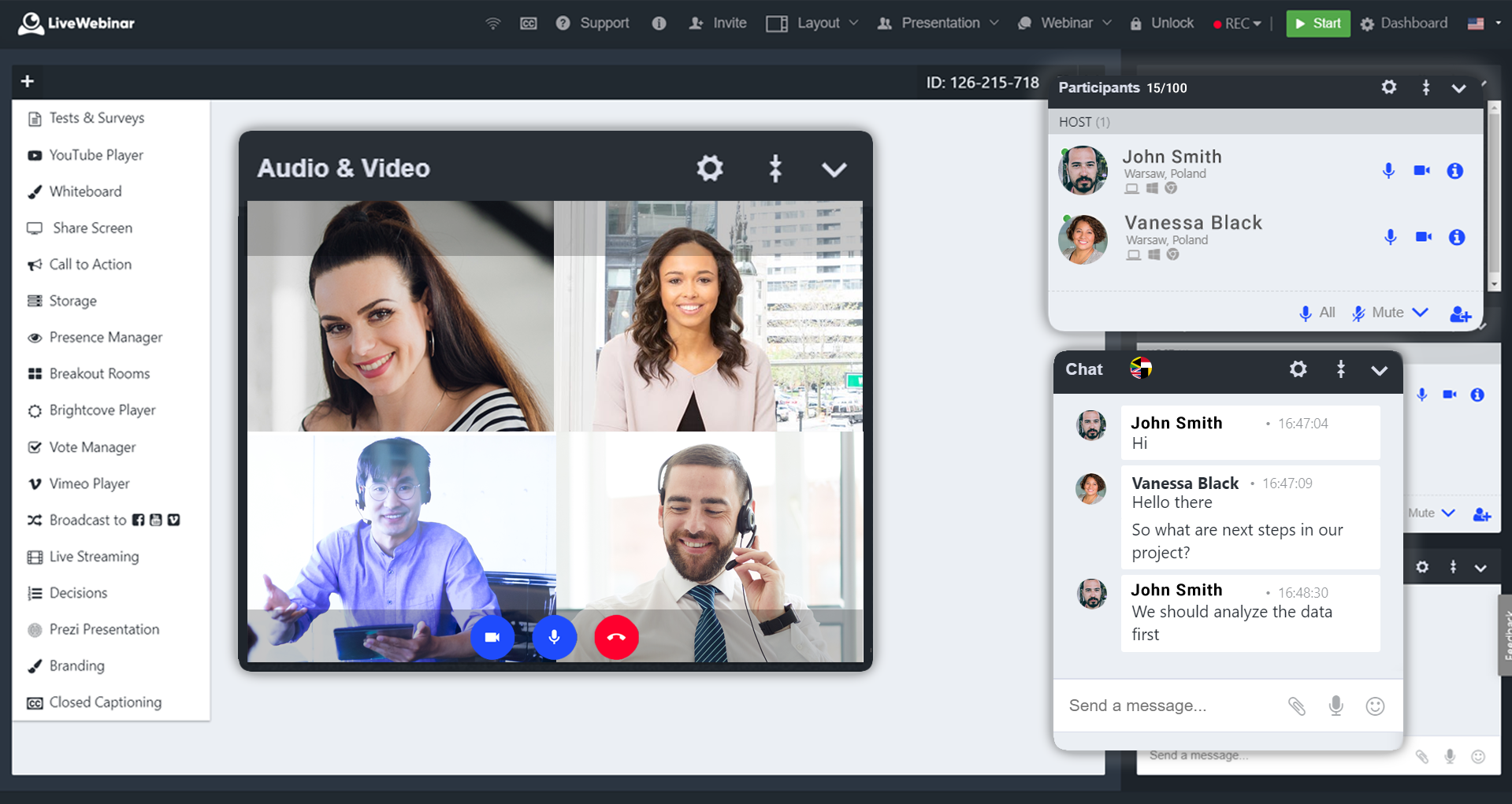
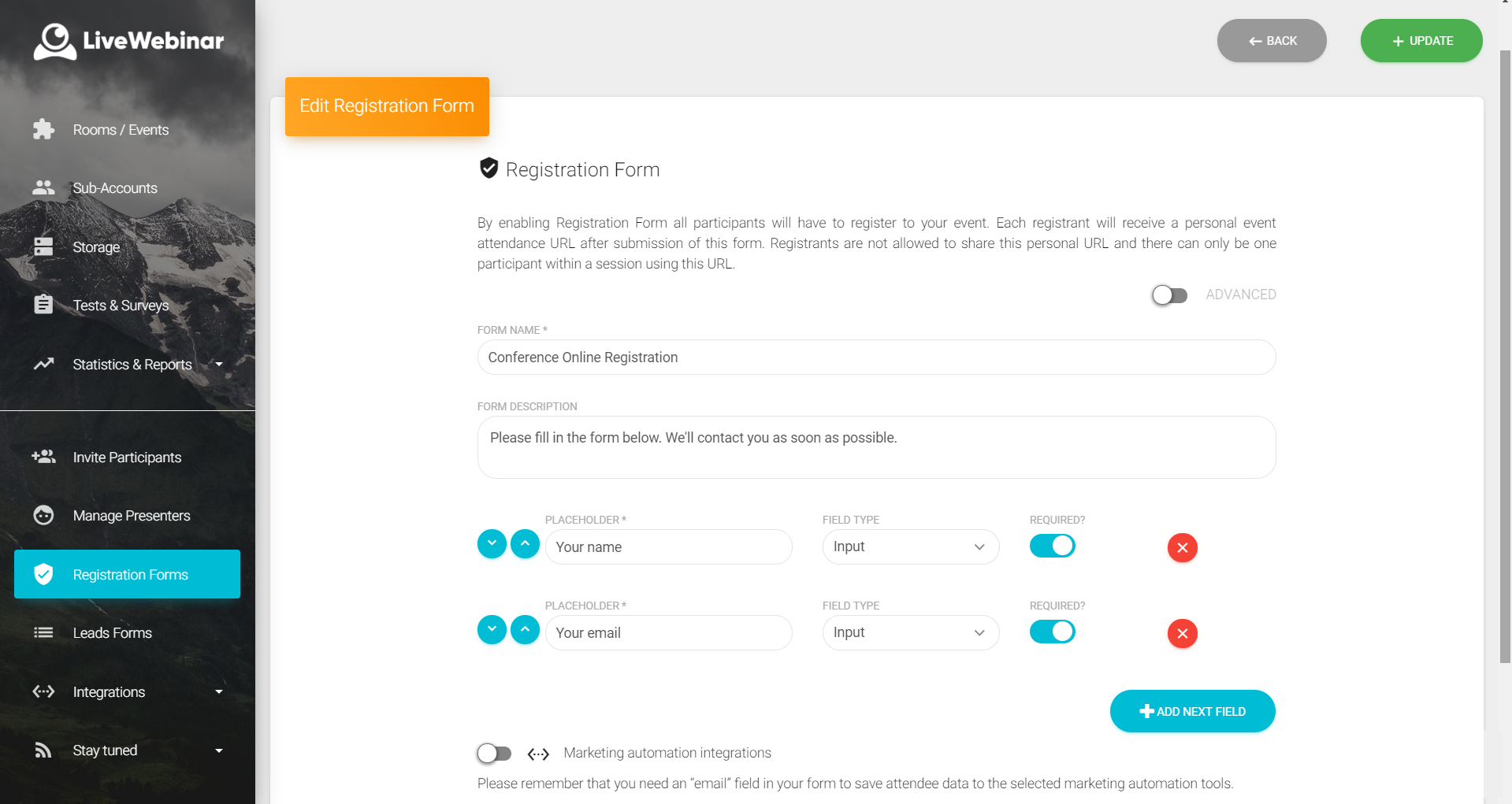
LiveWebinar is a cloud-based tool that helps users manage online webinars, meetings, training, live streaming, chats, screen sharing, social media broadcasting and high definition (HD) recording via web browsers. It is a customizable solution that allows users to change logos, room colors, and design layouts, as well as create personalized registration forms to match their business's brand identity, and control email delivery and report designs. LiveWebinar allows users to broadcast…
N/A
Pricing
Blackboard Collaborate
LiveWebinar
Editions & Modules
Classroom
$300.00
per year
Department
$9000.00
per year
No answers on this topic
Offerings
Pricing Offerings
Blackboard Collaborate
LiveWebinar
Free Trial
No
No
Free/Freemium Version
No
Yes
Premium Consulting/Integration Services
No
No
Entry-level Setup Fee
No setup fee
Optional
Additional Details
—
—
More Pricing Information
Community Pulse
Blackboard Collaborate
LiveWebinar
Features
Blackboard Collaborate
LiveWebinar
Reporting & Analytics
Comparison of Reporting & Analytics features of Product A and Product B
Blackboard Collaborate
-
Ratings
LiveWebinar
7.3
Ratings
2% below category average
Dashboards
00 Ratings
6.70 Ratings
Data exportability
00 Ratings
8.00 Ratings
Performance & Compatibility of Online Events Software
Comparison of Performance & Compatibility of Online Events Software features of Product A and Product B
Blackboard Collaborate
-
Ratings
LiveWebinar
9.0
Ratings
12% above category average
High quality audio
00 Ratings
10.00 Ratings
Mobile support
00 Ratings
8.00 Ratings
Online Meetings / Events
Comparison of Online Meetings / Events features of Product A and Product B
Blackboard Collaborate
-
Ratings
LiveWebinar
9.0
Ratings
11% above category average
Calendar integration
00 Ratings
9.00 Ratings
Record meetings / events
00 Ratings
9.00 Ratings
Slideshows
00 Ratings
9.00 Ratings
Event registration
00 Ratings
9.00 Ratings
Online Events Collaboration
Comparison of Online Events Collaboration features of Product A and Product B
Blackboard Collaborate
-
Ratings
LiveWebinar
8.5
Ratings
3% above category average
Audience polling
00 Ratings
8.00 Ratings
Q&A
00 Ratings
9.00 Ratings
Online Events Security
Comparison of Online Events Security features of Product A and Product B
Blackboard Collaborate
-
Ratings
LiveWebinar
8.5
Ratings
3% above category average
Participant roles & permissions
00 Ratings
8.00 Ratings
Confidential attendee list
00 Ratings
9.00 Ratings
Online Events Marketing
Comparison of Online Events Marketing features of Product A and Product B
Blackboard Collaborate is well suited for teaching and learning, especially online classes. When used with learning management, Collaborate allows for seamless sign-on between the users' course sites and the web conferencing platform. Collaborate is ideal for launching virtual discussions, lectures, office hours, and more. Users can easily upload files to display or share their desktop/specific applications, which is great for demonstrating course principles and meeting learning objectives. Collaborate is really good for breakout rooms, where users join or are assigned to small groups for discussions or team-based learning activities.
LiveWebinar is well suited for training where the visual materials are easy to see and not overly detailed. LiveWebinar is not as easy when there is a lot of chatter going on, so if the material is complex, or likely to have numerous questions by the viewer, a different modality would be better
The ability to host a number of people in a meeting and manage their participation via text and audio.
The screen sharing features allows presenters to demonstrate procedures exactly as instructed on the screen. This also allows the presenter to permit others to share their screens if they need clarification of something or to share further ideas.
The software gives you the freedom to use a whiteboard to draw/demonstrate concepts to students and other employees.
Currently, the audio and video features are enabled separately from each other. You could end up in a situation where 6 people in a 12-person classroom have their cameras enabled and 6 different people have their microphones enabled. It would be ideal if one "Talk" button turned on that person's audio and video simultaneously.
The number of active participants able to turn on their microphone or camera is still limited compared to other products on the market. Competing products allow dozens of participants to enable their audio and video during the entire session without having to switch back and forth as Blackboard Collaborate requires with larger sessions.
Blackboard Collaborate still relies on Java to function. As such, it has to bundle a Java launcher application in order to open sessions. Similar products can function using HTML5 entirely within modern browsers.
Desktop sharing is not visible on mobile apps although the chat, whiteboard, and audio is fully functional.
It is a tool that faculty likes to use. It has so much flexibility to allow students to see a class even if they happen to not be available in the classroom.
Absolutely love the features of Livewebinar and it's probably the most advanced Live webinar solution that I have used. Even with the absence of a native mobile app, the platform is useable on mobile or tablet screen sizes. There's no noticeable lags during the presentation and users find it easy to use and navigate during the presentations / webinars.
I feel that Blackboard Collaborate does a lot of things right. It’s great for educational purposes and may be better for some age levels than others. I feel that they may benefit from making features that distinguish the types of learning environments there are. Primary schools won’t be operating the same as high schools or universities and may need completely different options and features. As well as private schools and public schools. As they continue to improve and add more features the platform will be even better and more tailored to each of the end users.
LiveWebinar is an all in one solution for daily meetings and events. I made it a 9 as it is almost perfect in its current form. However, there were some reported issues on mobile connectivity as there is no native app of LiveWebinar for both iOS and Android. Moreover, I'm hoping that LiveWebinar could connect to my Google, Outlook, or iCal calendar to synch events regularly. I'd love to see my calendar inside LiveWebinar which makes it to the top of the feature wishlist for this platform. Further, if LiveWebinar is able to handle multiple day events or meetings with just a few clicks, that would make this platform, a 11/10 rating!
The availability of the software is quite impressive. You can access it at any time that you want and from anywhere that you want, but that depends on how the software is set up by the University. There might be sudden outages due to not having enough space on your database, which we had that very issue happen recently here at our University. During that time, you could not access their blackboard at all until it was brought up online again.
The performance of the software is remarkable. The loading speed of the pages is more than satisfying, it all depends on the users internet package. So far, there wasn't any issue of Blackboard slowing down other software or systems when integrated with them
The support has been very good. We integrate Blackboard into our learning management system so everything is seamless for users. Most issues arise from the user's browser configuration, cookies, and other privacy settings, not from the tool itself. Collaborate is pretty reliable with strong audio and video quality. Support has been helpful when we've had the occasional quirk, again more likely due to a user-side challenge than the platform itself.
Customer support of LiveWebinar is top notch. They are available almost 24x7x365. I rarely wait for the next response and given that people are not suppose to work on holidays or weekends, their support agents are always there to lend a helping hand. The responses are spot on. It's not that I need help with platform having some issues or anything, but for general account questions, they quickly respond to each and every query I raise over to support. Definitely one of the best things with LiveWebinar.
I believe Blackboard Collaborate is a great app/platform, but like similar products; it should be used in tandem with alternatives. Blackboard Collaborate has features that I find in other apps/platforms, yet some are easier to learn and use. Such is the case with the feature to work in different groups, and switching between groups. Similarly, using the chat whilst sharing screen is a lot easier than with alternative platforms. I do believe it could benefit from certain features such as Miro's participation tracking software, when using the whiteboard app, and maybe some improvement to video/sound quality; yet Blackboard Collaborate is most definitely a useful platform for meetings, workshops, and classes.
The reason for this rating is that the software is a pretty good tool that can be utilized for use in all of the Universities around the world. It has the capability to fulfill the needs of various different education systems. Although, there are slight improvements that are needed, therefore the rating is at 8.
Our implementation has been gradual over the last 2 semesters. Students who have used it to access live academic support despite being unable to drive in for face to face sessions have been extremely happy. It is gradually boosting student morale for offsite students, who have long felt they were unable to access services that were paid through fees with their tuition.
Multiple support services who have wanted to provide online support but were unsure how they could are more empowered to do so now. The current mood is "what else can we offer online through this, workshops, advising, live broadcast of student org meetings"?