Bitwarden vs. PassMan

Overview
ProductRatingMost Used ByProduct SummaryStarting Price
Bitwarden
Score 9.4 out of 10
N/A
Bitwarden headquartered in Santa Barbara offers open source password management solutions for individuals, teams, and business organizations.
$48
per year per user
PassMan
Score 0.0 out of 10
Mid-Size Companies (51-1,000 employees)
PassMan is a GDPR compatible business password manager which makes daily work more secure with AES-256 bit encryption. The virtual password safe stores business credentials and other secrets and it helps users login to remote targets securely. The password vault provides role-based access. With permission management, PassMan can protect against internal threats (employee abuse, inattention of the workers etc.) and it can discover inactive accounts (e.g. former…
$70
Pricing
BitwardenPassMan
Editions & Modules
Teams
$4
per month (billed annually) per user
Enterprise
$6
per month (billed annually) per user
Standard (on-premise)
start at 320 $ / year
Premium (on-premise)
start at 640$ / year
Enterprise (on-premise)
start at 3300$ / year
Cloud
start at 70$ / year
Offerings
Pricing Offerings
BitwardenPassMan
Free Trial
YesYes
Free/Freemium Version
YesYes
Premium Consulting/Integration Services
YesYes
Entry-level Setup FeeNo setup fee$65
Additional DetailsPricing depends on maximum number of users, secrets and target systems.
More Pricing Information
Community Pulse
BitwardenPassMan
Best Alternatives
BitwardenPassMan
Small Businesses
RoboForm
RoboForm
Score 9.8 out of 10
RoboForm
RoboForm
Score 9.8 out of 10
Medium-sized Companies
1Password
1Password
Score 9.4 out of 10
1Password
1Password
Score 9.4 out of 10
Enterprises
KeePass
KeePass
Score 8.6 out of 10
KeePass
KeePass
Score 8.6 out of 10
All AlternativesView all alternativesView all alternatives
User Ratings
BitwardenPassMan
Likelihood to Recommend
9.7
(7 ratings)
-
(0 ratings)
Usability
9.7
(3 ratings)
-
(0 ratings)
User Testimonials
BitwardenPassMan
Likelihood to Recommend
Bitwarden
Bitwarden supports various forms of two-factor authentication, including time-based one-time passwords (TOTP), Duo, YubiKey, and other hardware-based tokens. This integration enhances the security of the Bitwarden account and allows to store and manage their 2FA credentials for other applications within Bitwarden itself.
Read full review
Moresimp Ltd.
No answers on this topic
Pros
Bitwarden
  • Their Browser extension seamlessly integrates into your workflow
  • Collections keep information very organized within your Vault
  • Vault Health Reports help identify weak or reused passwords
  • Their built-in password generator is quick and easy to use
  • UI is very user-friendly
  • Video tutorial's are very helpful on their website
Read full review
Moresimp Ltd.
No answers on this topic
Cons
Bitwarden
  • Bitwarden has great functionality all around, however, I would in the future like to see this product as an SSO/IDM distributor.
Read full review
Moresimp Ltd.
No answers on this topic
Usability
Bitwarden
Easy to use, just missing a few quality of life features. Nothing to suggest it's not awesome as it is, just bells and whistles to make it more convenient.
Read full review
Moresimp Ltd.
No answers on this topic
Alternatives Considered
Bitwarden
Other solutions felt more clunky or were significantly higher priced. Bitwarden seems to straddle the consumer/prosumer/SMB fence more than adequately by designing their user experience to feel welcoming but also trustworthy and reliable. The other tools seem to assume that users are ok with struggling in their onboarding process.
Read full review
Moresimp Ltd.
No answers on this topic
Return on Investment
Bitwarden
  • Gives employer the piece of mind knowing that passwords are safely stored in one place
  • If an employee leaves, you don't have to go searching for passwords, they should all be in one place in Bitwarden.
Read full review
Moresimp Ltd.
No answers on this topic
ScreenShots

Bitwarden Screenshots

Screenshot of the Bitwarden Vault, where users can generate, autofill, and share unlimited credentials and other sensitive data from any browser, mobile device, or desktop application.Screenshot of the Bitwarden browser extension that protects passwords and digital secrets in a vault, auto-fills them, and generates new passwords that are fully encrypted end-to-end (even the Bitwarden team can’t access them).Screenshot of Bitwarden's password generator, used to generate strong and unique passwords, including usernames. It also integrates with email alias services for additional security. Using the strong generator tool keeps personal info like anniversaries and pet names out of your passwords, out of the dark web, and out of hackers’ hands.Screenshot of Bitwarden Send, a feature that lets users quickly share encrypted files and text with another individual via a private link. It can also be used to automatically share vault items using collections in a Bitwarden organization.Screenshot of Bitwarden's sync feature, that syncs passwords and other sensitive data (like identities, addresses, and credit cards) across devices, including mobile devices.Screenshot of where Bitwarden can auto-fill login information into websites. Autofill can be used across browsers, mobile apps (Android and iOS), and other places using associated URIs.

PassMan Screenshots

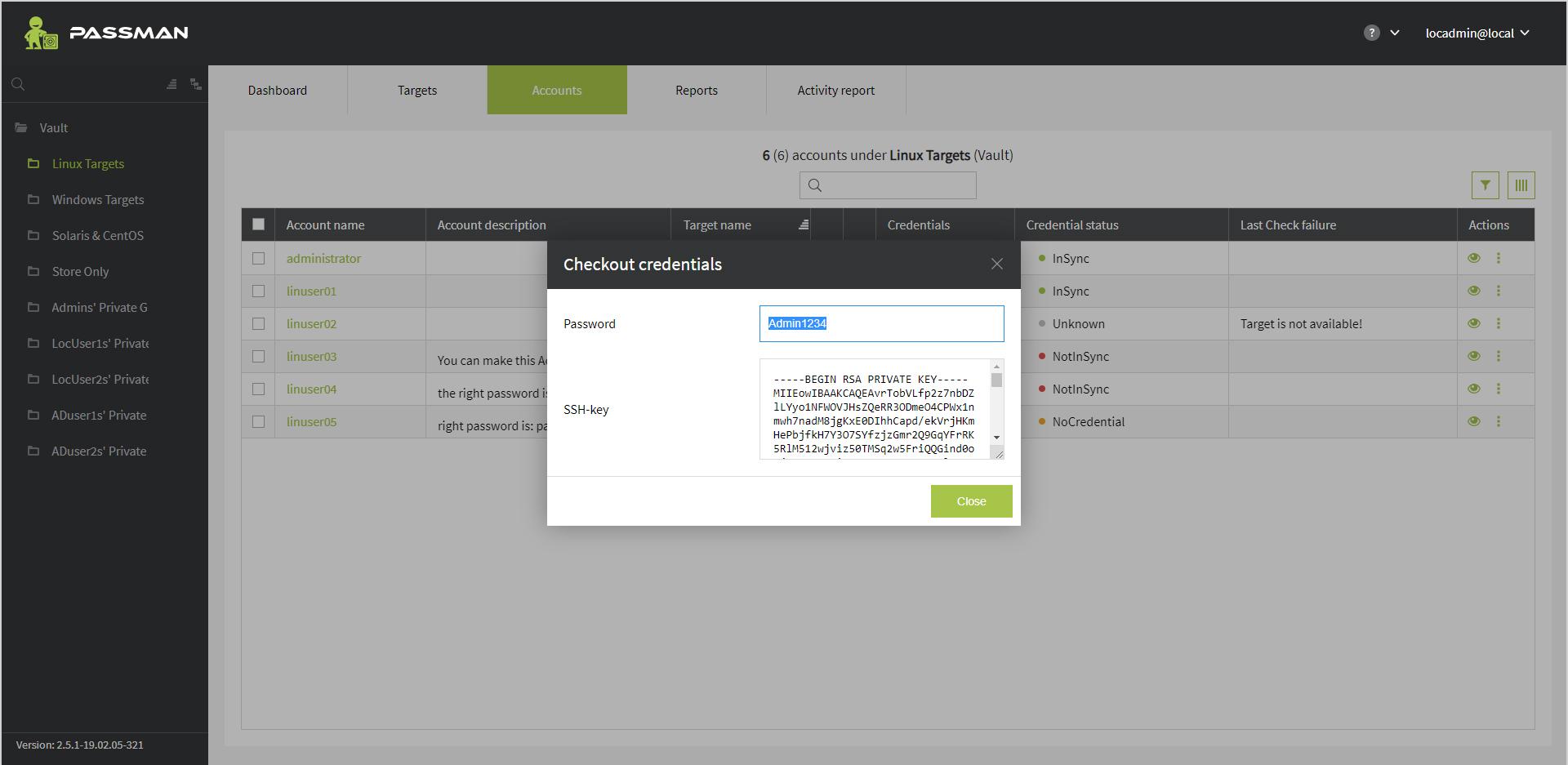
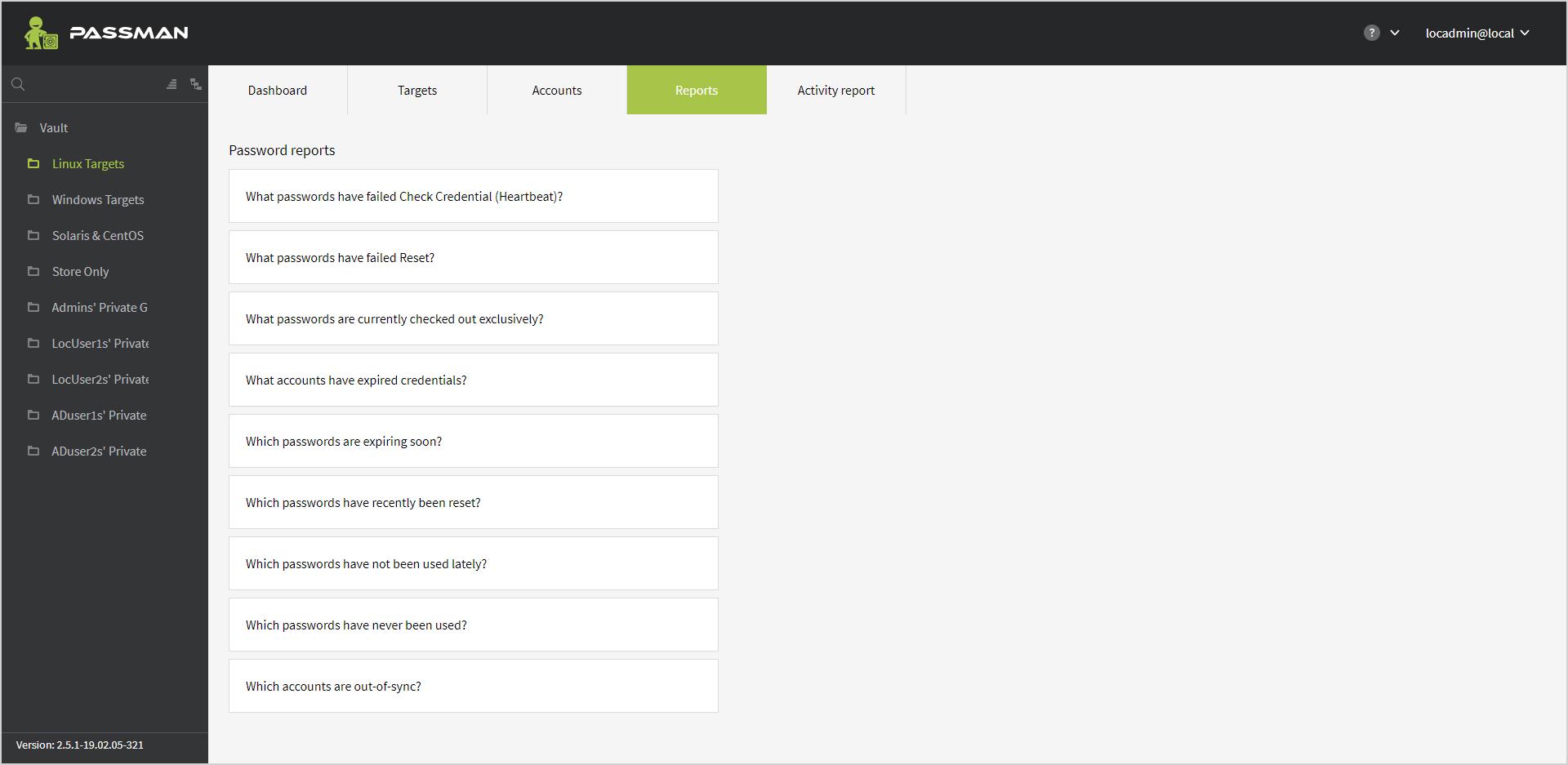
Screenshot of Screenshot of Screenshot of Screenshot of Screenshot of