Barracuda ESG were physical or virtual appliances designed to protect email servers from spam, virus, spoofing, phishing and spyware attacks. The product line is discontinued.
N/A
Zoho Mail
Score9.3 out of 10
N/A
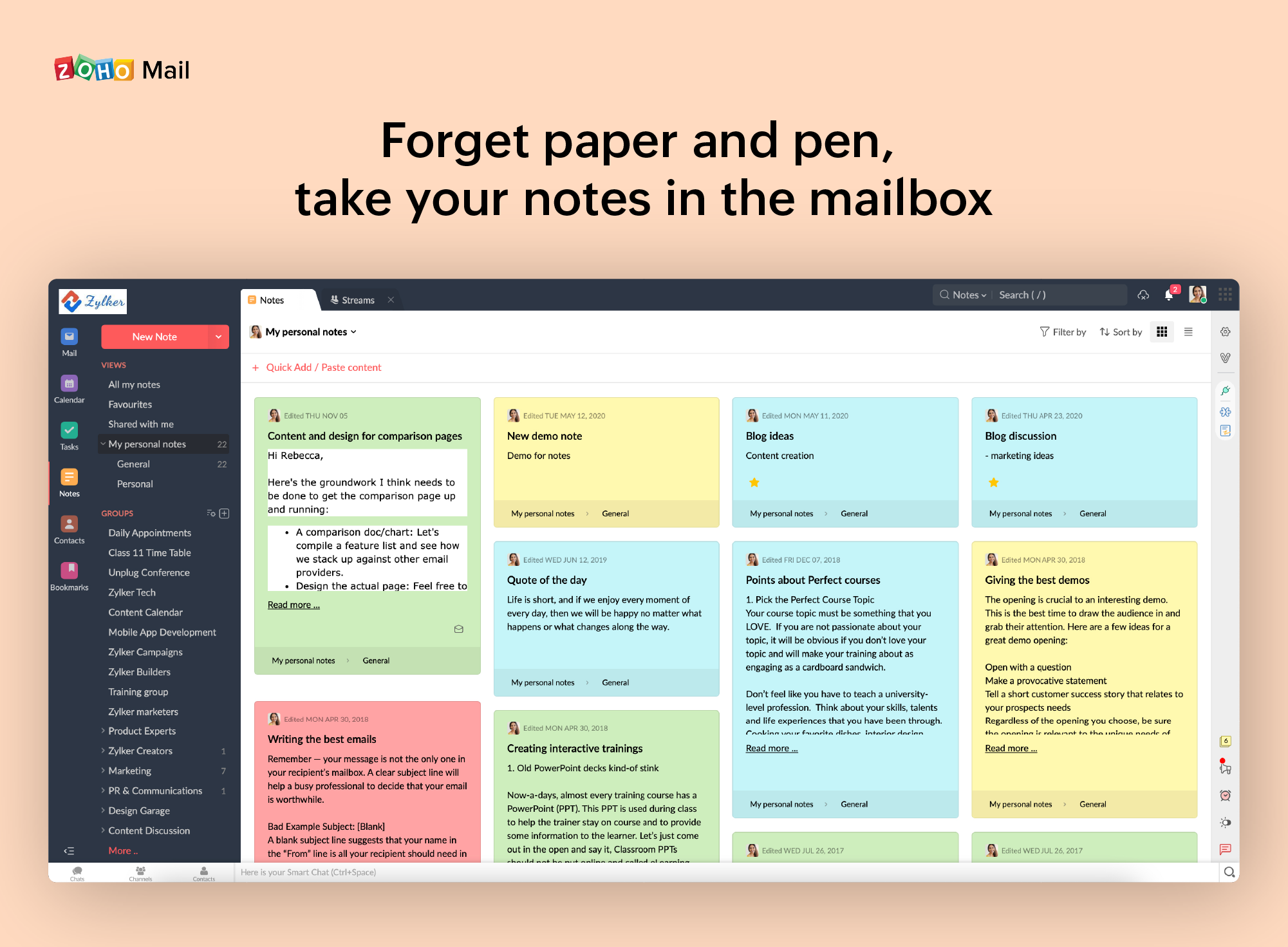
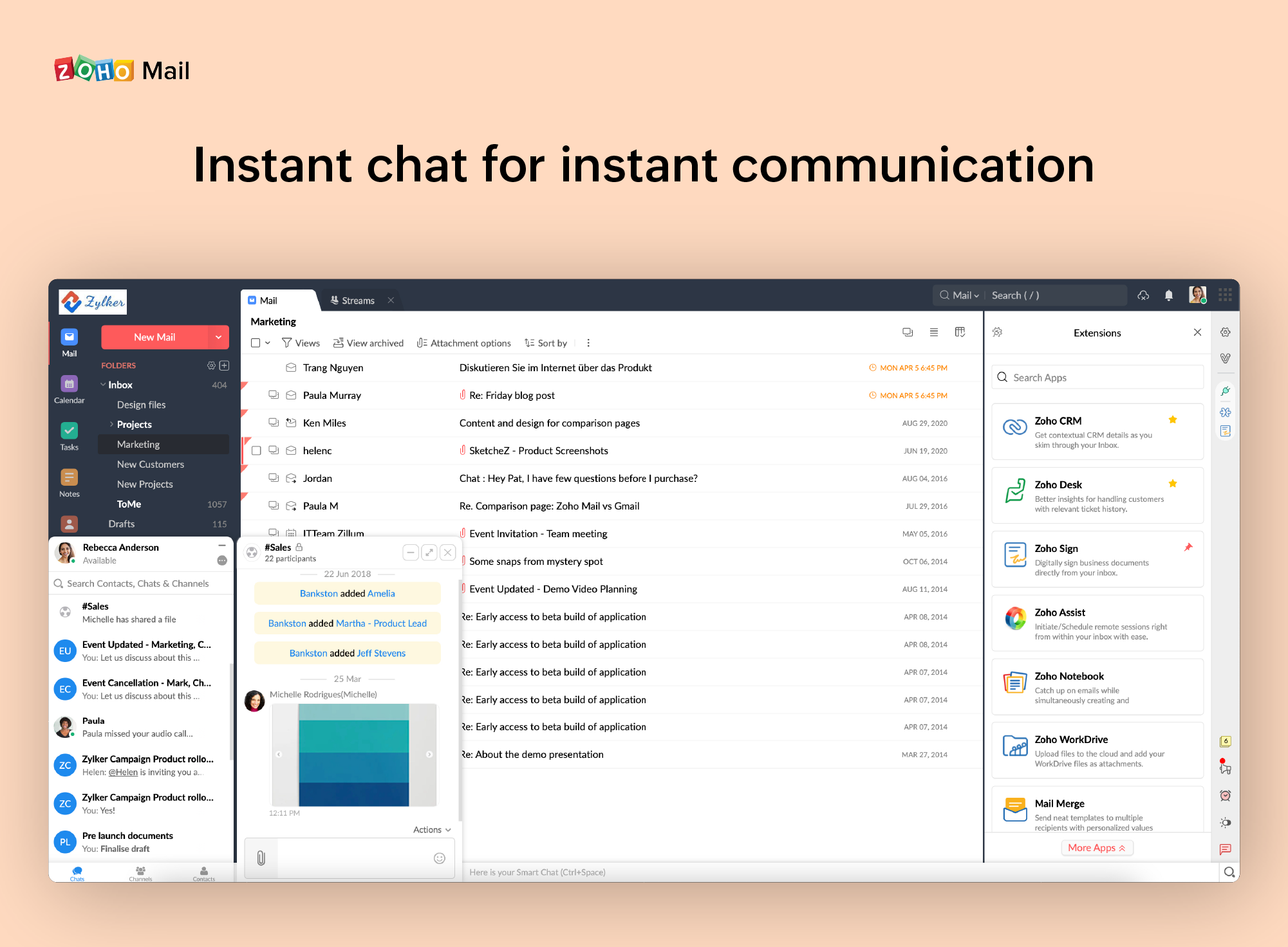
Zoho offers their business email suite, which includes Calendar, Tasks, Notes, and Contacts bundled with an inbox.
Good combination when using their other products like an incident response. When using automated workflows, this makes creating sender policies a breeze. Unfortunately, this can also be done too well as it may filter out valid emails and to resend or place them back into users' mailbox isn't an easy thing to do even if you attempt to resend through the Email Security Gateway.
If you don't have a huge budget and want something that works with minor quirks here and there then Zoho Mail is definitely something you should look into. For half the price of Google G Suite or Office account you get 5GB of storage per user and can send up to 25MB emails without restrictions. Great for small businesses in my opinion. I have had some issues with their spam filter, but we use SpamTitan and just shut off the one that comes with Zoho Mail. Zoho's spam filter isn't horrible but you should definitely use something in addition or instead of what comes with Zoho.
A de minimis incentive was given to thank the reviewer for their time. The incentive was not used to bias or drive a particular response, nor was the incentive contingent on a positive endorsement. More Info
ESS has a simple interface for both users and administrators.
The "Manage Quarantine" button in each email is a direct sign-on link, so users don't have to remember their password to manage their quarantine (this is GOLD, Jerry!).
The baseline functionality (catching spam/malware/phishing/malware attachments/malformed PDFs etc) is super-solid, with few false positives and few false negatives.
A de minimis incentive was given to thank the reviewer for their time. The incentive was not used to bias or drive a particular response, nor was the incentive contingent on a positive endorsement. More Info
I really like that there is a free version in which a single user can be created. It is really useful because it allows you to evaluate each characteristic of the service without having to buy it.
I also really like the visual aspect of the inbox, which is partially customizable. Because you can make small changes such as changing the color, the language, and among other things.
A de minimis incentive was given to thank the reviewer for their time. The incentive was not used to bias or drive a particular response, nor was the incentive contingent on a positive endorsement. More Info
You need to take time in adding your contacts to a whitelist so that you don't miss an email.
I recommend changing the time interval; Barracuda notifies you that you have quarantined emails as we were only getting 1 per day and we missed some urgent emails.
The quarantine folder is web based, we'd prefer it to have been an add-in for Outlook.
A de minimis incentive was given to thank the reviewer for their time. The incentive was not used to bias or drive a particular response, nor was the incentive contingent on a positive endorsement. TR verified that a representative sample of customers was invited. More Info
A de minimis incentive was given to thank the reviewer for their time. The incentive was not used to bias or drive a particular response, nor was the incentive contingent on a positive endorsement. More Info
Setting up the Barracuda for use with Microsoft 365 provides issues that Barracuda seems to have no fix for. I mentioned these issues to their support, because I am constantly reminded of them by their system, and I was told that those errors are normal for our setup and to ignore them which is frustrating to me.
A de minimis incentive was given to thank the reviewer for their time. The incentive was not used to bias or drive a particular response, nor was the incentive contingent on a positive endorsement. More Info
It is very easy to use and does all you need. It sends newsletters to their own folder. A notification folder for more important things. The Spam folder collect the right amount of spam emails
A de minimis incentive was given to thank the reviewer for their time. The incentive was not used to bias or drive a particular response, nor was the incentive contingent on a positive endorsement. More Info
A de minimis incentive was given to thank the reviewer for their time. The incentive was not used to bias or drive a particular response, nor was the incentive contingent on a positive endorsement. More Info
The WebUI is the only piece I find lacking on the Barracuda ESK. Its is not the fastest and is fairly utilitarian in its approach. The Outlook plug-in, while not in wide use here, causes zero slowdown in Outlook or the Barracuda ESG.
A de minimis incentive was given to thank the reviewer for their time. The incentive was not used to bias or drive a particular response, nor was the incentive contingent on a positive endorsement. More Info
Barracuda Email Security Gateway support is great at responding and escalating cases when needed. Timeliness is key when dealing with email attacks, spoofing or malware. Barracuda also has great resources for end-user training as our end users are our first line of defense in combatting attacks on our company. Training end-users pays off in time spent dealing with any email attacks
A de minimis incentive was given to thank the reviewer for their time. The incentive was not used to bias or drive a particular response, nor was the incentive contingent on a positive endorsement. More Info
I have spoken with Zoho several times and their support is always friendly and helpful. I have always been asked for security pins and codes when seeking assistance which helps me to feel my accounts are secure and I have never had to wait on hold to speak with someone for more than 5 minutes. They always seem to have someone available to help. If you call asking for instructions on how to do something they gladly walk you through the process and if you just need something done and don't have time to do it yourself they will happily customize whatever you need without you having to spend all day with it.
A de minimis incentive was given to thank the reviewer for their time. The incentive was not used to bias or drive a particular response, nor was the incentive contingent on a positive endorsement. More Info
Barracuda integrates well with Office 365 and mail flow is great. It was the first solution we found that was part of a greater suite to fit all the requirements we had. With the Email Security gateway being in the cloud, it required no extra hardware but also nothing new installed on an endpoint as some solutions require.
A de minimis incentive was given to thank the reviewer for their time. The incentive was not used to bias or drive a particular response, nor was the incentive contingent on a positive endorsement. More Info
Zoho is free. Also, there is no need for a separate IT guy for creating mail, or if any issues come you don't have to find anyone anyone can check and fix all issues from their super admin panel. Zoho overview is much better than outlook and its appearance of getting mail popup and functionality is better than outlook. My friend suggested for this and also after using I have referred my friend
The gateway learns current scam which can prevent unmeasureable damage. As a government organization attacks on our network affect public safety.
Previous gateways I have managed have required significant amounts of time grooming. The Barracuda gateway has freed up a great deal of my time due to its intelligence and intent scanning.
I have very few incidences where a legitimate malicious email will pass through the filter. Just one of these emails can wreak havoc on an organization.
A de minimis incentive was given to thank the reviewer for their time. The incentive was not used to bias or drive a particular response, nor was the incentive contingent on a positive endorsement. More Info
A de minimis incentive was given to thank the reviewer for their time. The incentive was not used to bias or drive a particular response, nor was the incentive contingent on a positive endorsement. More Info