Bananatag (discontinued) vs. InsideSales Playbooks

Overview
ProductRatingMost Used ByProduct SummaryStarting Price
Bananatag (discontinued)
Score 8.0 out of 10
N/A
Bananatag is email tracking software for sales teams and internal communications. It integrates with Gmail, Outlook, Mac mail, and other email clients. It includes email tracking, link tracking, email scheduling, email templates, attachment tracking, and email analytics. After merging with Staffbase in March 2021, Banatag is to be discontinued. Similar capabilities will be supplied by Staffbase.N/A
InsideSales Playbooks
Score 6.7 out of 10
N/A
InsideSales Playbooks (formerly XANT Playbooks) aims to help SDRs and AEs quickly build closeable pipeline, by helping salespeople get a hold of more of the right people. InsideSales.com uses their A.I.-platform called Neuralytics to target likely buyers combined with their cadence engine to help sales reps consistently engage all of their prospects in a personalized way. Just like Waze from Google helps drivers get to their destination quickly based on the data from other drivers,…N/A
Pricing
Bananatag (discontinued)InsideSales Playbooks
Editions & Modules
No answers on this topic
Offerings
Pricing Offerings
Bananatag (discontinued)InsideSales Playbooks
Free Trial
NoNo
Free/Freemium Version
NoNo
Premium Consulting/Integration Services
NoNo
Entry-level Setup FeeNo setup feeRequired
Additional Details
More Pricing Information
Community Pulse
Bananatag (discontinued)InsideSales Playbooks
Best Alternatives
Bananatag (discontinued)InsideSales Playbooks
Small Businesses
Salesflare
Salesflare
Score 6.0 out of 10
Salesmate
Salesmate
Score 10.0 out of 10
Medium-sized Companies
Mailtrack
Mailtrack
Score 9.7 out of 10
HubSpot Sales Hub
HubSpot Sales Hub
Score 8.5 out of 10
Enterprises
Groove, a Clari company
Score 6.2 out of 10
Outreach
Outreach
Score 8.5 out of 10
All AlternativesView all alternativesView all alternatives
User Ratings
Bananatag (discontinued)InsideSales Playbooks
Likelihood to Recommend
7.0
(0 ratings)
1.3
(0 ratings)
Usability
-
(0 ratings)
3.2
(0 ratings)
Support Rating
3.0
(0 ratings)
-
(0 ratings)
User Testimonials
Bananatag (discontinued)InsideSales Playbooks
Likelihood to Recommend
I would absolutely recommend Bananatag for pretty much anybody in our organization. Its pros far outweigh the cons and it is handy in more ways than you would initially think. It is well suited for any email that is external or client facing. It helps cover the bases in a case of a communication dispute and helps you time email responses better than if you didn't have the tool active.
Read full review
Playbooks is great for sales organizations that need help with efficiency and cadence. It is well suited for heavy calling and high emails on accounts. Playbooks also does a great job at taking the guesswork out of accounts for my reps. The only time I would think that Playbooks would be less appropriate would be if a company already has a similar system in place.
Read full review
Pros
  • Easy to use and install, particularly with Gmail for business.
  • It has a simple feedback system, if a client reads an email, you get an emailed read receipt telling you the time of them doing so.
  • It runs in the background, is virtually undetectable and will not hinder any communication in the slightest.
Read full review
  • Organization with tasks - Playbooks tells reps what step they are on with each account
  • Keeping reps focused & accountable - now, they know exactly what is expected of them for that day
  • Time efficiency - realizing what accounts to continue working, and what accounts to stop working
Read full review
Cons
  • Changing the format/size of blocks.
  • The range/choice of blocks that can be used.
Read full review
  • There does seem to be a lot of steps involved for each play when it would be nice to have fewer steps to send out an invite to an upcoming webinar.
  • It would also be great to have more VOD's that we could watch on our own time to learn more about the tool.
  • It would also be great to have the ability to see exactly when they open an email and forward it on.
Read full review
Usability
No answers on this topic
It only took a day to get comfortable with Playbooks. The ease of use and overall usability is fantastic in the sense that it's pretty straightforward once you get enough repetitions in the tool. I also like all of the videos and resources available if support is needed
Read full review
Support Rating
Have not really had many opportunities to use the support function but my experience was limited and a little bit clunky. It was not particularly responsive or helpful in terms of trying to resolve the query I was working on. I think the problem was solved by another member of the team that worked on designing their own template.
Read full review
No answers on this topic
Alternatives Considered
The decision to use Bananatag was not mine but I have grown more used to the platform and have gradually learned to like it, once people have designed the template. The chrome extension is excellent, the ability to download a PDF or html version of the content to be shared is a big plus point of Bananatag compared to Mailchimp.
Read full review
You can do so much more with Playbooks. the power dialer that we had previously just allowed us to take a few notes and disposition a call. with Playbooks, you can keep track of accounts. Keep track of conversations, lists of what needs to get done, schedule calls and much much more.
Read full review
Return on Investment
  • Ability to create well-designed content.
  • Ability to track extent to which content is consumed.
Read full review
  • 100's of hours back in our week due to Salesforce Integration!
  • We have more clients answering the phone due to creative caller ID solutions.
  • We can standardize our messaging by partnering with Marketing to help build plays and auto-enroll certain contacts based on messaging.
Read full review
ScreenShots

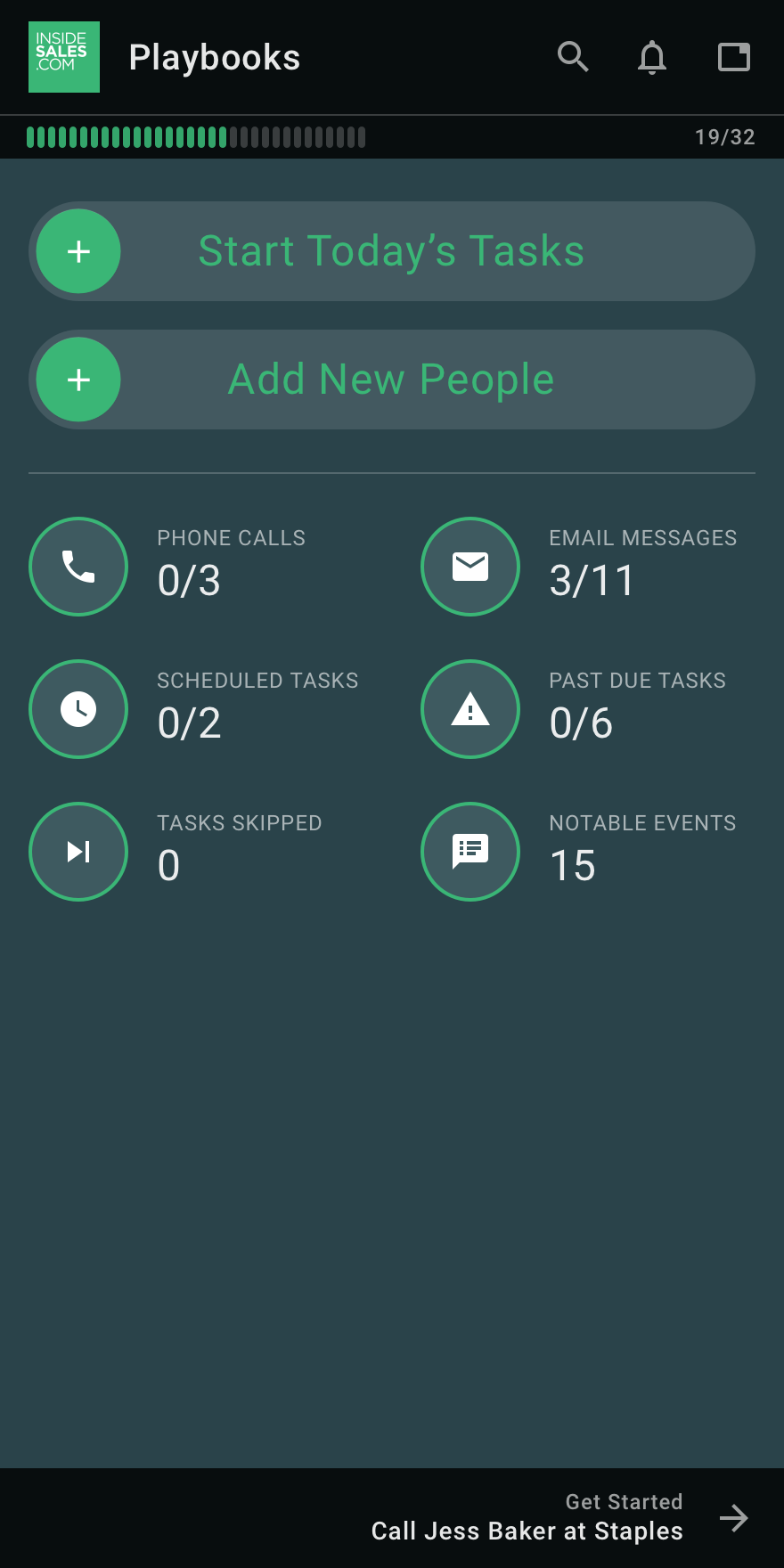
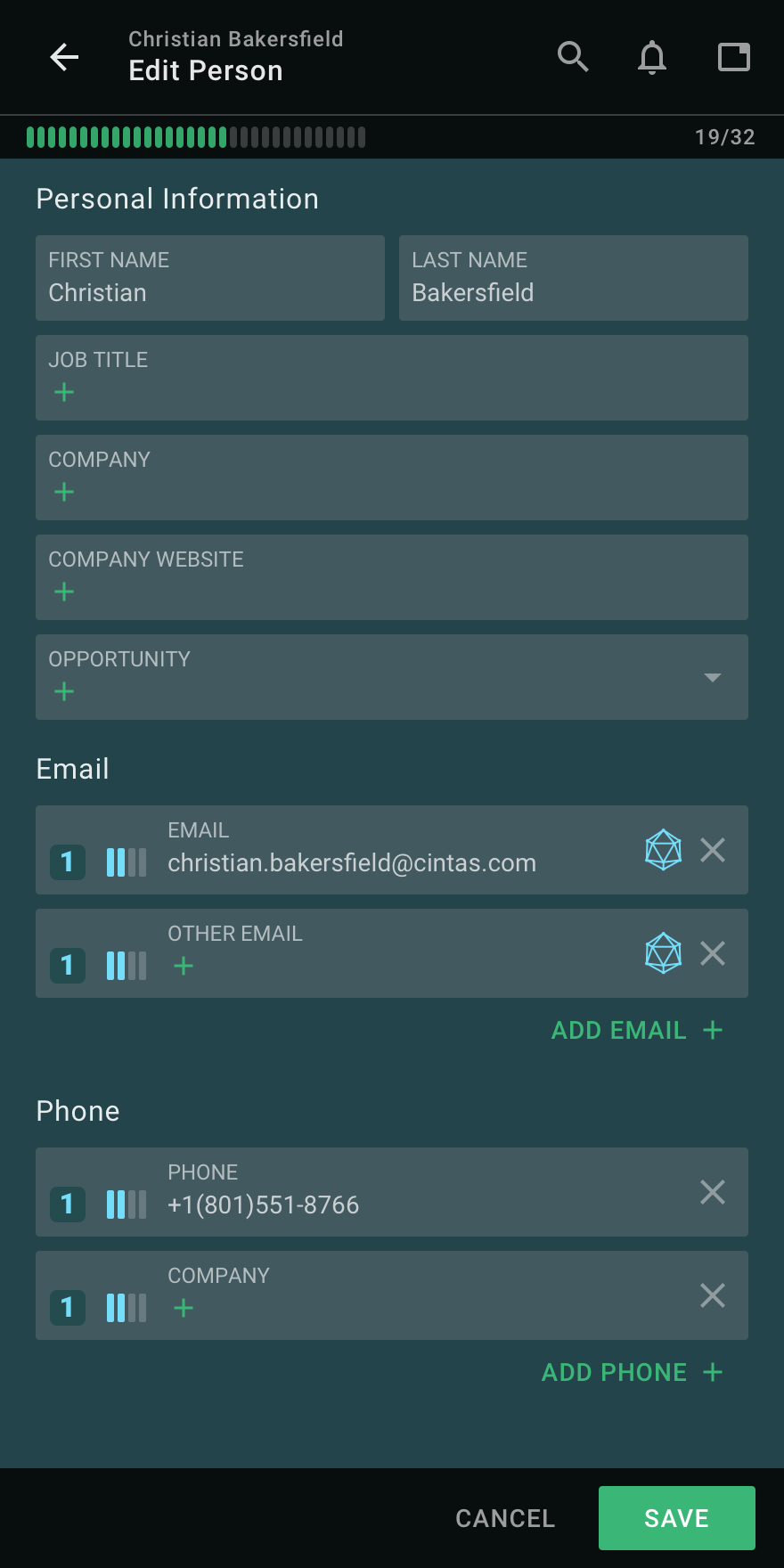
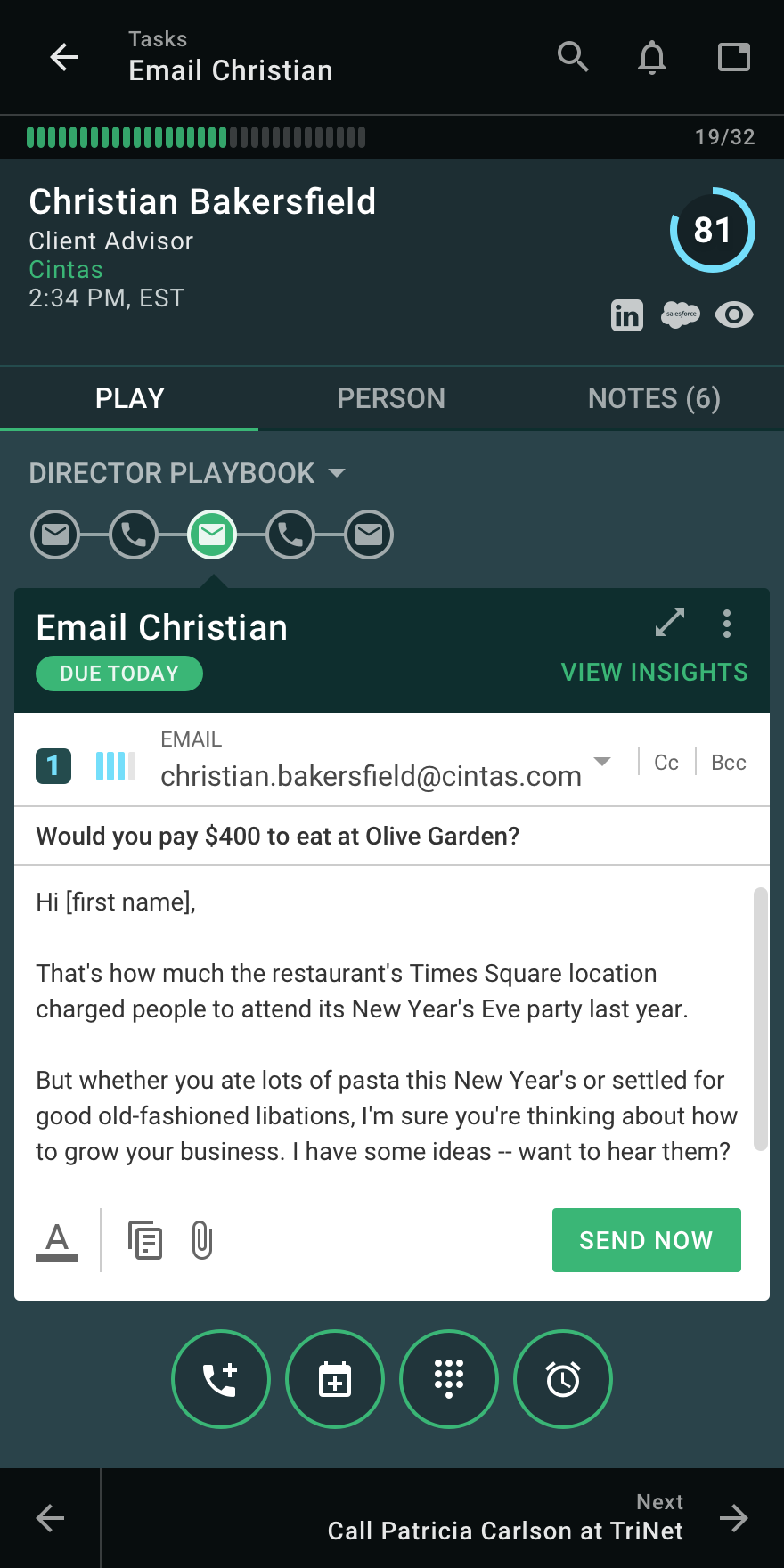
InsideSales Playbooks Screenshots

Screenshot of Playbooks DashboardScreenshot of Editing a RecordScreenshot of Creating an EmailScreenshot of Adding NotesScreenshot of Scheduling a CallScreenshot of Viewing Task List