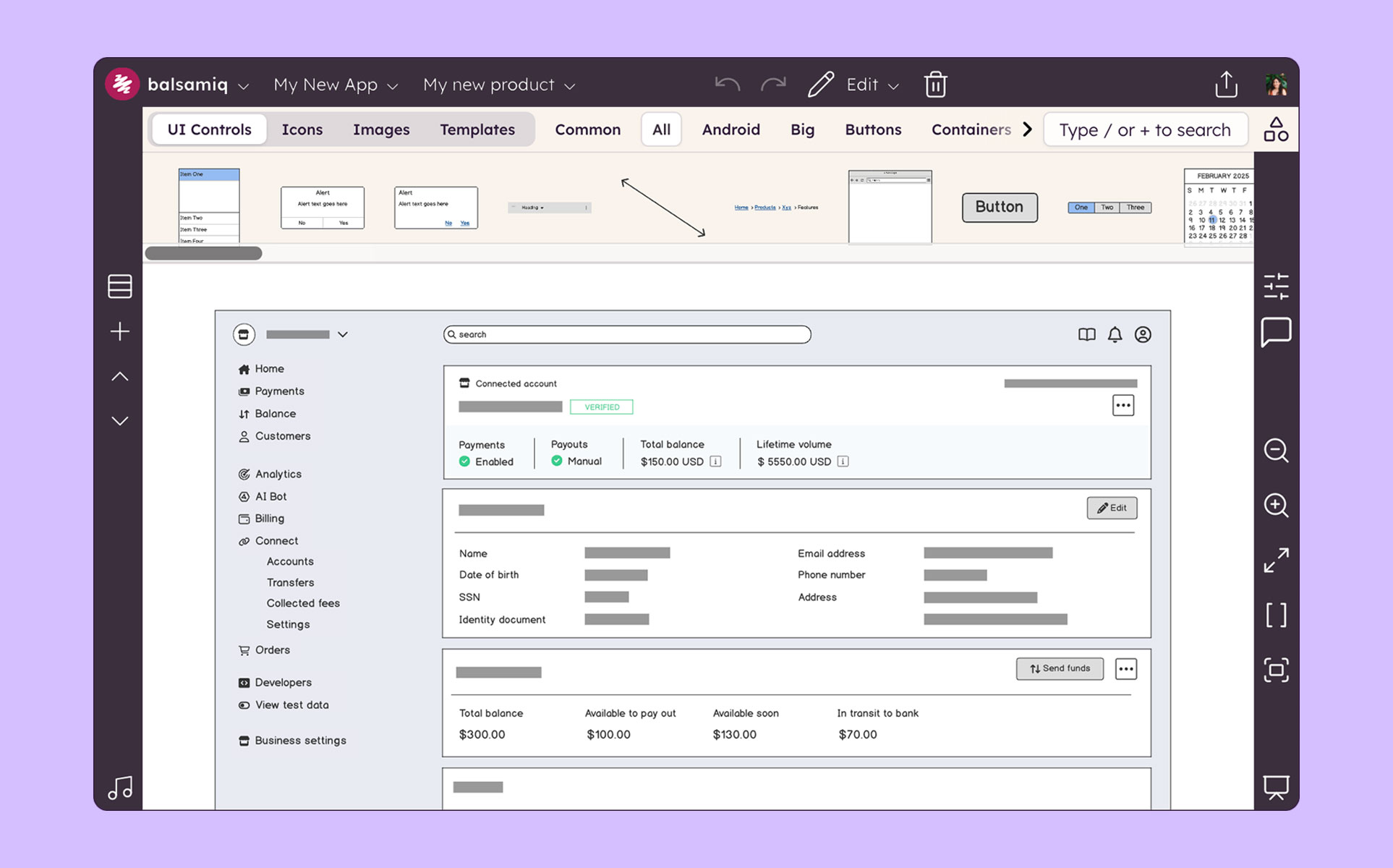
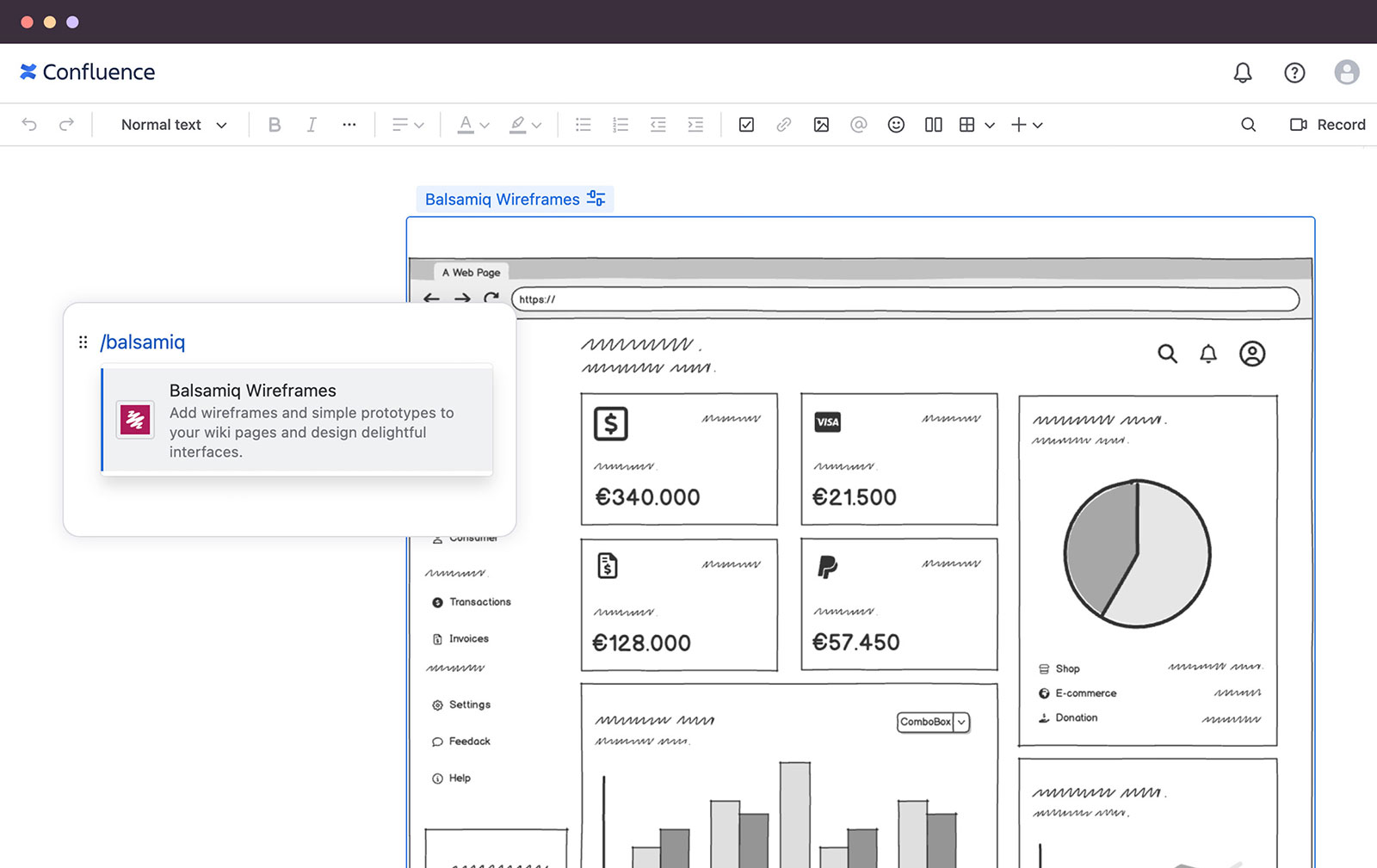
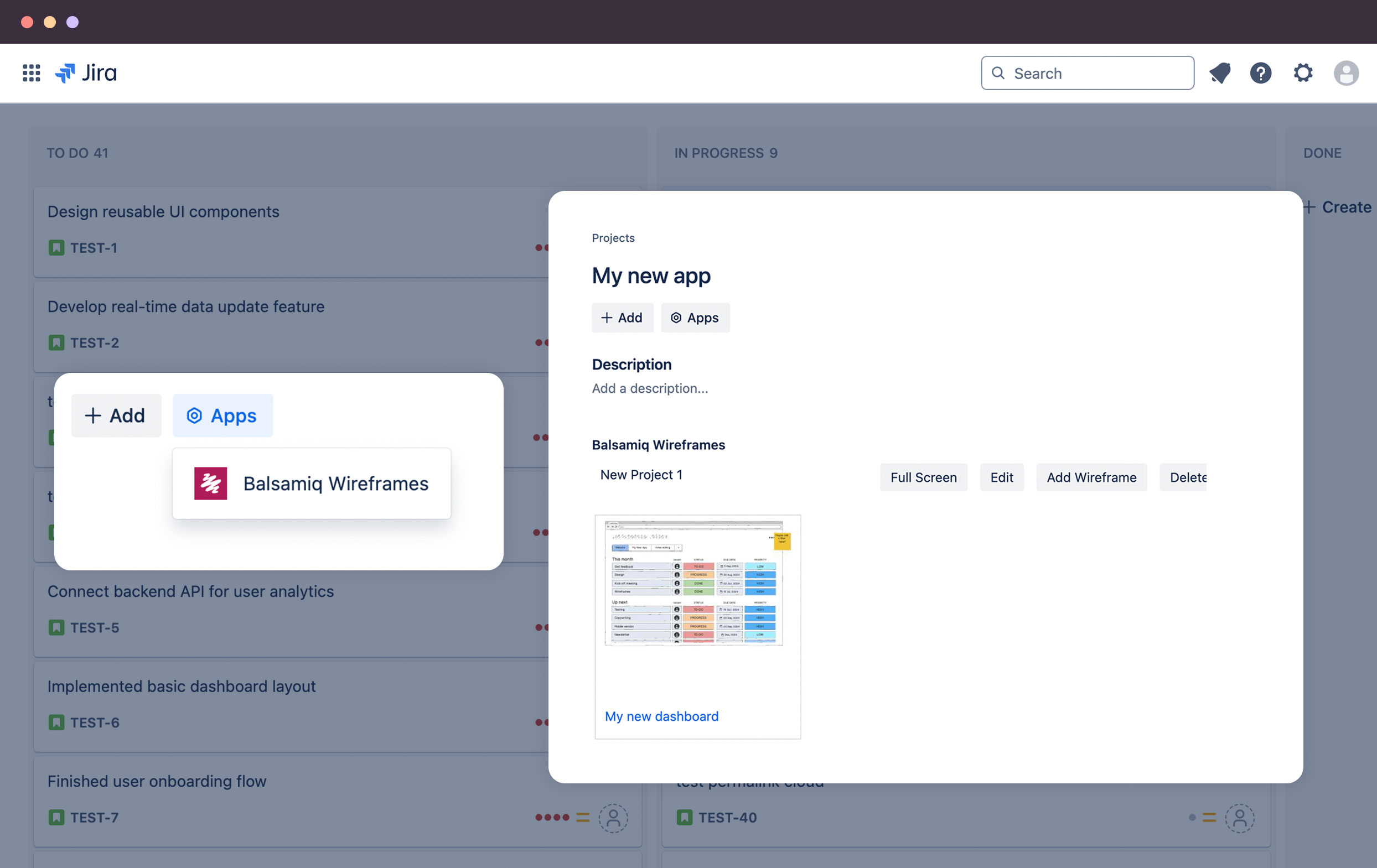
Balsamiq is a wireframing tool that helps lean product teams turn early ideas into clear, actionable direction. The tool helps product managers, founders, and engineers worldwide share concepts, reduce rework, and build better products.
$12
per month (up to 2 projects)
Optimal
Score9 out of 10
N/A
Optimal Workshop, a company in New Zealand, offers their suite of user research tools on a subscription basis, including the Treejack information architecture tool, OptimalSort card sorting test, Chalkmark first-click testing, and other tools.
Balsamiq is a great tool for quickly getting ideas into visual form. At first it seems like there are not that many UI assets, but this constraint actually adds to the speed. There are less things for you to fuss over, you can focus on getting your ideas down. This is a tool for lofi rough drawings not a tool for building beautiful prototypes for developers to code to. It is fantastic for ideation because you mostly just drag and drop components onto the canvas and move things around. It's great in a live workshop setting for that reason.
A de minimis incentive was given to thank the reviewer for their time. The incentive was not used to bias or drive a particular response, nor was the incentive contingent on a positive endorsement. More Info
Optimal Workshop is great for UX testing for those with a budget to do so. This may be a little on the expensive side for smaller businesses, but definitely not anything crazy expensive. The insights that you get out of these tests are invaluable and can be the difference between launching a site and succeeding/failing.
A de minimis incentive was given to thank the reviewer for their time. The incentive was not used to bias or drive a particular response, nor was the incentive contingent on a positive endorsement. More Info
Mock ups are obviously only just mock ups (this is important as if users see mock-ups in HTML, for example, they tend to think the system is ready to use or not far off)
Has a good selection of standard shapes that mock real world fields / controls
Allows not for profit organisations use it for free
A de minimis incentive was given to thank the reviewer for their time. The incentive was not used to bias or drive a particular response, nor was the incentive contingent on a positive endorsement. More Info
Tree Testing - it is a very simple and easy to use system, that provides the data needed from a tree test
Card sorting - provides a system for users to participate in navigation menu layouts. We looked into several options, but this seemed very intuitive for users.
A de minimis incentive was given to thank the reviewer for their time. The incentive was not used to bias or drive a particular response, nor was the incentive contingent on a positive endorsement. More Info
The sketch-like style can be off-putting to some stakeholders, and it’s not initially very clear that there is the option to turn this “off.” While I do think there is benefit to the default style, knowing from the start that this flexibility existed would have helped us be able to use this tool more often in the past and in different situations.
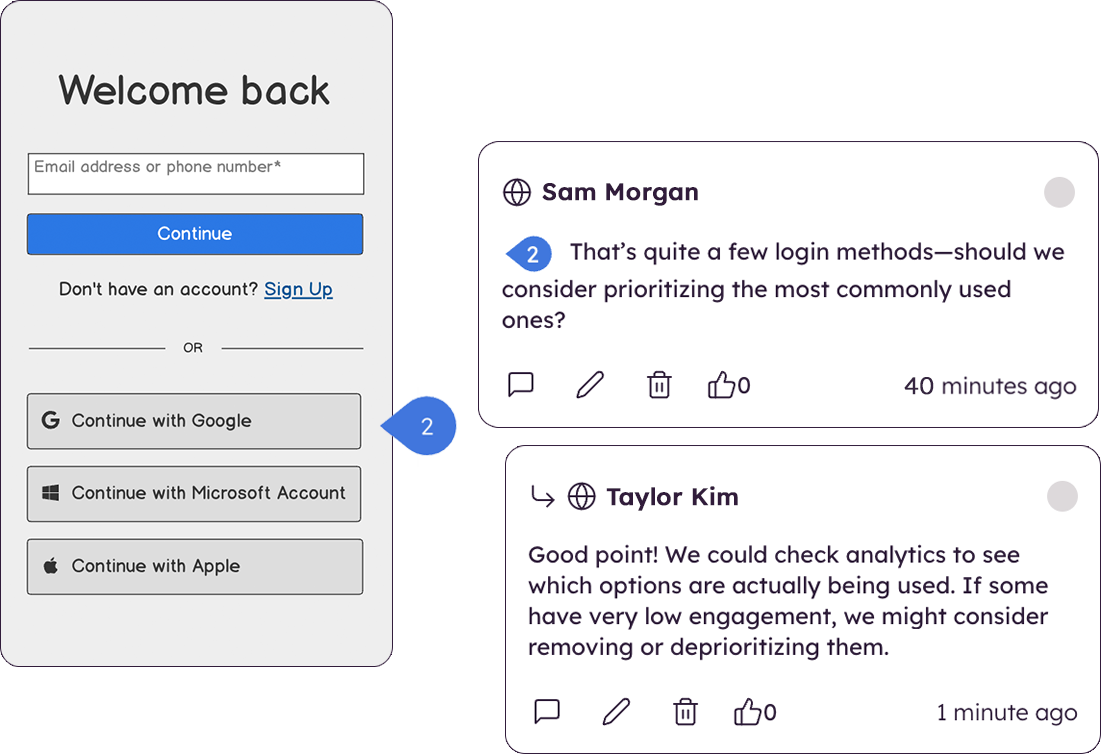
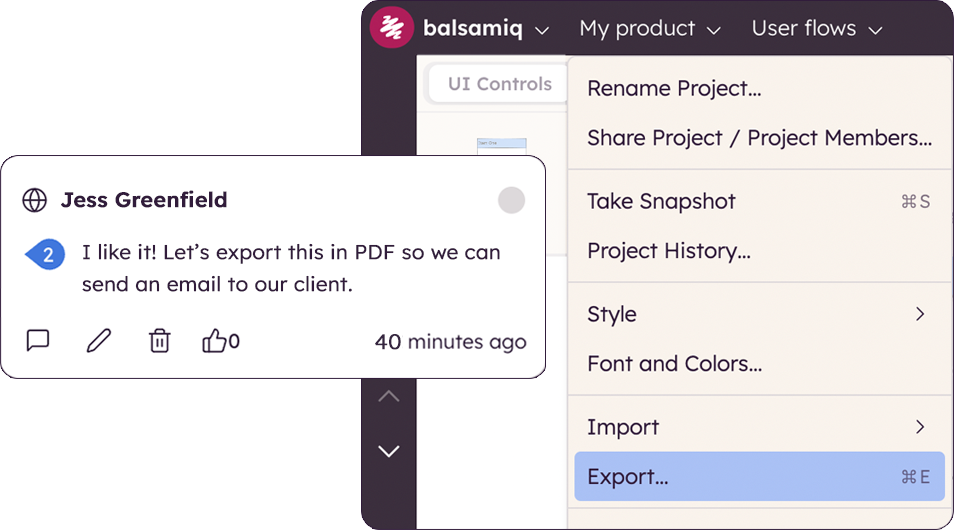
There are very limited collaborative functionalities. When it’s early in the design process, it’s often really helpful to have a number of people in the design to offer in-app feedback so the designer doesn’t have the burden of collecting feedback from many disparate sources in order to incorporate the feedback.
There are limited UI elements. As design evolves, there are more and more UI elements to consider, and many to stop using. Our Balsamiq wireframes would be a lot more effective in communicating design ideas to stakeholders if there was a wider range of UI elements to choose from.
A de minimis incentive was given to thank the reviewer for their time. The incentive was not used to bias or drive a particular response, nor was the incentive contingent on a positive endorsement. More Info
The recruitment panelists are not professional, nor do they take the tasks seriously. You are going to get a lot of bad data.
They are HQ'd outside the US and must have a small team because the customer service is the absolute WORST I've experienced in their industry.
They pride themselves on documentation, but when they fail to document something they blame the customer for the mistake.
There are way too many limitations with the tool after you launch, limited integrations, and poor survey questionnaire options. The tool itself is far too basic for most sites, especially B2B.
I'm not sure how else we would be able to complete our work without Balsamiq or another similar tool. All of my experience with Balsamiq has been positive and they continue to develop new features so that my job gets easier. I would be very surprised if we didn't renew Balsamiq
A de minimis incentive was given to thank the reviewer for their time. The incentive was not used to bias or drive a particular response, nor was the incentive contingent on a positive endorsement. More Info
Very intuitive and easy to understand. It only takes minutes to get the hang of it and get back to work. For new analysts (like, brand new, fresh out of school) it's not difficult and they need minimal to no hand-holding. The training content that is embedded is easy to find and use.
A de minimis incentive was given to thank the reviewer for their time. The incentive was not used to bias or drive a particular response, nor was the incentive contingent on a positive endorsement. More Info
I would rate Optimal Workshop's overall usability 9 out of 10 due to several key factors. Firstly, the platform has a user-friendly interface makes navigation straightforward, even for first-time users. The tools and features are well-organized, ensuring users can quickly find what they need without unnecessary complexity. Secondly, the platform is highly intuitive, meaning users can easily understand how to perform tasks without extensive guidance. This is supported by clear and concise instructions throughout the application, reducing the learning curve significantly.
Additionally, the learnability of Optimal Workshop is exceptional. New users can become proficient in a short amount of time, thanks to its well-thought-out design and helpful onboarding materials. Even more advanced features are presented in a way that feels approachable and manageable. Finally, the platform supports a seamless workflow, allowing users to focus on their research or tasks rather than struggling with the software. These qualities collectively make Optimal Workshop a reliable and efficient tool for many projects, justifying its high usability rating.
A de minimis incentive was given to thank the reviewer for their time. The incentive was not used to bias or drive a particular response, nor was the incentive contingent on a positive endorsement. More Info
A de minimis incentive was given to thank the reviewer for their time. The incentive was not used to bias or drive a particular response, nor was the incentive contingent on a positive endorsement. More Info
We’ve never had to use much of their support services since the platform is very easy to use, we have however needed to transfer ownership between team members due to people leaving or other circumstances. Under those situations, the support offered to us has been been very quick and efficient and we never had to nudge them much to get the job done.
A de minimis incentive was given to thank the reviewer for their time. The incentive was not used to bias or drive a particular response, nor was the incentive contingent on a positive endorsement. More Info
Creating digital wireframes in Photoshop is a nightmare. Photoshop was not really designed for this purpose. It doesn't have good collaboration options and it doesn't allow pattern libraries, which are essential for consistency and efficiency. We use UXPin and Axure for some time, but found that these platforms were a bit bloated. Balsamiq is much simpler than any of these options. It's a perfect wireframing platform for non-designers or for designers that want to focus on content and element-placement prior to design
A de minimis incentive was given to thank the reviewer for their time. The incentive was not used to bias or drive a particular response, nor was the incentive contingent on a positive endorsement. More Info
For the price as it is very convenient for first-time beginners, its intuitiveness both for the one who is designing the activities and for those who have to interact with them. The fact that it collects and gathers the data into insights of the overall responses collected by all users.
A de minimis incentive was given to thank the reviewer for their time. The incentive was not used to bias or drive a particular response, nor was the incentive contingent on a positive endorsement. More Info
The product works very well for showing product owners and developers design ideas for purposes of discussion, debate and refinement.
The products also works very well for specifying new designs for developers. This is best done in a series of screens that show various screen states and user interactions.
I also use the products to document bugs in software products and websites we have developed. This includes outlining and documenting bugs and changes to user interactions and refinements to the usability of completed interfaces and user experiences.
A de minimis incentive was given to thank the reviewer for their time. The incentive was not used to bias or drive a particular response, nor was the incentive contingent on a positive endorsement. More Info
A de minimis incentive was given to thank the reviewer for their time. The incentive was not used to bias or drive a particular response, nor was the incentive contingent on a positive endorsement. More Info