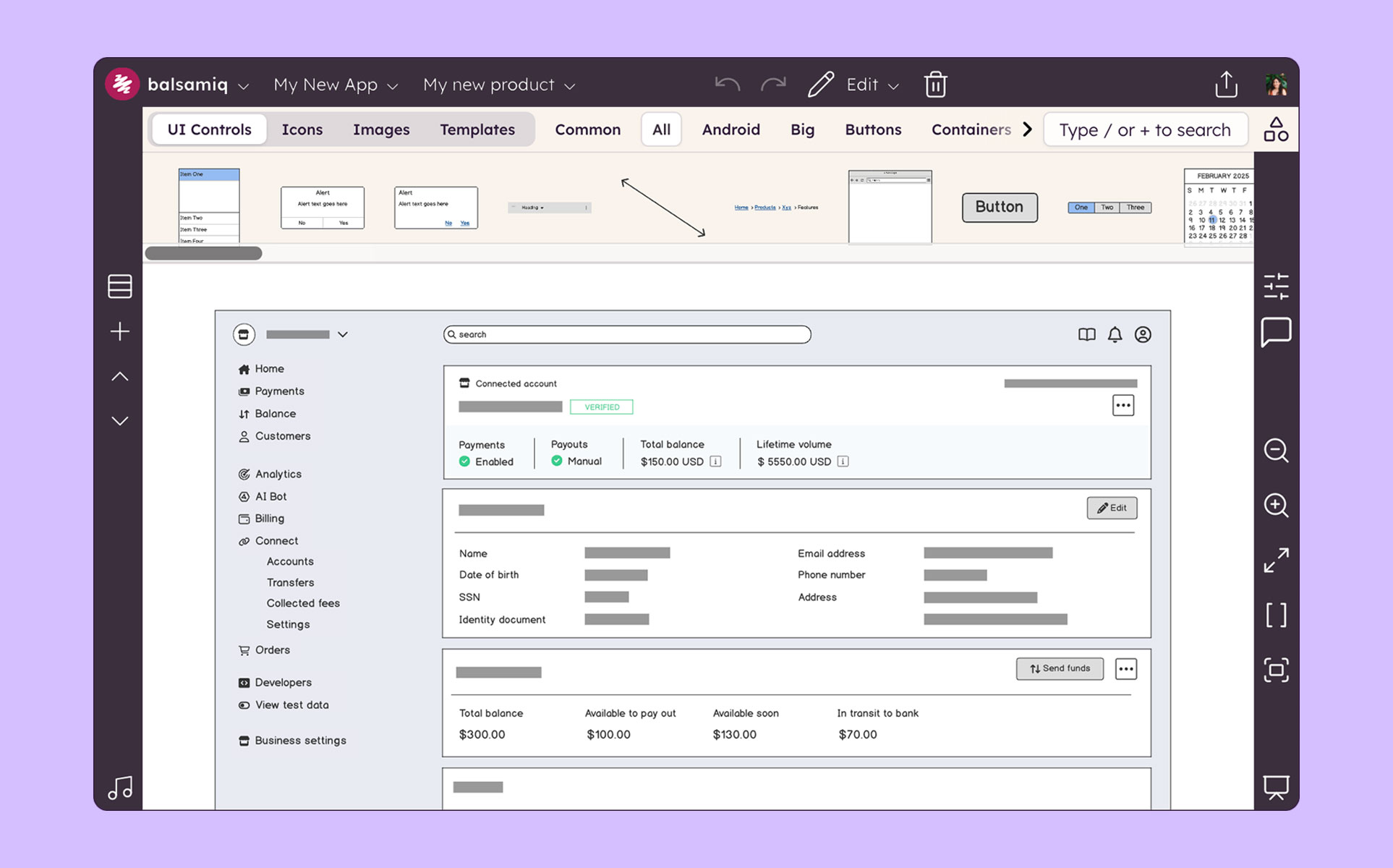
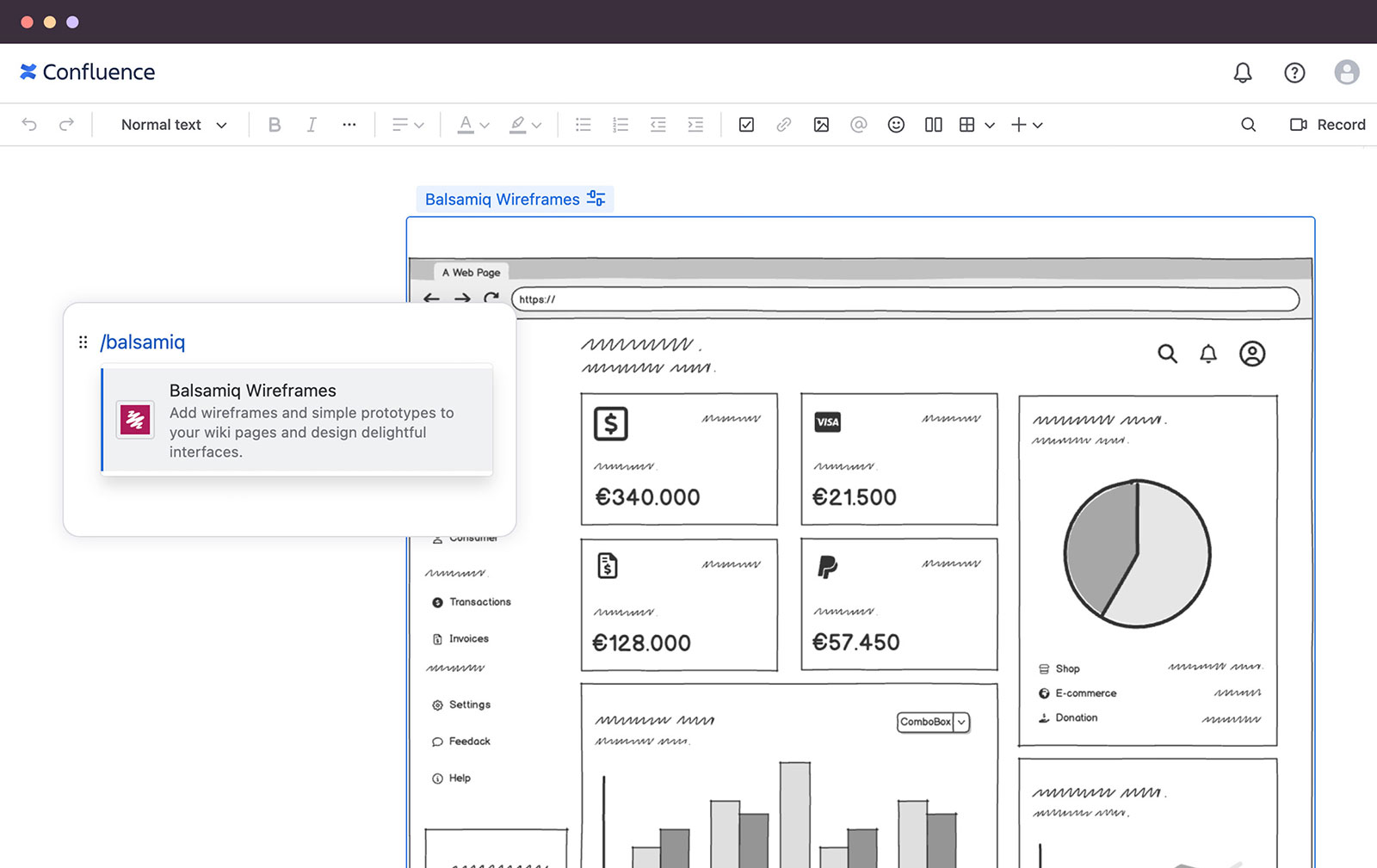
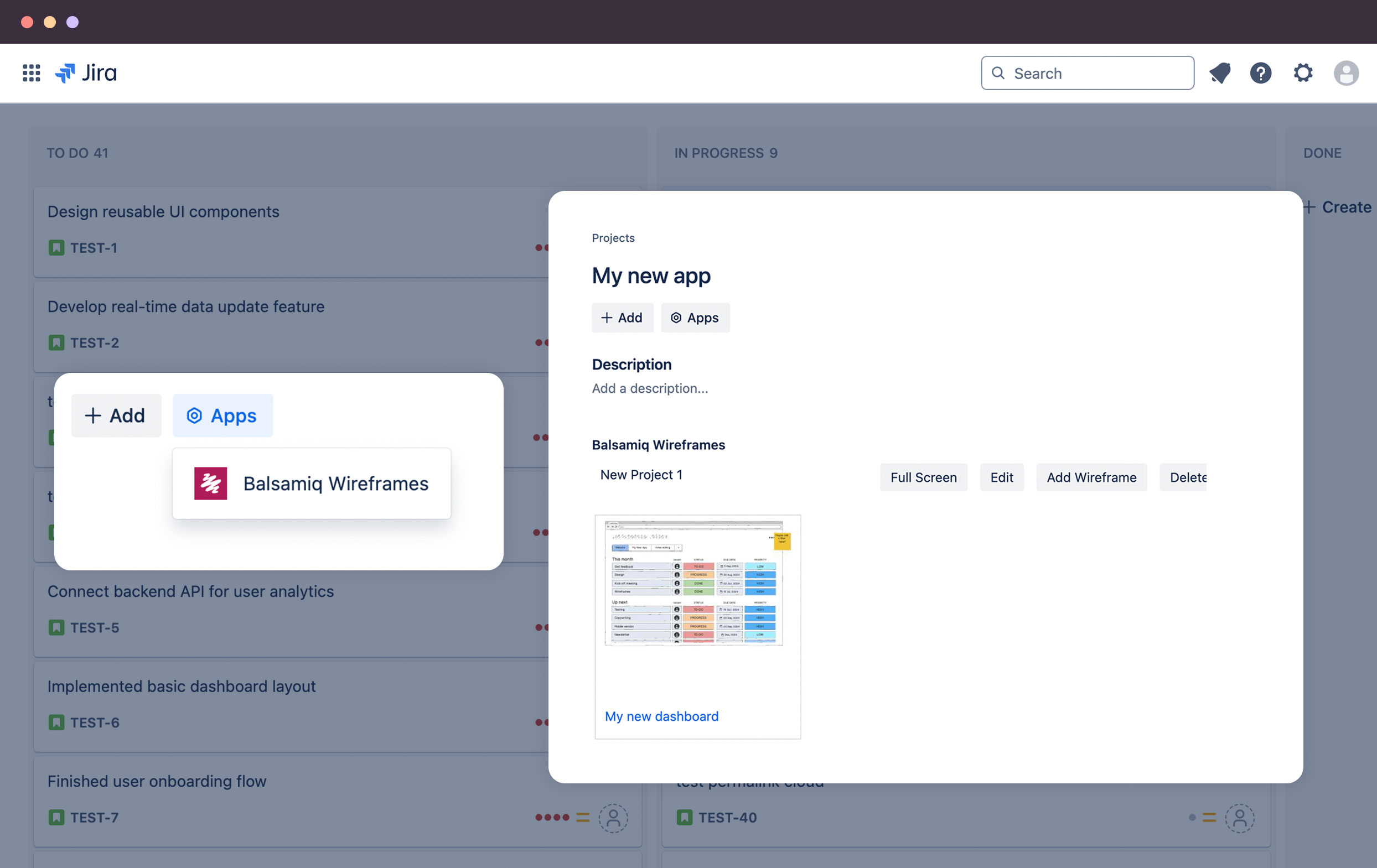
Balsamiq is a wireframing tool that helps lean product teams turn early ideas into clear, actionable direction. The tool helps product managers, founders, and engineers worldwide share concepts, reduce rework, and build better products.
N/A
Gliffy
Score 8.0 out of 10
N/A
Gliffy is an online diagramming tool with collaboration features from the San Francisco company of the same name, offering standalone versions of Gliffy and integrated versions for Jira and Confluence.
Balsamiq is excellent for creating low-fidelity wireframes where the designer is trying to communicate a general, loose idea of how the design should look. Because of this, it should be used early in the design stage, when there are still many decisions to be made about how the final design should look like. However, it is less suitable for situations where one wants to communicate a more final-appearing version of a design. There are limited functionalities (which appear intentional, as the Balsamiq website says that the tool "has 'just enough' prototyping capabilities, but not more”). Because of this, it is likely wise to choose a more high-powered tool, such as Axure, to create a fuller design toward the later stages of the design process
Gliffy is user-friendly, with a drag-and-drop interface that makes it easy to create clear and visually appealing diagrams without steep learning curves. It’s perfect for creating straightforward, quick wireframes. Gliffy lacks features for detailed UI/UX wireframing and prototyping compared to specialized tools like Figma, Sketch, or Adobe XD.
Ease of use: Balsamiq is the easiest wireframing platform I've ever used. You will be able to learn how to work with the drag-and-drop interface in less than a day. Use familiar resizing controls (click and drag) to control elements. Familiar keyboard shortcuts for grouping, duplicating, undoing, and more make the platform incredibility intuitive.
Cartoony: I think Balsamiq's intentionally "cartoony" style is great. Again, this helps clients focus on the "what" on the page without spending too much time worrying about the actual look. We have a content-first approach. We always want to nail down the user-flow first before we delve into graphics.
Symbols: The symbols library did not exist when I first started using Balsamiq 7 years ago, but it's a great addition. Assign design elements to your symbols library within a project for easy re-use throughout multiple pages. This is a great way to maintain consistency in your design and reduce re-work. For example, if you copy-paste a footer on each page of your 10 page design, you will need to go back and update all 10 versions if you make a change. If you use the symbols library, you would only need to update it once.
Presentation: Presentation mode allows you to display a full-screen presentation. This is extremely helpful when walking through mocks with clients.
Linking: You can link elements of pages in a project together. This can help you illustrate functionality.
First it's important to point out that Gliffy has priced itself incredibly well for small to medium sized businesses. Most other similar solutions are so expensive that organizations will avoid getting workflow software overall. Gliffy can take pride in knowing they're helping small business operate better.
Gliffy is incredibly easy to use for a first time user. I rarely have to train someone on how to use it. It's a lot of fun to see people get excited about systems and processes when using Gliffy. If you need to get up and running quickly I can't think of a better solution for workflow visualization.
I also like using Gliffy for mindmapping. I'm sure some mindmapping experts can tell me how I'm doing that incorrectly, but it just works for me. This points to the ease with which Gliffy allows you to get your thoughts down quickly and easily.
The project can get a bit laggy around 70-100 pages (on a MacBook Pro). It didn't happen to me but I've seen it in a presentation of a project and it froze in a moment and had to restart the app.
I don't find the design of the components very "pretty". It's totally subjective but still wanted to mention it. I know this is the style they have had since the beginning and it's almost something that identifies Balsamiq, but I think it can be improved.
Gliffy does need to improve its pricing model. I believe they were early to market with their product and offerings, however, with the increased competitors they are falling behind in keeping their prices competitive.
Gliffy does need to increase its export conversion migration tools. I can understand why they would not want to port items uses by their products to another product but we are in a world where products need to play nice with others in good faith. It can be done, but you do need to check over what you port either incoming or outgoing.
Would like to see Gliffy allow us to build templates and import them into the repository and have increased the ability to archive those, share and have owners.
Balsamiq is just so simple, intuitive and fast at creating wireframes. It has just the right amount of UI elements to get the job done without weighing you down with decision fatigue. If you really need something that is not there, you can either draw or import your own elements. I also like the way that you can organize your assets for reuse.
Because of its great versatility and ease of use. From diagramming to roadmpas and even user interface wireframes. Once a draft or first version is done we like to use the Confluence integration so we can collaborate and have one single source of truth
Very intuitive and easy to understand. It only takes minutes to get the hang of it and get back to work. For new analysts (like, brand new, fresh out of school) it's not difficult and they need minimal to no hand-holding. The training content that is embedded is easy to find and use.
I based my assessment on aggregated user feedback and reviews from platforms like G2 and Software Advice. Many users highlight the simplicity and versatility of Gliffy’s interface, which makes it accessible for both beginners and professionals. Features like drag-and-drop functionality, a variety of templates, and integration options (e.g., Atlassian tools) contribute to its high rating.However, it doesn’t score a perfect 10 because some users report performance issues with complex diagrams, limited advanced features compared to competitors, and occasional difficulties with collaboration features. Balancing these strengths and weaknesses lands Gliffy in the 8-9 range for usability
In the past I have just used HTML to mock up UIs, but as I've previously mentioned this can cause problems with user's thinking that the system is already built. Balsamiq is far quicker and easier to create wireframes, it is more collaborative and the resulting wireframes cannot be confused with a real system as they have a hand drawn feel to them.
Gliffy is easier to use together with Confluence since it provides an integration where you can edit an image directly on the page. Visio and PowerPoint is better drawing tools but we have moved away from them since there isn’t a good way to keep track of the original file of the vector/bitmap included in the Confluence page.
The product works very well for showing product owners and developers design ideas for purposes of discussion, debate and refinement.
The products also works very well for specifying new designs for developers. This is best done in a series of screens that show various screen states and user interactions.
I also use the products to document bugs in software products and websites we have developed. This includes outlining and documenting bugs and changes to user interactions and refinements to the usability of completed interfaces and user experiences.
Hard to quantify actual $ROI (always is!), though qualitatively I've receive consistent feedback that live modeling with Gliffy is highly valuable for both our customers and internal team:
a) For customers, it's live feedback to demonstrate we are listening and an opportunity to comment / add feedback to ensure we are hitting on key points
b) For internal teams, it's a great reference to track key points on calls and ensure alignment going into the next call
This is particularly important when discussions stall for months. Having Gliffy as a visual has helped us to win business because of the speed with which we could return to "the arena" and keep the ball moving forward.