Backblaze headquartered in San Mateo, California offers continuous, automatic cloud backup for personal and business use. Backblaze Business Backup consists of cloud solutions to safeguard systems and files (e.g Veeam, Servers, NAS, Workstations).
$7
per month
CrashPlan
Score7.7 out of 10
N/A
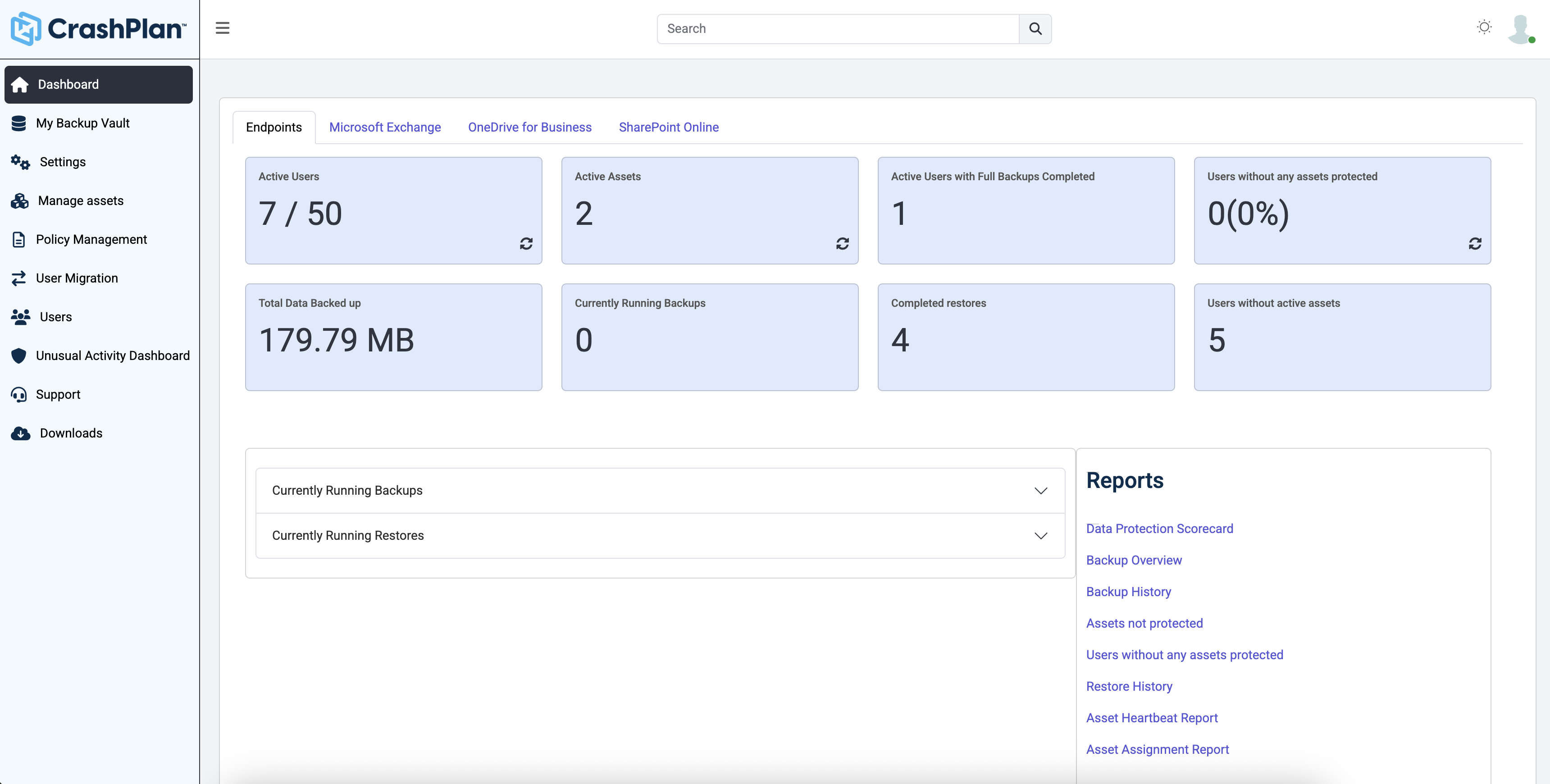
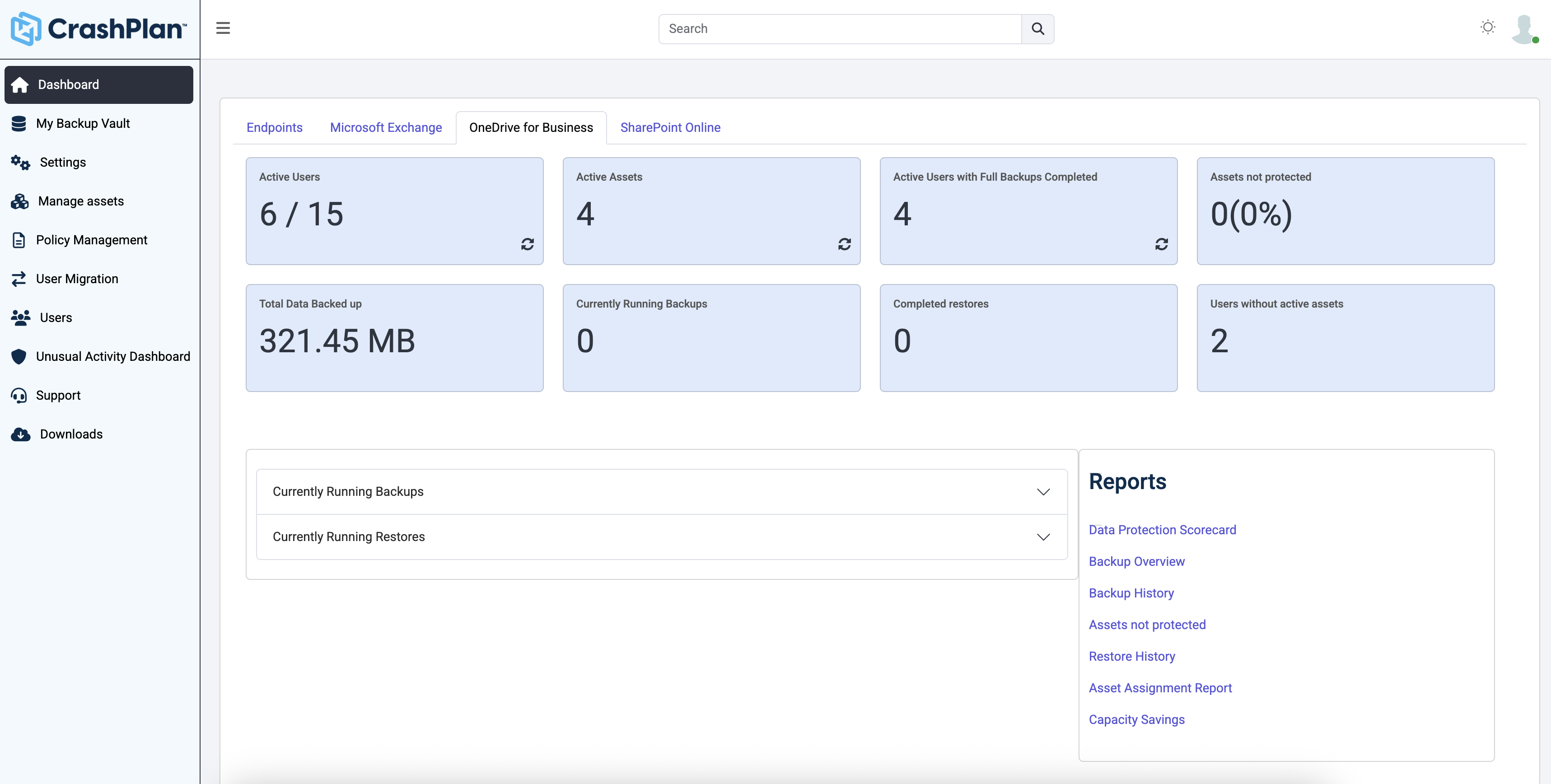
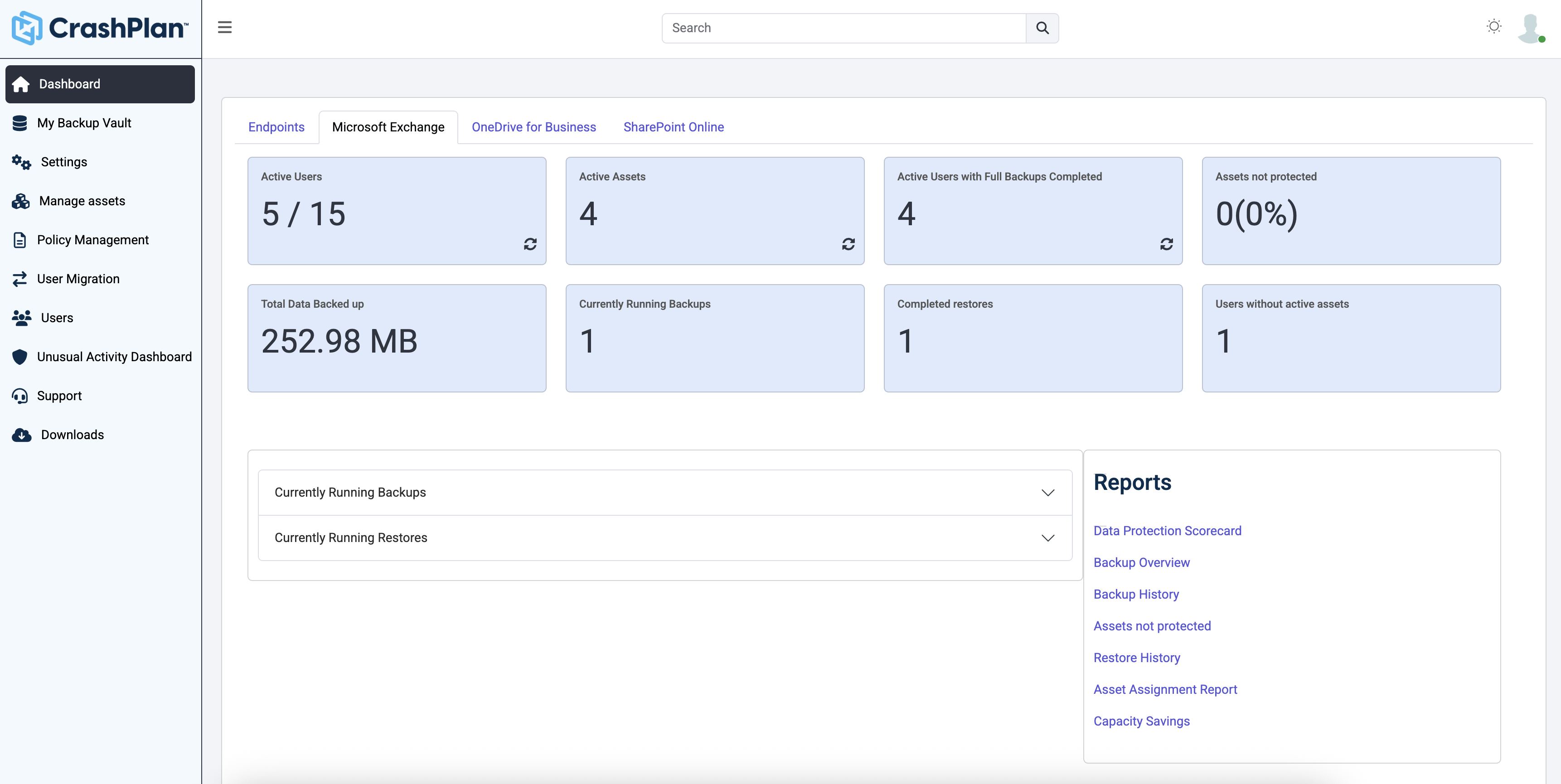
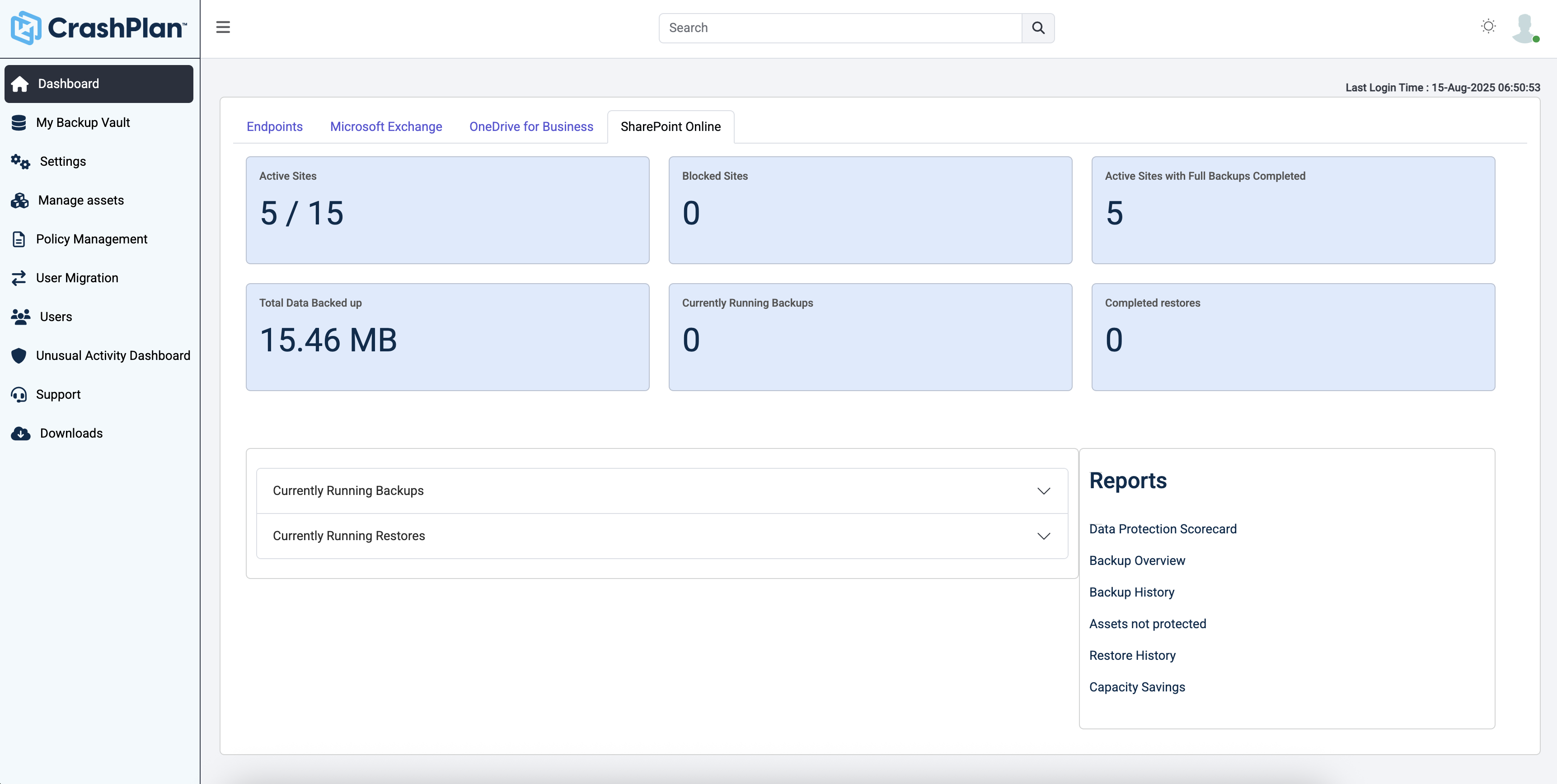
CrashPlan® provides secure, scalable, and straightforward endpoint data backup, to help organizations recover from any worst-case scenario, whether it is a disaster, simple human error, a stolen laptop, ransomware, or an as-of-yet-undiscovered calamity.
$8
per month per user
Pricing
Backblaze Business Backup
CrashPlan
Editions & Modules
Monthly
$7.00
Per Computer
Yearly
$70.00
Per Computer
2-Year
$130.00
Per Computer
No answers on this topic
Offerings
Pricing Offerings
Backblaze Business Backup
CrashPlan
Free Trial
No
Yes
Free/Freemium Version
No
No
Premium Consulting/Integration Services
No
No
Entry-level Setup Fee
No setup fee
No setup fee
Additional Details
—
Discount available for annual billing.
More Pricing Information
Community Pulse
Backblaze Business Backup
CrashPlan
Considered Both Products
Backblaze
Verified User
Chose Backblaze Business Backup
It was much much easier to deploy than CrashPlan to devices
A de minimis incentive was given to thank the reviewer for their time. The incentive was not used to bias or drive a particular response, nor was the incentive contingent on a positive endorsement. More Info
CEO/President - 360° IT Consulting, Server Management, IT Security in Corporate at Virtua Computers Inc. (Computer Networking, 1-10 employees)
Chose Backblaze Business Backup
Backblaze constantly will win in price and ease of use. Code42 has gone through multiple transformations, and with their ups and downs we had left on a down and haven't looked back. Wasabi is good, but with their API key system, we have relegated that to only for Synology's …
A de minimis incentive was given to thank the reviewer for their time. The incentive was not used to bias or drive a particular response, nor was the incentive contingent on a positive endorsement. More Info
Verified User
Chose Backblaze Business Backup
I previously used CrashPlan before they pivoted their business model. CrashPlan was fine, and has feature parity with Backblaze. I was motivated to move from CrashPlan to Backblaze for 2 reasons - 1, as they pivoted, they increased their cost, which was frustrating, and 2, …
A de minimis incentive was given to thank the reviewer for their time. The incentive was not used to bias or drive a particular response, nor was the incentive contingent on a positive endorsement. More Info
A de minimis incentive was given to thank the reviewer for their time. The incentive was not used to bias or drive a particular response, nor was the incentive contingent on a positive endorsement. More Info
Owner in Information Technology at Colorado Computer Care (Information Technology and Services, 1-10 employees)
Chose Backblaze Business Backup
In general, Backblaze stacks up quite well when compared to CrashPlan. The native desktop app, easier to use interface, and lower yearly costs make Backblaze a far more ideal cloud backup system for home users vs. CrashPlan (which has eliminated their consumer backup option). …
A de minimis incentive was given to thank the reviewer for their time. The incentive was not used to bias or drive a particular response, nor was the incentive contingent on a positive endorsement. More Info
Production Technician at The Chapel (Religious Institutions, 51-200 employees)
Chose Backblaze Business Backup
Backblaze had the most features at the right price. We had also experienced some data loss on other backup services. So far, all of our data has been secure and readily available when we need it, without high recovery costs like some companies.
A de minimis incentive was given to thank the reviewer for their time. The incentive was not used to bias or drive a particular response, nor was the incentive contingent on a positive endorsement. More Info
Owner in Information Technology at Colorado Computer Care (Information Technology and Services, 1-10 employees)
Chose CrashPlan
The main advantage that CrashPlan has on competing services is it's ability to back up network drives and keep your backup archives indefinitely. While Backblaze costs significantly less ($50/year/computer vs. $10/year/computer - or $120/year/computer), it does not have the …
A de minimis incentive was given to thank the reviewer for their time. The incentive was not used to bias or drive a particular response, nor was the incentive contingent on a positive endorsement. More Info
Spécialiste TI in Information Technology at Coveo (Computer Software, 51-200 employees)
Chose CrashPlan
We tried Backblaze. The backup schedule and management is not as good as Crashplan. But it's much cheaper. Also it is not 100% compliant with our security policies. We already use Google Drive for sharing and team working. We ask our users to put their sensitive files there, …
A de minimis incentive was given to thank the reviewer for their time. The incentive was not used to bias or drive a particular response, nor was the incentive contingent on a positive endorsement. More Info
Backblaze does one thing and does one thing well: backup. If you recognize it for what it is, you will be very happy with it as an unobtrusive off-site backup solution. If, however, you want full-featured endpoint protection, you'll want to look elsewhere. For me and my needs, Backblaze provides the right amount of protection at a cheap price. You can't beat it.
A de minimis incentive was given to thank the reviewer for their time. The incentive was not used to bias or drive a particular response, nor was the incentive contingent on a positive endorsement. More Info
Individuals (SOHO), families and SMBs, who have a tight budget for offsite critical company data backup are well suited to this product. Especially if you want your data to be hosted locally (Australia in our case). Larger companies, with higher requirements and budgets would be better served elsewhere. Especially when you consider the poor technical support. Although, to be fair, their poor support may just be issues with their Pro/SMB products, as opposed to their enterprise products. However, if that is the case it's a pretty poor show/indicator still.
Backblaze utilizes a native app across platforms vs. a javascript app you find with other backup services (CrashPlan being one of them). Native apps function better and have a better user interface than comparable javascript apps.
Backblaze has an intuitive interface that automatically backs everything up from your computer but allows you to easily exclude items you don't want or need to backup (applications, system files, etc.).
Backblaze has a built-in bandwidth cap and monitor allowing you to limit how much data is backed up on a daily basis to prevent going over ISP data caps or utilizing all of your upload bandwidth.
A de minimis incentive was given to thank the reviewer for their time. The incentive was not used to bias or drive a particular response, nor was the incentive contingent on a positive endorsement. More Info
Code42 is the most affordable backup system offering unlimited storage that I could find. I came from SOS Online Backup, which I ultimately decided to drop after my monthly rate for their unlimited plan increased by 20x.
With Code42's unlimited storage option, I don't have to worry about the fact that my backups are significant in space. As a photographer with thousands of images at stake, I need to run large backups often.
Code42 runs continuously and silently in the background of my desktop computer. It is truly "set and go", so I don't have to think about it when I'm away. It runs until the designated drive has been fully backed up to my cloud storage. It will then automatically email me once the backup is complete (or, it will email me if it encounters any errors).
Customer service is above par. Anytime I need help, a chat agent is available (chat is my communication preference), they are always friendly, and go above and beyond to resolve my needs.
A de minimis incentive was given to thank the reviewer for their time. The incentive was not used to bias or drive a particular response, nor was the incentive contingent on a positive endorsement. More Info
User management isn't the greatest. We had the choice of either a site license under one email address, or a domain license, allowing users to log in with their own email address, however there's no management for this option. I can see metrics of the users' backup, but I can't manage the accounts in any way.
A de minimis incentive was given to thank the reviewer for their time. The incentive was not used to bias or drive a particular response, nor was the incentive contingent on a positive endorsement. More Info
The CrashPlan program installed on your computer is Java-based vs. a native application. While this makes development for CrashPlan easier, there are a lot of drawbacks to Java programs including more resources usage, less stability, and overall more clunky interface.
While this was also in the Pros category - CrashPlan is an extremely powerful and flexible program, which adds a great deal of complexity. Setting up CrashPlan isn't always a simple procedure, and depending on the complexity of your backup set, can take a while to tinker around with the settings to get everything to work properly.
The CrashPlan desktop program consists of a Java program front end, as well as a backend service - there are times when the backend service will crash, and the front end Java program will refuse to load. Typically, restarting the service or restarting the computer will resolve the issue, but sometimes more in-depth troubleshooting is required.
Perhaps one of the biggest downsides to CrashPlan is its price - at $10/month/computer CrashPlan is more than double the price of some existing backup services such as Backblaze (priced at $50/year/computer). To add salt to the wound, about a year and a half ago, CrashPlan discontinued their consumer options - which were very reasonably priced at $60/year for a single computer or a family plan priced at $150/year for up to 10 computers. When these options were discontinued, the cost of backing up with CrashPlan was effectively doubled for the same feature set.
Along with the previous example, CrashPlan had the option to back up to a remote machine on a different network with a free Crashplan account. This option was eliminated when the consumer line of services were discontinued.
While the backup service provided by CrashPlan are still first in class, the above two controversial changes have broken some trust between CrashPlan and its clients.
As stated in my review, Backblaze simply works and works simply. You install it. It runs silently in the background storing and safeguarding all your computer data remotely. You seldom notice it until you've lost something you need - then you can quickly find it online using their interface and restore it - which is what's really important.
A de minimis incentive was given to thank the reviewer for their time. The incentive was not used to bias or drive a particular response, nor was the incentive contingent on a positive endorsement. More Info
They answered any questions I had accurately and politely. I prefer to call a phone number and get a human on the phone, but they prefer email and chat. I understand they have business profits to consider, so it makes sense.
A de minimis incentive was given to thank the reviewer for their time. The incentive was not used to bias or drive a particular response, nor was the incentive contingent on a positive endorsement. More Info
Friendly and knowledgeable support team available to assist with this product. Code 42 (formerly CrashPlan) offers unlimited storage options for reasonable costs, so you really can't go wrong with this product. They have been a reliable resource for our company, and I would recommend to others looking for an easy setup with unlimited storage.
A de minimis incentive was given to thank the reviewer for their time. The incentive was not used to bias or drive a particular response, nor was the incentive contingent on a positive endorsement. More Info
It's honestly been so long that I've been using Backblaze - maybe 10+ years - that I don't even remember other options I compared it to way back when. I've had a subscription on all of my personal machines for years, and we've used it on all of our machines at my job for the past six.
A de minimis incentive was given to thank the reviewer for their time. The incentive was not used to bias or drive a particular response, nor was the incentive contingent on a positive endorsement. More Info
Unitrends is our primary backup solution here at my place of employment, and I have no complaints. It does on-prem backups to a storage pool and with that, we chose not to also use Unitrends could storage as the cost was pretty high. Crashplan has a low cost and we were familiar with it. We found a great fit for Crashplan at a remote office with a web server, file share server, and a Domain Controller in addition to the Unitrends solution there. I also set up CrashPlan for a nonprofit org, as well as a Health foods store. I felt like I could stand behind the CrashPlan solution with my experience with it, in places like these where every dollar mattered.
A de minimis incentive was given to thank the reviewer for their time. The incentive was not used to bias or drive a particular response, nor was the incentive contingent on a positive endorsement. More Info
A de minimis incentive was given to thank the reviewer for their time. The incentive was not used to bias or drive a particular response, nor was the incentive contingent on a positive endorsement. More Info
Tremendous cost savings as the amount of data you backup doesn't impact cost. One flat rate!
Implementation time was minimal and requires little to no maintenance. Since installation, I've not had to correct or fix any issues. It just works.
We opted to supplement Code42 with another solution that allowed us to backup data to a local repository due to the amount for data that changes in our firm.
A de minimis incentive was given to thank the reviewer for their time. The incentive was not used to bias or drive a particular response, nor was the incentive contingent on a positive endorsement. More Info