
Azure Virtual Desktop vs. Shells.com
| Product | Rating | Most Used By | Product Summary | Starting Price |
|---|---|---|---|---|
 Azure Virtual Desktop | Score7.9 out of 10 | N/A | Azure Virtual Desktops are a comprehensive desktop and app virtualization service running in the cloud. | N/A |
 Shells.com | N/A | N/A | The Shells.com desktop-as-a-service (DaaS) was created in 2020 to fill the need for easy access to computers. Shells.com's goal is to turn any device that can be connected to the internet and can open a web browser to access a secure virtual computer. Wherever users are, Shells.com aims to enable their virtual belongings to be also, safe from a damaged or lost device and backed up regularly to ensure that nothing is lost, accessible from various web enabled smart devices such as tablets,… | $4.95 per computer, per month |
| Azure Virtual Desktop | Shells.com | |||||||||||||||
|---|---|---|---|---|---|---|---|---|---|---|---|---|---|---|---|---|
| Editions & Modules | No answers on this topic |
| ||||||||||||||
| Offerings |
| |||||||||||||||
| Entry-level Setup Fee | No setup fee | $4.95 Per computer/per month | ||||||||||||||
| Additional Details | — | Pricing is dependent on the monthly or yearly subscription. | ||||||||||||||
| More Pricing Information | ||||||||||||||||
| Azure Virtual Desktop | Shells.com | |
|---|---|---|
| Considered Both Products | No answer on this topic | No answer on this topic |
| Key User Insights | ||
| Would buy again | ||
100% Would buy again 16 Answers | No answers on this topic | |
| Delivers good value for the price | ||
100% Delivers good value for the price 14 Answers | No answers on this topic | |
| Happy with the feature set | ||
100% Happy with the feature set 16 Answers | No answers on this topic | |
| Lived up to sales and marketing promises | ||
100% Lived up to sales and marketing promises 7 Answers | No answers on this topic | |
| Implementation went as expected | ||
100% Implementation went as expected 10 Answers | No answers on this topic | |
| Azure Virtual Desktop | Shells.com | |
|---|---|---|
| Likelihood to Recommend | 7.0 | - |
| Usability | 8.0 | - |
| Azure Virtual Desktop | Shells.com | |
|---|---|---|
| Likelihood to Recommend |
| No answers on this topic |
| Pros |
| No answers on this topic |
| Cons |
| No answers on this topic |
| Usability |
| No answers on this topic |
| Alternatives Considered |
| No answers on this topic |
| Return on Investment |
| No answers on this topic |
| ScreenShots | Shells.com Screenshots 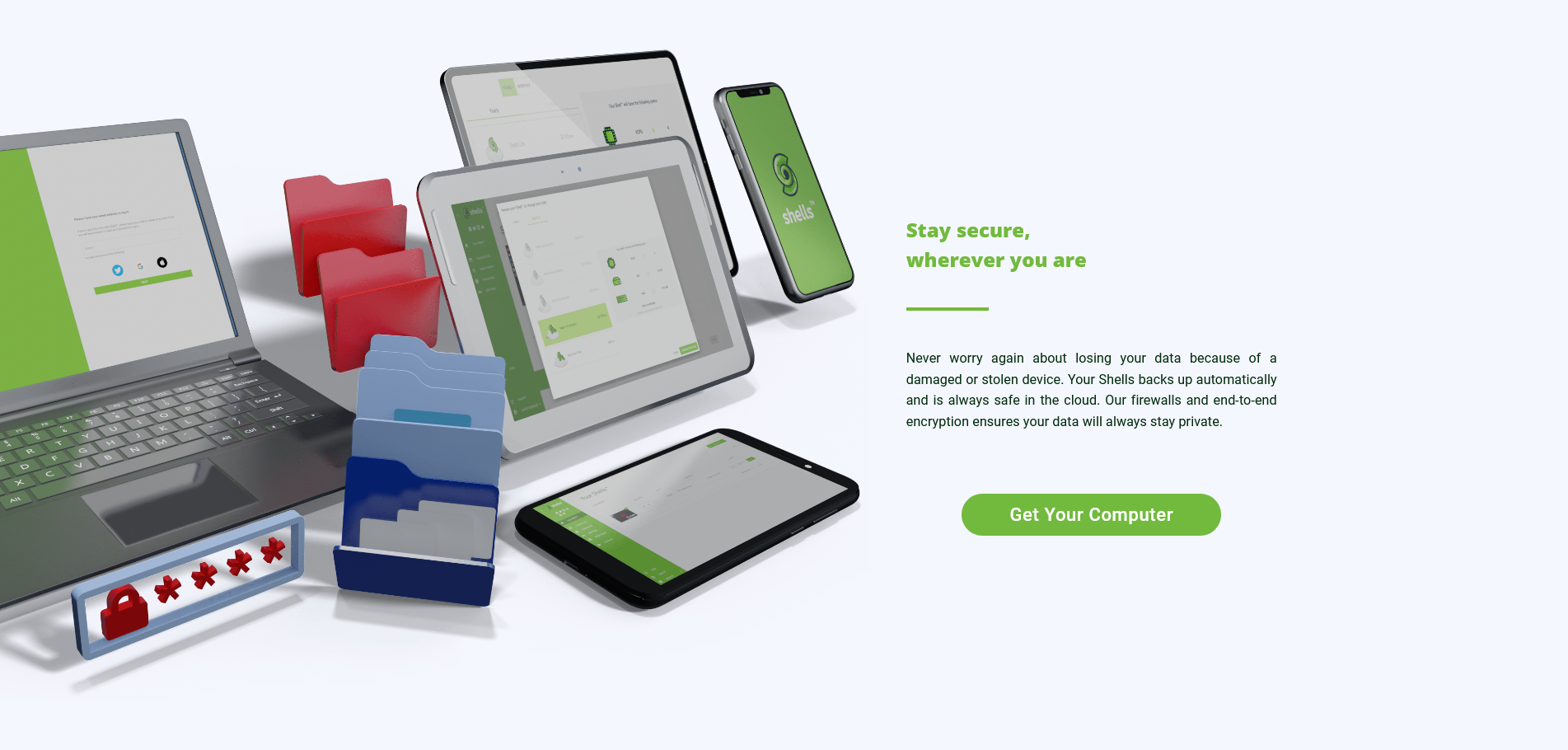 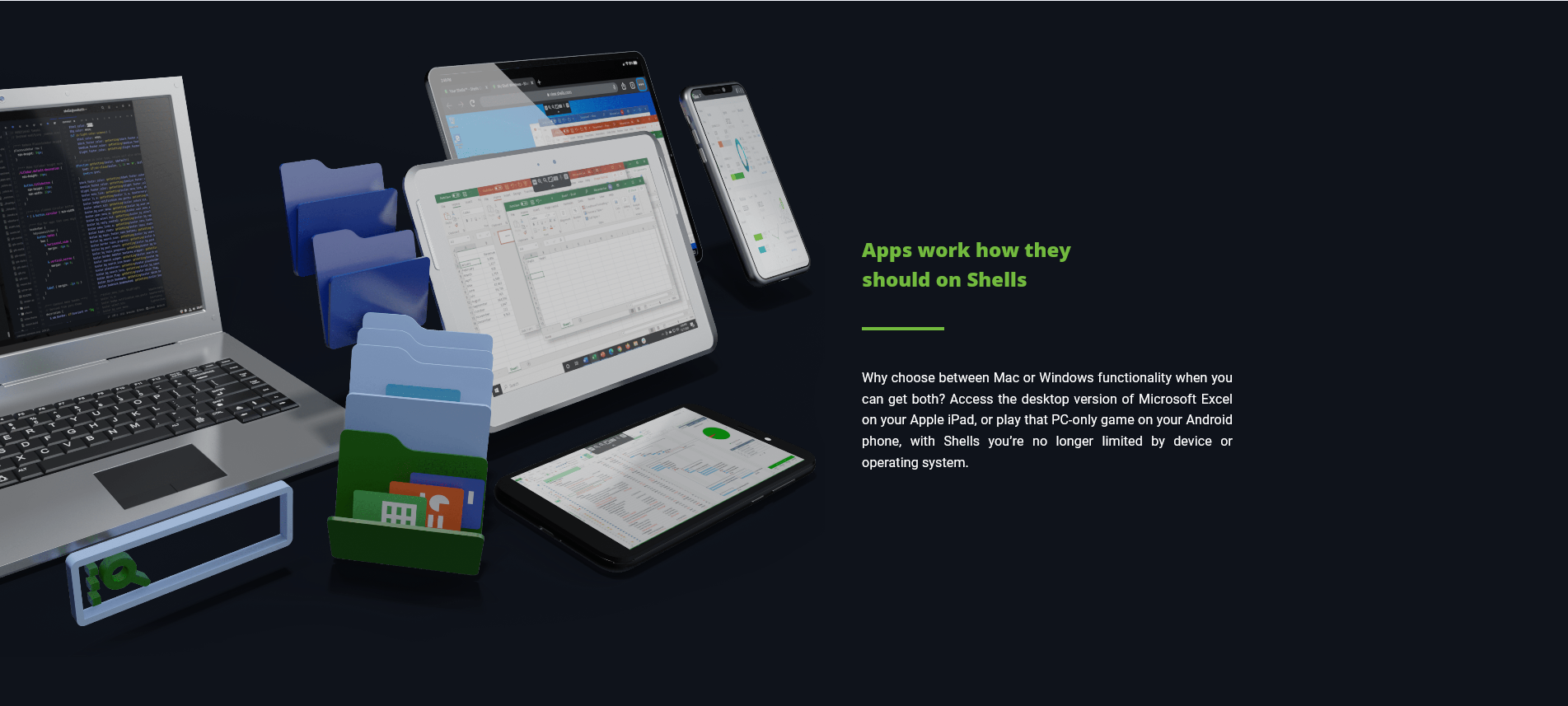 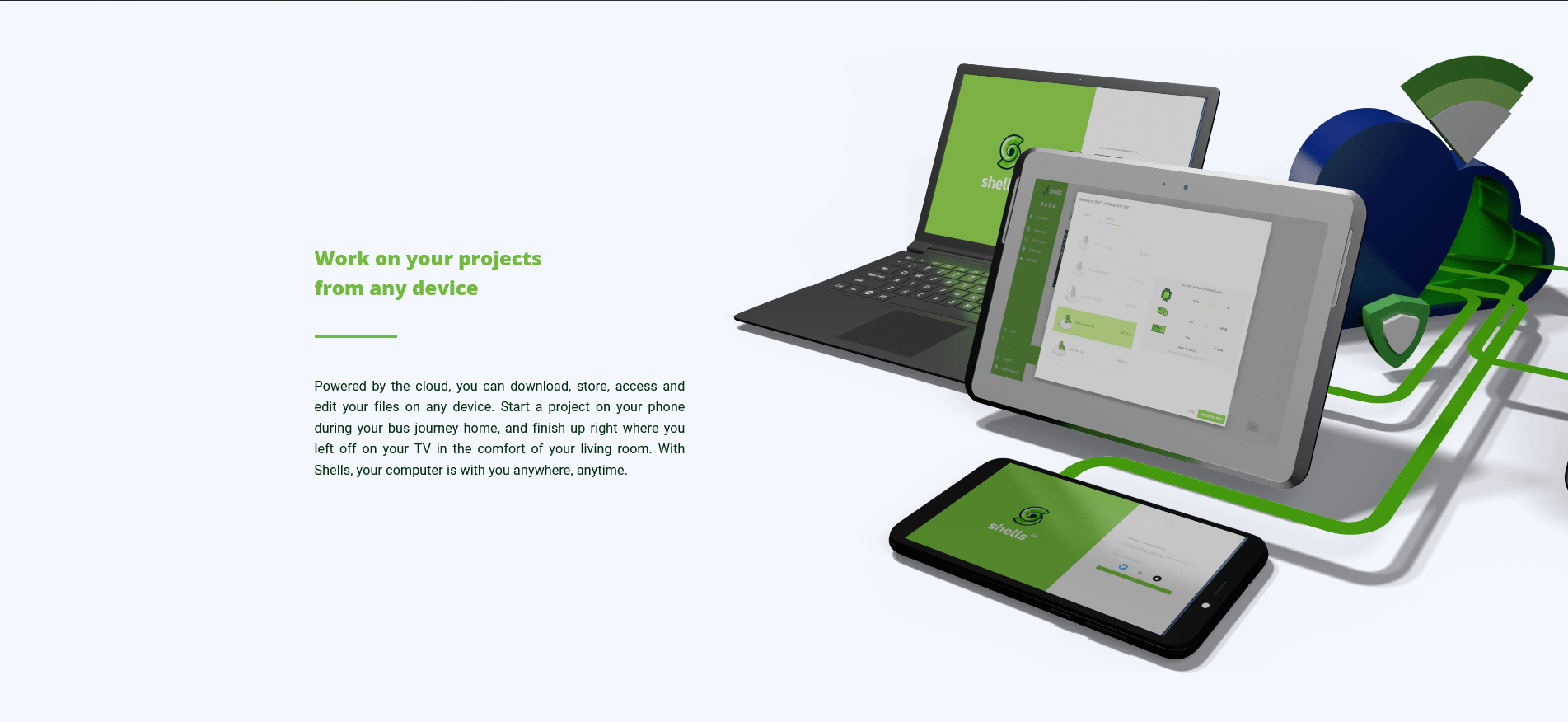 |
