
Azure Virtual Desktop vs. Shadow PC
| Product | Rating | Most Used By | Product Summary | Starting Price |
|---|---|---|---|---|
 Azure Virtual Desktop | Score7.9 out of 10 | N/A | Azure Virtual Desktops are a comprehensive desktop and app virtualization service running in the cloud. | N/A |
 Shadow PC | N/A | N/A | Shadow PC is a remote desktop solution designed to cater to a wide range of professional and everyday use cases. It provides users with access to a Windows environment from virtually any device, including older hardware and mobile platforms. Key features include: Compatibility: Works on Windows, MacOS, Linux, iOS, Android, and Raspberry Pi. Performance Options: Offers various packages from Essential to Expert, tailored for lightweight tasks to demanding professional… | $9.99 per month per user |
| Azure Virtual Desktop | Shadow PC | |||||||||||||||
|---|---|---|---|---|---|---|---|---|---|---|---|---|---|---|---|---|
| Editions & Modules | No answers on this topic |
| ||||||||||||||
| Offerings |
| |||||||||||||||
| Entry-level Setup Fee | No setup fee | Required | ||||||||||||||
| Additional Details | — | Standard starts at $24.99 for the first month; Advanced starts at $39.99 for the first month. | ||||||||||||||
| More Pricing Information | ||||||||||||||||
| Azure Virtual Desktop | Shadow PC | |
|---|---|---|
| Considered Both Products | No answer on this topic | No answer on this topic |
| Key User Insights | ||
| Would buy again | ||
100% Would buy again 16 Answers | No answers on this topic | |
| Delivers good value for the price | ||
100% Delivers good value for the price 14 Answers | No answers on this topic | |
| Happy with the feature set | ||
100% Happy with the feature set 16 Answers | No answers on this topic | |
| Lived up to sales and marketing promises | ||
100% Lived up to sales and marketing promises 7 Answers | No answers on this topic | |
| Implementation went as expected | ||
100% Implementation went as expected 10 Answers | No answers on this topic | |
| Azure Virtual Desktop | Shadow PC | |
|---|---|---|
| Likelihood to Recommend | 7.0 | - |
| Usability | 8.0 | - |
| Azure Virtual Desktop | Shadow PC | |
|---|---|---|
| Likelihood to Recommend |
| No answers on this topic |
| Pros |
| No answers on this topic |
| Cons |
| No answers on this topic |
| Usability |
| No answers on this topic |
| Alternatives Considered |
| No answers on this topic |
| Return on Investment |
| No answers on this topic |
| ScreenShots | Shadow PC Screenshots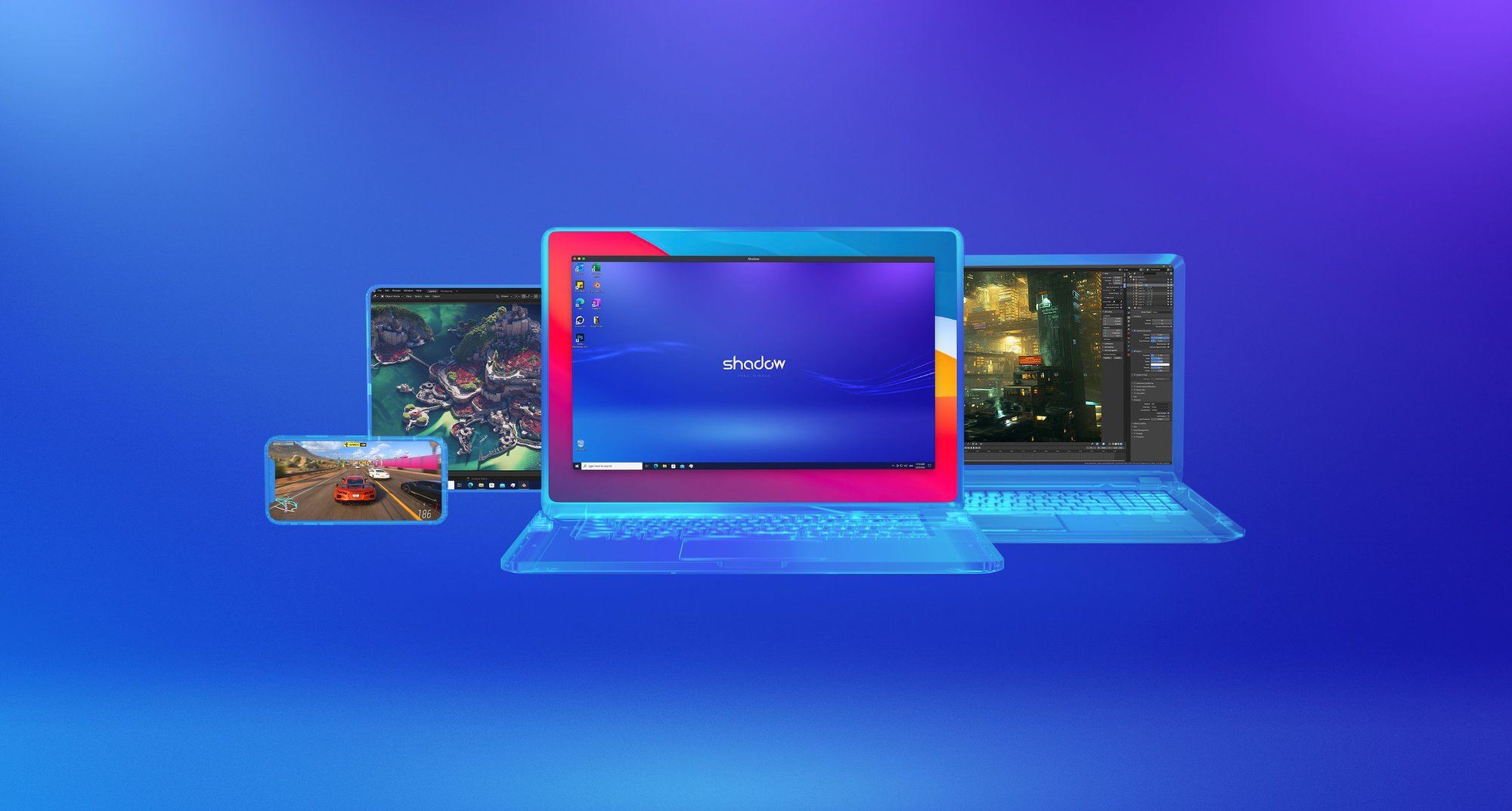 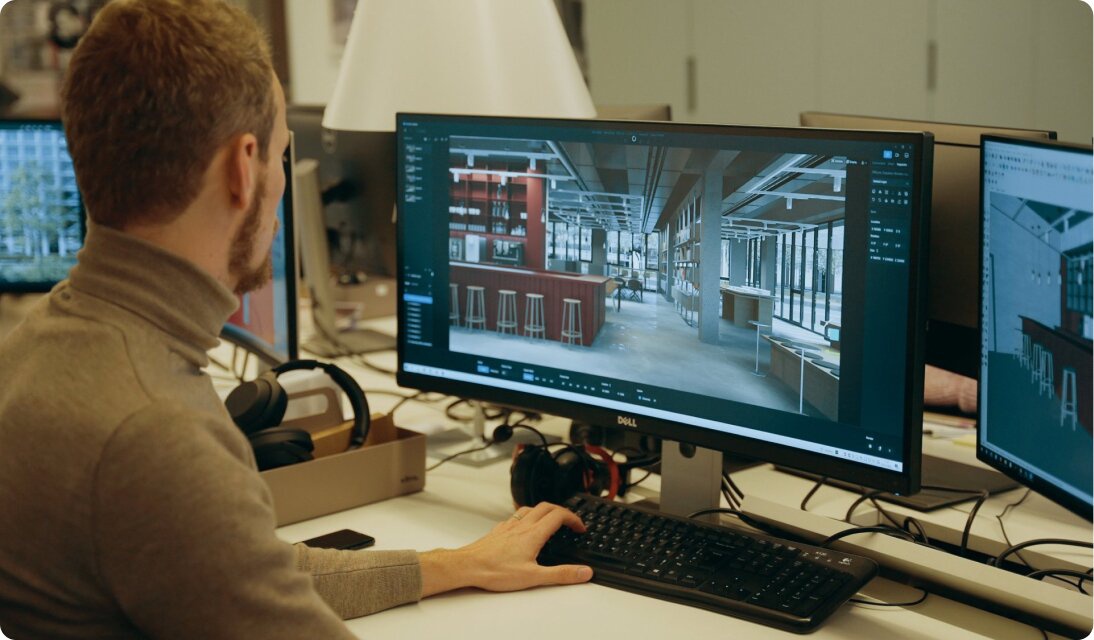 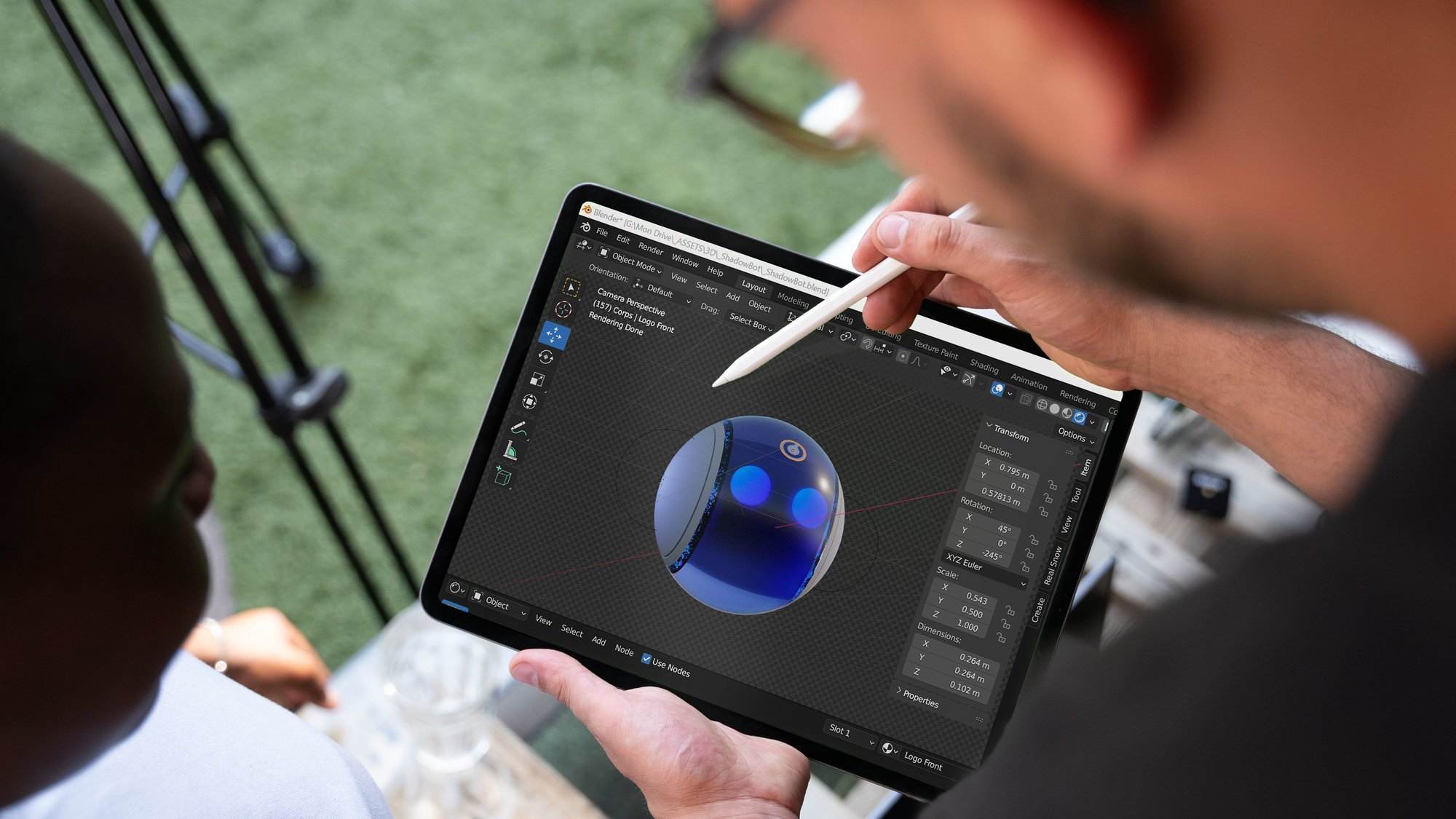  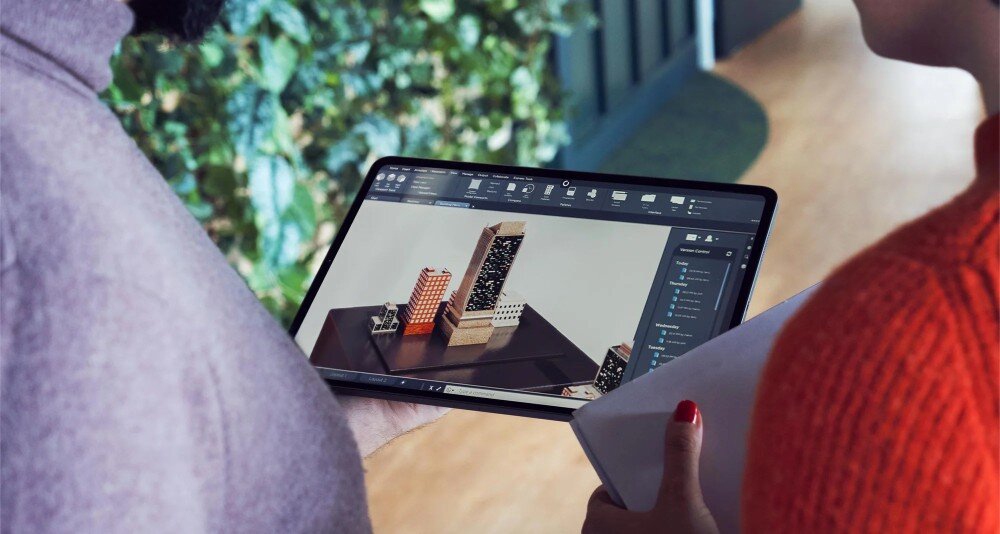 |
