AzureDevOps Server (formerly Team Foundation Server, or TFS) is a test management and application lifecycle management tool, from Microsoft's Visual Studio offerings. To license Azure DevOps Server an Azure DevOps license and a Windows operating system license (e.g. Windows Server) for each machine running Azure DevOps Server.
N/A
Tricentis qTest
Score9 out of 10
N/A
Tricentis qTest (formerly QASymphony) provides enterprise-level agile testing tools giving businesses visibility and control needed to ensure application quality in fast-paced development environments. Tricentis and QASymphony merged in summer 2018.
$1,200
per year per user
Pricing
Azure DevOps Server
Tricentis qTest
Editions & Modules
No answers on this topic
No answers on this topic
Offerings
Pricing Offerings
Azure DevOps Server
Tricentis qTest
Free Trial
No
Yes
Free/Freemium Version
No
No
Premium Consulting/Integration Services
No
Yes
Entry-level Setup Fee
No setup fee
Optional
Additional Details
—
—
More Pricing Information
Community Pulse
Azure DevOps Server
Tricentis qTest
Considered Both Products
Microsoft
No answer on this topic
Tricentis
Verified User
Chose Tricentis qTest
Tricentis qtest is well suited as it serves the purpose for both quality assurance and business management. It is very simple for non technical users to write test cases in free hand and they don’t have to bother about traceability as it is automatically handled by this …
A de minimis incentive was given to thank the reviewer for their time. The incentive was not used to bias or drive a particular response, nor was the incentive contingent on a positive endorsement. TR verified that a representative sample of customers was invited. More Info
Azure DevOps is good to use if you are all-in on the Microsoft Azure stack. It's fully integrated across Azure so it is a point-and-click for most of what you will need to achieve. If you are new to Azure make sure you get some outside experience to help you otherwise it is very easy to overcomplicate things and go down the wrong track, or for you to manually create things that come out of the box.
A de minimis incentive was given to thank the reviewer for their time. The incentive was not used to bias or drive a particular response, nor was the incentive contingent on a positive endorsement. More Info
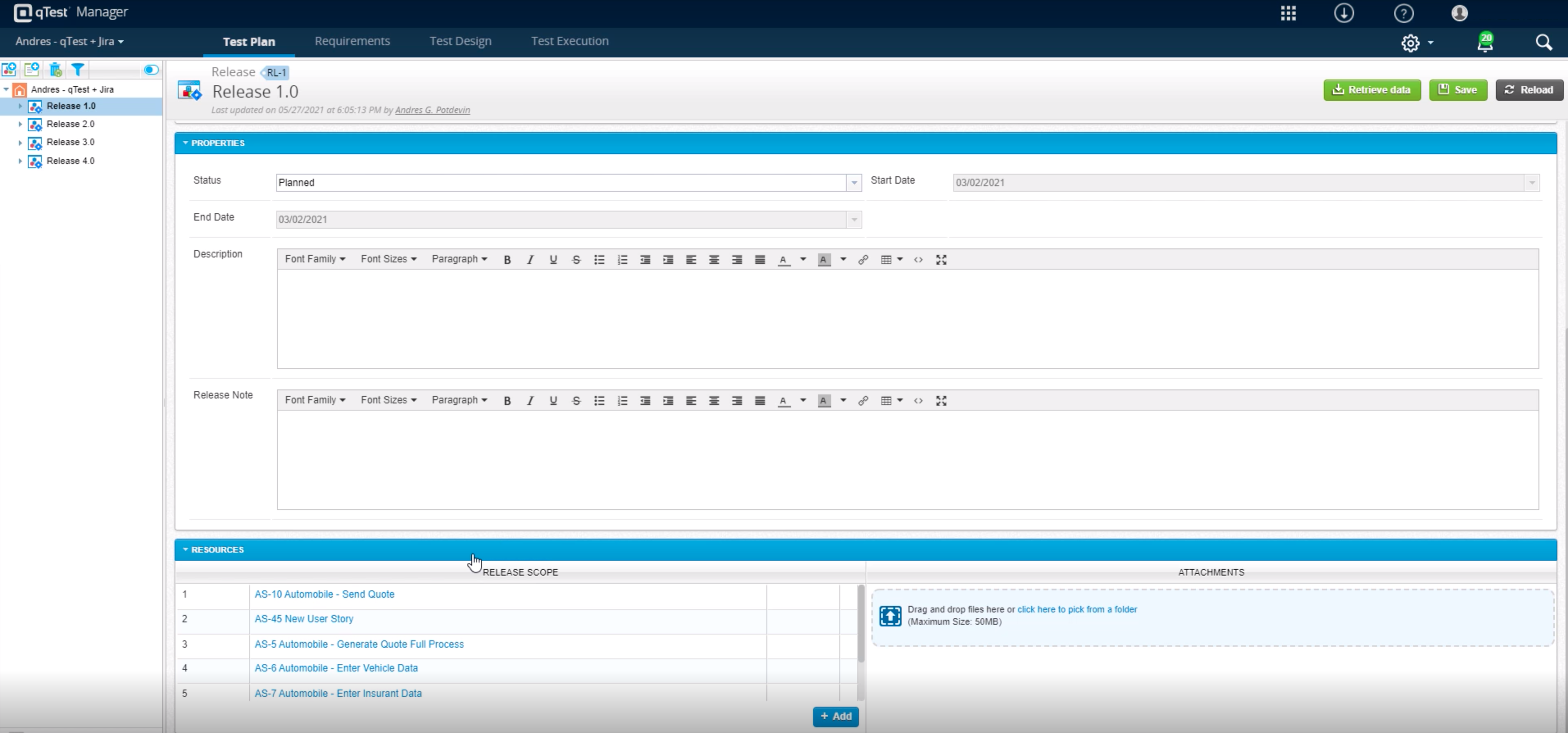
Tricentis qTest integrates seamlessly with Jira, making it ideal for teams that manage user stories and defects in Jira while keeping test cases and execution in qTest. When paired with automation tools like tosca, Selenium, or WebdriverIO, qTest is excellent for aggregating both manual and automated test results in one place.
A de minimis incentive was given to thank the reviewer for their time. The incentive was not used to bias or drive a particular response, nor was the incentive contingent on a positive endorsement. More Info
A de minimis incentive was given to thank the reviewer for their time. The incentive was not used to bias or drive a particular response, nor was the incentive contingent on a positive endorsement. More Info
As a fresher, when I started using qTest it was very handy and easy to understand.
It helps us trace the test cases that are used to test the quality in a single location
The main thing is its integration with JIRA as soon as we create a ticket we would be getting all the requirements in the qTest so it became easy for me
A de minimis incentive was given to thank the reviewer for their time. The incentive was not used to bias or drive a particular response, nor was the incentive contingent on a positive endorsement. More Info
In requirements , we can't add multiple test cases at once, or search multiple cases at once, need to do one by one. Here actually qtest needs to improve.
Linking cloud hosted qtest and on-premise TOSCA is very difficult especially when you are working with client system with security wall. It requires tunnelling software which is not recommended.
A de minimis incentive was given to thank the reviewer for their time. The incentive was not used to bias or drive a particular response, nor was the incentive contingent on a positive endorsement. TR verified that a representative sample of customers was invited. More Info
Because we are a Microsoft Gold Partner we utilize most of their software and we have so much invested in Team Foundation Server now it would take a catastrophic amount of time and resources to switch to a different product.
A de minimis incentive was given to thank the reviewer for their time. The incentive was not used to bias or drive a particular response, nor was the incentive contingent on a positive endorsement. More Info
A de minimis incentive was given to thank the reviewer for their time. The incentive was not used to bias or drive a particular response, nor was the incentive contingent on a positive endorsement. TR verified that a representative sample of customers was invited. More Info
For standard users the interface is friendly. but if you are a manager some tools are a little confusing to use, like the query system that you always need to create from scratch. Templates should be more helpful for queries and for standard procedures that you need to duplicate PBIs over time. The search history of Work Items is a little painful to use.
A de minimis incentive was given to thank the reviewer for their time. The incentive was not used to bias or drive a particular response, nor was the incentive contingent on a positive endorsement. More Info
A de minimis incentive was given to thank the reviewer for their time. The incentive was not used to bias or drive a particular response, nor was the incentive contingent on a positive endorsement. TR verified that a representative sample of customers was invited. More Info
I have not had to use the support for Azure DevOps Server. There have never been any issues where I was not able to figure it out or quickly resolve. Our Scrum Master has used support before though, and the service has always been prompt and clear with a customer-focus
A de minimis incentive was given to thank the reviewer for their time. The incentive was not used to bias or drive a particular response, nor was the incentive contingent on a positive endorsement. More Info
A de minimis incentive was given to thank the reviewer for their time. The incentive was not used to bias or drive a particular response, nor was the incentive contingent on a positive endorsement. TR verified that a representative sample of customers was invited. More Info
A de minimis incentive was given to thank the reviewer for their time. The incentive was not used to bias or drive a particular response, nor was the incentive contingent on a positive endorsement. More Info
A de minimis incentive was given to thank the reviewer for their time. The incentive was not used to bias or drive a particular response, nor was the incentive contingent on a positive endorsement. TR verified that a representative sample of customers was invited. More Info
In my opinion, DevOps covers the development process end to end way better than Jira or GitHub. Both competitors are nice in their specific fields but DevOps provides a more comprehensive package in my opinion. It is still crazy to see that the whole suite can be used for free. The productivity increase we realized with DevOps is worth real money!
A de minimis incentive was given to thank the reviewer for their time. The incentive was not used to bias or drive a particular response, nor was the incentive contingent on a positive endorsement. More Info
All of them offer formidable solutions in the test management realm, but each one caters to different niche and need. qTest distinguishes itself with its deep integration capabilities, especially with Agile and DevOps tools, enabling streamlined CI/CD process. Its modern, user-centric interface contrasts with ALM's more dated appearance and complex setup. While TestRail provides a clean user experience and caters to a broad spectrum of business, qTest's scalability, from SMBs to large enterprises, stands out. PractiTest's cloud-based solution is geared towards mid-sized companies, but qTest's flexibility, advanced analytics, and robust reporting grant teams actionable insights. qTest' approach to a more holistic test management closely aligning with modern software development practices
A de minimis incentive was given to thank the reviewer for their time. The incentive was not used to bias or drive a particular response, nor was the incentive contingent on a positive endorsement. More Info
It has streamlined the pipeline and project management for our agile effort.
It has helped our agile team get organized since that is a new methodology being leveraged within the Enterprise.
The calendar has improved visibility into different OOOs across the project team since we all come from different departments across the larger organization.
A de minimis incentive was given to thank the reviewer for their time. The incentive was not used to bias or drive a particular response, nor was the incentive contingent on a positive endorsement. More Info
A de minimis incentive was given to thank the reviewer for their time. The incentive was not used to bias or drive a particular response, nor was the incentive contingent on a positive endorsement. TR verified that a representative sample of customers was invited. More Info