Axure RP is a software prototyping tool used by UX designers, from Axure Software Solutions in San Diego.
N/A
Draftium
Score 1.1 out of 10
N/A
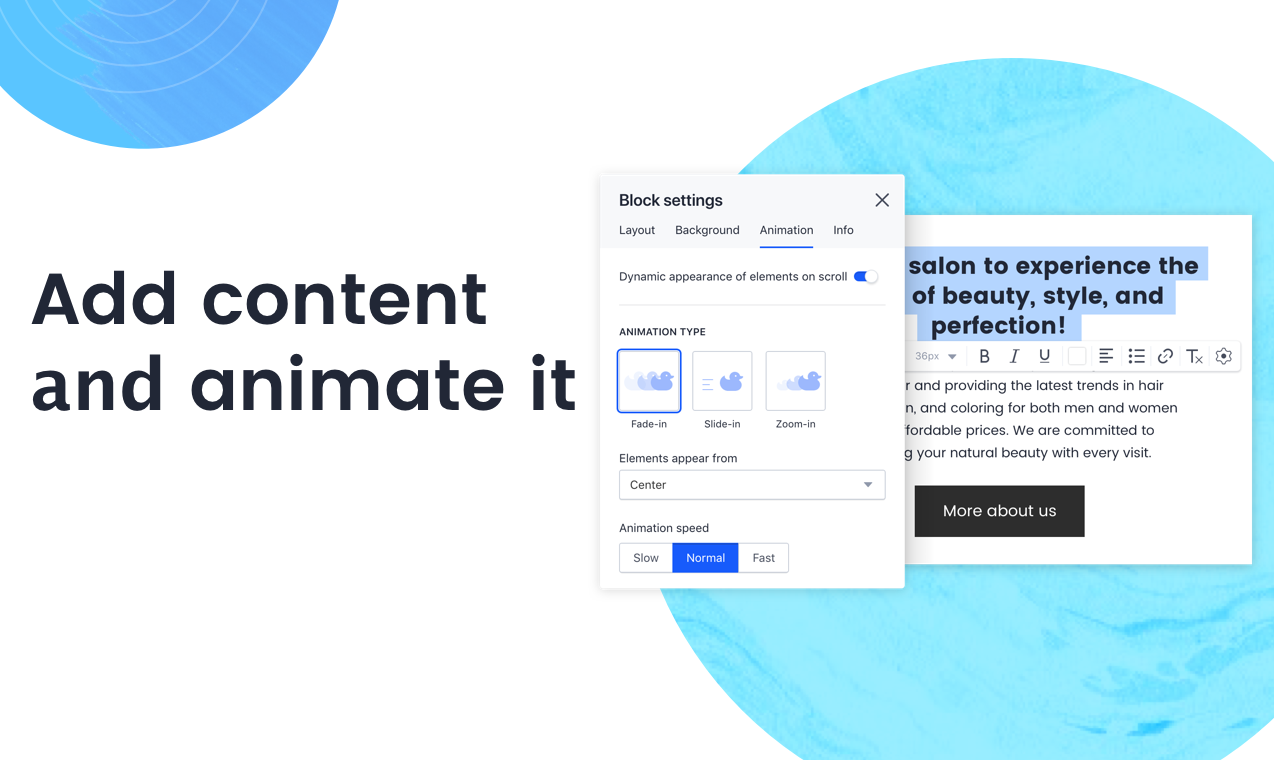
Accorind to the vendor, Draftium has 350+ ready-made blocks and 300+ prototype templates that allows you to visualize a website idea within 15-30 minutes. It is a free online turbo prototyping tool for website ideation and collaboration. It helps web-designers or studios, marketers, and account managers to make everyday easy. Prototyping in Draftium is based on blocks. You can remove or add them with checkboxes. So you do not have to add elements one-by-one, they already…
Axure RP is a great user experience design toolkit that gives UX designers the ability to create user flows, Low-Fidelity, and High-Fidelity mockups all within the same tool. Overall, it works well with teams of designers looking to collaborate on the same project(s). Axure RP allows you to set up masters and components, giving you and your team the ability to share and re-use styled objects. This not only cuts down on the time allotted for wireframing, but it also means design styles are upheld and the overall software becomes more consistent. I would not recommend Axure for High-Fidelity visual design mockups (use Sketch App instead), as Axure is limited in it's the ability to style components.
Have been using the prototype software provided by them for almost 2 full years. Fit most needs and then suddenly the prototype was deleted without warning. They specified I should have received warning emails but never did. The prototype was visited frequently as well. When I reached out to support staff they attempted to help but they couldn't identify how it was deleted, why it was deleted, why no email was sent out, and were not able to resolve the issue. I'd stay clear of this platform for these very reasons.
High fidelity prototypes: Axure is excellent for creating prototypes that are visually indistinguishable from the real product. You do not need advanced Photoshop or other image editing software skills to create mockups that look real with Axure. If you do have Photoshop skills though it definitely can help as you can easily bring in edited images into Axure from it.
Realistic interactions: On top of creating prototypes that look real, you can also easily make them interact like a real site would. This is useful for not only showing developers and stakeholders but for user testing as well.
Sharing prototypes: Sharing Axure prototypes with others is easy, even if they don't have the Axure software. You can either upload your file to Axshare, Azure's free hosting service or host it on your own servers and share the link with viewers. The link allows users to interact with the site as though it were real as well as easily switch between pages with a collapsible site map.
Axure feels like a tool that started with a simple interface that wasn't redesigned over time. Simple tasks sometimes require clicking through multiple layers. Crucial pieces of functionality are hidden under text links, or just flatly aren't discoverable. Much of the quirks of the interface only come from having screwed up numerous times, and knowing that certain things are just difficult to accomplish.
I've never used the support for Axure but they do have an online community that can be helpful when you're unsure how to accomplish a specific bit of interactivity. Overall the community for Axure is a great benefit for the software. There are also a lot of shared library assets which can help reduce the time you spend on projects.
I think that the online training videos cover all product features and are a great resource to point people to. The newsletter is also frequent and passes on a range of tips and techniques for users that are eager to learn more, or just want to keep themselves up to date
Axure stacks up pretty nicely against other tools, in terms of available functionality and support for users. It’s probably the best tool I have used to create the most realistic and complex prototypes for sales purposes. However, its interface is outdated compared to other tools, and it’s a less efficient tool than other tools, such as Sketch, that enable users to create and iterate upon designs more quickly. We will continue to use Axure for complex designs, particularly for prototypes that need to be external-facing, but we’ll opt to stick with Adobe XD or another tool for internal use, to save time and energy by using a more straightforward tool.
When understanding the minimal needs to describe multiple dimensions of UX using this tool, a designer can very quickly create a prototype using this tool and can help reduce the time needed to assess very usability requirements and business validity for an application.
The generated files source code absolutely cannot be used in the application code. Measures should be taken to ensure the code is not used in the application code or else you risk rework in development/implementation.