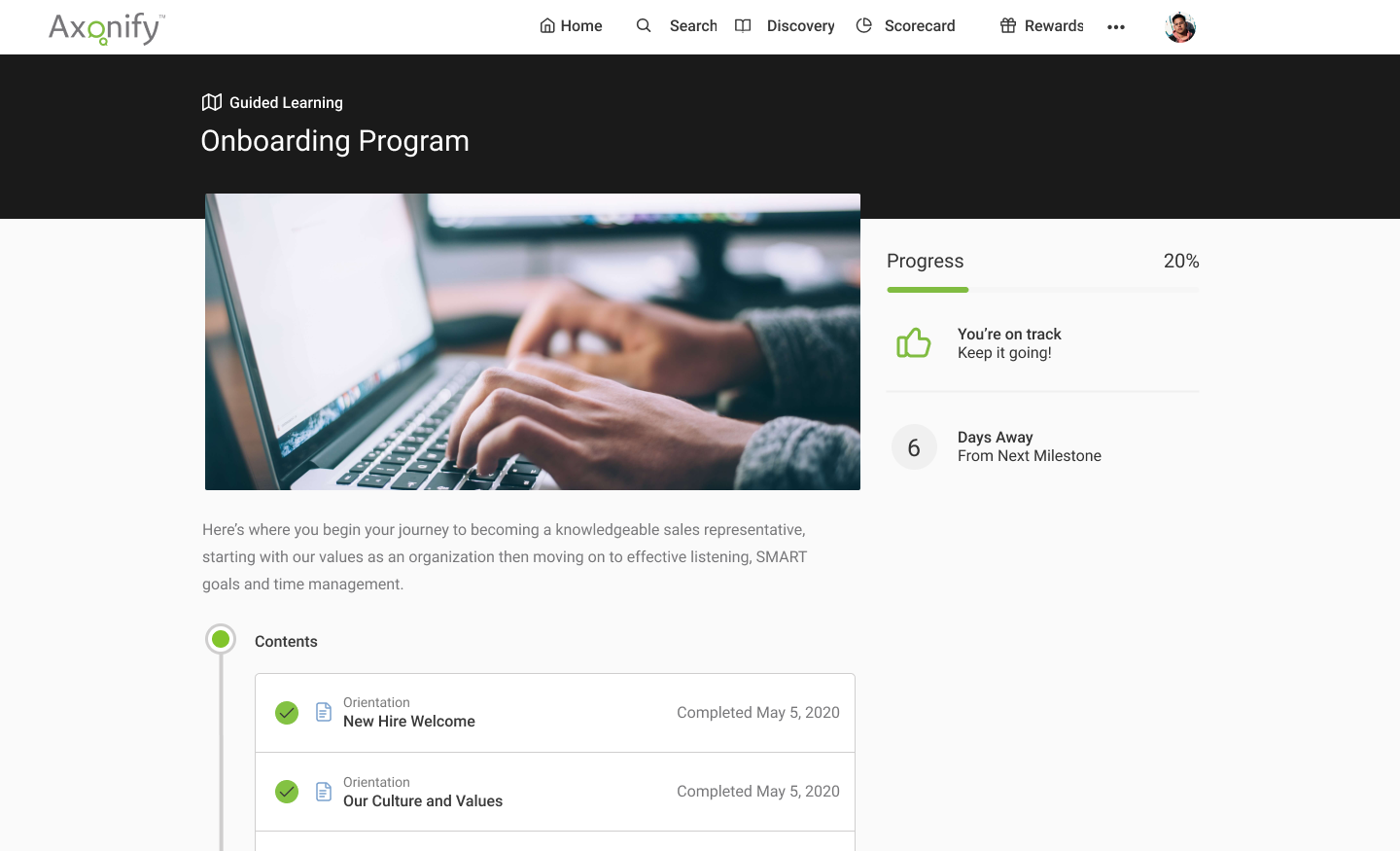
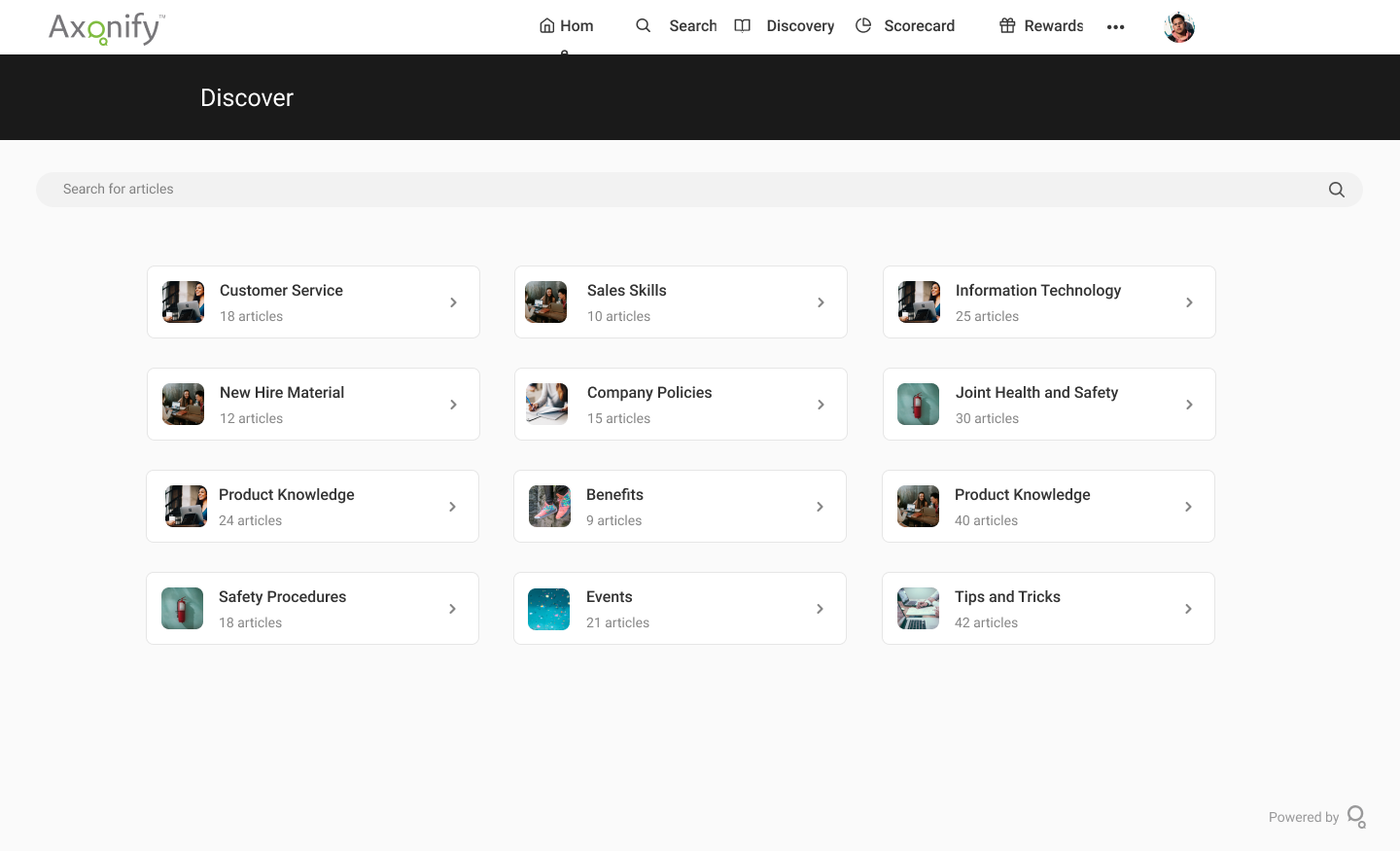
Axonify is a frontline enablement solution used to maximize the productivity of workforces. Axonify states they use brain science and AI to drive knowledge retention through bite-sized microlearning and daily intelligent reinforcement. Embedded two-way communication and feedback ensure staff is engaged, informed and connected to HQ, no matter the scale of the organization. Guided task management shows employees exactly how to put their training to use, every single day. And to ensure staff…
N/A
Google Classroom
Score8.1 out of 10
N/A
N/A
$0
per month
Pricing
Axonify
Google Classroom
Editions & Modules
No answers on this topic
Education Fundamentals
$0
per license/per month
Google Workspace for Education Standard
$3
per student/per year
Teaching and Learning Upgrade
$4
per license/per month
Google Workspace for Education Plus
$5
per student/per year
Offerings
Pricing Offerings
Axonify
Google Classroom
Free Trial
No
Yes
Free/Freemium Version
No
No
Premium Consulting/Integration Services
No
No
Entry-level Setup Fee
No setup fee
No setup fee
Additional Details
—
Education Fundamentals Version - 30-day free trial for qualifying institutions.
Well-suited to the original purpose of delivering questions on a daily basis; everything beyond that gets complicated. For example, there are a number of program types available to deliver information (certifications, daily reinforcement, self-directed learning, assigned paths, etc.). However understanding how they all fit together requires advancing weaving together of multiple types of programs for individual groups, and requires more time than you would expect. Nearly 3 years into working with Axonify, we are still trying to iron it all out. We also have side groups of customers who meet to help each other because we all struggle with it too. We have a hard time helping our leaders and subject matter experts understand what is possible and what doesn't work well in the platform, since it is so different and doesn't work as expected. For example, communication to teams is one way - the recipients can't respond.
A de minimis incentive was given to thank the reviewer for their time. The incentive was not used to bias or drive a particular response, nor was the incentive contingent on a positive endorsement. More Info
Google Classroom allows teachers to post for daily lessons and assignments. It also allows teachers to be able to communicate with students easily outside of class. Students are able to stay connected and know where to find all information and resources easily in a streamlined manner for all of their classes.
A de minimis incentive was given to thank the reviewer for their time. The incentive was not used to bias or drive a particular response, nor was the incentive contingent on a positive endorsement. More Info
Update the platform in response to feedback from current users- ex. Many of the features I wished Axonify had when I first signed up for it are now live, such as guided learning, the ability to add certification to guided learning paths, and the ability to tie outside metrics and behaviors directly to Axonify training frequency and scores
Reinforce employee knowledge to ensure employees don't forget content they don't use frequently- ex. as long as an employee signs in to train regularly, you can be assured that they will learn what they need to because the Axonify algorithm prioritizes reinforcement questions on topics that the learner hasn't seen recently and topics that the learner has the lowest scores in. The end result is that the platform is always customizing the content watch learner sees to help improve the individual's weak points. This means that of an employee is under performing, we know it is either because the process is not working, or the employee is unwilling to follow the process, not because he or she doesn't know any better
Foster competition and excitement around completing certain training milestones- ex. the Leaderboard can get pretty competitive as employees compete to reach the top. The platform also lets you auction off different prizes on the platform using points earned by answering questions correctly, thereby indirectly creating an incentive to complete training.
I have never worked with a company that did such a great job at walking a new user through the implementation process. A year and a half after implementing the platform I still have a regular call from my rep (Erin Bresser) during which we discuss my company's training plan, pain points, strategies, upcoming features, and anything else training related. I could not ask for more or better support from a vendor.
I love all the different content options I have. I can use the bare bones basics and simply add questions directly into Axonify, or I can support those questions by building a complex course, video, animation, or even downloading content from the Content exchange directly from Axonify. This means that weather I have a day or a year to prepare content, I have the ability to produce a functional and productive experience for my workforce
A de minimis incentive was given to thank the reviewer for their time. The incentive was not used to bias or drive a particular response, nor was the incentive contingent on a positive endorsement. More Info
Student-teacher communication - I love using Classroom for this because my students can always go back and check what was on Classroom by looking through the stream. This way they don't have to go dig through emails to find what they're looking for.
Posting to multiple classes - I can post the same announcement or assignment to multiple classes at once without having to repeat the process or send separate emails.
Streamlining grading - when students turn work in on Classroom, it all goes to one place and then when I'm grading I can open their documents directly from Classroom or my Drive folder. This way, I'm not looking through emails and Google Doc shared files for their assignment.
A de minimis incentive was given to thank the reviewer for their time. The incentive was not used to bias or drive a particular response, nor was the incentive contingent on a positive endorsement. More Info
A de minimis incentive was given to thank the reviewer for their time. The incentive was not used to bias or drive a particular response, nor was the incentive contingent on a positive endorsement. More Info
Testing is particularly important in online learning, and Google Classroom falls far short of other learning management systems in this regard. Security is also a concern: while account control is reasonable for the account used with Google Classroom, the person controlling a particular account is often able to, for example, forward or download proprietary materials.
Axonify is extremely easy to use, for both employees and managers. The platform is visually appealing, and Axonify offers a number of videos and tutorials for any administration and user functionality. The reporting is also very easy to obtain and review, with the ability to drill down to team and individual results.
A de minimis incentive was given to thank the reviewer for their time. The incentive was not used to bias or drive a particular response, nor was the incentive contingent on a positive endorsement. More Info
Simple design and seamless integration with Google tools and drive, but missing some key features. However, since it is limited in overall functions and ability to truly personalize / customize, it is quite user friendly and easy to set up and get going, other than sending out the code to your course or dropping students in via their gmail account. Users of Google Forms and sites will find the layout similar in design.
A de minimis incentive was given to thank the reviewer for their time. The incentive was not used to bias or drive a particular response, nor was the incentive contingent on a positive endorsement. More Info
A de minimis incentive was given to thank the reviewer for their time. The incentive was not used to bias or drive a particular response, nor was the incentive contingent on a positive endorsement. More Info
Axonify has been great for support. We have a dedicated rep but I have also just posted to the official user boards and gotten feedback as well. Axonify also has a conference every year that is a great way to learn. You can also become certified in Content or Administration with Axonify if you so choose.
A de minimis incentive was given to thank the reviewer for their time. The incentive was not used to bias or drive a particular response, nor was the incentive contingent on a positive endorsement. More Info
Since this platform is provided by Google, the technical support is better than any others, and we are not required to bother about the space constraints for adding the contents. If we have a good uninterrupted internet facility we can access Google Classroom without any delay or lag. They have app support in both Android and iPhone.
It was relatively easy to implement due to the simplicity of the platform. Even our more technology challenged teachers found it easy to get started with Google Classroom.
A de minimis incentive was given to thank the reviewer for their time. The incentive was not used to bias or drive a particular response, nor was the incentive contingent on a positive endorsement. More Info
I like the way Axonify provides chunks of information to the learner by overwhelming them by dividing them into bite-size content. The learners don't have a lot of time to give to training, so Axonify has helped has provided just in time training to those teams. It's very much suited to our organization. Axonify is extremely easy to use for both learners and managers. The platform is visually appealing and provides a lot of video-based content to learn the platform for any administrative and user functionality. It is a unique tool in its segment, it meets the requirements that other tools, LMS, or learning libraries don't.
A de minimis incentive was given to thank the reviewer for their time. The incentive was not used to bias or drive a particular response, nor was the incentive contingent on a positive endorsement. More Info
I haven't tested or evaluated another digital classroom website or application. I feel like Google Classroom is convenient for many reasons such as compatibility to Google docs, slides, etc. I also love the ability to link to YouTube and other sites. I don't know if there would be a site that is easier to maneuver.
A de minimis incentive was given to thank the reviewer for their time. The incentive was not used to bias or drive a particular response, nor was the incentive contingent on a positive endorsement. More Info
A de minimis incentive was given to thank the reviewer for their time. The incentive was not used to bias or drive a particular response, nor was the incentive contingent on a positive endorsement. More Info
Before, we could not accurately measure if people were really reviewing our monthly safety material or really reading our new policy releases. Now we have nearly 100% compliance.
Over the past two years since we implemented Axonify, we have seen a decrease of $200,000 in our workers comp annual cost. We expect this trend to continue or stay stable due to a staff that is more aware of safety.
We maintain our position as a San Francisco and Silicon Valley Best Place to Work due to our high morale and employee engagement level. 99% of our employees engage with Axonify an average of 13x per month. This ranking has made us an leader in affordable housing with some of the best staff members in our industry.
A de minimis incentive was given to thank the reviewer for their time. The incentive was not used to bias or drive a particular response, nor was the incentive contingent on a positive endorsement. More Info
A de minimis incentive was given to thank the reviewer for their time. The incentive was not used to bias or drive a particular response, nor was the incentive contingent on a positive endorsement. More Info