
Axence nVision vs. Kaseya VSA
| Product | Rating | Most Used By | Product Summary | Starting Price |
|---|---|---|---|---|
 Axence nVision | N/A | N/A | Axence nVision is an integrated IT management solution. Key capabilities include: Network monitoring: -Monitoring activity on switch ports -Support for SNMP Traps -Monitoring of Windows service status -Windows event log entries -Support for syslog messages Hardware & software inventory -History of configuration changes -Software legality audit -Audit of multimedia… | N/A |
 Kaseya VSA | Score7.7 out of 10 | N/A | Kaseya Virtual System Administrator (VSA) is a cloud-based Remote Monitoring and Management software. VSA unifies the monitoring of system infrastructure and endpoints and is designed for use by IT teams and MSP’s. It offers a robust crowd-source automation scripts library, as well as antivirus and malware capabilities with real-time threat alerts. | N/A |
| Axence nVision | Kaseya VSA | |||||||||||||||
|---|---|---|---|---|---|---|---|---|---|---|---|---|---|---|---|---|
| Editions & Modules | No answers on this topic | No answers on this topic | ||||||||||||||
| Offerings |
| |||||||||||||||
| Entry-level Setup Fee | Optional | No setup fee | ||||||||||||||
| Additional Details | Customized offers are available directly from Axence and through their worldwide Partners. | — | ||||||||||||||
| More Pricing Information | ||||||||||||||||
| Axence nVision | Kaseya VSA | |
|---|---|---|
| Considered Both Products | No answer on this topic | No answer on this topic |
| Key User Insights | ||
| Would buy again | ||
No answers on this topic | 81% Would buy again 13 Answers | |
| Delivers good value for the price | ||
No answers on this topic | 88% Delivers good value for the price 14 Answers | |
| Happy with the feature set | ||
No answers on this topic | 88% Happy with the feature set 14 Answers | |
| Lived up to sales and marketing promises | ||
No answers on this topic | 93% Lived up to sales and marketing promises 13 Answers | |
| Implementation went as expected | ||
No answers on this topic | 93% Implementation went as expected 14 Answers | |
| Axence nVision | Kaseya VSA | |||||||||||||||||||
|---|---|---|---|---|---|---|---|---|---|---|---|---|---|---|---|---|---|---|---|---|
| Application Performance Management |
| |||||||||||||||||||
| Monitoring Tasks |
| |||||||||||||||||||
| Management Tasks |
| |||||||||||||||||||
| Remote Access |
| |||||||||||||||||||
| Axence nVision | Kaseya VSA | |
|---|---|---|
| Small Businesses |  Pulseway Score9.9 out of 10 |  Panda Systems Management Score9.8 out of 10 |
| Medium-sized Companies |  Cisco Meraki Dashboard Score9.3 out of 10 |  N-able N-sight RMM Score8.7 out of 10 |
| Enterprises |  Cisco Prime LAN Management (discontinued) Score8.5 out of 10 | No answers on this topic |
| All Alternatives | View all alternatives | View all alternatives |
| Axence nVision | Kaseya VSA | |
|---|---|---|
| Likelihood to Recommend | - | 8.0 |
| Likelihood to Renew | - | 10.0 |
| Usability | - | 8.0 |
| Support Rating | - | 5.5 |
| Axence nVision | Kaseya VSA | |
|---|---|---|
| Likelihood to Recommend | No answers on this topic |
|
| Pros | No answers on this topic |
|
| Cons | No answers on this topic |
|
| Likelihood to Renew | No answers on this topic |
|
| Usability | No answers on this topic |
|
| Support Rating | No answers on this topic |
|
| Alternatives Considered | No answers on this topic |
|
| Return on Investment | No answers on this topic |
|
| ScreenShots | Axence nVision Screenshots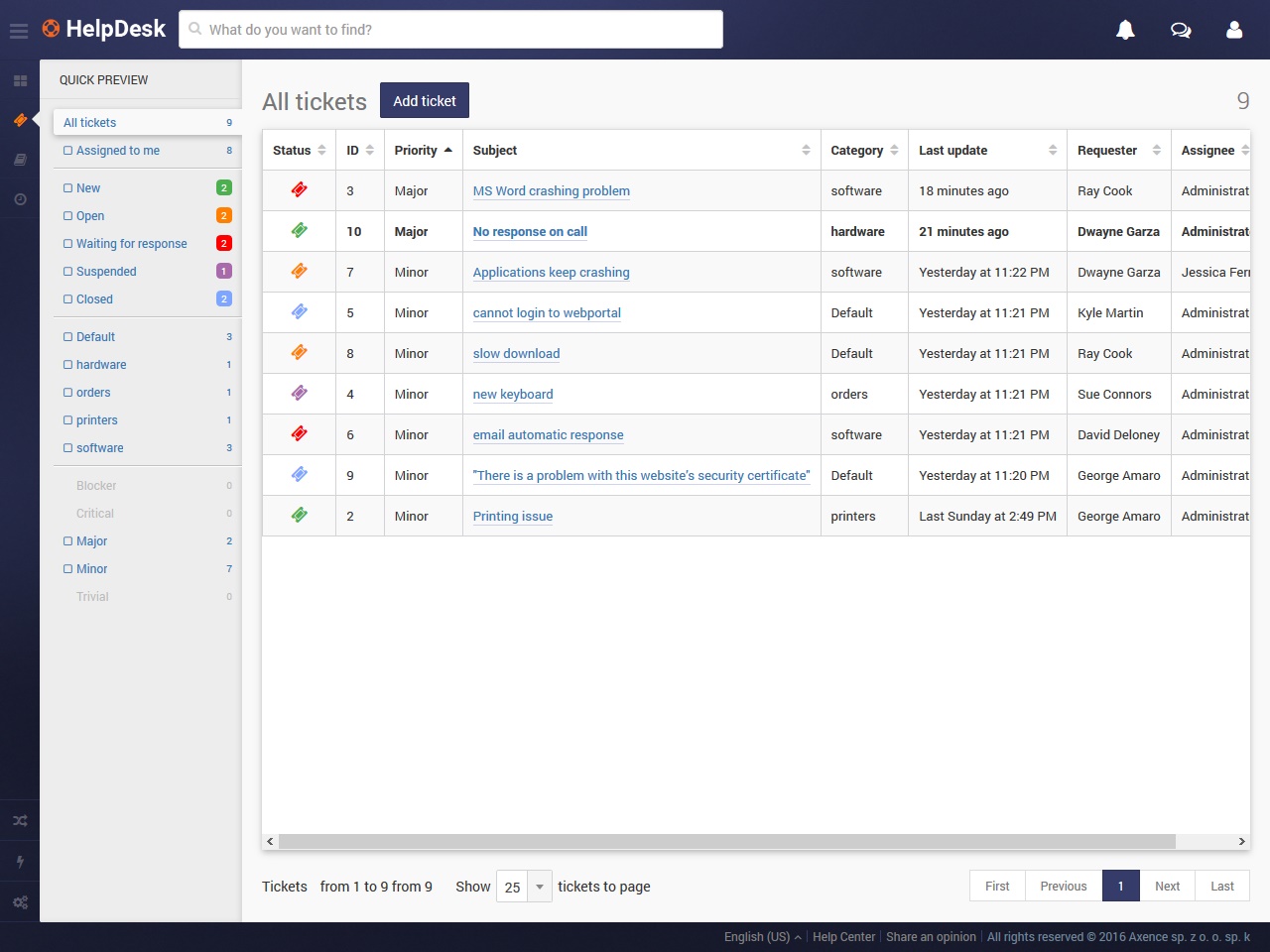 |



