AWS CodePipeline vs. Octopus Deploy

Overview
ProductRatingMost Used ByProduct SummaryStarting Price
AWS CodePipeline
Score 6.6 out of 10
N/A
AWS CodePipeline is a fully managed continuous delivery service that helps users automate release pipelines. CodePipeline automates the build, test, and deploy phases of the release process every time there is a code change, based on the release model a user defines.
$1
per active pipeline/per month
Octopus Deploy
Score 10.0 out of 10
Mid-Size Companies (51-1,000 employees)
Australian company Octopus Deploy offers their eponymous automated deployment and release management software that integrates with the user's preferred CI server and adds deployment & ops automation capabilities. Octopus Deploy enables developers, release managers, and operations folks to bring all automation into a single place. The vendor states that by reusing configuration variables, environment definition, API keys, connection strings, permissions, service principals, and automation logic,…
$12
Pricing
AWS CodePipelineOctopus Deploy
Editions & Modules
AWS CodePipeline
$1
per active pipeline/per month
Free Tier
Free
Cloud
Free 30 day trial
unlimited targets/users/projects
Server
Free 30 day trial
unlimited targets/users/projects
Enterprise
Starting at $18 per month
Enterprise
Starting at $18 per month
Server
Starting at $12 per month
Cloud
Starting at $12 per month
Offerings
Pricing Offerings
AWS CodePipelineOctopus Deploy
Free Trial
NoYes
Free/Freemium Version
YesYes
Premium Consulting/Integration Services
NoNo
Entry-level Setup FeeNo setup feeOptional
Additional DetailsOctopus Server edition is available as a 30 day free trial on our unlimited tier for any scenario, including production, and commercial use. After the trial period ends you can keep your working configuration and upgrade to a paid license and continue deploying uninterrupted. Octopus Cloud is an alternative that is hosted by us, and is also available as a 30 day unlimited trial. No credit card is needed to create a Octopus Cloud trial instance. You can convert the Cloud trial to a paid instance at any time during or after the trial period, and keep all of your instance configuration. Octopus also offers an Enterprise tier which offers advanced features for teams at scale including, advanced high availability, insights & DORA metrics, ServiceNow & Jira Service Management integration, unlimited instances, 24/7 support & service credits, and a Customer Success Manager. Volume discounts are available above 500 targets, and temporary bursting for certain scenarios is supported.
More Pricing Information
Community Pulse
AWS CodePipelineOctopus Deploy
Best Alternatives
AWS CodePipelineOctopus Deploy
Small Businesses
GitLab
GitLab
Score 8.7 out of 10
GitLab
GitLab
Score 8.7 out of 10
Medium-sized Companies
GitLab
GitLab
Score 8.7 out of 10
GitLab
GitLab
Score 8.7 out of 10
Enterprises
GitLab
GitLab
Score 8.7 out of 10
GitLab
GitLab
Score 8.7 out of 10
All AlternativesView all alternativesView all alternatives
User Ratings
AWS CodePipelineOctopus Deploy
Likelihood to Recommend
9.0
(0 ratings)
8.6
(0 ratings)
Likelihood to Renew
-
(0 ratings)
8.0
(0 ratings)
Usability
9.0
(0 ratings)
8.4
(0 ratings)
Performance
6.8
(0 ratings)
8.5
(0 ratings)
Support Rating
9.1
(0 ratings)
8.2
(0 ratings)
Ease of integration
7.4
(0 ratings)
8.5
(0 ratings)
User Testimonials
AWS CodePipelineOctopus Deploy
Likelihood to Recommend
CodePipeline is well suited for an already existing AWS-native deployment. It is very easy to connect to existing repos like GitHub enterprise or cloud repos like CodeCommit. Being able to define the process by code (YAML) is a huge benefit for developers who favor that type of deployment setup. The UI is easy to use yet very powerful and customizable. Being able to leverage CloudTrail or Lambda is quite powerful, especially in larger more complex projects. It becomes less valuable with smaller projects or locally hosted deployments that don't get the benefits of a managed service in the AWS ecosystem. However, there are agents that can be run on private servers to allow integration. But naturally, smaller one-off projects benefit less from the automation value derived by CodePipeline.
Read full review
  • The ability to manage different stages and define a workflow is very useful for ops troubleshooting as well as deployment. You can see which version each environment has for each project, and promote or redeploy versions.
  • You can view deployment logs and dig deep into problems or long deployment steps.
  • Finding old releases can be a pain, and there isn't a good way to compare releases.
  • It does not really lend itself well to viewing what the content of a release is further than the version number. Ideally, you would be able to tie a deployment to the builds from the build server as well as specific commits from source control.
Read full review
Pros
  • It is reliable and works without errors
  • It integrates well with our repository and all other AWS functions as well as our end database
Read full review
  • Many different platforms, languages, and operating systems are supported. You can deploy to your own server or the cloud. You can deploy to Windows, Linux, etc.
  • Many different "step templates" are included, which make it very easy to deploy what you want, how you want. Such as deploying over SSH, FTP, etc.
  • Support is very responsive and personable. You won't just be talking to a robot or a script. They will either solve your problem or understand it enough to solve it in a future release.
  • Their documentation is well thought-out and very helpful. I have found very few missing pieces.
Read full review
Cons
  • Ease of use - things like CircleCI or other tools are a bit easier to learn.
  • Ability to build from more sources.
Read full review
  • Support for non-Microsoft applications needs to be improved to bring it on par with other comparable automation tools.
  • It doesn't yet provide integration options with other IT management tools like JIRA and HP Support to implement continuous delivery and true DevOps processes.
  • Support for AWS/Azure has been included very recently and it's not still very mature and feature rich and is expected to improve further in upcoming releases.
Read full review
Likelihood to Renew
No answers on this topic
Would be a 10 except for the retirement of the free Community Edition.
Read full review
Usability
Overall, I give AWS Codepipeline a 9 because it gets the job done and I can't complain much about the web interface as much of the action is taking place behind the scenes on the terminal locally or via Amazon's infrastructure anyway. It would be nicer to have a better flowing and visualizable web interface, however.
Read full review
Some functionality feels slightly hidden in the menu system. For example: script modules are in the same menu as packages, where I feel that are not related entities. One is code for the deployment, the other is the thing that you are deploying...
Read full review
Performance
Our pipeline takes about 30 minutes to run through. Although this time depends on the applications you are using on either end, I feel that it is a reasonable time to make upgrades and updates to our system as it is not an every day push.
Read full review
Octopus Deploy is a software that runs very effectively, is easy to use, does not require such a high learning curve, provides the necessary tools to carry out the functions it offers, making it a very flexible software, it also allows that can be configured according to the needs of the user and provides integrations with other very advantageous tools since they are carried out in a very favorable way.
Read full review
Support Rating
We didn't need a lot of support with AWS CodePipeline as it was pretty straightforward to configure and use, but where we ran into problems, the AWS community was able to help. AWS support agents were also helpful in resolving some of the minor issues we encountered, which we could not find a solution elsewhere.
Read full review
Octopus Deploy support has always been there for us, even when using the free tier, we get responsive hands-on help. We haven't needed to use that level of support since the documentation is clearly written, and help is readily available within the interface itself. Using Octopus Deploy is a truly joyful experience.
Read full review
Alternatives Considered
I felt that, out of the alternatives, AWS CodePipeline was the simplest to setup and most reliable. Since my client's infrastructure was already hosted in AWS, I felt it was a no-brainer. If a client needed a similar solution with on-prem or non-AWS infrastructure, I would probably evaluate a different solution. AWS CodePipeline is pretty tightly coupled with the rest of the AWS ecosystem.
Read full review
Octopus Deploy was the obvious choice at the time, its strong .net support, robustness, ease of use, and integration into an existing process was a big plus. Also, Octopus Deploy was kind enough to give my organization a not for profit community licence. In addition, the product comes from a local Brisbane based company and it is always good to support local businesses when you can.
Read full review
Return on Investment
  • AWS CodePipeline reduced CI/CD pipeline development time by 10% for AWS native application stacks.
  • AWS CodePipeline reduced response time to build failures by 3% through SNS integrations.
Read full review
  • Any automated deployment process will save your company a ton of money on testing and bugs. When you don't automate your deployments, you can't be certain that what you are moving between environments is the exact same code with the same or appropriate configuration. What you tested might not be what got deployed.
  • We've saved a lot of money using Octopus over the mostly manual process we were using before. We've removed a lot of the errors that come from manual, human intervention.
  • Octopus has also allowed us to accomplish more with fewer people. It is easy to bring new people up to speed on the deployment process, and we can be confident of success after very little training.
Read full review
ScreenShots

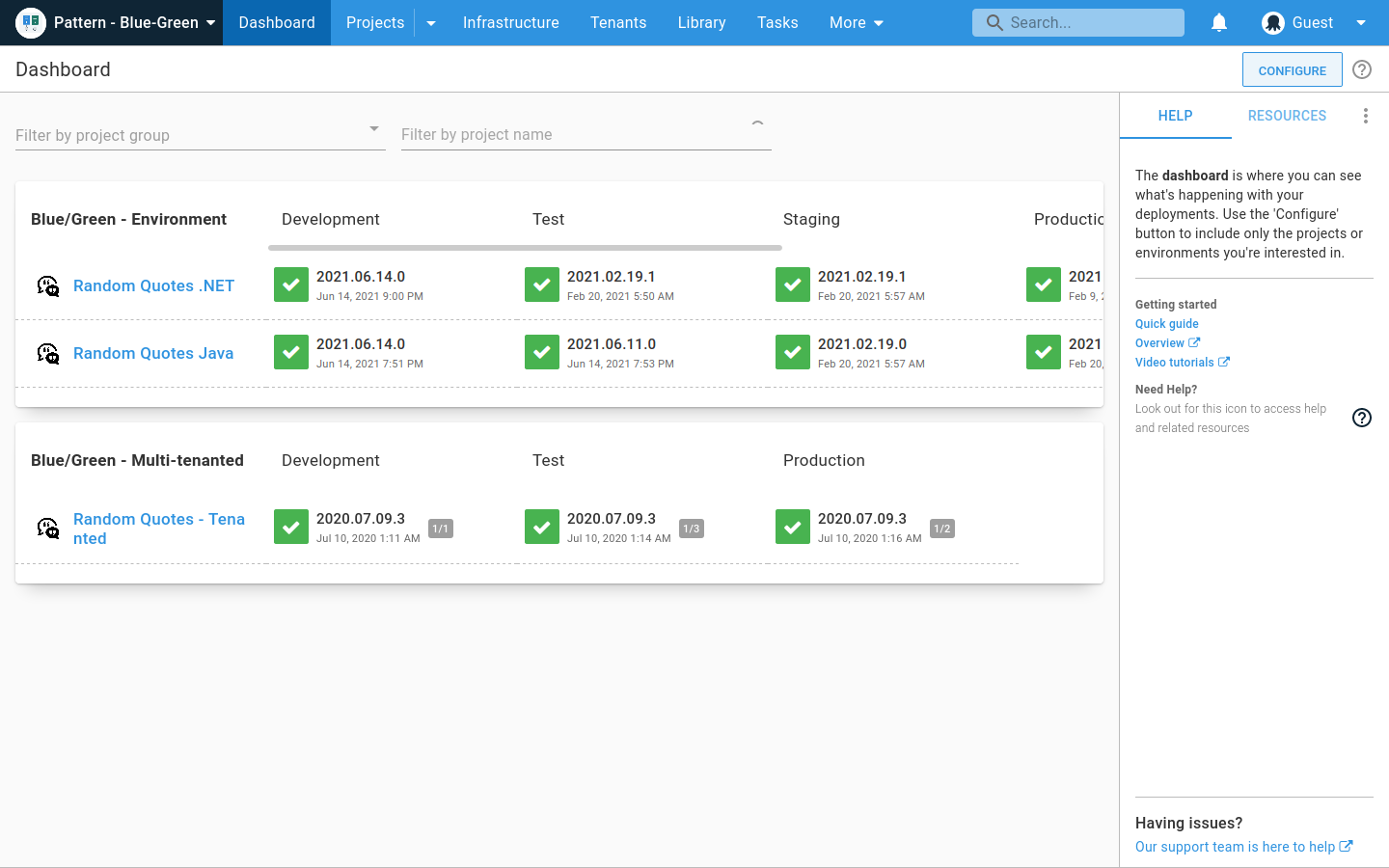
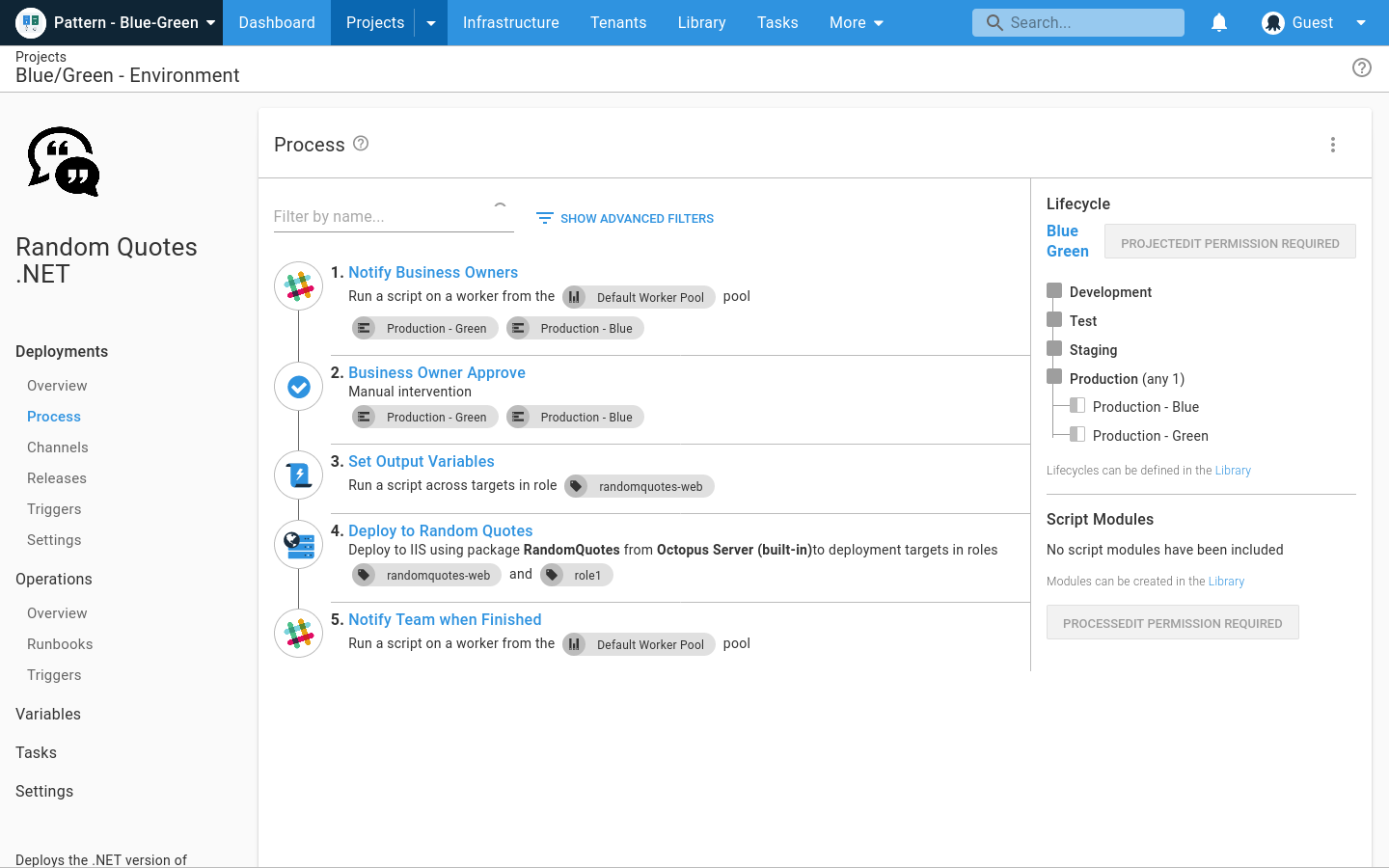
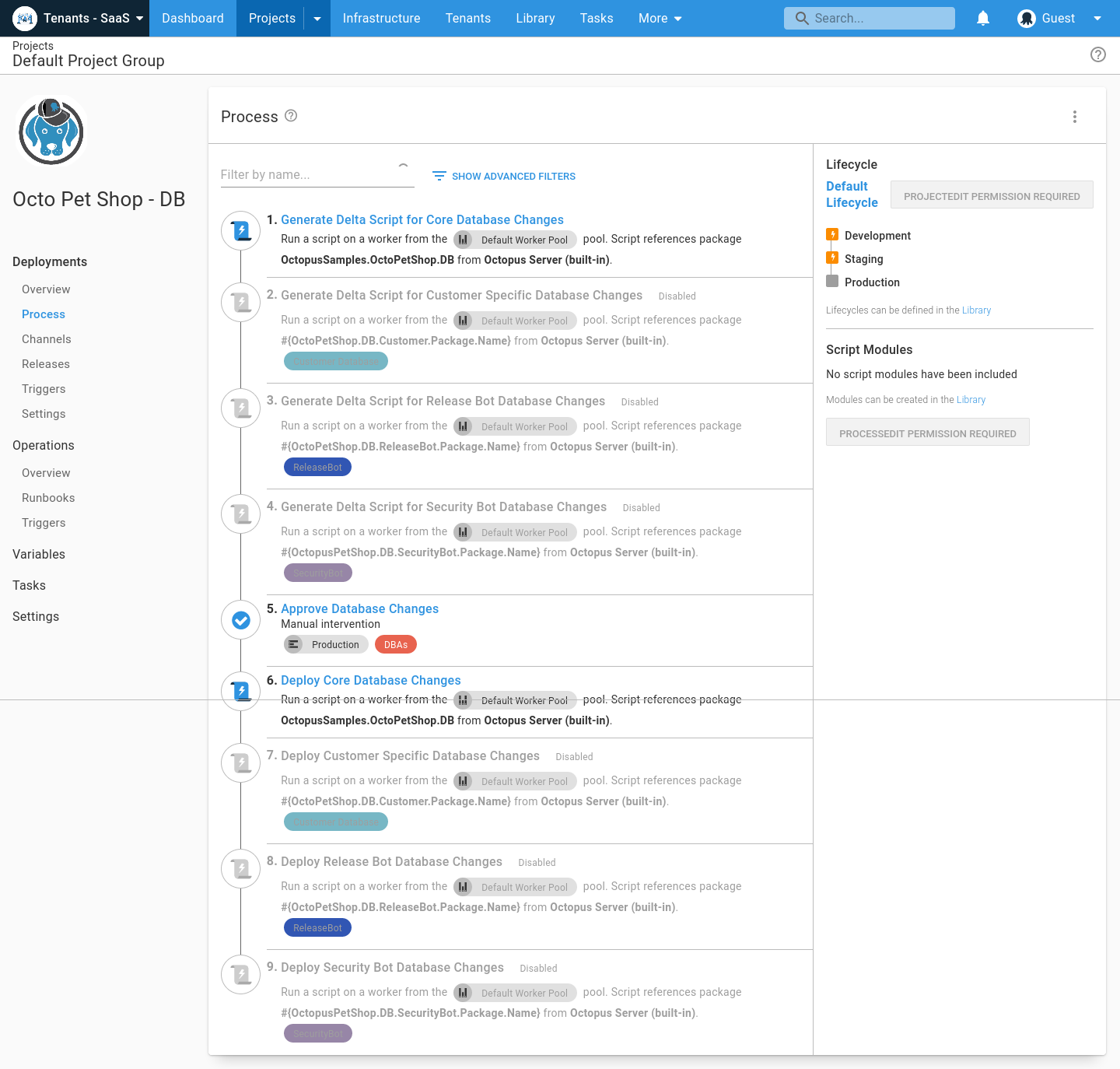
Octopus Deploy Screenshots

Screenshot of Screenshot of Screenshot of Screenshot of Screenshot of Screenshot of