
Avaza vs. Projector PSA
| Product | Rating | Most Used By | Product Summary | Starting Price |
|---|---|---|---|---|
 Avaza | Score8.1 out of 10 | Mid-Size Companies (51-1,000 employees) | Avaza is a software suite targeted for all business sizes. It includes modules for project management and collaboration, resource scheduling, team chat, time tracking, expense management, quoting and invoicing. Depending on their business needs, companies can use as many, or as few, of the modules as they need. Avaza offers reporting functionality, and the project management module is designed with both list view and Kanban style task management, so users can choose… | $0 |
 Projector PSA | Score7 out of 10 | N/A | Projector's cloud-based Professional Services Automation (PSA) software helps project-based services organizations track time and expenses, invoice clients, schedule resources, and manage projects. Its three modules span a more comprehensive set of uses than typical project management software. The Accounting module helps the user track time and expenses and manage invoices and billing. Also it syncs with the company's accounting systems as a sub-ledger. The Resource Scheduling module matches… | $15 per user |
| Avaza | Projector PSA | |||||||||||||||
|---|---|---|---|---|---|---|---|---|---|---|---|---|---|---|---|---|
| Editions & Modules |
|
| ||||||||||||||
| Offerings |
| |||||||||||||||
| Entry-level Setup Fee | Optional | No setup fee | ||||||||||||||
| Additional Details | — | — | ||||||||||||||
| More Pricing Information | ||||||||||||||||
| Avaza | Projector PSA | ||||||||||||||||||||||||||||||||||||||||||||||
|---|---|---|---|---|---|---|---|---|---|---|---|---|---|---|---|---|---|---|---|---|---|---|---|---|---|---|---|---|---|---|---|---|---|---|---|---|---|---|---|---|---|---|---|---|---|---|---|
| Project Management |
| ||||||||||||||||||||||||||||||||||||||||||||||
| Professional Services Automation |
| ||||||||||||||||||||||||||||||||||||||||||||||
| Avaza | Projector PSA | |
|---|---|---|
| Small Businesses |  Any.do Score8 out of 10 | Any.do Score8 out of 10 |
| Medium-sized Companies |  KanbanFlow Score7.3 out of 10 | KanbanFlow Score7.3 out of 10 |
| Enterprises |  Microsoft To Do Score9.6 out of 10 | Microsoft To Do Score9.6 out of 10 |
| All Alternatives | View all alternatives | View all alternatives |
| Avaza | Projector PSA | |
|---|---|---|
| Likelihood to Recommend | 10.0 | 7.0 |
| Likelihood to Renew | 10.0 | 10.0 |
| Usability | 9.0 | 6.4 |
| Availability | - | 10.0 |
| Support Rating | 10.0 | - |
| Implementation Rating | - | 8.2 |
| Product Scalability | - | 7.0 |
| Avaza | Projector PSA | |
|---|---|---|
| Likelihood to Recommend |
|
|
| Pros |
|
|
| Cons |
|
|
| Likelihood to Renew |
|
|
| Usability |
|
|
| Reliability and Availability | No answers on this topic |
|
| Support Rating |
| No answers on this topic |
| Alternatives Considered |
|
|
| Return on Investment |
|
|
| ScreenShots | Avaza Screenshots  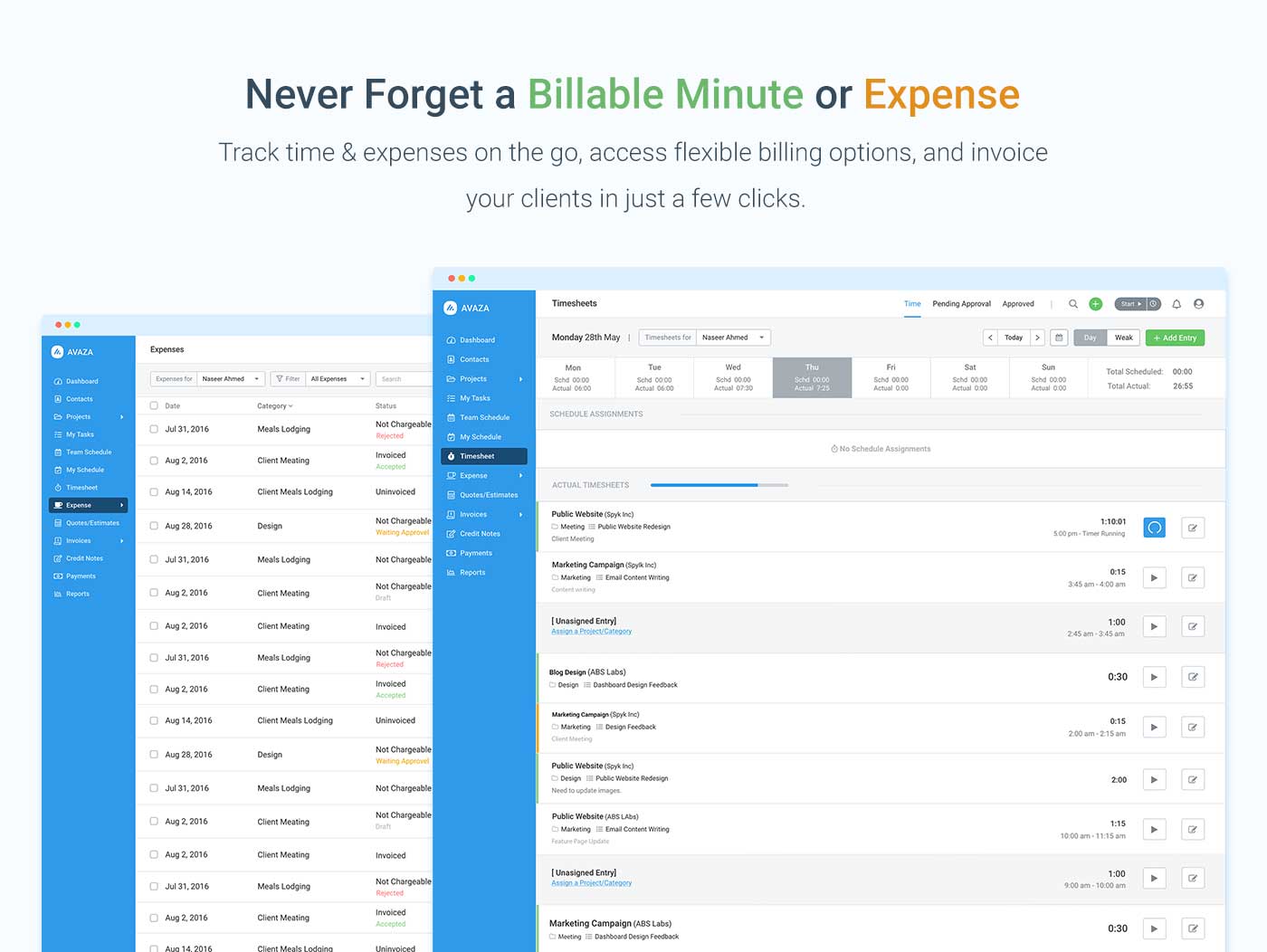    | Projector PSA Screenshots |


