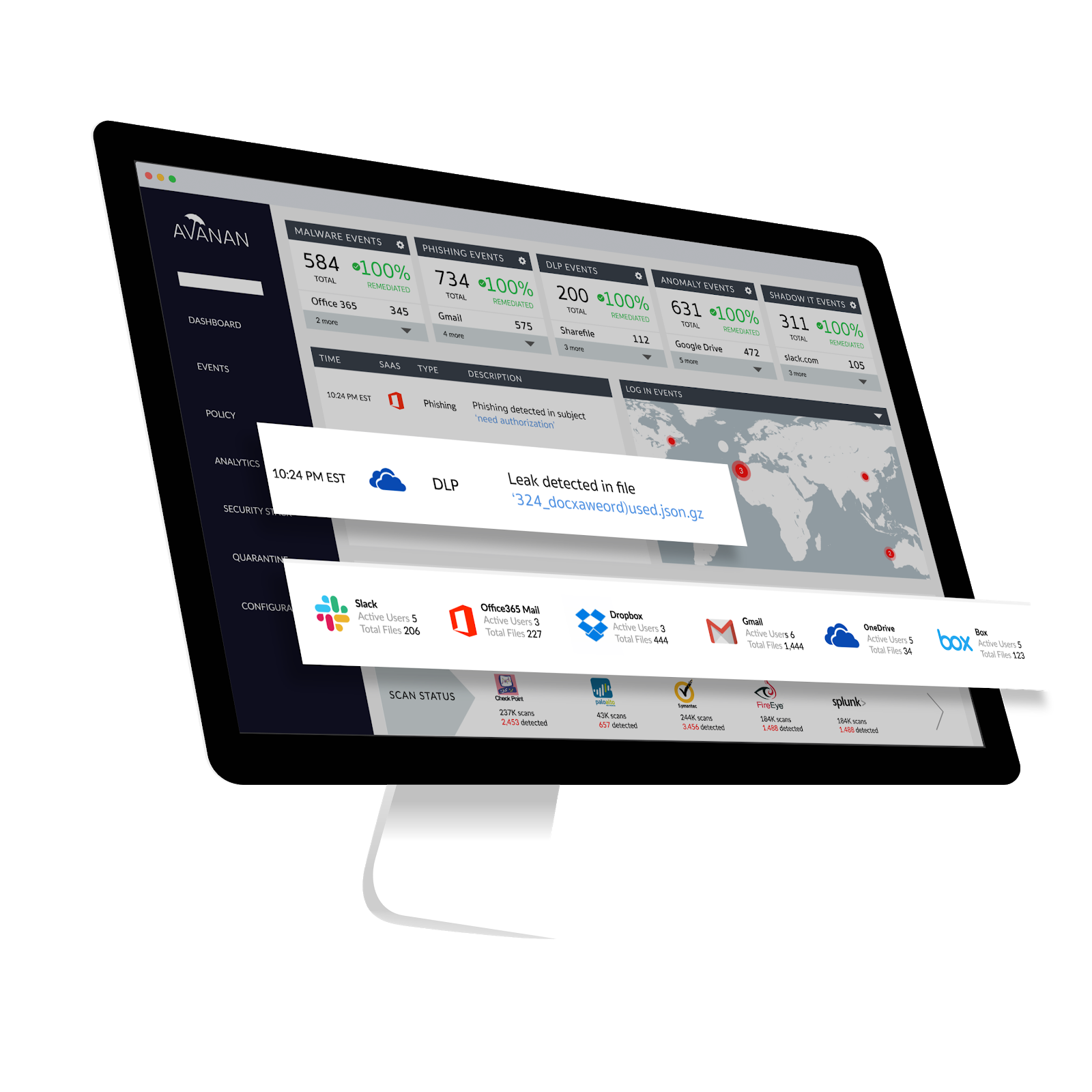
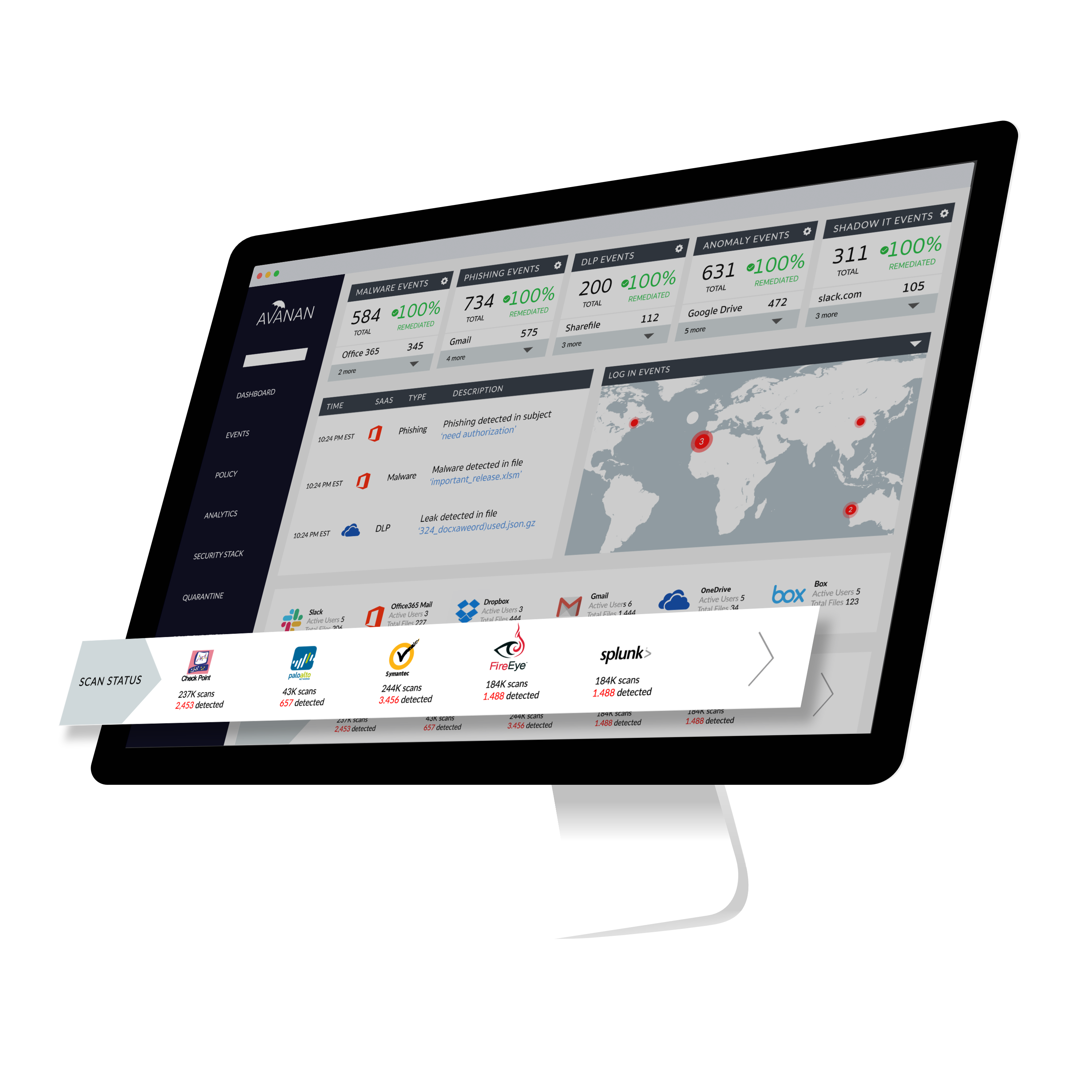
Avanan, from Check Point since the August 2021 acquisition, connects security technologies to enterprise cloud applications in order to improve protection of sensitive corporate data and IP. According to the vendor, Avanan's one-click deployment allows customers to deploy a new security solution in seconds. Because it requires no appliance, agent or gateway proxy, Avanan can begin protecting any cloud application immediately, with no effect on users.
$4
per user per month
Microsoft Defender for Cloud Apps
Score6.6 out of 10
N/A
Microsoft Defender for Cloud Apps (formerly Microsoft Cloud App Security) is a multimode cloud access security broker.
Founder in Information Technology at hackwhat (Computer & Network Security, 11-50 employees)
Chose Avanan
Avanan is the email and data security platform that we have come to depend on in our organization. All of our information that is stored in cloud servers is effectively protected by Avanan from potential hackers. This product effectively lets us manage how and when emails are …
A de minimis incentive was given to thank the reviewer for their time. The incentive was not used to bias or drive a particular response, nor was the incentive contingent on a positive endorsement. More Info
What it says, it provides. It has the Data leak prevention that is the major help while we have to deal with lot of clients at a time. It has the Secure Click that checks any embedded hyperlink so that when we work on emails we don't have to worry about the hidden security threats inside a email.
It is well suited if your team is working with Microsoft tools and Azure services. but if you are using other cloud service providers and don't want to spend efforts in learning integration with third-party software then this is not a great fit for you. overall we are very satisfied with the product. If your corporation with Microsoft tools then I would recommend it.
A de minimis incentive was given to thank the reviewer for their time. The incentive was not used to bias or drive a particular response, nor was the incentive contingent on a positive endorsement. More Info
A de minimis incentive was given to thank the reviewer for their time. The incentive was not used to bias or drive a particular response, nor was the incentive contingent on a positive endorsement. More Info
A de minimis incentive was given to thank the reviewer for their time. The incentive was not used to bias or drive a particular response, nor was the incentive contingent on a positive endorsement. More Info
I only ever had one complaint, we had a few hiccups during the setup process. We have now been a customer for two years and have had no further issues. It is likely that the setup pain points have now been resolved as well. Overall the product does what it claims while providing a very intuitive interface.
A de minimis incentive was given to thank the reviewer for their time. The incentive was not used to bias or drive a particular response, nor was the incentive contingent on a positive endorsement. More Info
A de minimis incentive was given to thank the reviewer for their time. The incentive was not used to bias or drive a particular response, nor was the incentive contingent on a positive endorsement. More Info
Cost, need to make sure the cost is competitive for how many users are using email protection as we move users to MS Teams and don't rely so much on full access to email accounts (both sending and receiving internal and external).
A de minimis incentive was given to thank the reviewer for their time. The incentive was not used to bias or drive a particular response, nor was the incentive contingent on a positive endorsement. More Info
The end-users love not having their inboxes fill up with extra useless emails. As an administrator, it is simple to implement and maintain. The ability to put something into test mode before going live makes our life a lot easier and less stressful. Avanan has many different components to make your life easier.
A de minimis incentive was given to thank the reviewer for their time. The incentive was not used to bias or drive a particular response, nor was the incentive contingent on a positive endorsement. More Info
The interface is pretty simple and easy to use; however, you will need to do a lot of investigative research on your own to get comfortable with it. Originally, many of the Microsoft security tools had their own seperate consoles. Overtime, they have blended into one interface which is the ideal state. In some cases it is clear Microsoft had to pick which console a certain feature or setting was going to reside in and this leads to some confusion. For example, DLP is managed through Defender for Cloud Apps but you will also need to jump into Purview. For things like reverse proxy on your M365 tenant, you will need to go into Azure and setup conditional access rules. Not a big problem and I can understand why the settings are located where they are but for someone just starting out with Defender for Cloud Apps, it will take some time to figure out.
A de minimis incentive was given to thank the reviewer for their time. The incentive was not used to bias or drive a particular response, nor was the incentive contingent on a positive endorsement. More Info
A de minimis incentive was given to thank the reviewer for their time. The incentive was not used to bias or drive a particular response, nor was the incentive contingent on a positive endorsement. More Info
A de minimis incentive was given to thank the reviewer for their time. The incentive was not used to bias or drive a particular response, nor was the incentive contingent on a positive endorsement. More Info
Support has always been there for me, they take on suggestions and product improvements quite seriously. I've spoken to techs and you can tell that they care about the product and the service in which they deliver. Avanan support is always responsive in everything I throw them and in most cases they don't tell me how to build out a widget or custom query, they actually do it for me and send it to me.
A de minimis incentive was given to thank the reviewer for their time. The incentive was not used to bias or drive a particular response, nor was the incentive contingent on a positive endorsement. More Info
I have not utilized actual support but the Sales and Product teams have been super helpful in moving our implementation forward and showing us the best practices.
A de minimis incentive was given to thank the reviewer for their time. The incentive was not used to bias or drive a particular response, nor was the incentive contingent on a positive endorsement. More Info
A de minimis incentive was given to thank the reviewer for their time. The incentive was not used to bias or drive a particular response, nor was the incentive contingent on a positive endorsement. More Info
A de minimis incentive was given to thank the reviewer for their time. The incentive was not used to bias or drive a particular response, nor was the incentive contingent on a positive endorsement. More Info
A de minimis incentive was given to thank the reviewer for their time. The incentive was not used to bias or drive a particular response, nor was the incentive contingent on a positive endorsement. More Info
Avanan has a one-click solution, which subscribers or clients use to deploy a new security update. Further, Avanan has the protection of any cloud application, which means, it bypasses any security threat and maintain the set safety processes. Finally, data leakage is a shield that Avanan has deployed, a very smooth process in the firm.
A de minimis incentive was given to thank the reviewer for their time. The incentive was not used to bias or drive a particular response, nor was the incentive contingent on a positive endorsement. More Info
Microsoft Defender for Cloud Apps was chosen primarily due to its ability to work perfectly within our mostly M365 environment. Given that this was an added feature of our E5 license, we chose to dive into it and use it due to it's good visibility into user actions and the ability to tie all M365 actions together into one place. We did not see similar visibility with other tools that we vetted
A de minimis incentive was given to thank the reviewer for their time. The incentive was not used to bias or drive a particular response, nor was the incentive contingent on a positive endorsement. More Info
A de minimis incentive was given to thank the reviewer for their time. The incentive was not used to bias or drive a particular response, nor was the incentive contingent on a positive endorsement. More Info
A de minimis incentive was given to thank the reviewer for their time. The incentive was not used to bias or drive a particular response, nor was the incentive contingent on a positive endorsement. More Info
Cloud App Security saves us thousands of dollars finding and rectifying apps security issues
Identity Security Posture helps the organization identity stay in shape, saving thousands of dollars on security consultations
The cost of suffering a breach cannot be quantified, CAS helps minimize the chances of the attackers succeeding, with excellent historical logging for most operations
A de minimis incentive was given to thank the reviewer for their time. The incentive was not used to bias or drive a particular response, nor was the incentive contingent on a positive endorsement. More Info