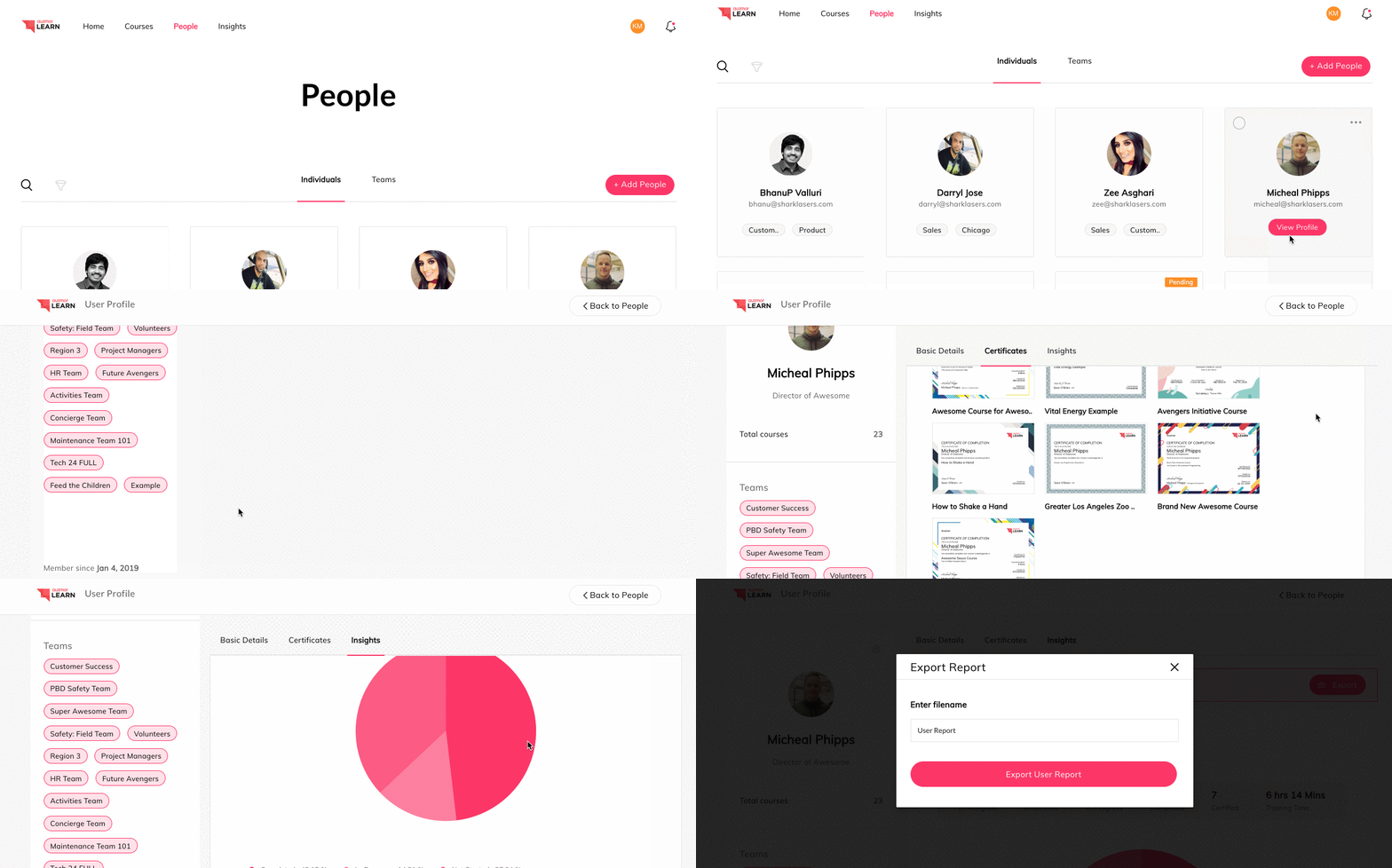
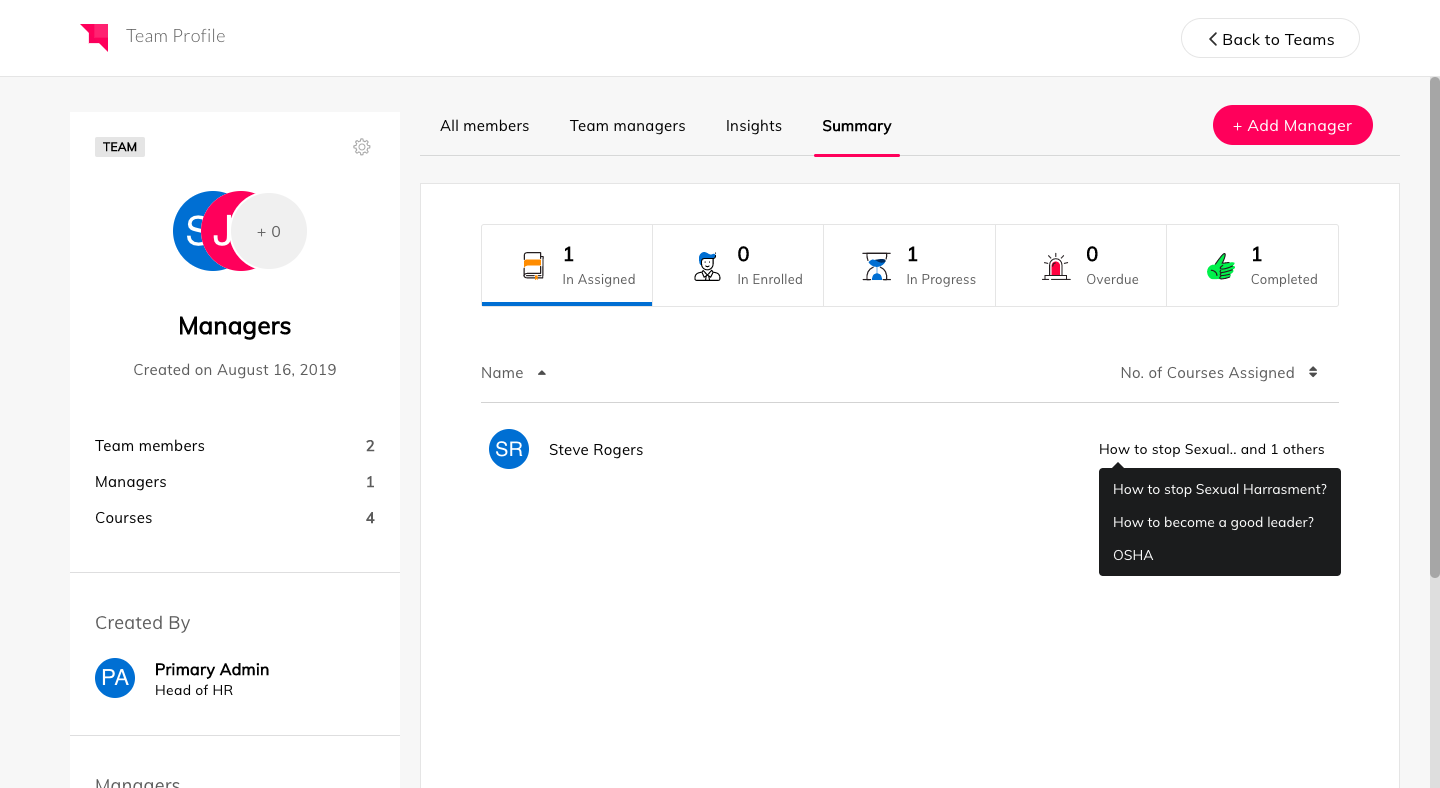
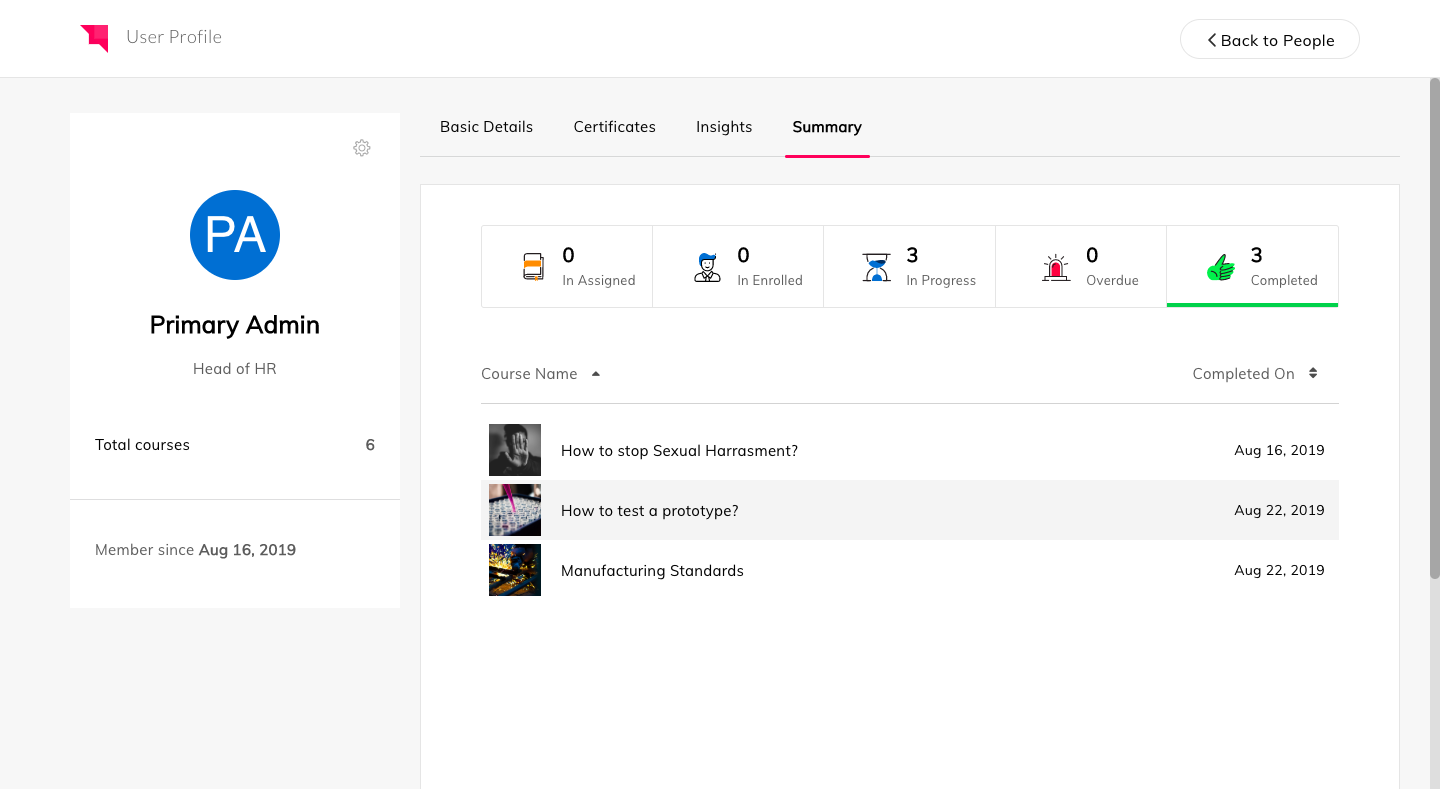
Auzmor headquartered in West Des Moines offers Auzmor Learn, a corporate LMS designed to make launching, tracking, and reporting for any type of training, in one centralized location, viewable on any device, with tools to track and encourage employee learning.
N/A
WorkRamp
Score8.5 out of 10
N/A
WorkRamp, from the company of the same name in San Francisco, is presented as an end-to-end training platform for educating employees and customers at scale. WorkRamp offers solutions for sales (e.g. sales coaching, sales bootcamp), customer success and support, and also customers, to train users of the service on product usage, product pitch (sales), as well as provide in-context support to CS agents. It can be used to launch learning academies as well.
N/A
Pricing
Auzmor Learn
WorkRamp
Editions & Modules
No answers on this topic
No answers on this topic
Offerings
Pricing Offerings
Auzmor Learn
WorkRamp
Free Trial
Yes
No
Free/Freemium Version
No
No
Premium Consulting/Integration Services
No
No
Entry-level Setup Fee
Required
No setup fee
Additional Details
There are a few different set up fees based off of number of users, any data migration etc. that needs to be done.
—
More Pricing Information
Features
Auzmor Learn
WorkRamp
Learning Management
Comparison of Learning Management features of Auzmor Learn and WorkRamp
Auzmor Learn is well suited in allowing us to create content beyond just the normal PowerPoint presentations that are normally used. The content creation piece will allow us to have more interactive training available. Auzmor will also allow us to offer self-paced training instead of or to supplement live instructor led training. We will be able to manage and track both in Auzmor, which is a plus. It is also suited to provide both internal and external training for our needs.
A de minimis incentive was given to thank the reviewer for their time. The incentive was not used to bias or drive a particular response, nor was the incentive contingent on a positive endorsement. More Info
WorkRamp is well suited for Employee Onboarding, Continuous Training, and Ad Hoc training assignments. We specifically use it to roll out training on new products that roll out so that we don't tie up hours of people's time to meet in person and roll it out in a live setting
Assessments can now easily be uploaded in bulk using a CSV template.
Successful assessment submission(s) from a learner will trigger a notification to their respective manager/instructor/admin who assigned the training to them.
We can create a lesson through video formats, documents, embedding links, YouTube & Vimeo.
It can create and track our live training both classroom and online.
The course is publicly accessible with public weblink.
A de minimis incentive was given to thank the reviewer for their time. The incentive was not used to bias or drive a particular response, nor was the incentive contingent on a positive endorsement. More Info
A de minimis incentive was given to thank the reviewer for their time. The incentive was not used to bias or drive a particular response, nor was the incentive contingent on a positive endorsement. More Info
There was some missing functionality that was raised to the Auzmor team, which they are very receptive of that feedback and work with you on providing a solution, work around or addressing it in a future release.
Being able to attach certain file types for training exercises was not supported.
There was some limitations on resizing some images and text boxes during course content creation.
Some of the whitelabeling and cutomization of the UI has some limitations.
A de minimis incentive was given to thank the reviewer for their time. The incentive was not used to bias or drive a particular response, nor was the incentive contingent on a positive endorsement. More Info
A de minimis incentive was given to thank the reviewer for their time. The incentive was not used to bias or drive a particular response, nor was the incentive contingent on a positive endorsement. More Info
From a functionality standpoint the software continues to meet the requirements we had set for the LMS we chose to implement. The addition of new features has increased the likelihood we will continue to use Auzmor Learn. As long as the usability of the software meets the needs of our learners we would not have a reason to look at other options
A de minimis incentive was given to thank the reviewer for their time. The incentive was not used to bias or drive a particular response, nor was the incentive contingent on a positive endorsement. More Info
Overall Auzmor Learn is very usable but there is always room for improvements in every program. Auzmor is very willing to continuously improve their product as well as ask me where I think they might improve or address a unique issue for me that ultimately improves the product for all Auzmor Learn users.
A de minimis incentive was given to thank the reviewer for their time. The incentive was not used to bias or drive a particular response, nor was the incentive contingent on a positive endorsement. TR verified that a representative sample of customers was invited. More Info
WorkRamp has allowed us to keep employees up to date on the most recent trainings so that the entire workforce is working on the same information. It has also allowed us to roll out that training on an ad hoc basis vs gathering everyone together for live training, which can be delayed with calendar conflicts
I have been working with Sandeep from Auzmor and others for over a year. Any time I have a question or issue, I can block time on his calendar and have a conversation about what I'm having issues with. Everybody I talk to from Auzmor listens. I've had several ideas that I believed would improve the admin and user experience on Auzmor. They listened and many times implemented those changes. Their customer service team is the best I've worked with. They are amazing people and they all deserve a raise!
A de minimis incentive was given to thank the reviewer for their time. The incentive was not used to bias or drive a particular response, nor was the incentive contingent on a positive endorsement. More Info
The level of support we have received from Auzmor Learn has been fantastic. The amount of training that we received during the implementation process to the level of support we continue to receive is top tier. If we ever have any issues or questions, we know that a member from Auzmor Learn will be able to help us quickly and efficiently.
A de minimis incentive was given to thank the reviewer for their time. The incentive was not used to bias or drive a particular response, nor was the incentive contingent on a positive endorsement. More Info
A de minimis incentive was given to thank the reviewer for their time. The incentive was not used to bias or drive a particular response, nor was the incentive contingent on a positive endorsement. More Info
A de minimis incentive was given to thank the reviewer for their time. The incentive was not used to bias or drive a particular response, nor was the incentive contingent on a positive endorsement. More Info