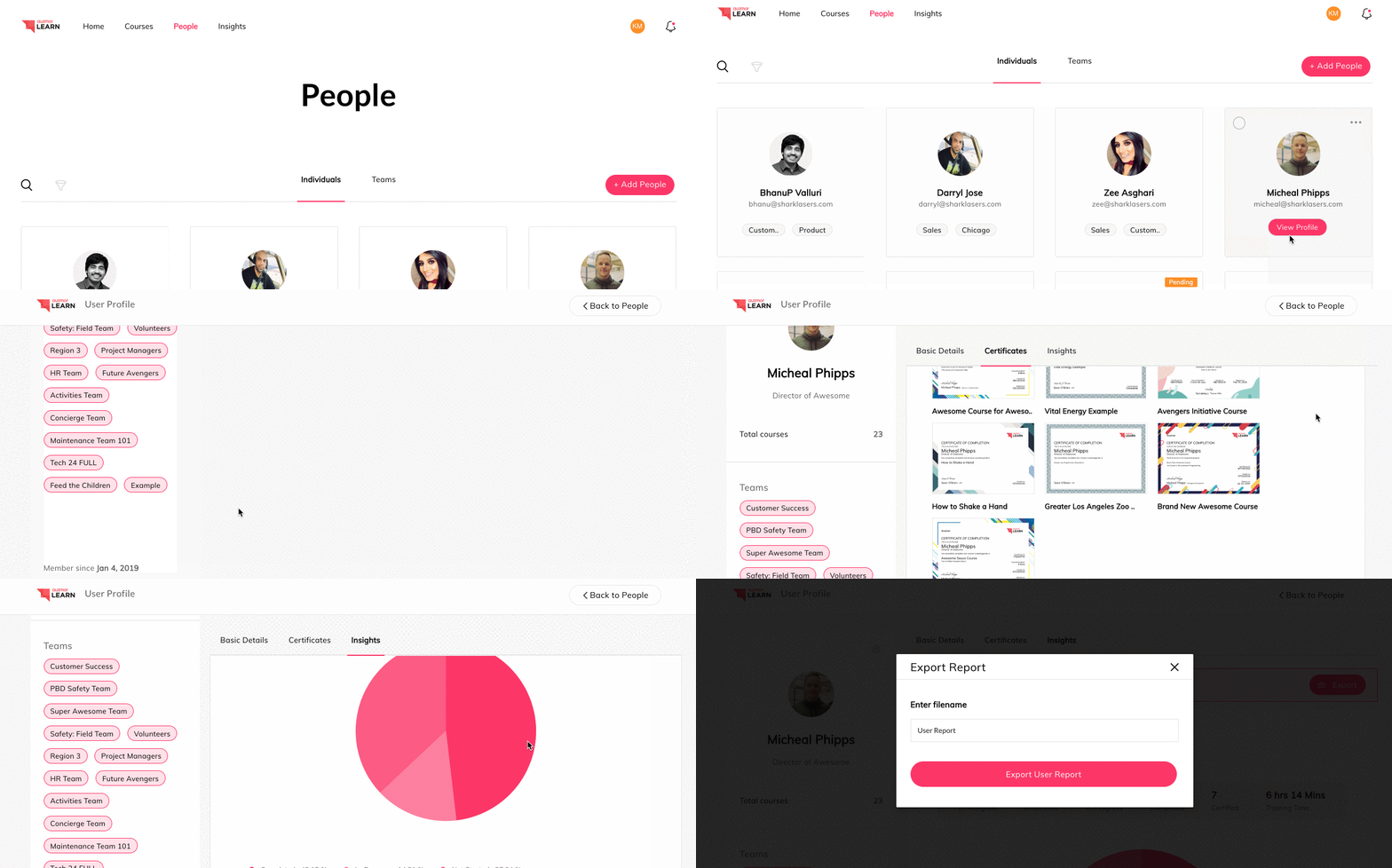
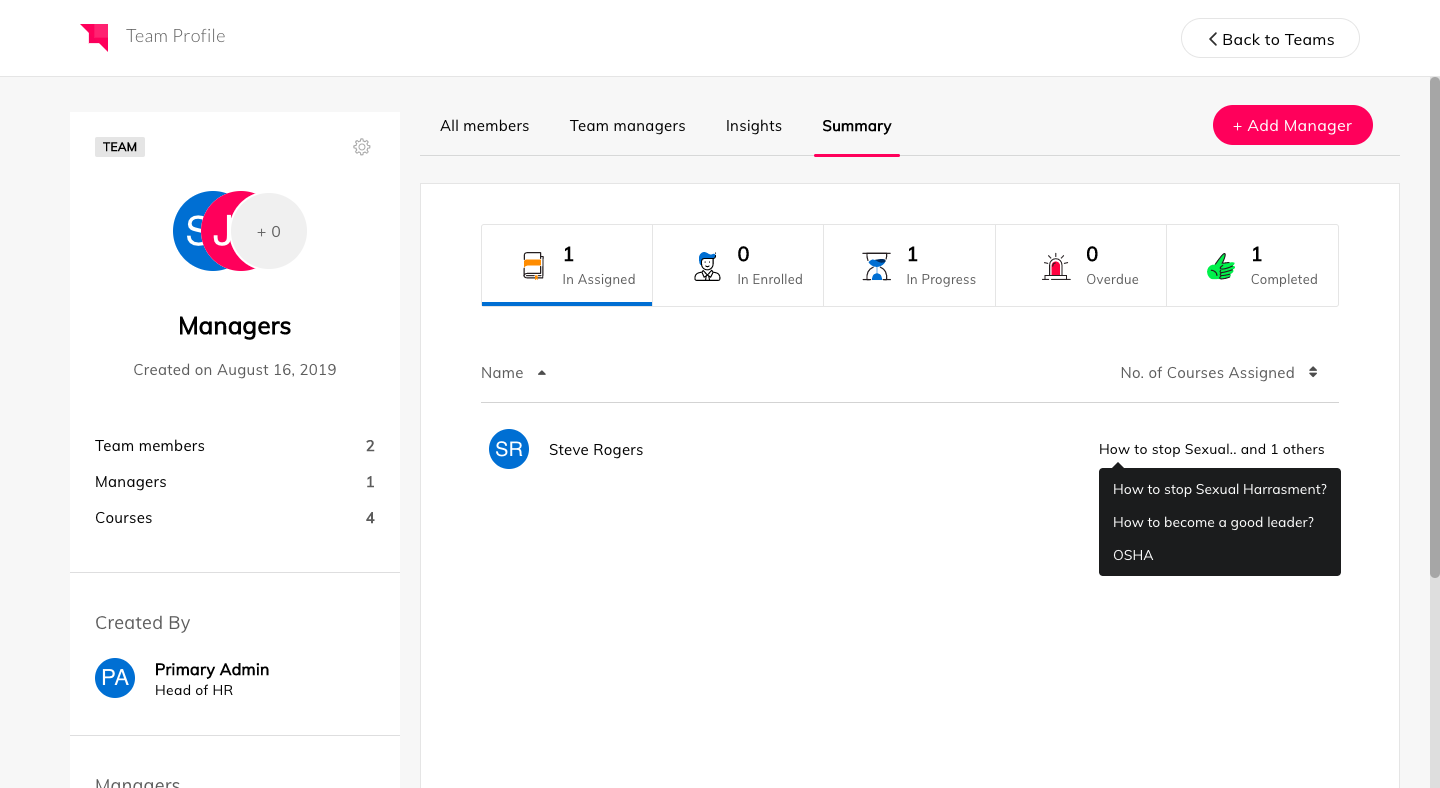
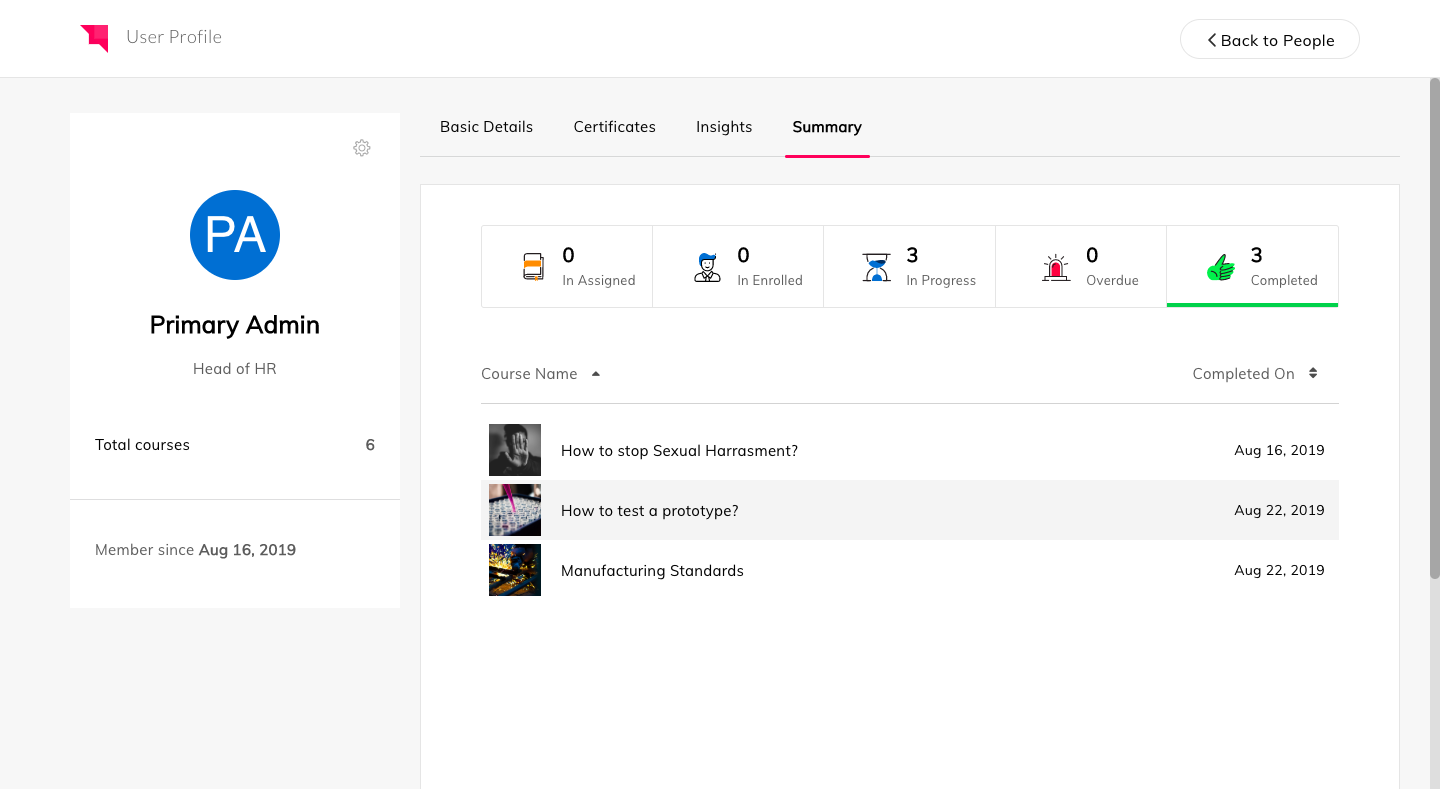
Auzmor headquartered in West Des Moines offers Auzmor Learn, a corporate LMS designed to make launching, tracking, and reporting for any type of training, in one centralized location, viewable on any device, with tools to track and encourage employee learning.
N/A
LMS365
Score8.1 out of 10
N/A
ELEARNINGFORCE in Edgewater brings learning management to Office 365 and SharePoint. LMS365 blends with the Microsoft infrastructure and is designed to eliminate expensive integration, time-consuming development, and unwanted complexity. Learners access learning plans, courses, personal progress reports, and certificates from within the SharePoint business process.
N/A
Pricing
Auzmor Learn
LMS365
Editions & Modules
No answers on this topic
No answers on this topic
Offerings
Pricing Offerings
Auzmor Learn
LMS365
Free Trial
Yes
No
Free/Freemium Version
No
No
Premium Consulting/Integration Services
No
No
Entry-level Setup Fee
Required
No setup fee
Additional Details
There are a few different set up fees based off of number of users, any data migration etc. that needs to be done.
—
More Pricing Information
Features
Auzmor Learn
LMS365
Learning Management
Comparison of Learning Management features of Auzmor Learn and LMS365
Auzmor Learn is well suited in allowing us to create content beyond just the normal PowerPoint presentations that are normally used. The content creation piece will allow us to have more interactive training available. Auzmor will also allow us to offer self-paced training instead of or to supplement live instructor led training. We will be able to manage and track both in Auzmor, which is a plus. It is also suited to provide both internal and external training for our needs.
A de minimis incentive was given to thank the reviewer for their time. The incentive was not used to bias or drive a particular response, nor was the incentive contingent on a positive endorsement. More Info
If a customer does not have SharePoint the entry in that kind of solution is a bit harder as the use of SharePoint can be so broad. It does not mean it is not the right solution as a company can use SharePoint LMS to start with and then expand to other functions and features. I strongly recommend to use SharePoint Standard or Enterprise and forgo the "free" SharePoint version as a) SharePoint's core functions and features are greatly enhanced in these two premium versions and b) more and more SharePoint LMS functions make use of these core Standard and Enterprise features in the future, like taxonomy, user profiles, etc. In general with all project it is as well recommended to have the full buy in by upper management and that the project initiative is fully supported. Adding such a solution (SharePoint LMS or any other LMS solution) will require the team not only to have a good plan on how the requirements can be achieved from a technical point of view, but how a training program can be rolled out to an organization of 5, 500, 5.000 or 50.000. The technical deployment of SharePoint LMS is measurable (I would say between 1-4 weeks based on the complexity, scale of the environment). 1-2 weeks of training (depending on the base knowledge of SharePoint in the company and the need to add knowledge of SharePoint LMS). That's it. Technically you are ready. If needed, any custom work, integration and development work comes on top. Where customer struggle is the availability and dedication of their own teams. Course content needs to be created, how should a course look like, what are the parameters, what are top ten things needed moving a course which was taught in a class room, but now to be delivered online. Buying the licenses is one thing, getting the solution up and running form a technical point of view is another, making it YOURS is the challenge!
Assessments can now easily be uploaded in bulk using a CSV template.
Successful assessment submission(s) from a learner will trigger a notification to their respective manager/instructor/admin who assigned the training to them.
We can create a lesson through video formats, documents, embedding links, YouTube & Vimeo.
It can create and track our live training both classroom and online.
The course is publicly accessible with public weblink.
A de minimis incentive was given to thank the reviewer for their time. The incentive was not used to bias or drive a particular response, nor was the incentive contingent on a positive endorsement. More Info
A de minimis incentive was given to thank the reviewer for their time. The incentive was not used to bias or drive a particular response, nor was the incentive contingent on a positive endorsement. More Info
There was some missing functionality that was raised to the Auzmor team, which they are very receptive of that feedback and work with you on providing a solution, work around or addressing it in a future release.
Being able to attach certain file types for training exercises was not supported.
There was some limitations on resizing some images and text boxes during course content creation.
Some of the whitelabeling and cutomization of the UI has some limitations.
A de minimis incentive was given to thank the reviewer for their time. The incentive was not used to bias or drive a particular response, nor was the incentive contingent on a positive endorsement. More Info
When the user clicks into a different portion of the file library and then needs to return to a previous class the software forces you to go all the way back to the beginning of the coursework, this isn’t that painful just annoying.
A de minimis incentive was given to thank the reviewer for their time. The incentive was not used to bias or drive a particular response, nor was the incentive contingent on a positive endorsement. More Info
From a functionality standpoint the software continues to meet the requirements we had set for the LMS we chose to implement. The addition of new features has increased the likelihood we will continue to use Auzmor Learn. As long as the usability of the software meets the needs of our learners we would not have a reason to look at other options
A de minimis incentive was given to thank the reviewer for their time. The incentive was not used to bias or drive a particular response, nor was the incentive contingent on a positive endorsement. More Info
It is very simple for me: As I said, I am (we are) selling and consulting around SharePoint LMS. SharePoint LMS is a killer application which needs to be in every company which has a vision and mission to deliver and create knowledge. So you can say Thomas (me) is biased, but I only encourage you to check out the solution to hear what we have to say and stack our solution against the other solutions out there.
Overall Auzmor Learn is very usable but there is always room for improvements in every program. Auzmor is very willing to continuously improve their product as well as ask me where I think they might improve or address a unique issue for me that ultimately improves the product for all Auzmor Learn users.
A de minimis incentive was given to thank the reviewer for their time. The incentive was not used to bias or drive a particular response, nor was the incentive contingent on a positive endorsement. TR verified that a representative sample of customers was invited. More Info
Ultimately, in my opinion LMS365 is a bit clunky to use. It has most of the features you need, but most need to be configured by your technology department, e.g., SSO, user groups in Entra ID, notifications through Slack, teams, etc. If you're looking for an all-in-one solution, look elsewhere, as lms365 has several catches to its proposition.
A de minimis incentive was given to thank the reviewer for their time. The incentive was not used to bias or drive a particular response, nor was the incentive contingent on a positive endorsement. More Info
I have been working with Sandeep from Auzmor and others for over a year. Any time I have a question or issue, I can block time on his calendar and have a conversation about what I'm having issues with. Everybody I talk to from Auzmor listens. I've had several ideas that I believed would improve the admin and user experience on Auzmor. They listened and many times implemented those changes. Their customer service team is the best I've worked with. They are amazing people and they all deserve a raise!
A de minimis incentive was given to thank the reviewer for their time. The incentive was not used to bias or drive a particular response, nor was the incentive contingent on a positive endorsement. More Info
The few times we actually needed support generally were during major upgrades of the system and getting a quick handle on how the configuration changed were the primary reasons.
A de minimis incentive was given to thank the reviewer for their time. The incentive was not used to bias or drive a particular response, nor was the incentive contingent on a positive endorsement. More Info
The level of support we have received from Auzmor Learn has been fantastic. The amount of training that we received during the implementation process to the level of support we continue to receive is top tier. If we ever have any issues or questions, we know that a member from Auzmor Learn will be able to help us quickly and efficiently.
A de minimis incentive was given to thank the reviewer for their time. The incentive was not used to bias or drive a particular response, nor was the incentive contingent on a positive endorsement. More Info
I will pick EdApp or Totara if you're after an all-in-one LMS solution that is feature-rich. For a university educational setting, Moodle continues to make sense. Safety Culture now owns EdApp, so over time, these platforms will likely be merged. LMS needs a huge overhaul to catch up.
A de minimis incentive was given to thank the reviewer for their time. The incentive was not used to bias or drive a particular response, nor was the incentive contingent on a positive endorsement. More Info
A de minimis incentive was given to thank the reviewer for their time. The incentive was not used to bias or drive a particular response, nor was the incentive contingent on a positive endorsement. More Info