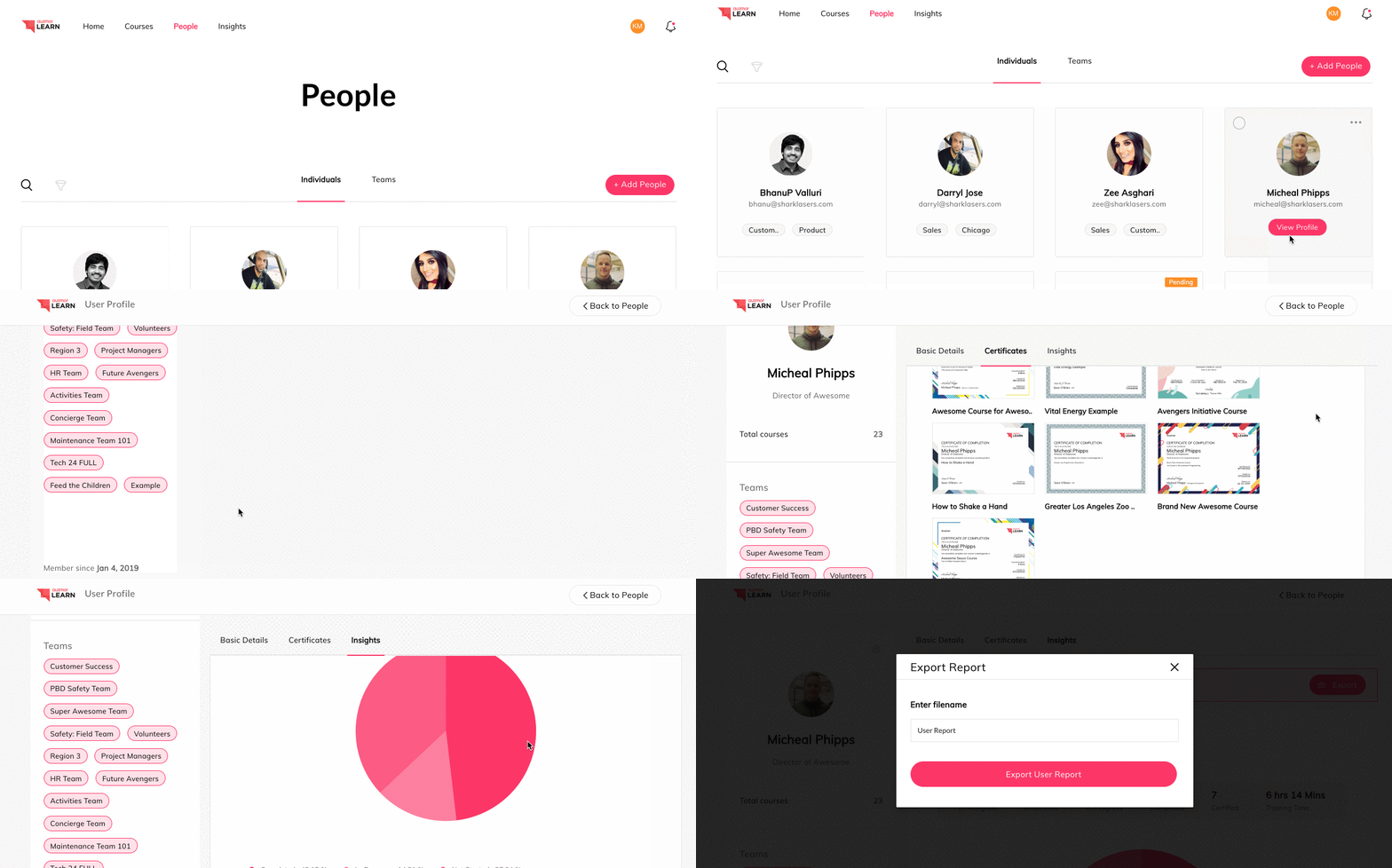
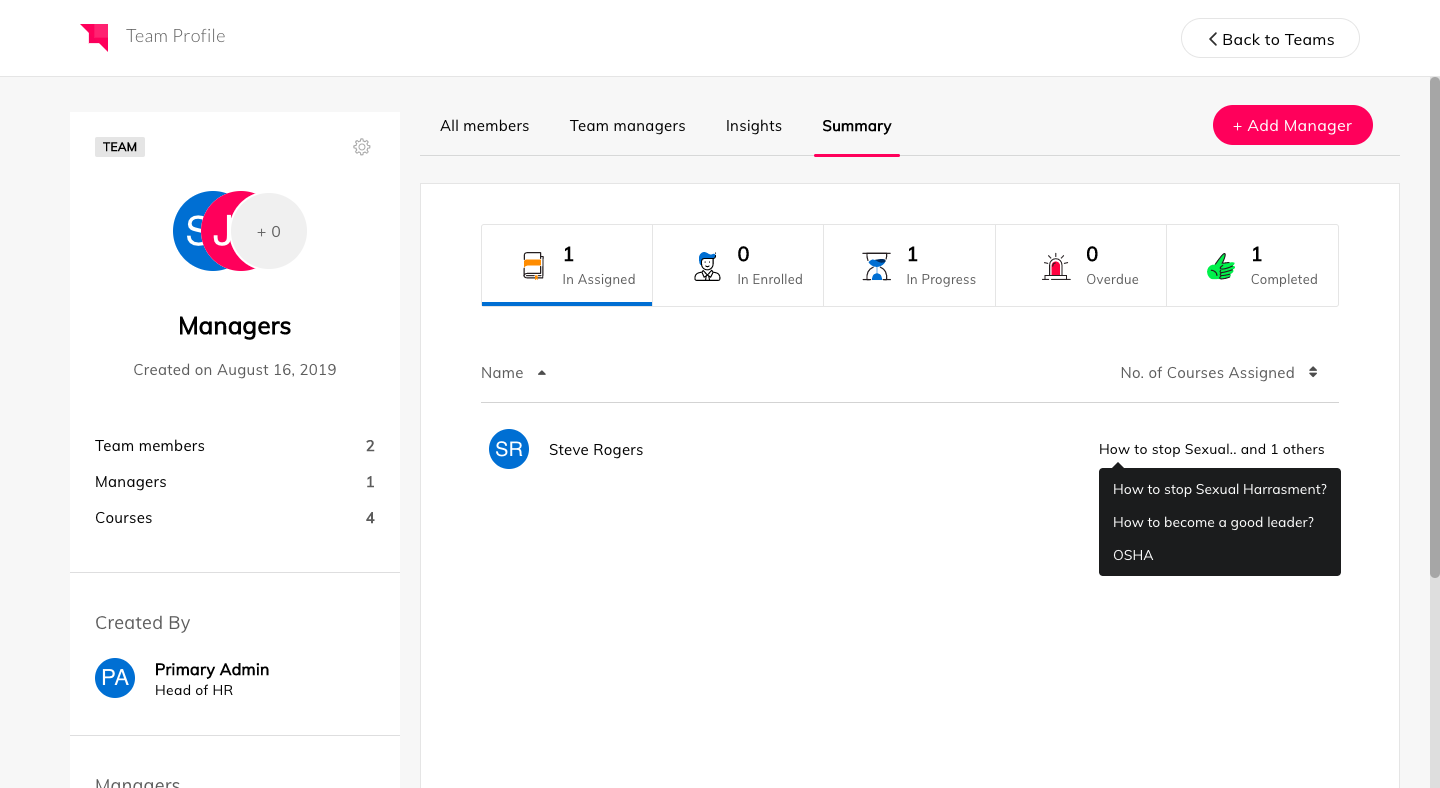
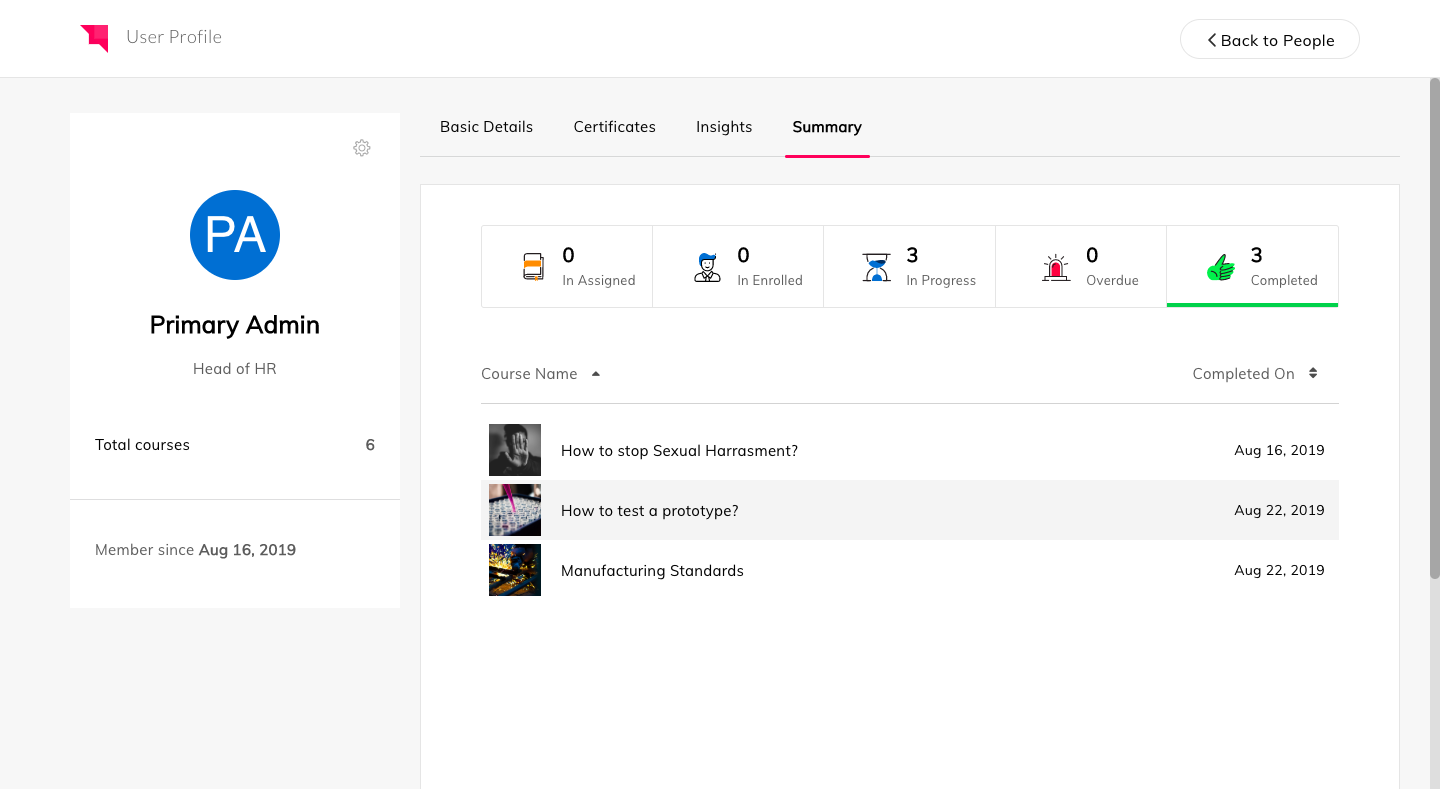
Auzmor headquartered in West Des Moines offers Auzmor Learn, a corporate LMS designed to make launching, tracking, and reporting for any type of training, in one centralized location, viewable on any device, with tools to track and encourage employee learning.
N/A
Google Classroom
Score8.1 out of 10
N/A
N/A
$0
per month
Pricing
Auzmor Learn
Google Classroom
Editions & Modules
No answers on this topic
Education Fundamentals
$0
per license/per month
Google Workspace for Education Standard
$3
per student/per year
Teaching and Learning Upgrade
$4
per license/per month
Google Workspace for Education Plus
$5
per student/per year
Offerings
Pricing Offerings
Auzmor Learn
Google Classroom
Free Trial
Yes
Yes
Free/Freemium Version
No
No
Premium Consulting/Integration Services
No
No
Entry-level Setup Fee
Required
No setup fee
Additional Details
There are a few different set up fees based off of number of users, any data migration etc. that needs to be done.
Education Fundamentals Version - 30-day free trial for qualifying institutions.
Auzmor Learn is well suited in allowing us to create content beyond just the normal PowerPoint presentations that are normally used. The content creation piece will allow us to have more interactive training available. Auzmor will also allow us to offer self-paced training instead of or to supplement live instructor led training. We will be able to manage and track both in Auzmor, which is a plus. It is also suited to provide both internal and external training for our needs.
A de minimis incentive was given to thank the reviewer for their time. The incentive was not used to bias or drive a particular response, nor was the incentive contingent on a positive endorsement. More Info
Google Classroom allows teachers to post for daily lessons and assignments. It also allows teachers to be able to communicate with students easily outside of class. Students are able to stay connected and know where to find all information and resources easily in a streamlined manner for all of their classes.
A de minimis incentive was given to thank the reviewer for their time. The incentive was not used to bias or drive a particular response, nor was the incentive contingent on a positive endorsement. More Info
Assessments can now easily be uploaded in bulk using a CSV template.
Successful assessment submission(s) from a learner will trigger a notification to their respective manager/instructor/admin who assigned the training to them.
We can create a lesson through video formats, documents, embedding links, YouTube & Vimeo.
It can create and track our live training both classroom and online.
The course is publicly accessible with public weblink.
A de minimis incentive was given to thank the reviewer for their time. The incentive was not used to bias or drive a particular response, nor was the incentive contingent on a positive endorsement. More Info
Student-teacher communication - I love using Classroom for this because my students can always go back and check what was on Classroom by looking through the stream. This way they don't have to go dig through emails to find what they're looking for.
Posting to multiple classes - I can post the same announcement or assignment to multiple classes at once without having to repeat the process or send separate emails.
Streamlining grading - when students turn work in on Classroom, it all goes to one place and then when I'm grading I can open their documents directly from Classroom or my Drive folder. This way, I'm not looking through emails and Google Doc shared files for their assignment.
A de minimis incentive was given to thank the reviewer for their time. The incentive was not used to bias or drive a particular response, nor was the incentive contingent on a positive endorsement. More Info
There was some missing functionality that was raised to the Auzmor team, which they are very receptive of that feedback and work with you on providing a solution, work around or addressing it in a future release.
Being able to attach certain file types for training exercises was not supported.
There was some limitations on resizing some images and text boxes during course content creation.
Some of the whitelabeling and cutomization of the UI has some limitations.
A de minimis incentive was given to thank the reviewer for their time. The incentive was not used to bias or drive a particular response, nor was the incentive contingent on a positive endorsement. More Info
From a functionality standpoint the software continues to meet the requirements we had set for the LMS we chose to implement. The addition of new features has increased the likelihood we will continue to use Auzmor Learn. As long as the usability of the software meets the needs of our learners we would not have a reason to look at other options
A de minimis incentive was given to thank the reviewer for their time. The incentive was not used to bias or drive a particular response, nor was the incentive contingent on a positive endorsement. More Info
Testing is particularly important in online learning, and Google Classroom falls far short of other learning management systems in this regard. Security is also a concern: while account control is reasonable for the account used with Google Classroom, the person controlling a particular account is often able to, for example, forward or download proprietary materials.
Overall Auzmor Learn is very usable but there is always room for improvements in every program. Auzmor is very willing to continuously improve their product as well as ask me where I think they might improve or address a unique issue for me that ultimately improves the product for all Auzmor Learn users.
A de minimis incentive was given to thank the reviewer for their time. The incentive was not used to bias or drive a particular response, nor was the incentive contingent on a positive endorsement. TR verified that a representative sample of customers was invited. More Info
Simple design and seamless integration with Google tools and drive, but missing some key features. However, since it is limited in overall functions and ability to truly personalize / customize, it is quite user friendly and easy to set up and get going, other than sending out the code to your course or dropping students in via their gmail account. Users of Google Forms and sites will find the layout similar in design.
A de minimis incentive was given to thank the reviewer for their time. The incentive was not used to bias or drive a particular response, nor was the incentive contingent on a positive endorsement. More Info
A de minimis incentive was given to thank the reviewer for their time. The incentive was not used to bias or drive a particular response, nor was the incentive contingent on a positive endorsement. More Info
I have been working with Sandeep from Auzmor and others for over a year. Any time I have a question or issue, I can block time on his calendar and have a conversation about what I'm having issues with. Everybody I talk to from Auzmor listens. I've had several ideas that I believed would improve the admin and user experience on Auzmor. They listened and many times implemented those changes. Their customer service team is the best I've worked with. They are amazing people and they all deserve a raise!
A de minimis incentive was given to thank the reviewer for their time. The incentive was not used to bias or drive a particular response, nor was the incentive contingent on a positive endorsement. More Info
Since this platform is provided by Google, the technical support is better than any others, and we are not required to bother about the space constraints for adding the contents. If we have a good uninterrupted internet facility we can access Google Classroom without any delay or lag. They have app support in both Android and iPhone.
It was relatively easy to implement due to the simplicity of the platform. Even our more technology challenged teachers found it easy to get started with Google Classroom.
A de minimis incentive was given to thank the reviewer for their time. The incentive was not used to bias or drive a particular response, nor was the incentive contingent on a positive endorsement. More Info
The level of support we have received from Auzmor Learn has been fantastic. The amount of training that we received during the implementation process to the level of support we continue to receive is top tier. If we ever have any issues or questions, we know that a member from Auzmor Learn will be able to help us quickly and efficiently.
A de minimis incentive was given to thank the reviewer for their time. The incentive was not used to bias or drive a particular response, nor was the incentive contingent on a positive endorsement. More Info
I haven't tested or evaluated another digital classroom website or application. I feel like Google Classroom is convenient for many reasons such as compatibility to Google docs, slides, etc. I also love the ability to link to YouTube and other sites. I don't know if there would be a site that is easier to maneuver.
A de minimis incentive was given to thank the reviewer for their time. The incentive was not used to bias or drive a particular response, nor was the incentive contingent on a positive endorsement. More Info
A de minimis incentive was given to thank the reviewer for their time. The incentive was not used to bias or drive a particular response, nor was the incentive contingent on a positive endorsement. More Info
A de minimis incentive was given to thank the reviewer for their time. The incentive was not used to bias or drive a particular response, nor was the incentive contingent on a positive endorsement. More Info
A de minimis incentive was given to thank the reviewer for their time. The incentive was not used to bias or drive a particular response, nor was the incentive contingent on a positive endorsement. More Info