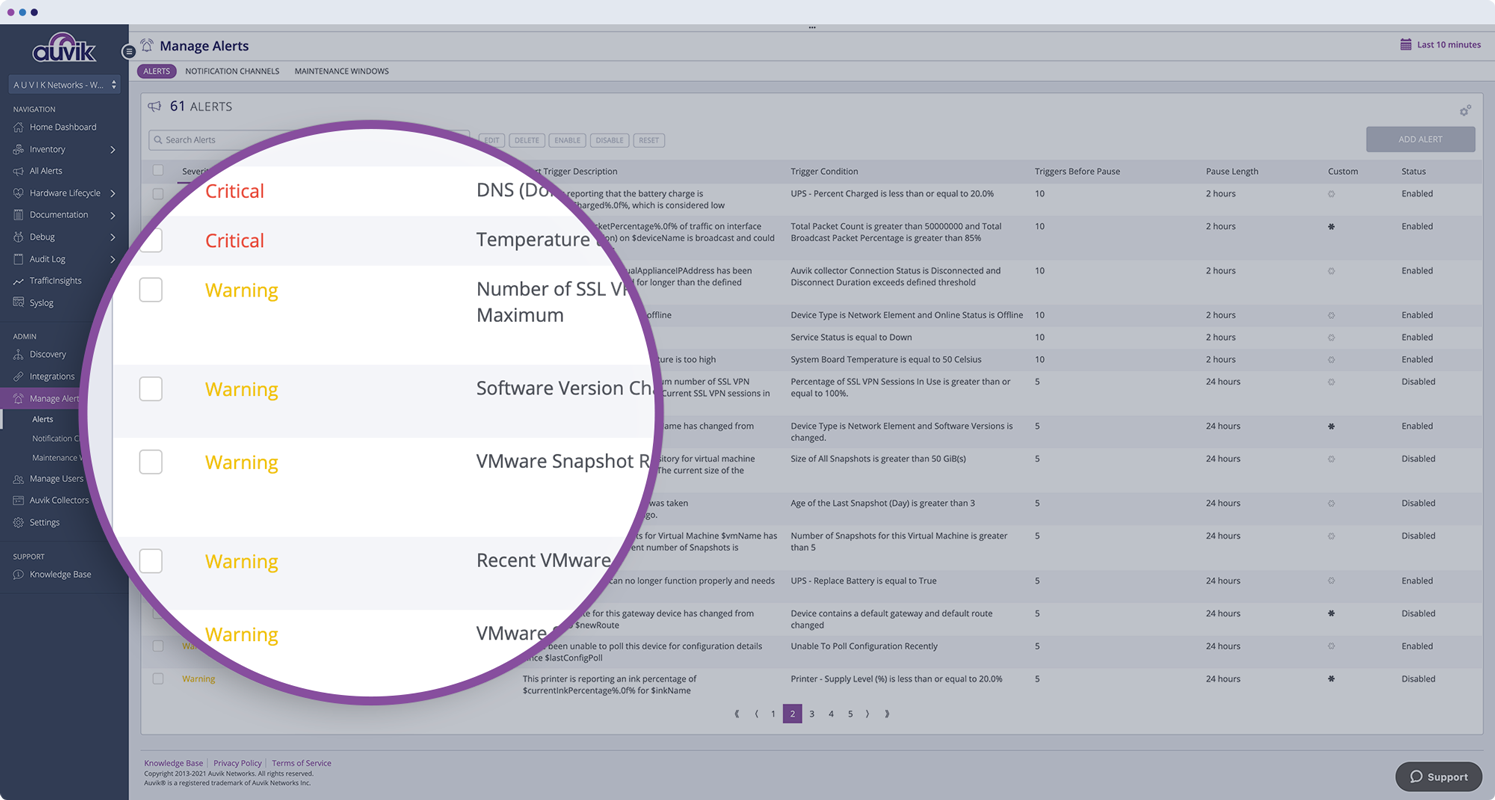
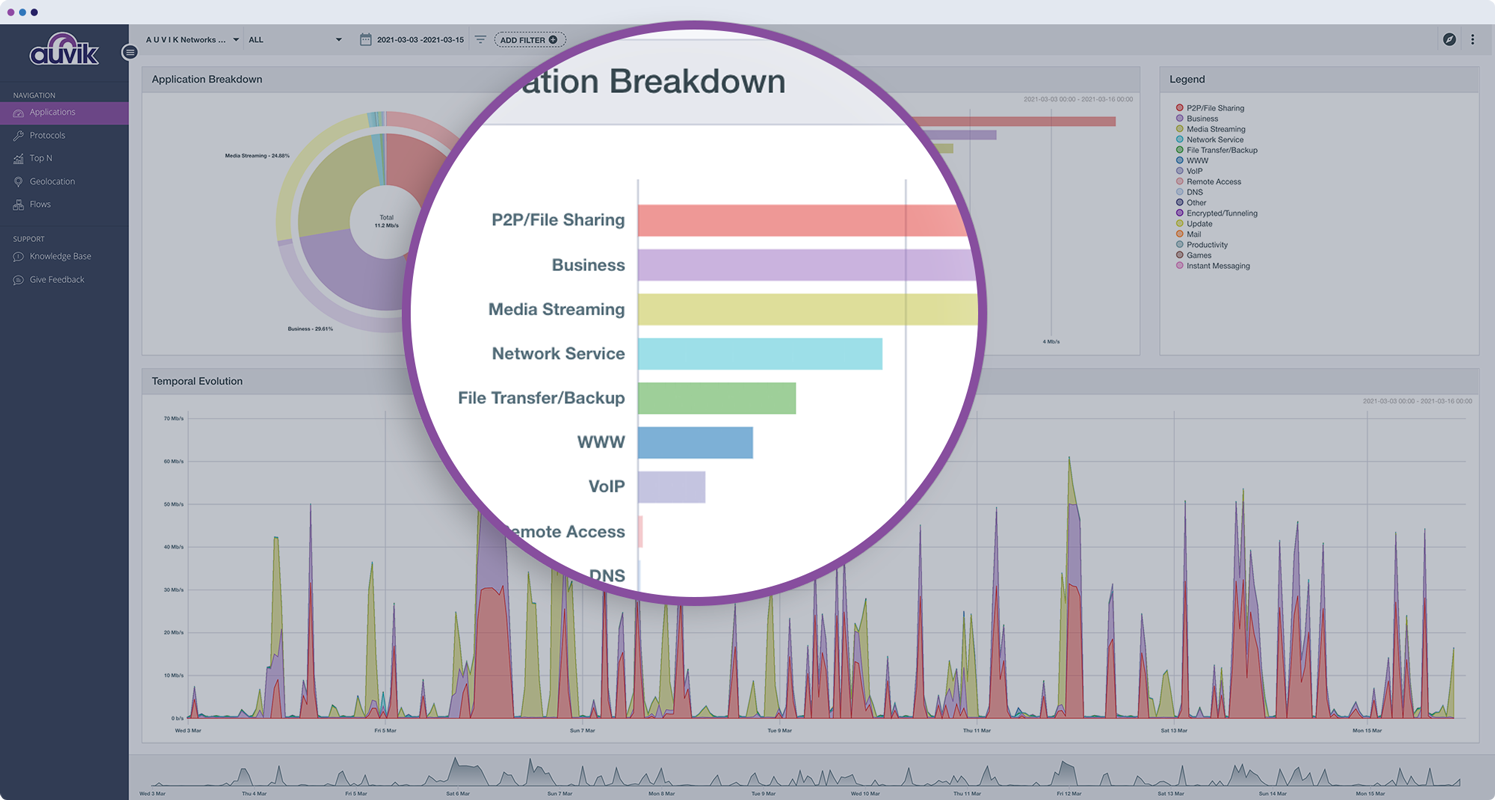
Auvik Network Management is a vendor-agnostic cloud-based network monitoring and management solution providing automated network discovery. Auvik requires no service hardware or disruptive maintenance cycles and provides onboarding and training for new and existing users. Auvik delivers visibility and automation to reduce friction for IT teams and allow them to give end users the freedom to work wherever and however they…
N/A
NinjaOne
Score9 out of 10
N/A
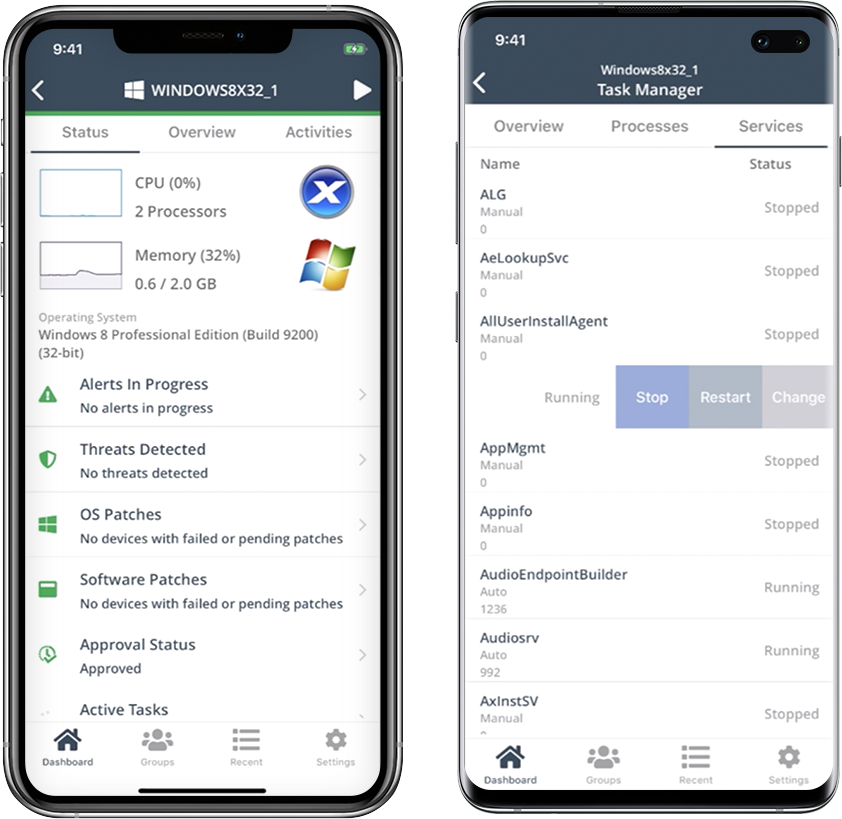
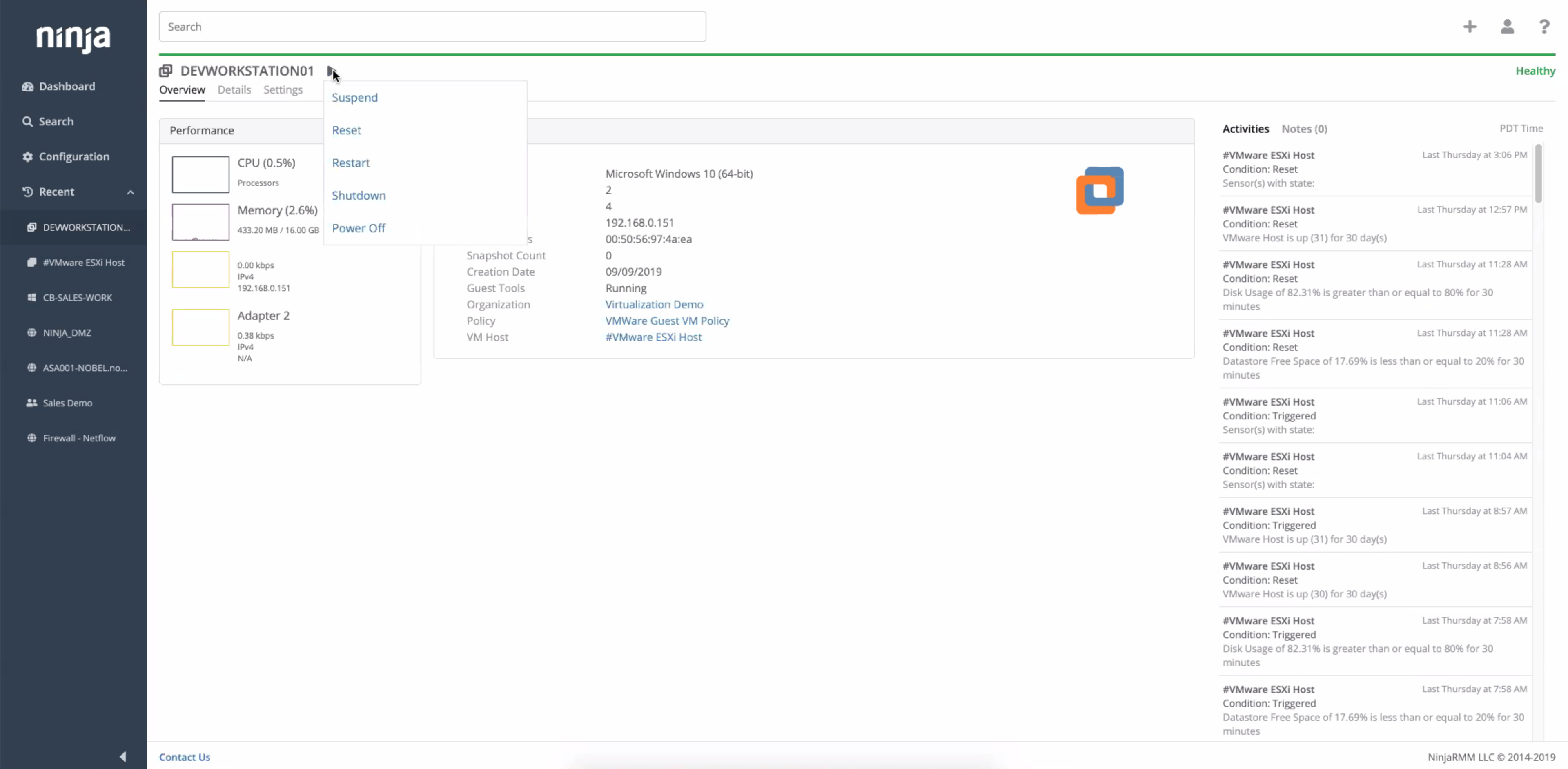
NinjaOne automates the hardest parts of IT, delivering visibility, security, and control over endpoints. The NinjaOne endpoint management platform increases productivity for IT teams and managed service providers, and comes with unlimited onboarding, training, and support.
N/A
Pricing
Auvik
NinjaOne
Editions & Modules
No answers on this topic
No answers on this topic
Offerings
Pricing Offerings
Auvik
NinjaOne
Free Trial
Yes
Yes
Free/Freemium Version
No
No
Premium Consulting/Integration Services
No
No
Entry-level Setup Fee
No setup fee
No setup fee
Additional Details
Pricing is calculated per number of switches, routers, firewalls, and controllers. Everything else is monitored for free.
NinjaOne is a subscription service with a charge rate per month. For more detailed pricing information, contact NinjaOne directly to request a demo or to start 14-days free trial.
CTO in Information Technology at Fluid MSP (Information Technology & Services, 1-10 employees)
Chose Auvik
Auvik is a superior tool for MSPs due to its multi-tenant capability, speed of deployment for new customers, and integrations with the current common MSP tools stack. Intermapper is a very powerful and expensive application, so not directly applicable, but Auvik still has many …
A de minimis incentive was given to thank the reviewer for their time. The incentive was not used to bias or drive a particular response, nor was the incentive contingent on a positive endorsement. More Info
Enterprise Architect in Information Technology at Strategic Marketing (Marketing & Advertising, 51-200 employees)
Chose Auvik
Auvik does a better job of visually giving a representation of how items are connected in the network. Also, the alerts are fast and detailed, which allows fast response to issues when they arise. There are many SNMP details already in Auvik and they have the ability to monitor …
A de minimis incentive was given to thank the reviewer for their time. The incentive was not used to bias or drive a particular response, nor was the incentive contingent on a positive endorsement. More Info
Verified User
Chose Auvik
Auvik outperforms all other monitoring services that we've tried.
A de minimis incentive was given to thank the reviewer for their time. The incentive was not used to bias or drive a particular response, nor was the incentive contingent on a positive endorsement. More Info
Verified User
Chose Auvik
Auvik was was simpler to configure and utilize. Less noise, less configuration, and more user-friendly. We moved from LogicMonitor due to be being overkill for us and too much time commitment to get things online and functional. Auvik network scanning and automatic discovery …
A de minimis incentive was given to thank the reviewer for their time. The incentive was not used to bias or drive a particular response, nor was the incentive contingent on a positive endorsement. More Info
Auvik is well suited for managed service customers and small-scale SMB customers who do not have enough technical resource to manage and monitor their network. Also for customer who has distributed networks spreaded across worldwide or nation wide, Auvik is well suited since it does not need any on-premise setup at each site except for a collector. For customer who has already adopted and used cloud network and hosting services, Auvik is better as Auvik is also fully cloud based offering
A de minimis incentive was given to thank the reviewer for their time. The incentive was not used to bias or drive a particular response, nor was the incentive contingent on a positive endorsement. More Info
I think it is appropriate to use NinjaOne for Medium sized businesses. We feel like it can handle our environment of 300 machines. The ticketing system integrating with devices and monitoring is a plus for us since we don't need another third party integration to connect the two. NinjaOne patching could use improvement but they have built up a lot of other pieces of their infrastructure.
A de minimis incentive was given to thank the reviewer for their time. The incentive was not used to bias or drive a particular response, nor was the incentive contingent on a positive endorsement. More Info
Auvik is the big pic tool of choice for network diagramming, helps layout of our network infrastructure, and we'll know immediately the status of the devices that are successfully communicating, and those that may have, for example, credentials issues.
Auvik's "Traffic Insights" are key accelerators for intuitively isolating and resolving traffic-related issues quickly and easily, and the historical information makes it simpler to deduce what aspects may need replacement, capacity improvement, or possibly even re-architecture.
Auvik integration tools are excellent solution enhancers - that are of particular interest to our company, as we make use of MS Teams and Connectwise products; we would like to see some features to integrate to ServiceNow as well.
A de minimis incentive was given to thank the reviewer for their time. The incentive was not used to bias or drive a particular response, nor was the incentive contingent on a positive endorsement. More Info
Remote connections: the NinjaRemote client is spectacular and very easy to use and navigate. It quickly connects to customer systems so my engineers are able to work. As a bonus, they also offer a really good mobile app to connect to client systems.
Antivirus: Bitdefender Endpoint Protection is built directly into the NinjaOne portal. This makes deploying and maintaining AV very easy.
OS Patching: NinjaOne makes it very easy to handle patching across multiple clients and locations. It is very easy to use and doesn't take long to set up.
Support: NinjaOne support is always very prompt and helpful.
Documentation: the NinjaOne Dojo is a one-stop shop for all of your FAQs, guides, and forum needs. You can find almost anything here to help you deploy and maintain NinjaOne.
Automation Library: NinjaOne comes preloaded with a large number of ready-to-go automations. They also provide you with a scripting module to create your own.
A de minimis incentive was given to thank the reviewer for their time. The incentive was not used to bias or drive a particular response, nor was the incentive contingent on a positive endorsement. TR verified that a representative sample of customers was invited. More Info
A de minimis incentive was given to thank the reviewer for their time. The incentive was not used to bias or drive a particular response, nor was the incentive contingent on a positive endorsement. More Info
A de minimis incentive was given to thank the reviewer for their time. The incentive was not used to bias or drive a particular response, nor was the incentive contingent on a positive endorsement. More Info
A de minimis incentive was given to thank the reviewer for their time. The incentive was not used to bias or drive a particular response, nor was the incentive contingent on a positive endorsement. More Info
We already did. After evaluating many platforms, we found the cybersecurity of the company, its development direction, and the performance of the platform to be far superior at its price point.
A de minimis incentive was given to thank the reviewer for their time. The incentive was not used to bias or drive a particular response, nor was the incentive contingent on a positive endorsement. More Info
The program can be a bit unwieldy at times, however the majority of information is displayed in a readable and friendly way. The maps and popup information box from the bottom can be harder to use on a smaller screen but on a 1080p+ display tends to work fine.
A de minimis incentive was given to thank the reviewer for their time. The incentive was not used to bias or drive a particular response, nor was the incentive contingent on a positive endorsement. More Info
Ninja's interface is clean and simple. Overall usability from an interface perspective is good. Some items, policies and scripting for instance, are a bit cumbersome and it's really not clear how to implement with a best practice mind-site. Ninja RMM got the job done for us but as we pushed our needs more into automation and efficiency we felt it wasn't keeping up with our speed of growth. There is definitely usability in the product, and it will get the job done, but there are other RMM's out there that fit better in our business.
A de minimis incentive was given to thank the reviewer for their time. The incentive was not used to bias or drive a particular response, nor was the incentive contingent on a positive endorsement. More Info
A de minimis incentive was given to thank the reviewer for their time. The incentive was not used to bias or drive a particular response, nor was the incentive contingent on a positive endorsement. More Info
A de minimis incentive was given to thank the reviewer for their time. The incentive was not used to bias or drive a particular response, nor was the incentive contingent on a positive endorsement. More Info
A de minimis incentive was given to thank the reviewer for their time. The incentive was not used to bias or drive a particular response, nor was the incentive contingent on a positive endorsement. More Info
A de minimis incentive was given to thank the reviewer for their time. The incentive was not used to bias or drive a particular response, nor was the incentive contingent on a positive endorsement. More Info
A de minimis incentive was given to thank the reviewer for their time. The incentive was not used to bias or drive a particular response, nor was the incentive contingent on a positive endorsement. More Info
Support has been very responsive and my account rep Brian K. has communicated with me continuously making sure we had everything we need. Not like other MDMs where they sign you up and that's the last you hear from them. NinjaOne makes sure you use the product to its best application and you are successful and continue as the product features grow.
A de minimis incentive was given to thank the reviewer for their time. The incentive was not used to bias or drive a particular response, nor was the incentive contingent on a positive endorsement. More Info
Easy to learn and all of the functions and features were easy to learn. Once I started learning all of the features and functions, it made my everyday tasks much easier and more productive. The user interface is very easy to use. If I did have any questions, the Ninja Dojo was a big help.
A de minimis incentive was given to thank the reviewer for their time. The incentive was not used to bias or drive a particular response, nor was the incentive contingent on a positive endorsement. More Info
It was nice and self paced learning. The sections were easy to understand and the functionality was very worthwhile. The online training was very easy to learn and intuitive. I did not feel the need to ask for any clarification or assistance with any of the sections. I am still learning a lot of the functions but fined it very easy to use.
A de minimis incentive was given to thank the reviewer for their time. The incentive was not used to bias or drive a particular response, nor was the incentive contingent on a positive endorsement. More Info
A de minimis incentive was given to thank the reviewer for their time. The incentive was not used to bias or drive a particular response, nor was the incentive contingent on a positive endorsement. More Info
Auvik can stand up against any of the big network management and monitoring solutions on the market. I've implemented and used SolarWinds at many organizations for over 15 years. The paradigm that SolarWinds, PRTG, Prime, etc., work under is completely different than Auvik. It's apparent that Auvik was aiming to solve a different problem and built that solution from the ground up. For any organization responsible for multiple other organizations' infrastructure, Auvik is invaluable in comparison to the other products listed.
NinjaOne's user friendly interface was immediately appealing to a team that that needs to be able to pickup a tool and know how to run with it at first exposure. From the moment we started using it, we would often be able to navigate the platform with a common sense approach and be able to navigate to exactly what we were looking for without requiring documentation or guidance. Customer representatives that we have worked with have all been outstanding, and have not been pushy like some other vendors teams tend to be when you are initially debating between multiple offers.
A de minimis incentive was given to thank the reviewer for their time. The incentive was not used to bias or drive a particular response, nor was the incentive contingent on a positive endorsement. TR verified that a representative sample of customers was invited. More Info
Auvik has worked on sites with 15+ offices connected with VPN's and we have not encountered any issues with the monitoring. On larger sites the map can be a bit cumbersome to read however it can be cleaned up easily with device filters.
A de minimis incentive was given to thank the reviewer for their time. The incentive was not used to bias or drive a particular response, nor was the incentive contingent on a positive endorsement. More Info
A de minimis incentive was given to thank the reviewer for their time. The incentive was not used to bias or drive a particular response, nor was the incentive contingent on a positive endorsement. More Info
the ROI for Auvik comes from the time it saves in updating documentation and onboarding, new clients. We no longer have to spend a day investigating a network and documenting it, this is life and up to date so you always have true information for reporting and troubleshooting.
A de minimis incentive was given to thank the reviewer for their time. The incentive was not used to bias or drive a particular response, nor was the incentive contingent on a positive endorsement. More Info
A de minimis incentive was given to thank the reviewer for their time. The incentive was not used to bias or drive a particular response, nor was the incentive contingent on a positive endorsement. More Info