Auvik Network Management is a vendor-agnostic cloud-based network monitoring and management solution providing automated network discovery. Auvik requires no service hardware or disruptive maintenance cycles and provides onboarding and training for new and existing users. Auvik delivers visibility and automation to reduce friction for IT teams and allow them to give end users the freedom to work wherever and however they…
N/A
Nagios Core
Score 8.6 out of 10
N/A
Nagios provides monitoring of all mission-critical infrastructure components. Multiple APIs and community-build add-ons enable integration and monitoring with in-house and third-party applications for optimized scaling.
N/A
Pricing
Auvik
Nagios Core
Editions & Modules
No answers on this topic
Single License
Free
Single License
Free
Offerings
Pricing Offerings
Auvik
Nagios Core
Free Trial
Yes
Yes
Free/Freemium Version
No
Yes
Premium Consulting/Integration Services
No
No
Entry-level Setup Fee
No setup fee
No setup fee
Additional Details
Pricing is calculated per number of switches, routers, firewalls, and controllers. Everything else is monitored for free.
—
More Pricing Information
Community Pulse
Auvik
Nagios Core
Features
Auvik
Nagios Core
Network Performance Monitoring
Comparison of Network Performance Monitoring features of Product A and Product B
Auvik is fantastic for managing multi-site, multi-company networks - very well suited for MSP or consultative technology companies. Navigation is simple and easy between clients and their sites. Auvik is less well suited for managing single sites or single companies - it is really meant to be used at a larger scale.
Nagios is simply a very configurable and rock solid monitoring engine. For these reasons I would recommend it to any IT professional in any medium to large organization where creating custom checks and programming ones custom needs into the configuration is practical. I would be more hesitant to recommend it as a first monitoring solution for a small business which is usually accompanied by a less experienced and/or more time constrained admin.
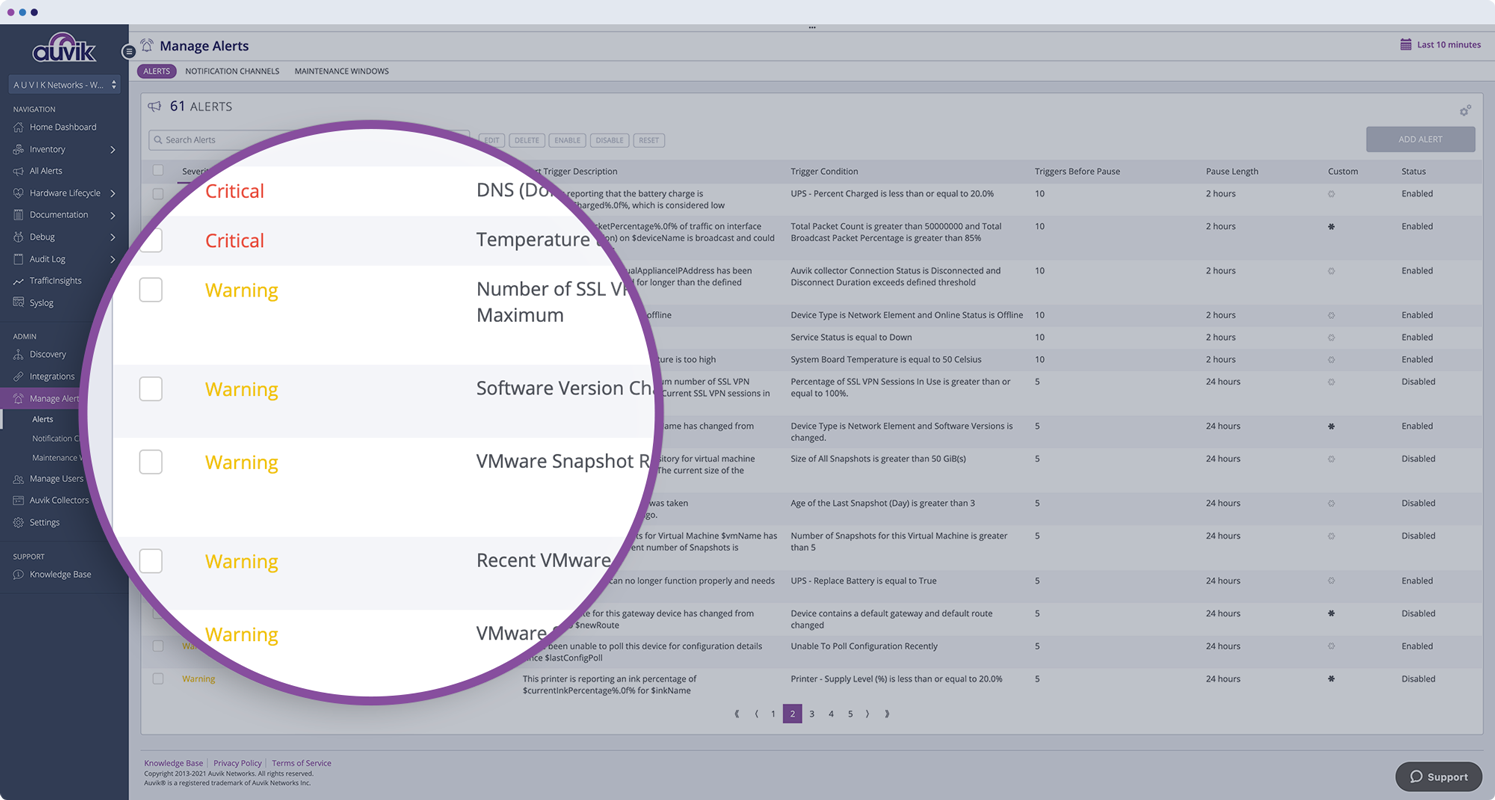
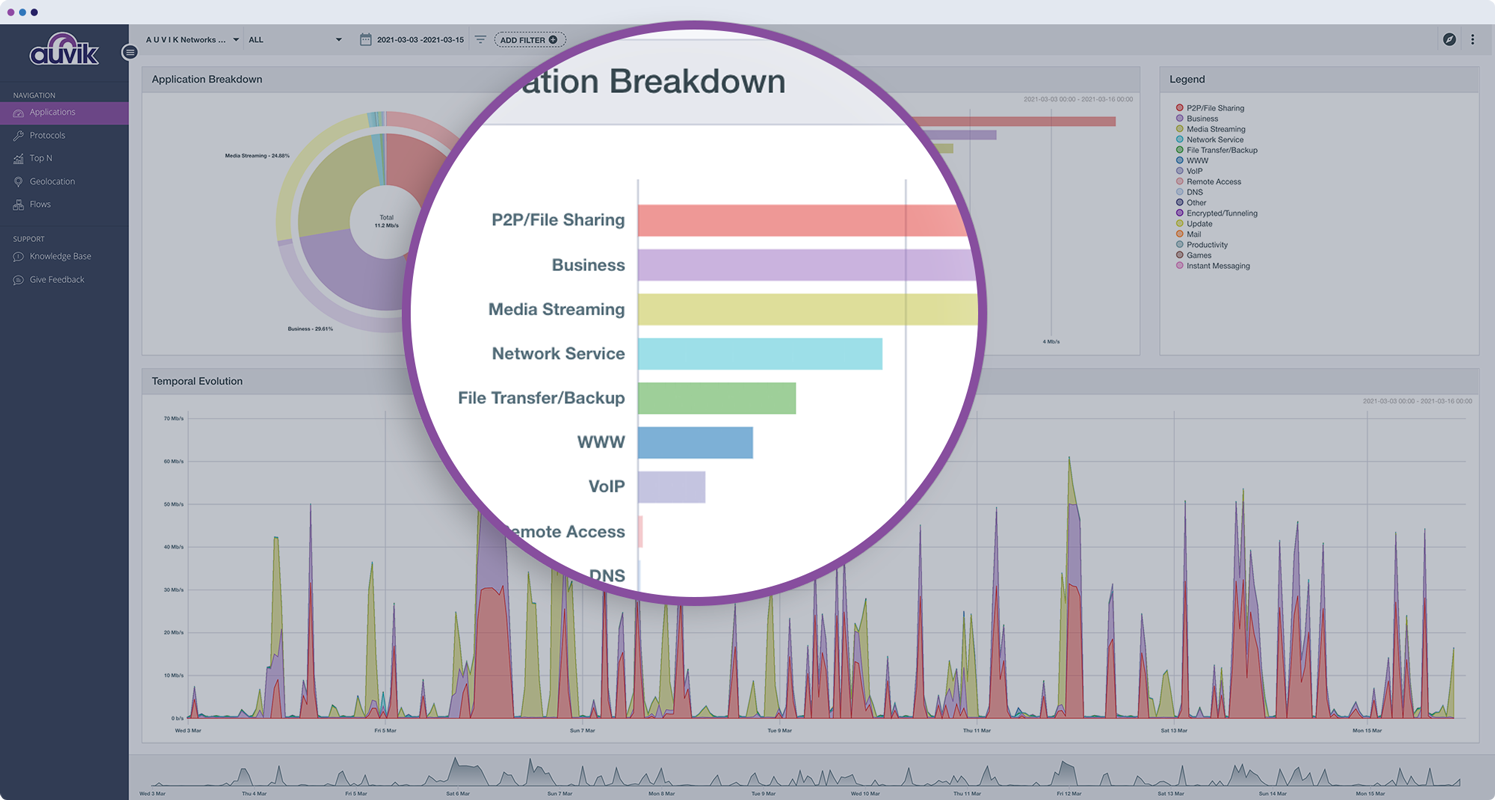
Monitors, alerts, and reports on network device and port utilization.
Quickly created complete network diagrams.
Works well in a co-manage environment enabling teams full but restricted access to specific sites. Integrates well with site specific access in ConnectWise Automate.
It's built by engineers for engineers so setting it up and configuring it is relatively complicated. It could really use a simplified configuration approach, or a GUI to set it up instead of editing config files.
I'd like to see the option to have service notification settings inherited from the host setting notifications. They have to be set up separately but they are often the same, so it would be nice to have less redundancy.
We're currently looking to combine a bunch of our network montioring solutions into a single platform. Running multiple unique solutions for monitoring, data collection, compliance reporting etc has become a lot to manage.
The program can be a bit unwieldy at times, however the majority of information is displayed in a readable and friendly way. The maps and popup information box from the bottom can be harder to use on a smaller screen but on a 1080p+ display tends to work fine.
The Nagios UI is in need of a complete overhaul. Nice graphics and trendy fonts are easy on the eyes, but the menu system is dated, the lack of built in graphing support is confusing, and the learning curve for a new user is too steep.
I haven't had to use support very often, but when I have, it has been effective in helping to accomplish our goals. Since Nagios has been very popular for a long time, there is also a very large user base from which to learn from and help you get your questions answered.
Auvik's license structure is simple and affordable. Auvik's license is based on total network devices in your network. They charge only for total number of Switches, Routers, firewalls and Wireless controllers in your network. All other devices license would be free of charge
We have tested several other monitoring products which were able to monitor the basic matrix (Memory, DiskUsage, CPU%, UpTime, Running Service Status, Port 80 Up/Down). Although some offered far better UIs, they lacked the ability to monitor ANYTHING. Zabbix, being the only contender worthy of competing, is a good alternative to Nagios. We also tried Zenoss Core & OpenNMS which were good enough for non-Linux engineers to get started with. OP5 was another service-oriented monitoring solution we evaluated. Apart from Nagios, Consul is heavily used to monitor & register the micro-service systems & end-point URLs. Due to the time invested (9+years) in Nagios, we were able to get more components installed/configured easily than alternatives.
Auvik has worked on sites with 15+ offices connected with VPN's and we have not encountered any issues with the monitoring. On larger sites the map can be a bit cumbersome to read however it can be cleaned up easily with device filters.
We are at an initial stage of device onboarding and Auvik already provides quick network documentation without having to worry about updating; this is done dynamically.
Helpful for MSP in that it uses role-based access control to present customer-focused device management, and simplifying administration for monitoring and alerting, dashboards and reports, and billing.
With it being a free tool, there is no cost associated with it, so it's very valuable to an organization to get something that is so great and widely used for free.
You can set up as many alerts as you want without incurring any fees.