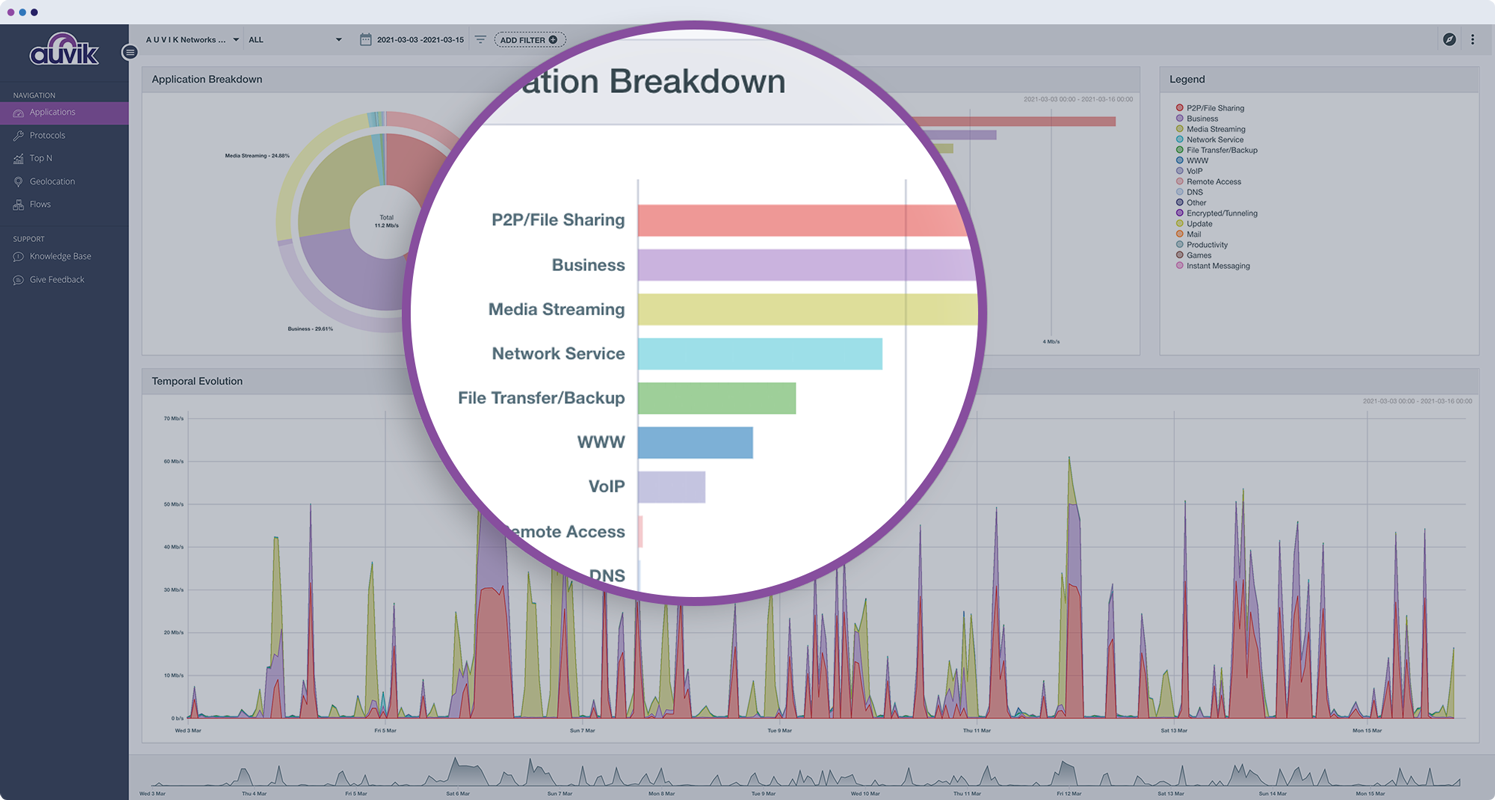
Auvik Network Management is a vendor-agnostic cloud-based network monitoring and management solution providing automated network discovery. Auvik requires no service hardware or disruptive maintenance cycles and provides onboarding and training for new and existing users. Auvik delivers visibility and automation to reduce friction for IT teams and allow them to give end users the freedom to work wherever and however they…
N/A
Logz.io
Score 7.0 out of 10
Small Businesses (1-50 employees)
Logz.io in Boston offers their enterprise-grade log analytics application, oriented towards providing data security and eliminating the need for capacity management.
$0
1 day of log retention.
Pricing
Auvik
Logz.io
Editions & Modules
No answers on this topic
Log Management - Community
$0
1 day of log retention.
Log Management - Pro
$.92
per ingested GB. 7 days retention.
Distributed Tracing - Pro
$5
Per million spans.
Infrastructure Monitoring - Pro
$12
per month per 1000 time-series metrics.
Log Management - Enterprise
Custom
Cloud SIEM - Enterprise
from $1.49
per ingested GB. Price includes Logz.io Log Management
Offerings
Pricing Offerings
Auvik
Logz.io
Free Trial
Yes
Yes
Free/Freemium Version
No
Yes
Premium Consulting/Integration Services
No
No
Entry-level Setup Fee
No setup fee
No setup fee
Additional Details
Pricing is calculated per number of switches, routers, firewalls, and controllers. Everything else is monitored for free.
—
More Pricing Information
Community Pulse
Auvik
Logz.io
Features
Auvik
Logz.io
Network Performance Monitoring
Comparison of Network Performance Monitoring features of Product A and Product B
Auvik is fantastic for managing multi-site, multi-company networks - very well suited for MSP or consultative technology companies. Navigation is simple and easy between clients and their sites. Auvik is less well suited for managing single sites or single companies - it is really meant to be used at a larger scale.
It is appropriate for companies that focus on developing extremely simple applications. The great visibility it provides makes it ideal to avoid problems that may affect the entire business or company thanks to the fact that it is capable of emitting dozens of alerts in a short time. Sometimes the search behavior becomes slow and inefficient, which can be uncomfortable.
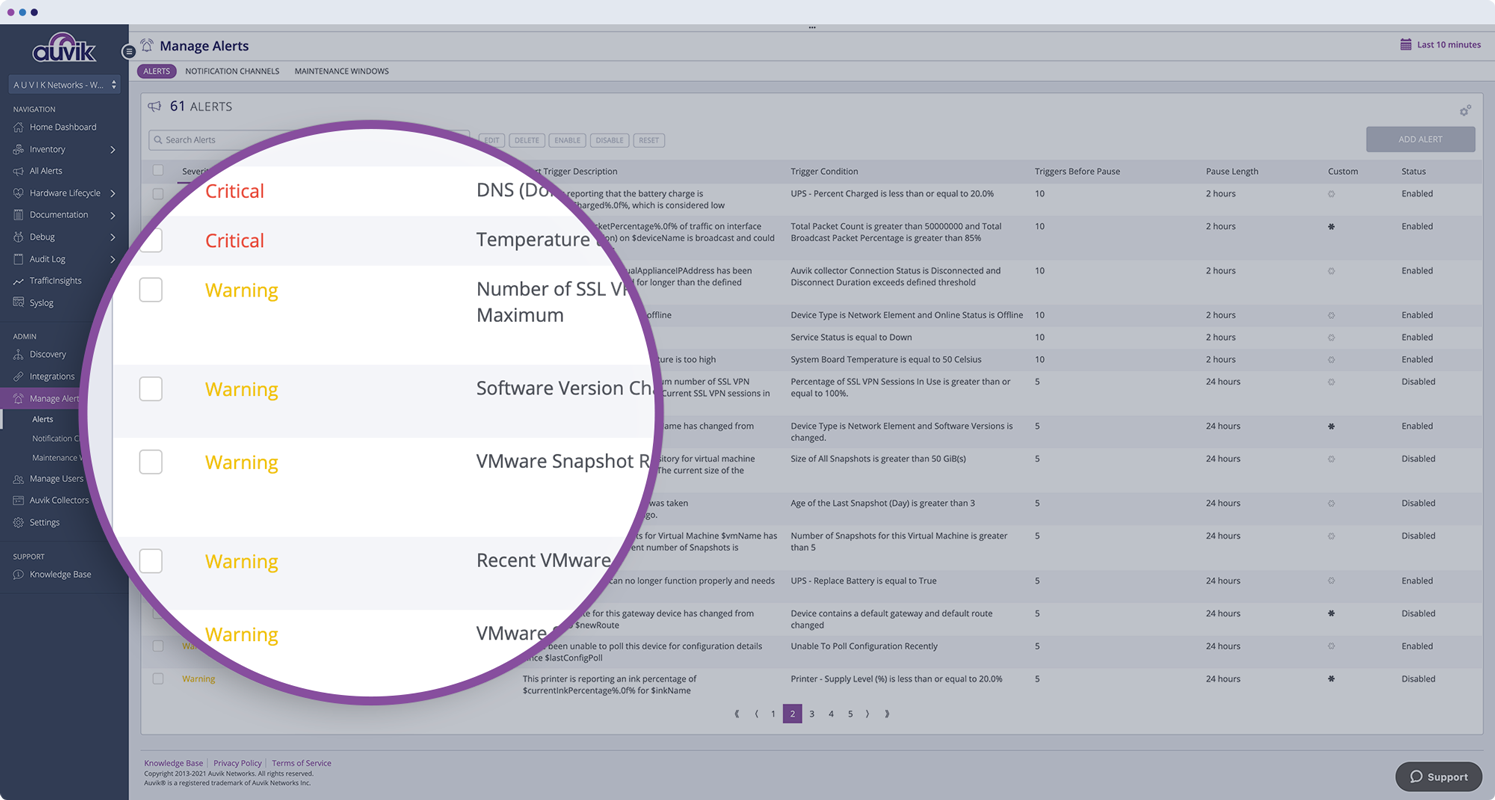
Monitors, alerts, and reports on network device and port utilization.
Quickly created complete network diagrams.
Works well in a co-manage environment enabling teams full but restricted access to specific sites. Integrates well with site specific access in ConnectWise Automate.
Alerting - Logz.io allows you to set up numerous alerts and define the specific conditions to trigger these alerts, such as the number of occurrences over a specific period of time and severity.
Notifications - The supported integrations with Slack and OpsGenie make it easy to set up alerts to specific groups or users, like those in a particular Slack room or OpsGenie group. This is good to reduce noise and limit initial notifications to those who really need to get it.
The program can be a bit unwieldy at times, however the majority of information is displayed in a readable and friendly way. The maps and popup information box from the bottom can be harder to use on a smaller screen but on a 1080p+ display tends to work fine.
Am really exited to use the reports generated especially AWS Cost and Usage Reports function tracks your AWS usage and provides estimated charges associated with your account so that we can reduce the data costs to a greater extend. This integration allows you to ship logs from your AWS Cost and Usage Reports to your Logz.io account.More amazing features awaits you in Logz.io account.
In the past, my team has been able to get in contact with Logz.io quickly and easily to address our questions about the product to see if it could fully meet all our needs. Some of the features we needed at the time were not available, but were on the Logz.io team's roadmap to implement in the future. I found their team to be friendly, professional, and helpful
Auvik's license structure is simple and affordable. Auvik's license is based on total network devices in your network. They charge only for total number of Switches, Routers, firewalls and Wireless controllers in your network. All other devices license would be free of charge
Graylog and Microsoft System Center lacks infrastructure management and logging, proper analytics is done only on Logz.io. The customer support is also really great for Logz.io, we are really pleased with their support and timely action. The migration was also easy and took us hardly a day to set up and run the solutions.
Auvik has worked on sites with 15+ offices connected with VPN's and we have not encountered any issues with the monitoring. On larger sites the map can be a bit cumbersome to read however it can be cleaned up easily with device filters.
We are at an initial stage of device onboarding and Auvik already provides quick network documentation without having to worry about updating; this is done dynamically.
Helpful for MSP in that it uses role-based access control to present customer-focused device management, and simplifying administration for monitoring and alerting, dashboards and reports, and billing.