Automation Anywhere, headquartered in San Jose, California, offers their robotic process automation (RPA) software.
$750
per month
airSlate SignNow
Score 9.1 out of 10
N/A
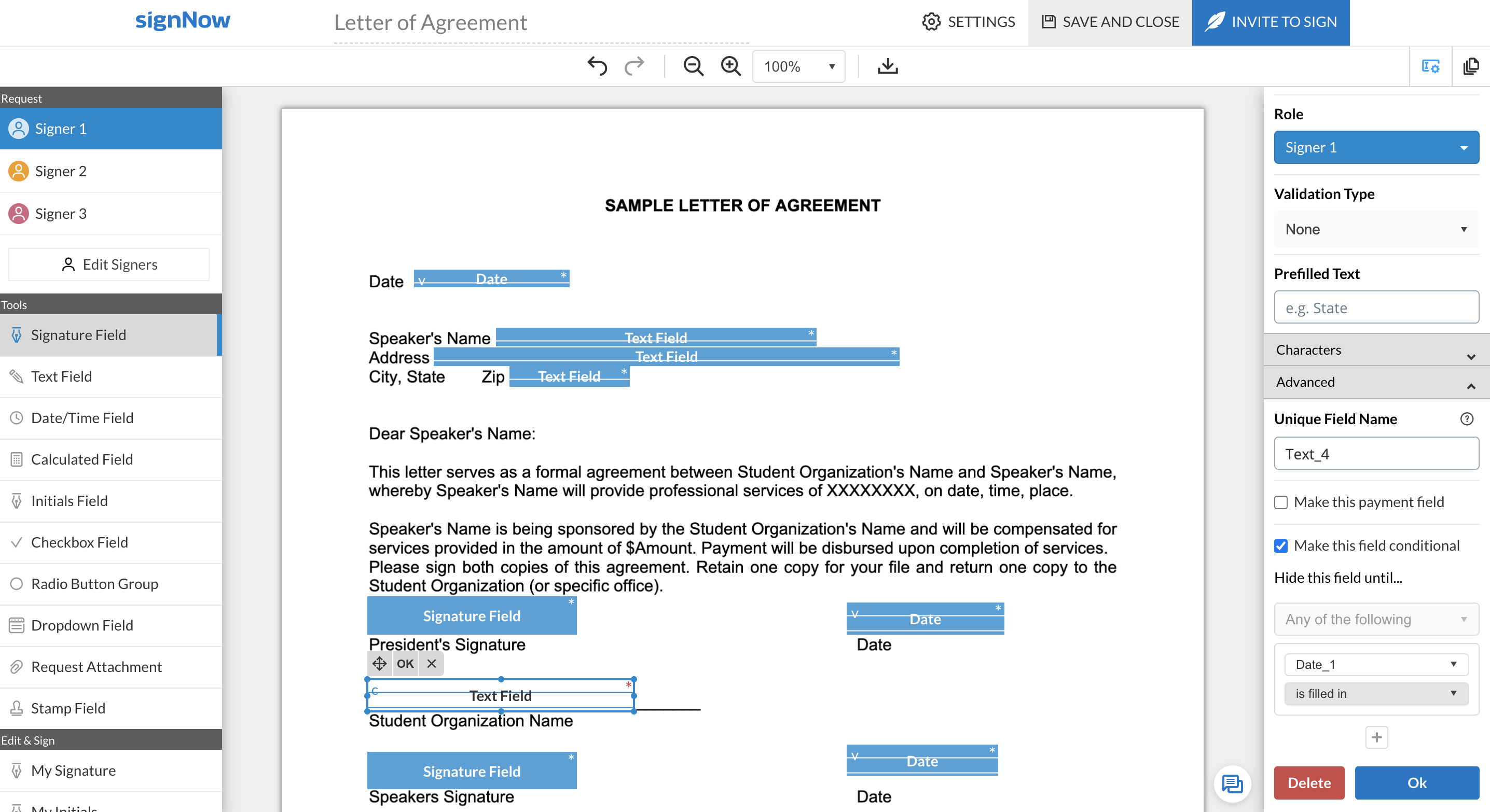
signNow is an eSignature solution with mobile apps for iOS and Android. signNow can be integrated into popular platforms and offers SaaS, public cloud, and private cloud deployment options with the same underlying API. This enables customers to leverage the power and usability of the signNow eSignature platform, while meeting their particular security and compliance requirements.
$1.50
one-time fee per signature invite
Pricing
Automation Anywhere
airSlate SignNow
Editions & Modules
Cloud-Only Starter Pack
$750
per month
Advanced Pack (Cloud or On-Premises)
Contact for quote
Site License
$1.50
one-time fee per signature invite
Business
$20
per month
Business Premium
$30
per month
Enterprise
$50
per month
Offerings
Pricing Offerings
Automation Anywhere
airSlate SignNow
Free Trial
No
Yes
Free/Freemium Version
No
No
Premium Consulting/Integration Services
No
No
Entry-level Setup Fee
No setup fee
-$8 per user/month
Additional Details
—
All subscriptions include unlimited number of users. Up to a 60% discount available for annual pricing.
Automation anywhere is well suited in most rule-based processes. It can manage high-volume transactions with accuracy and scale up quickly. It is very flexible in terms of integration and implementation. The bots can be scheduled, monitored and performance can be reported on a regular basis. It works well with most enterprise solutions.
SignNow is particularly useful for simple documents, forms and contracts where there the fields are pretty standards- names, signature block, title. It would be helpful to have features that allow substitution of certain fill in the blanks such that allow you to use the same template but first have a dialog to integrate language for a person, corporation, partnership or LLP. I'm a lawyer and having the ability to assemble variation of this nature into one template would be helpful. Also (and it may do this) the ability to change the actual form/document within the a template would be useful.
Now I easily generate the invoices and quotation generation is an easy task now. Previously it was very time consuming as we have to drag the data from the excel sheets.
I will praise its integration with other software that has facilitated us to make amendments in the data across those platforms.
Automation Anywhere doesn't come with easy installation, We need to install Java, IDEs and Databases in an orderly fashion which we are not able to do.
Automation Anywhere has no workflow design which is not making us to understand the process.
Automation Anywhere has no fit to size object cloning.
When using shared templates, the option to rename the document is at the bottom of the signatures page. I would like that to be visible sooner as some of my team misses it and sends documents to clients with the templated name instead of the correct name because they forgot to scroll down far enough to see it.
CC'ed contacts used to show suggestions as you typed the email if you've sent that person a document before, but that functionality no longer shows on our account. I'd like to see that brought back.
It would be nice if we could add folders to our documents page so that we could sort sent and signed documents into individual client folders. The search feature works fine, but folders would help clean up the view for my team.
We love SignNow. SignNow has allowed our business to function more efficiently and effectively. It has also allowed us to streamline our onboarding process and allow us to have everything electronic and use less paper. We are also able to reach and hire people all over the world. Employees and candidates are able to access and sign important and time sensitive documents quickly. The system is user friendly and straightforward.
On more complex use cases, Automation Anywhere requires technical background like knowledge on network protocols and database language on task creation, and even people with technical background might have some trouble in the beginning because of the product particularities on how variable manipulation works, or how to get the object cloning (a more resilient screen manipulation command) to work as intended. The scheduling of tasks on the Control Room and the autologin feature isn't intuitive as they should, so much of this works requires documentation analysis to get it done on the first time.
I gave it a 9 because the system is very easy to use, even for those who are not very familiar with digital signatures. It is all very intuitive, you can send, sign and track documents without any complications. I only didn't give it a 10 because sometimes it gets stuck when the file is large (very rare but it happens) or there are a lot of people to sign, and then you have to keep resending it and also, as I mentioned, the dedicated support would be interesting in case of emergency. Dei 9 porque o sistema é bem fácil de usar, mesmo pra quem não é muito familiarizado com essas coisas de assinatura digital. É tudo bem intuitivo, dá pra enviar, assinar e acompanhar os docs sem complicação. Só não dei 10 porque às vezes ele dá umas travadas quando o arquivo é pesado (muito dificil mais acontece) ou tem muita gente pra assinar, e aí precisa ficar reenviando e também como comentei do suporte dedicado que seria interessante em caso de urgência
SignNow is always available when I need it. It seems that most updates occur outside of business hours so I have full functionality when I need it most between the hours of 8am-6pm EST. There has only been I time when I experience application errors when I need to use the system but it did not last long and the issue was resolved within a few hours.
Automation Anywhere is a great tool for a low cost, fairly easily scalable, and quickly learned. The company is growing by leaps and bounds and continually pushing the automation boundaries. The problem with fast expansion is that sometimes you can grow more quickly than you can appropriately support your products. While Automation Anywhere has an excellent support structure in place, every company and situation is different, and they often struggle with why problems arise in the system and how to fix them.
I only used SignNow support when setting up. I uploaded a bunch of documents in the wrong place and needed assistance in moving them. Unfortunately they were not able to move the documents and I needed to upload into a different place. This is where I feel the system itself could benefit from some flexibility for their customers.
It was nice to be shown the basics of the system and be able to see or understand the specific functions our company would need to use, such as the template creation, document grouping and document group templates. Being taught on how to use these functions, made learning them much easier.
Make sure you know exactly what you need before implementation and be sure to ask how to use the most important functions of the system that you will be using.
Automation Anywhere is the most comprehensive, end-to-end automation platform out of the three. It offers a wider range of functionality than Blue Prism and UiPath. Its powerful features allow automation of complex tasks, creating smarter bots to streamline business processes. Automation Anywhere’s features are also very progressive, supporting web scraping and creating AI-driven automation capability. Additionally, it requires less redevelopment for updates than the other two options as its development platform is one of the most user-friendly designs available.
The choice of Automation Anywhere over the others was made due to its comprehensive features and progressive capabilities that will make our enterprise more efficient in automation functionalities. The large library of functions provided by Automation Anywhere makes it easier for us to find the right solution quickly, without having to develop extensive scripting knowledge if needed during projects.
SignNow doesn't offer 3 x free documents to be signed monthly, and requires a subscription vs a pay-per-use, which is where Secured Signing shines. Secured Signing also has video verification and additional security measures that SignNow doesn't have. However, I find SignNow to be easier to use than Secured Signing.
Highly reliable once you start experiencing the results. It helps you to have a clear cut results with better productivity numbers and financial savings