
Autodesk Fusion Operations vs. Odoo Manufacturing
| Product | Rating | Most Used By | Product Summary | Starting Price |
|---|---|---|---|---|
 Fusion Operations | N/A | N/A | Autodesk Fusion Operations, formerly Prodsmart, is a real-time production tracking and management solution for businesses in the manufacturing and fabrication industries. Features include production analysis, quality checklists, planning, and traceability tools. | $2,000 per year 1 user |
 Odoo Manufacturing | Score8 out of 10 | N/A | The Odoo Suite of Manufacturing Apps allows users to automate manufacturing processes. Odoo’s database offers a fully integrated solution to MRP, Quality, Maintenance, and PLM. Odoo MRP allows multi-level BoM tracking, which ties in with the user's whole inventory and product catalog. The solution aims to simplify, streamline, and organize production through operations, work centers, and detailed steps. Helps users manage cost analysis, time-tracking, and lot serial number… | N/A |
| Fusion Operations | Odoo Manufacturing | |||||||||||||||
|---|---|---|---|---|---|---|---|---|---|---|---|---|---|---|---|---|
| Editions & Modules | No answers on this topic | No answers on this topic | ||||||||||||||
| Offerings |
| |||||||||||||||
| Entry-level Setup Fee | No setup fee | Optional | ||||||||||||||
| Additional Details | — | — | ||||||||||||||
| More Pricing Information | ||||||||||||||||
| Fusion Operations | Odoo Manufacturing | |
|---|---|---|
| Likelihood to Recommend | - | 10.0 |
| Fusion Operations | Odoo Manufacturing | |
|---|---|---|
| Likelihood to Recommend | No answers on this topic |
|
| Pros | No answers on this topic |
|
| Cons | No answers on this topic |
|
| Alternatives Considered | No answers on this topic |
|
| Return on Investment | No answers on this topic |
|
| ScreenShots | Fusion Operations Screenshots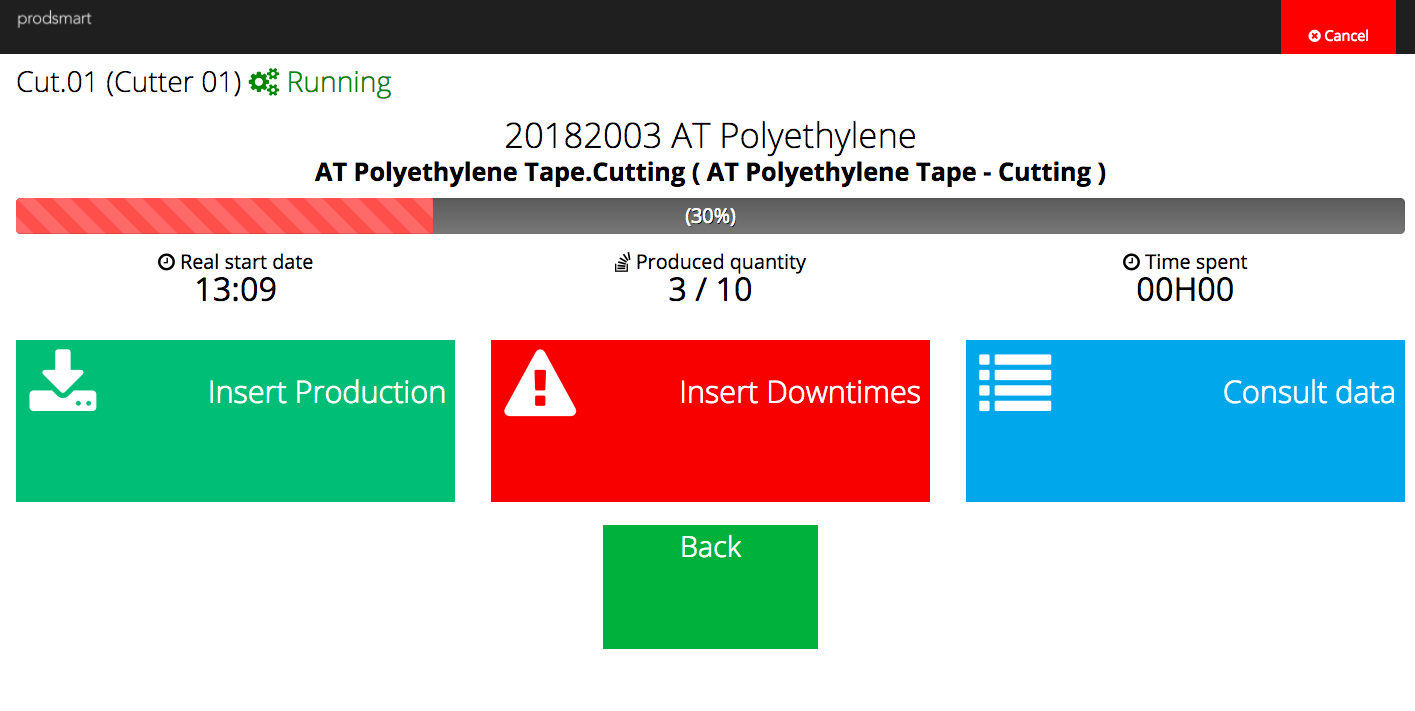 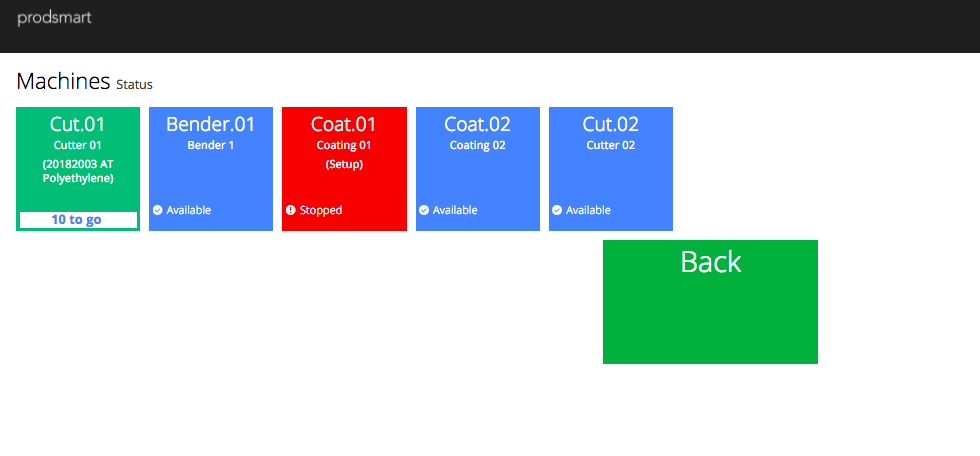 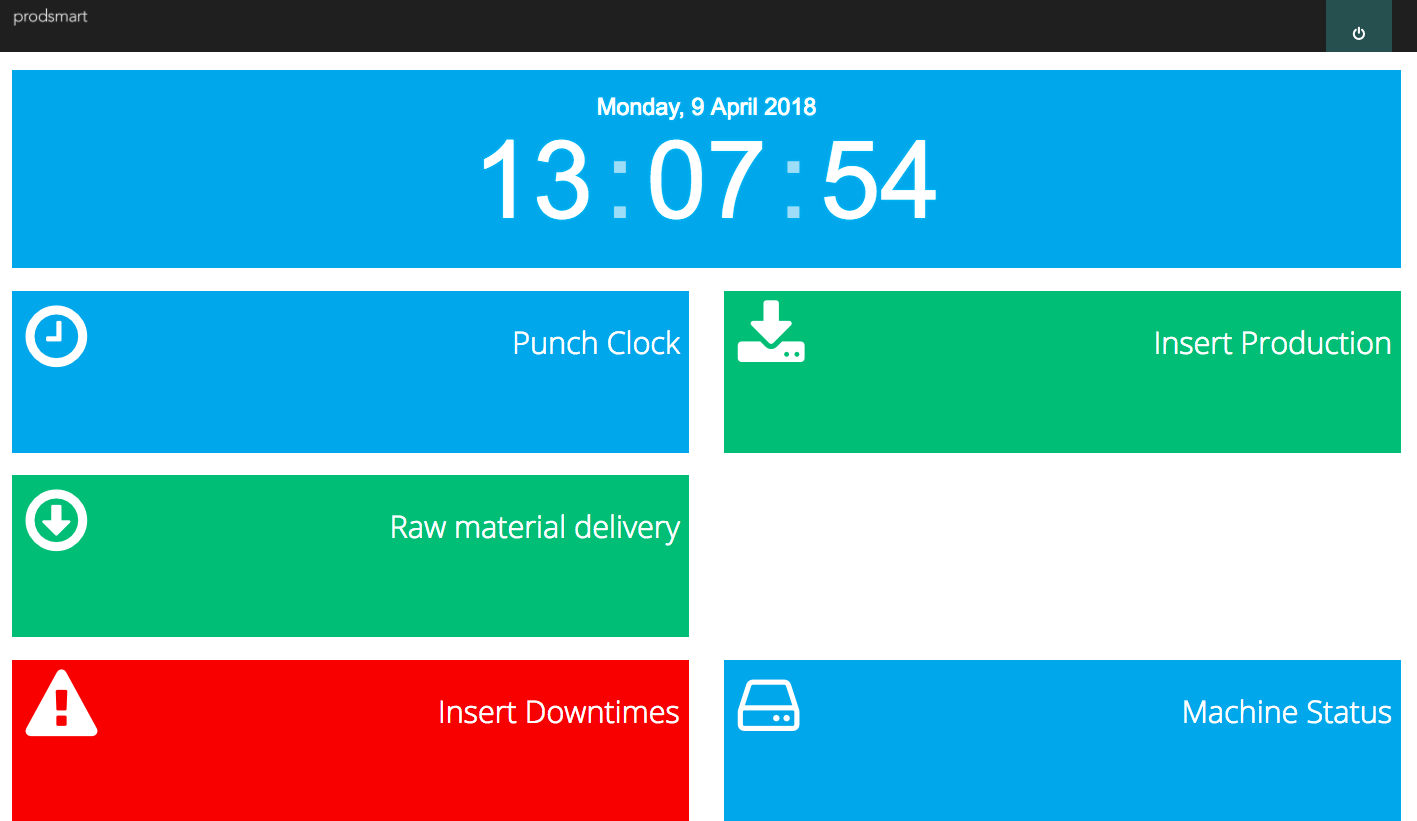 | Odoo Manufacturing Screenshots   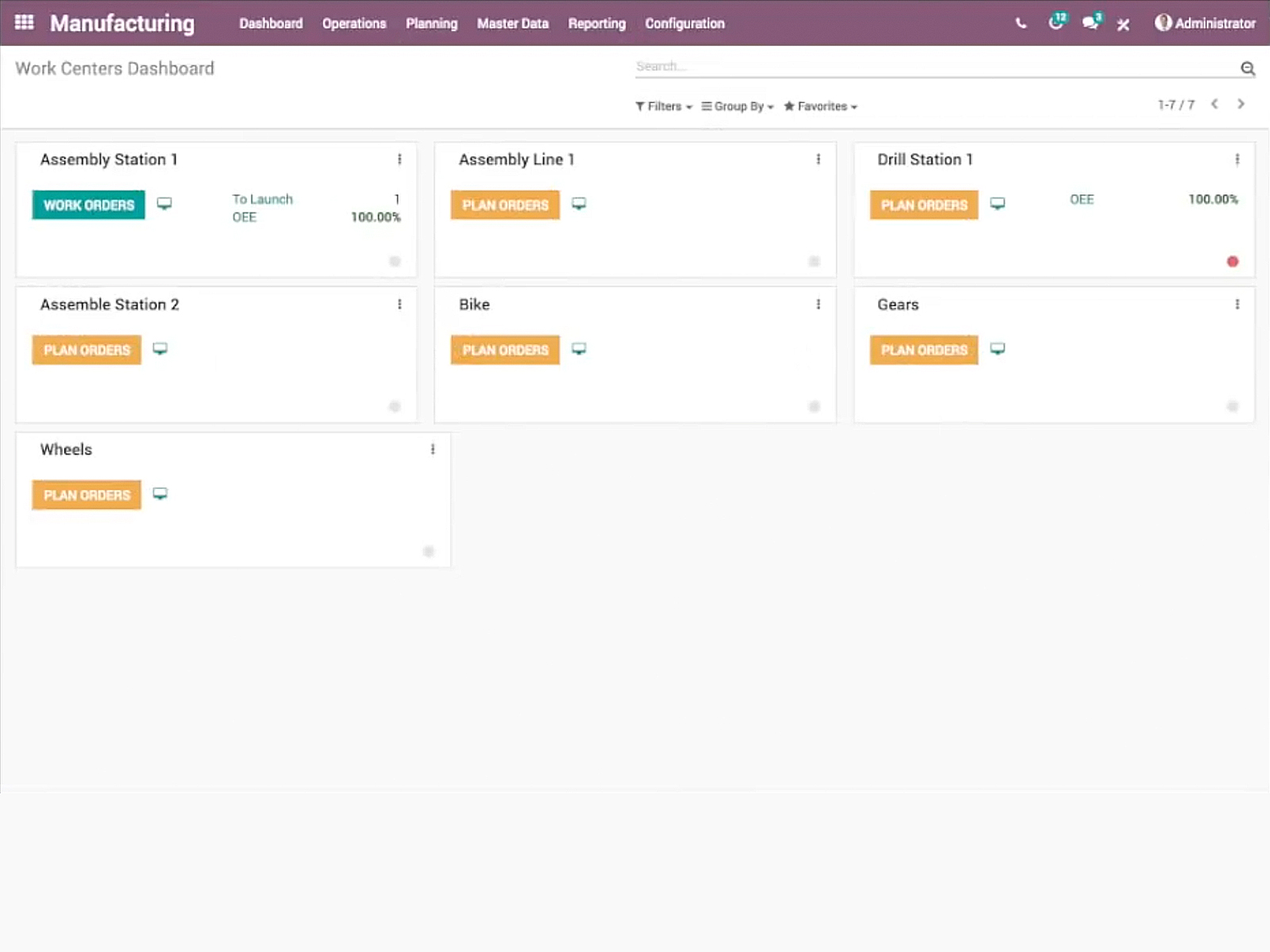 |
