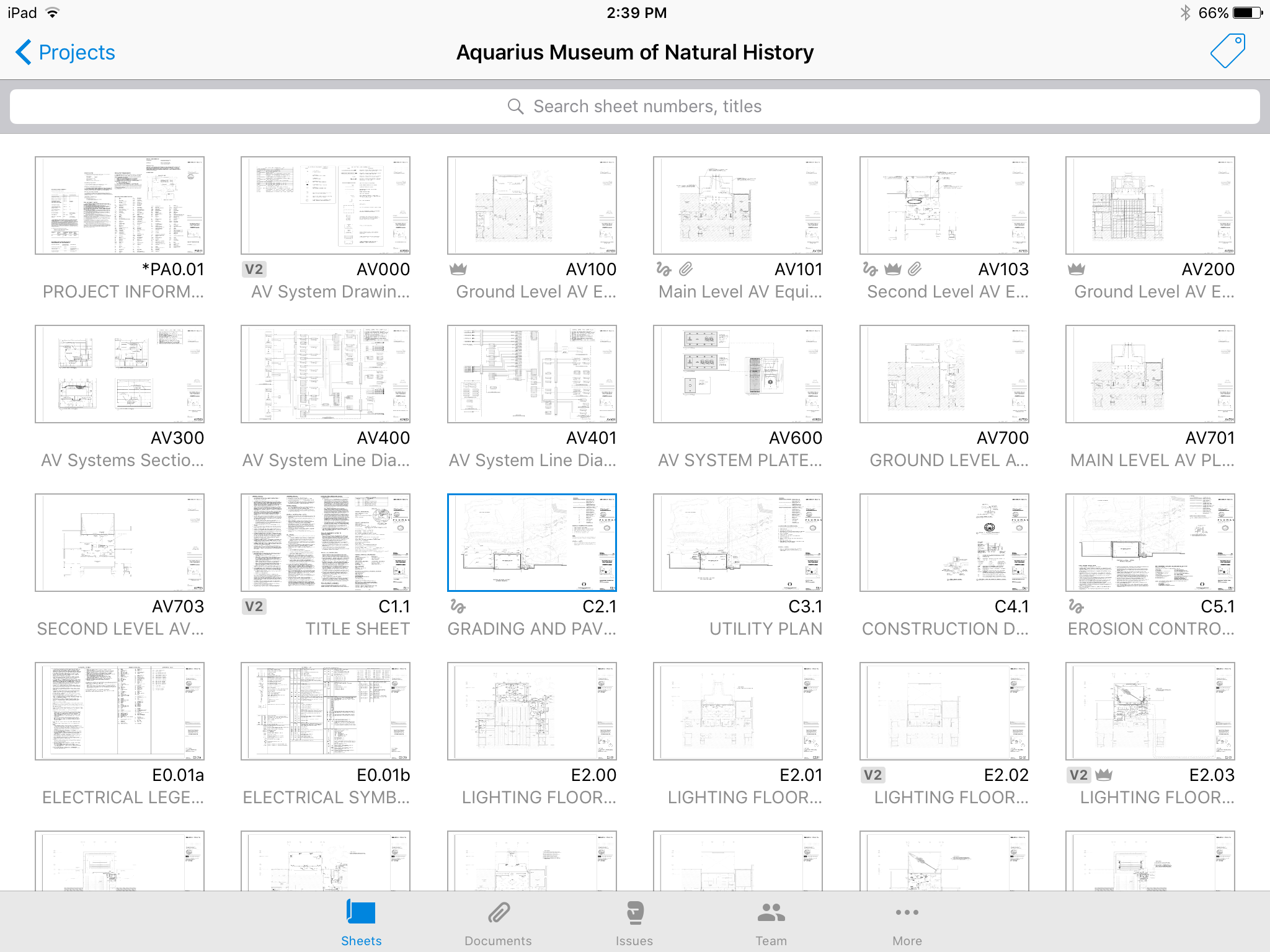
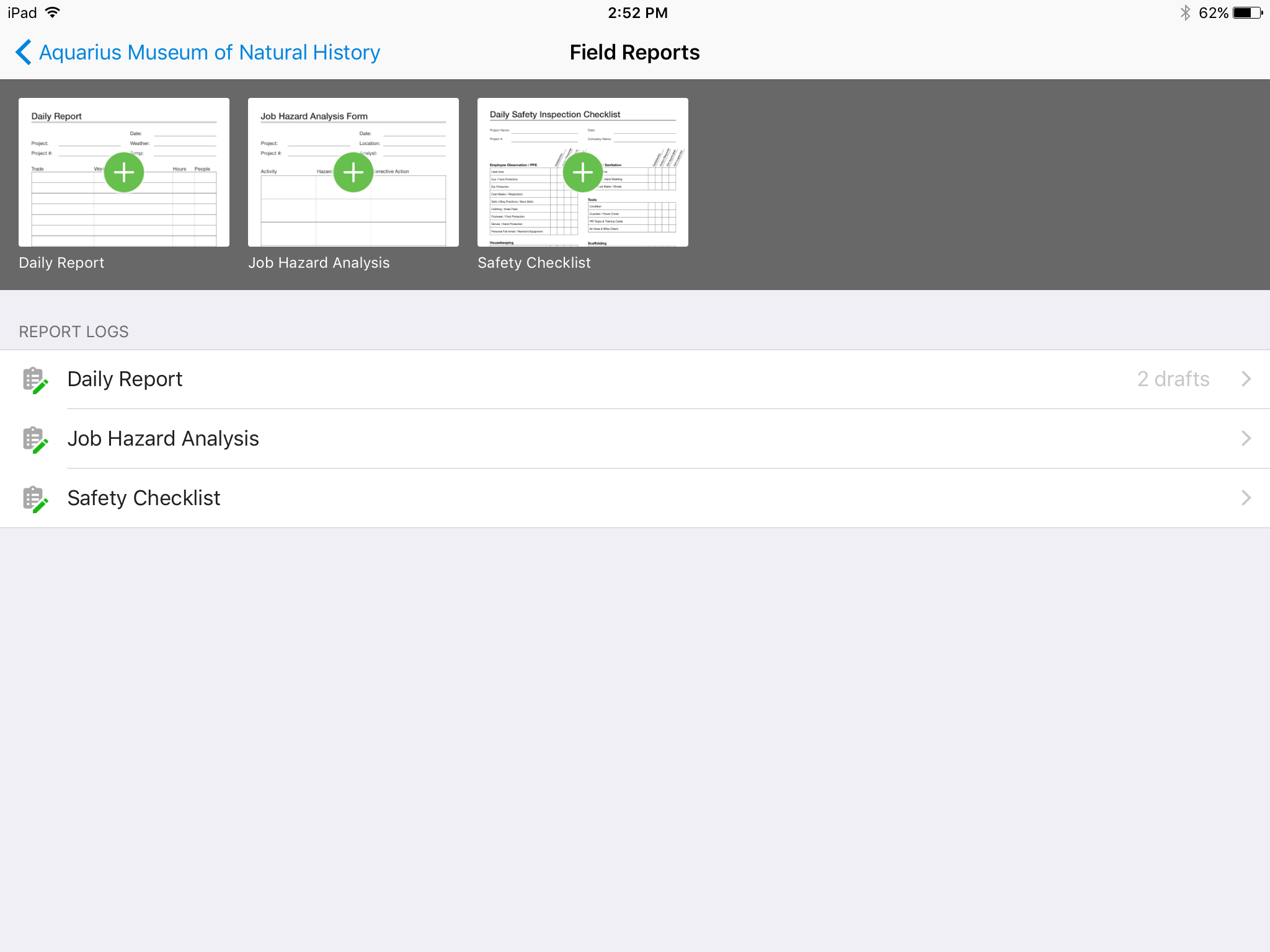
Autodesk Build, based on the former PlanGrid, is construction productivity software. It includes tools to collaborate, collect, and manage project information throughout the project’s construction and operations lifespan. It enables document centralization and tracking.
$39
user per month
Procore
Score 8.8 out of 10
N/A
Procore is a project management software designed specifically for the construction industry. Procore is cloud-based and allows unlimited users per instance, so that construction team members and stakeholders can all access project information and documents.
N/A
Pricing
Autodesk Build
Procore
Editions & Modules
Nailgun
$39
user per month
Dozer
$59
user per month
Crane
$139
user per month
Custom Bundle
Custom Quote
annually
Offerings
Pricing Offerings
Autodesk Build
Procore
Free Trial
Yes
No
Free/Freemium Version
No
No
Premium Consulting/Integration Services
No
No
Entry-level Setup Fee
No setup fee
No setup fee
Additional Details
—
Procore charges an upfront annual fee by product and based upon Annual Construction Volume (ACV) - the aggregate dollar value of the construction work across the customer's projects. Procore contracts include access for unlimited users, customer support, unlimited data storage, and product enhancements, at no additional cost.
Multi-year pools: Contract volume is set for the entire multi-year term and can be consumed at any time during that period to help smooth out variability in consumption.
Volume opt-in: Up-front contractual pricing is put in place for additional volume that might need to be added mid-term, to increase predictability of costs.
Renewal rate protection: Up-front setting of rates is locked now, so businesses can budget accordingly for future renewals and improve cost predictability in future years.
Plangrid is well suited for companies (that are not currently using a different SaaS construction package) to make their construction document management more collaborative and mobile friendly. Companies requiring/wanting their subs and owners to collaborate with them as part of the life of a construction project will find Plangrid very helpful in fulfilling this goal. On the negative side, companies that are fully entrenched in using other construction suites will struggle to fully use Plangrid to its potential as pre-built integration between Plangrid and other packages is limited
It works great for project management and putting all job-specific documents in one place. We are able to share drawings, submittals, and forms with our customers and subcontractors in a safe and reliable platform. However, getting reporting data is somewhat lacking, so if your business needs advanced options, you might try and find a better product.
It'd be nice to have access to upload and edit documents from the app. Only for certain users.
A small business billing option that addresses multiple users of a single account would make managing access simpler. Being able to load unlimited sheets, but only access a specific limit on your team's devices.
Allow users to integrate their own RFI templates into the app, so RFIs can be generated in your own format right from the field, immediately ready to ship.
We are at the point where we have shown our teams what is possible with this software. We cannot take it away and go back to the way we used to do things. I think that they would push back on us to give them access to something electronic. It is a good program that we will continue to use
That's exactly what we did few weeks ago. Major point for this was pricing, it's really flexible and depend on the size of your company. You can also customize the tools that you want. Another point is constant updates, all tools are improving non-stop, Procore really listens to it's customers and implements ideas that they offer via support page
Hard to get the hang of this software, but with time it become very repetitive and easier to navigate. I have used this software for over a year now and the constant updates by Autodesk have made the software better and better to use at work. This allows me to use this tool more effectively
90% of Procore is very intuitive and any user can pick it up and go. There are a few elements, more so on the Financials side that need some prior knowledge of systems in order to understand how and why it functions as it does. Once this is understood, it flows effortlessly
If you are working in an area with little to no signal, Procore will still allow you to get in the system and use it fully and will then update once you are at a place with a strong enough signal. Whether it be with wifi or LTE cell phone reception.
Online chat during business hours is extremely helpful. The Plangrid staff has gone above and beyond many times to help us. One time they even offered to completely rebuild our 900+ sheet project so I could slip sheet a few old drawing revisions! This undoubtedly would have taken hours on Plangrid's end. They are always responsive and are continually improving, listening to user feedback.
General Support for Project Management and Financials is consistent. The ERP support is never consistent and I do end up at times in a black hole. I have to continually reach out to get the issue resolved or get an update. The ERP support needs more of Procore's attention
Procore's Implementation Team does a great job of ensuring users are confident in using the system. They run through a process of training sessions based on the tools you have purchased, and lay ou ta plan to help the power users configure the tool to suit the company's needs. They provide useful resources for certifications, support and ongoing training as well.
Procore's certification program and focused how-to training videos allowed for easy training that did not feel overwhelming. The way the certification programs were broken up into small parts made it seem much less daunting to complete. The training feels focused and does not overload users with too much information all at once.
The hardest part about the implementation of Procore was getting all of our subcontractors uploaded into Procore and getting the correct contacts in for bidding. All of this information was with different people throughout our company, so getting it all into Procore and making sure it was correct was quite a challenge and caused the most growing pains for us. It was one of the reasons we had to wait to implement bidding because we couldn’t take the risk of sending out RFPs to people that weren’t correct or weren’t going to use Procore.
Procore and PlanGrid are the most direct competitors. The pricing structures are very dynamically different between PlanGrid and Procore. Procore tends to succeed better in the "project management" realm, while PlanGrid succeeds far beyond Procore in its ability to deal with project documentation (plans and specs). Bim360 is a great product, but it is limited in its use due to the modeling requirement; while PlanGrid bridges that gap and plays in both 2D and 3D spaces. Buildertrend has some aspects of plan distribution, but it is limited in functionality.
I don't really view open space as a competitor. But I do see it as a great as built source of information. Procore lacks giving me live as built information on Architecture (primarily) and other trades installation not being accurate to the drawings. I don't view it as a negative, but as a potential support that may help.
Positive: Syncing drawings. As I said, keeping an up-to-date set of drawings is seamless on ProCore, as compared to a traditional server or even the cloud. The software is designed to see and mark-up drawings. Though markup tools aren't as robust as, say, Bluebeam Revu (I wouldn't expect all of that from a web app, anyway), it's very nice to easily see all the newest drawings.
Positive: Saved time. Documents are updated at the same time, across all devices, with only one upload.
Positive: Punch list is easy. ProCore punch lists are quite complicated. In PlanGrid, with 1-tap we can add items and give a brief description. When doing a walk-thru, it should be easy to jot down notes. These can be detailed once you're sitting at a desk, and PlanGrid allows for that. But for field personnel, punch lists are an easy and efficient use of time.
Negative: Photo management. For us, there should be a way to just upload photos, and not require to use the photo tool within the app.